Offering a complete code-compliant, easy-to-install, and easy-to-configure solution. Select the sensing solution that best fits your needs—choose from simple standalone Smart Wallbox Sensors or for more advanced lighting control strategies, use Smart Ceiling Mount Sensors. For outdoor applications, use Smart Fixture Mount Sensors.
Smart, Simple Sensing & Switching or Dimming Control for Virtually Any Application
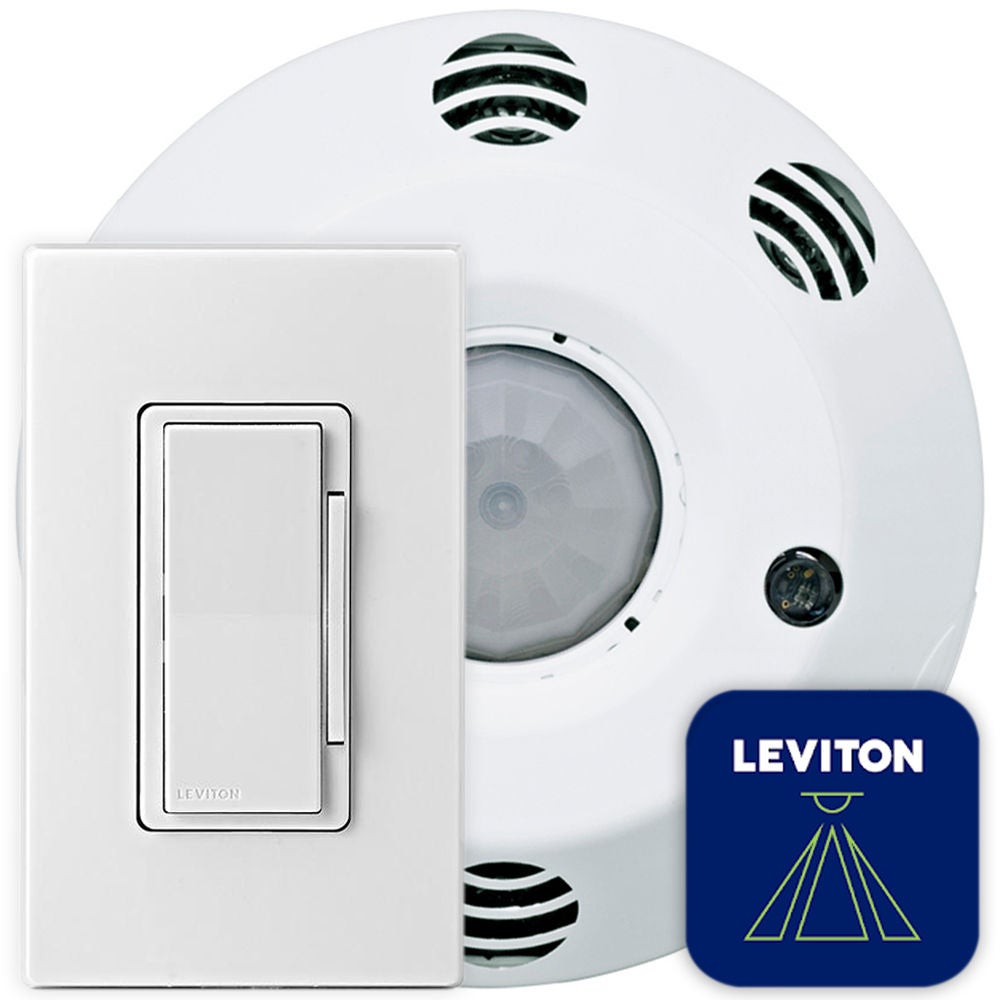
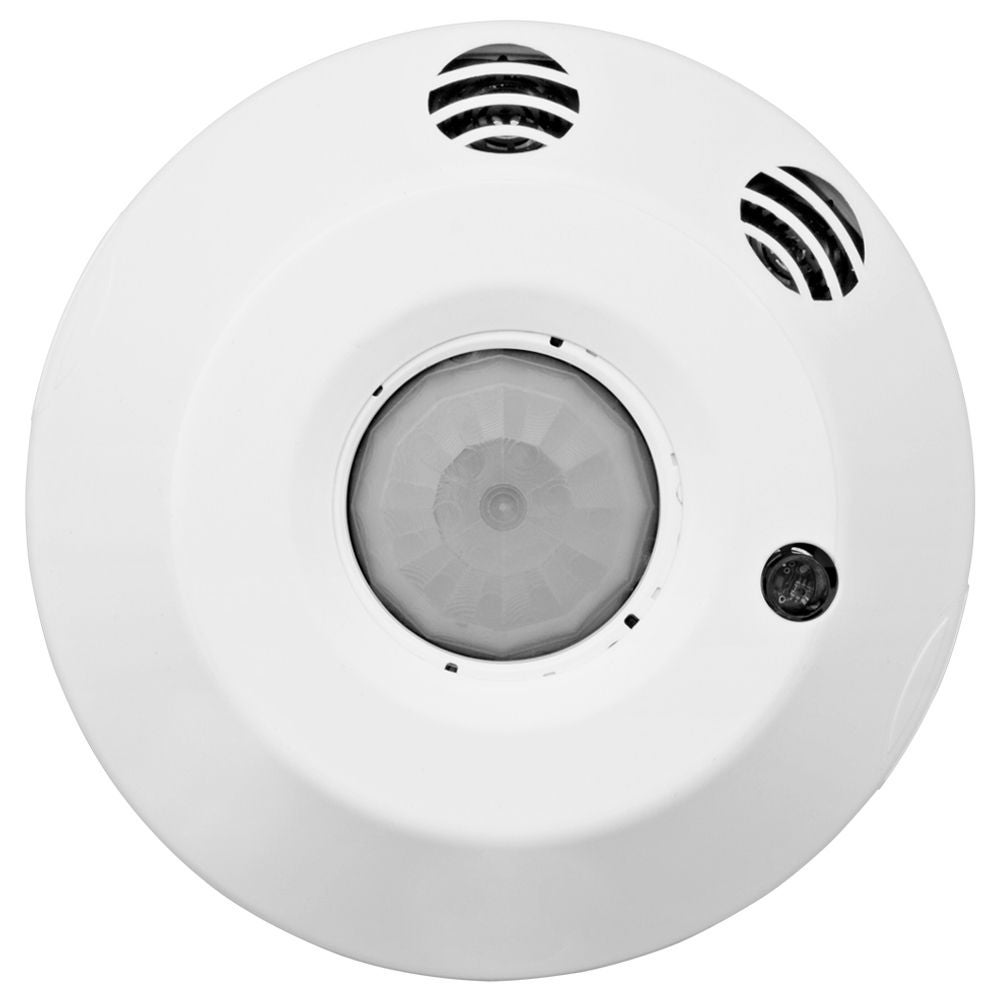
Smart Ceiling Mount Sensors (CMS)
The Leviton Smart Ceiling Mount Sensors (CMS) offer high performance, code compliant, advanced room configuration in one easy-to-install device. Installers can download the Smart Sensor App for quick-and-easy room configuration and testing with any iOS or Android device. Models available in dimming or switching.
CMS dimming models meet advanced design requirements for standalone occupancy/vacancy sensing, dimming and daylight harvesting applications, offering easy configuration and operational testing for one or two 0-10V dimming zones, options for one or two daylight harvesting zones, partial-ON, partial-OFF, area control, demand response, plug load or receptacle control, and UL924 emergency lighting.
CMS switching models meet advanced design requirements for standalone occupancy/vacancy sensing and ambient light hold-OFF applications offering easy configuration and operational testing for occupancy/vacancy sensing, options for one or two ambient light hold-OFF zones, area control, demand response, plug load or receptacle control, and UL924 emergency lighting.
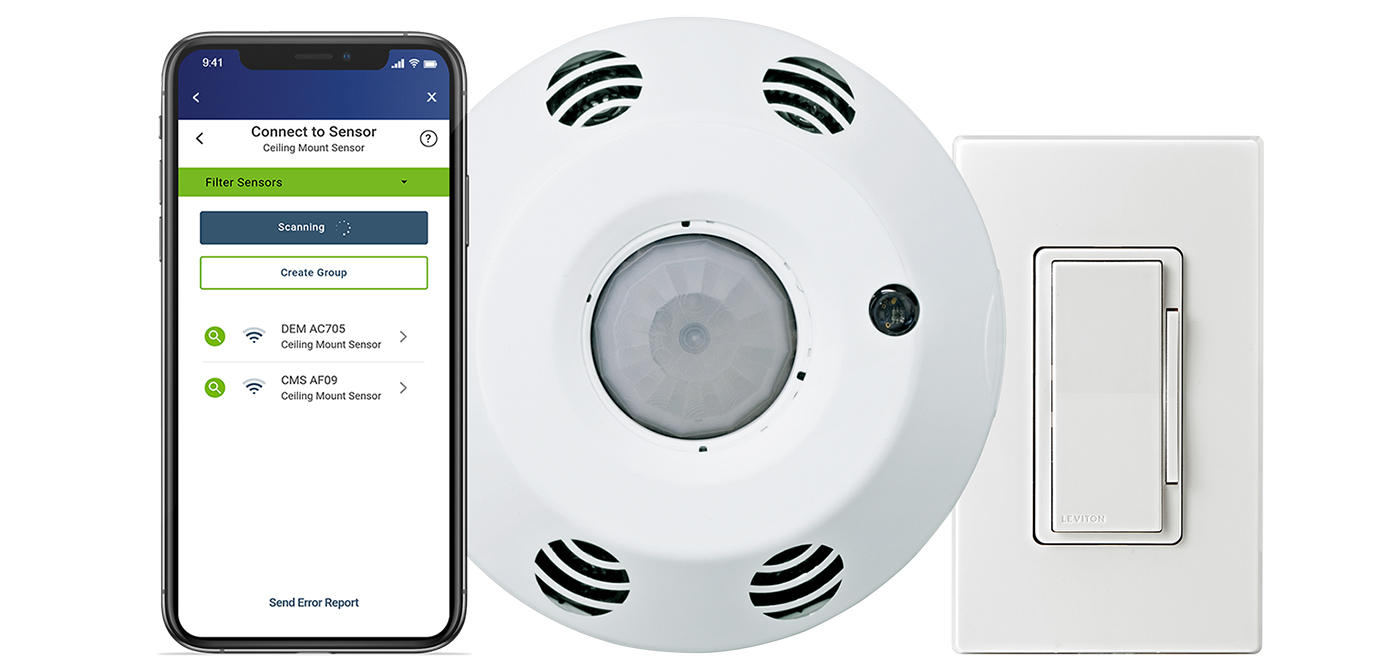
Smart Sensor App
use with the CMS to program controller with no ladders required. Configure advanced lighting controls, network up to 5 devices, create room templates to quickly program multiple rooms, and more.
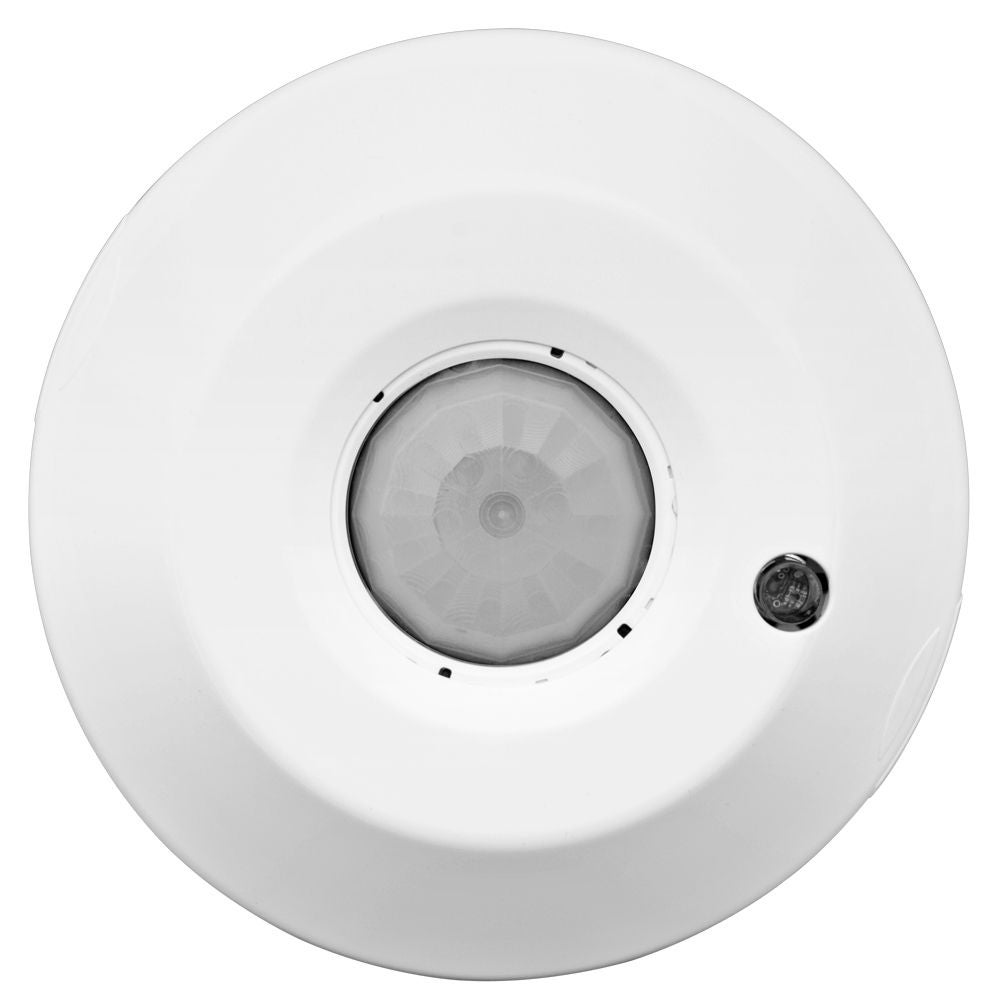
Smart Ceiling Mount Sensor (CMS)
easy standalone 0-10V dimming or switching (CMS) and occupancy sensing and vacancy sensing control.
Wireless Companion Switch or Dimmer
use with the CMS for manual control.

- Dim 1
- Dim 2
- Dim 3
- 1
- 2
- 3
- 4
- 5
- 6
Wall Switches for CMS
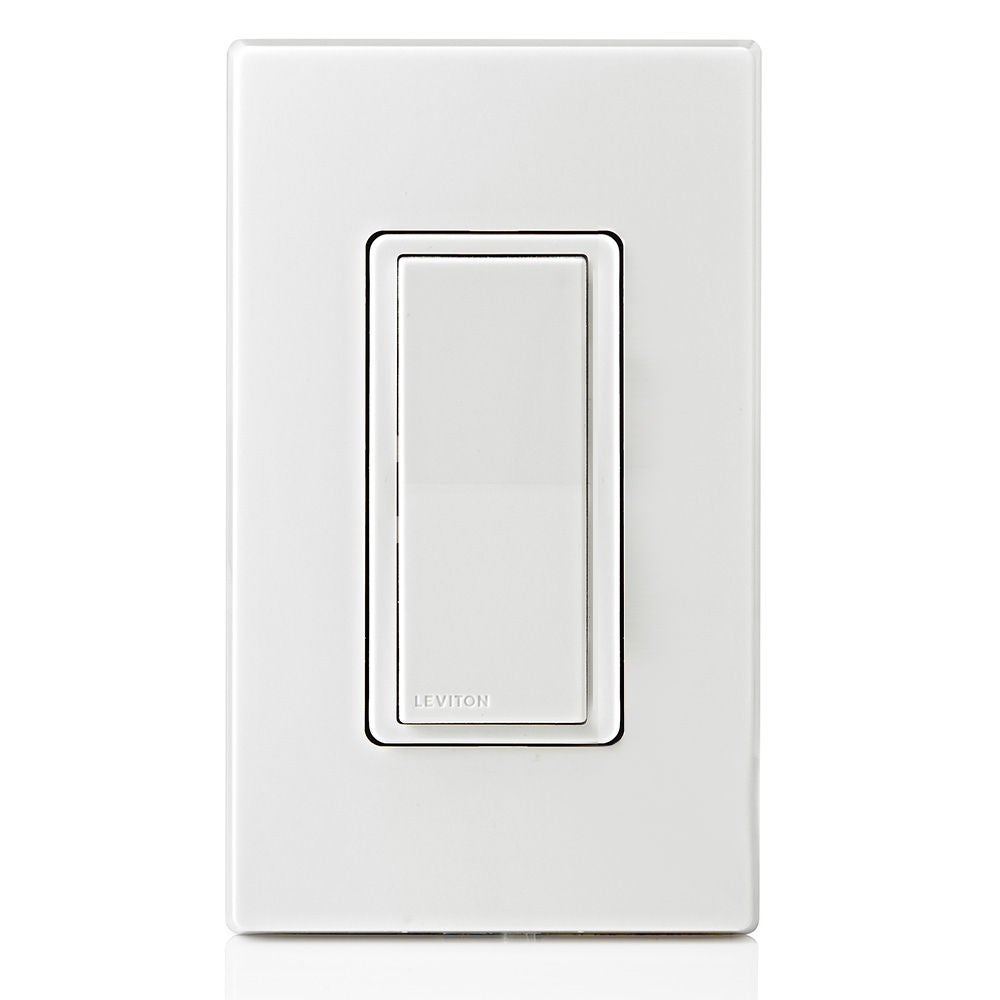
- Wireless Companion Switch (SBK00-CSW)
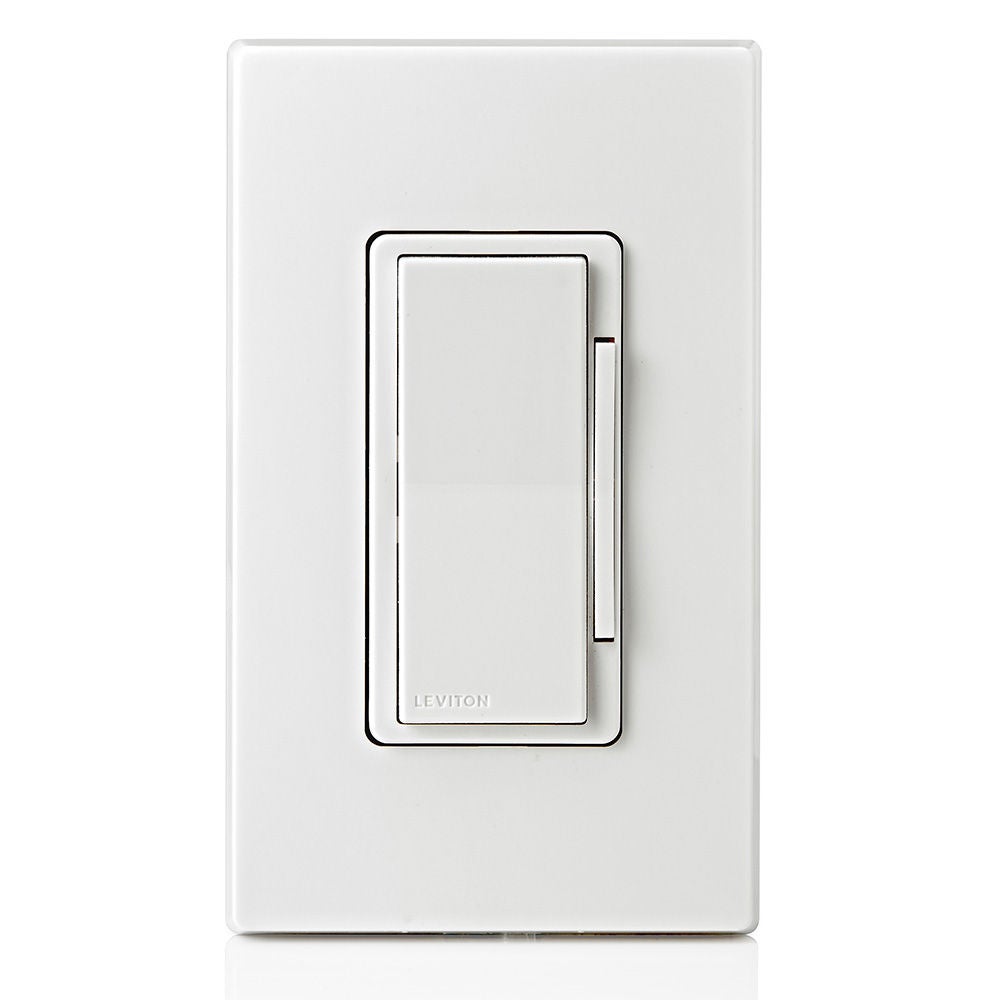
- Wireless Companion Dimmer (SBK00-CDW)
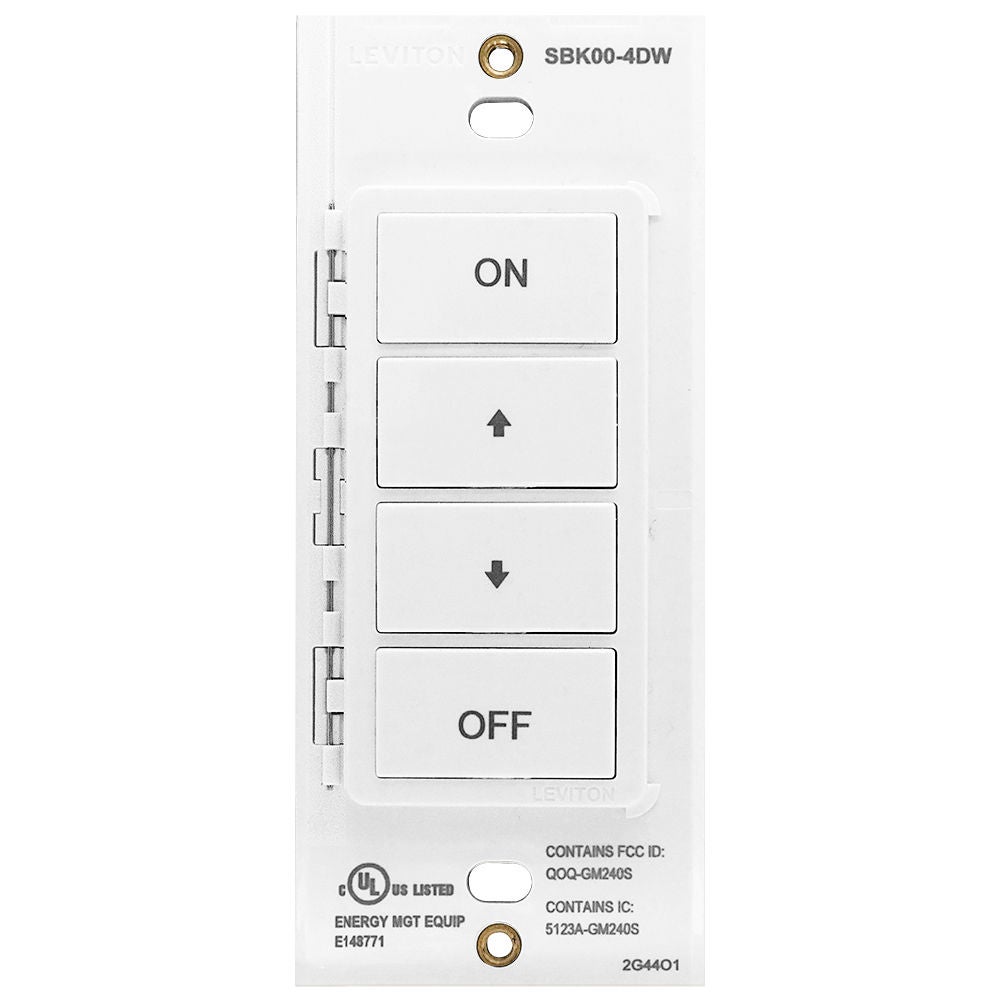
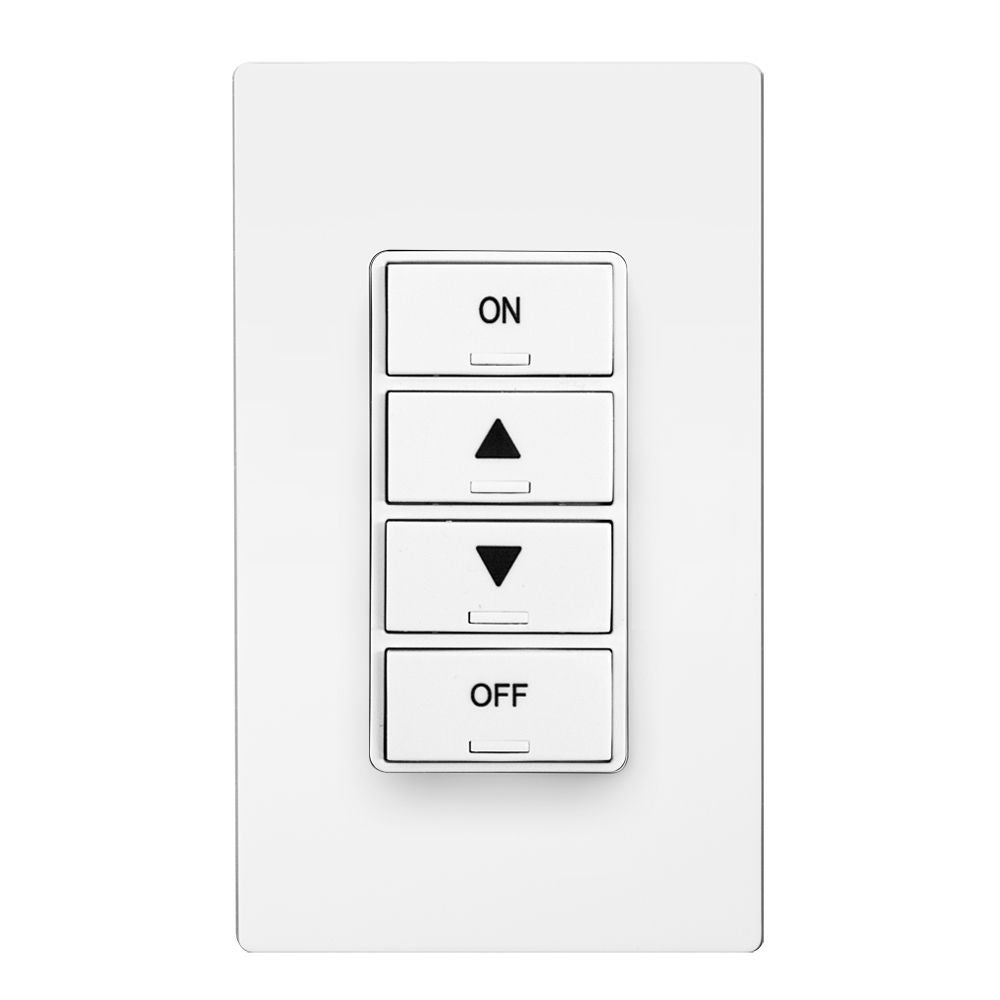
- Wireless Companion Keypads (SBK00-4DW)
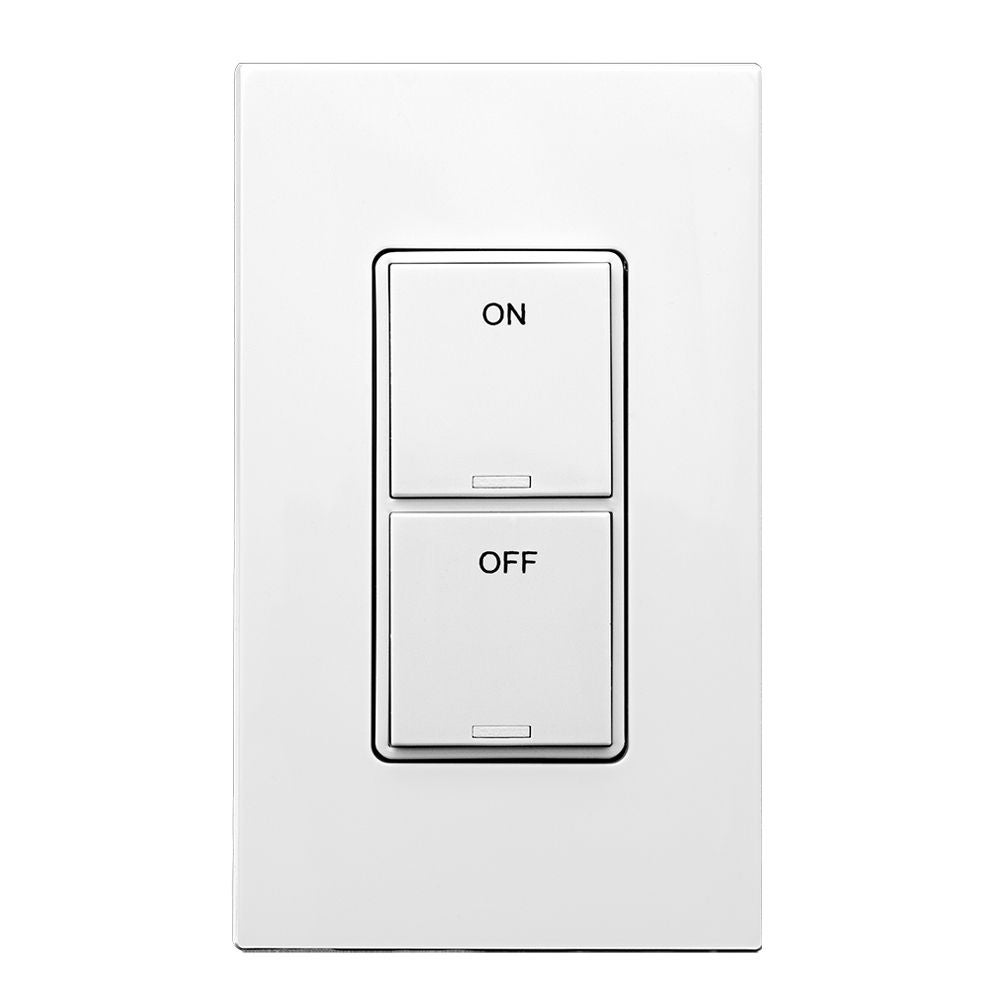
- PLV Low Voltage Keypads (PLVSW-xLW)
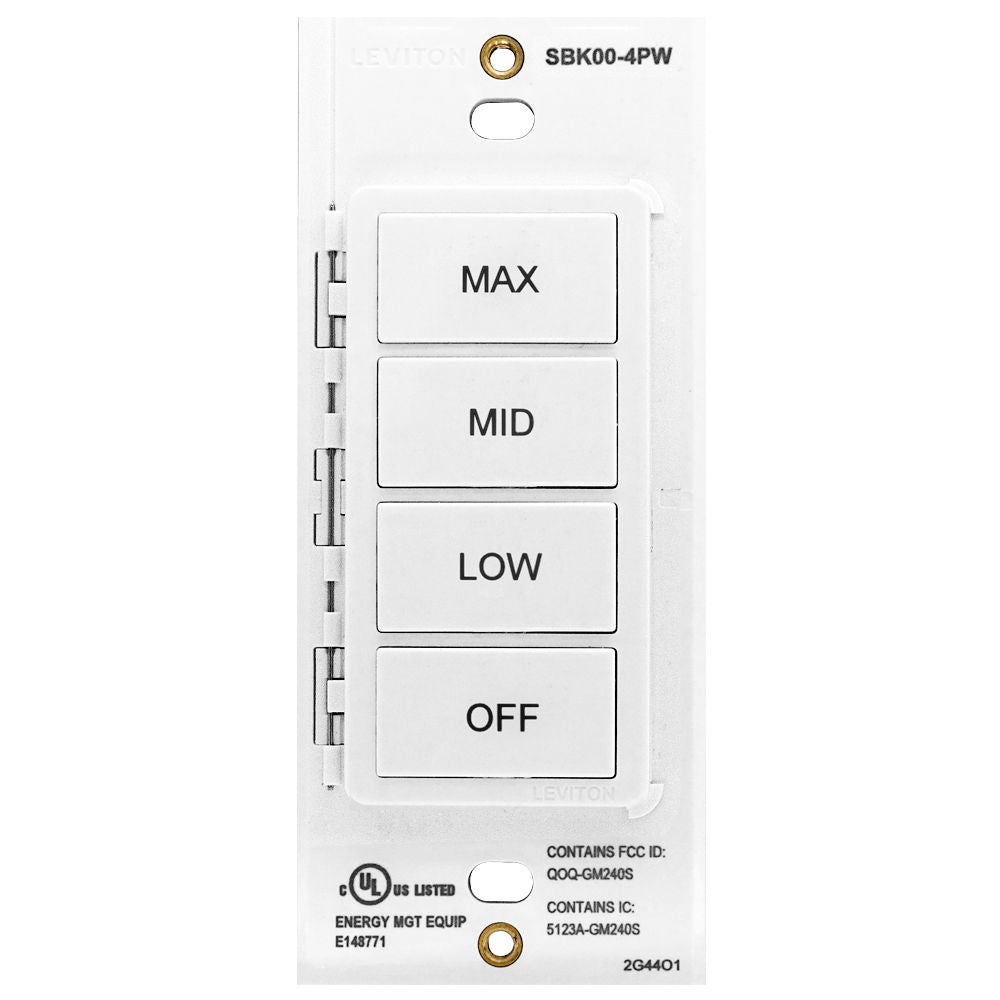
The Wireless Companion Switch, Dimmer, and 4-Button Keypads pair wirelessly with the Smart Ceiling Mount Sensors (CMS) to provide a simple to install solution for wireless manual lighting control. The Wireless Companion Switch, Dimmer, and 4-Button Keypads can be mounted directly on wall surfaces, existing single or multi-gang wallbox, or glass surfaces using the WPN01 Glass Mounting Plate, no wiring required. The Wireless Companion Devices are the perfect solution for locations where a wallbox may not be located or locations where there is no wiring present.
Wired Decora® Low Voltage Keypads are also available for controlling non-dimmable and dimmable luminaries connected to Smart Ceiling Mount Sensors (CMS).
- 3
- 3
- 4
- 1
- 2
- 5
- 6
- 7
Smart Wallbox Sensors (SWS)
Smart, Simple Sensing and Dimming or Switching Control
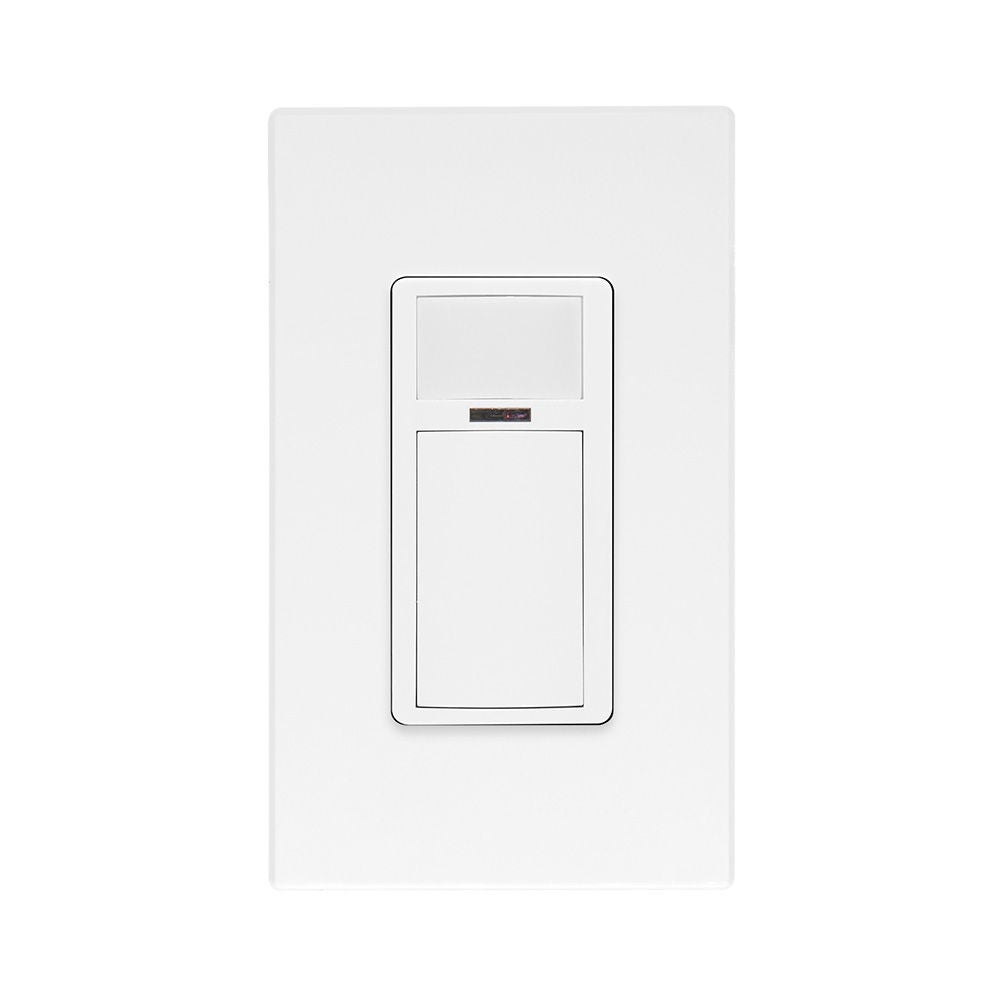
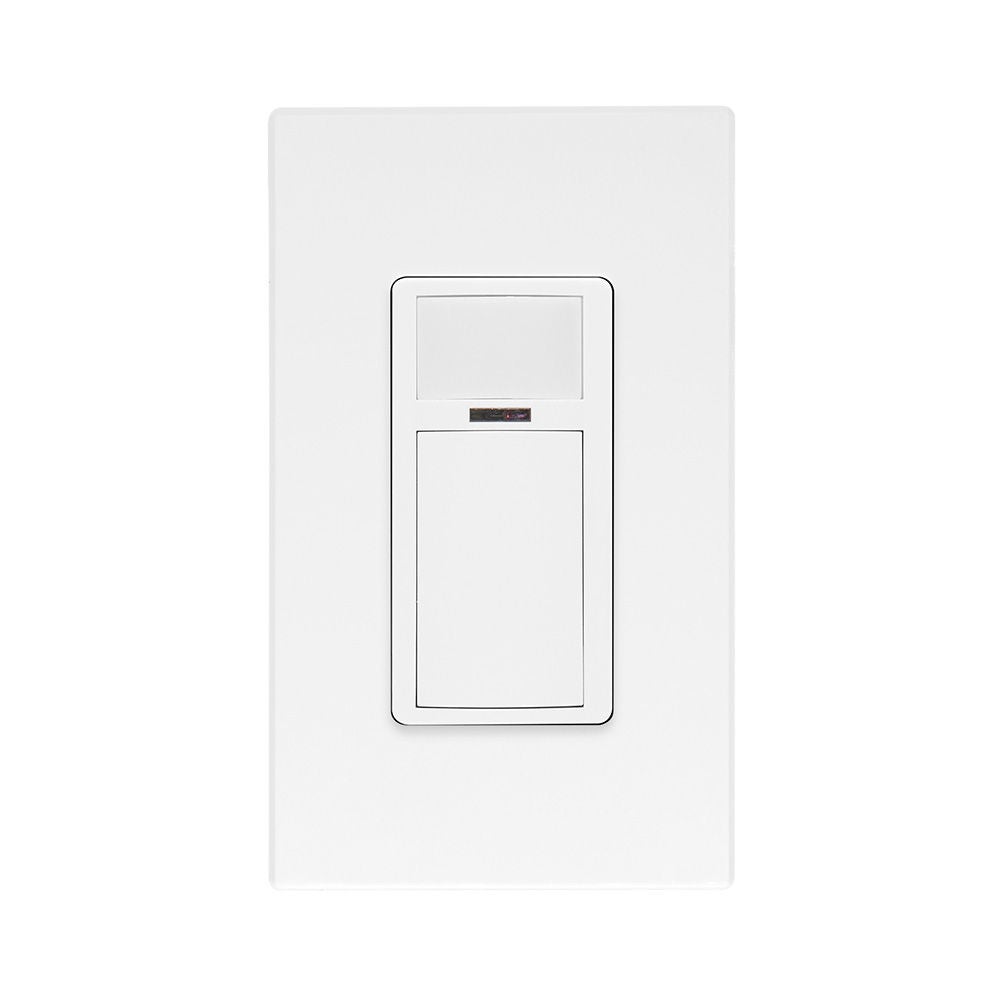
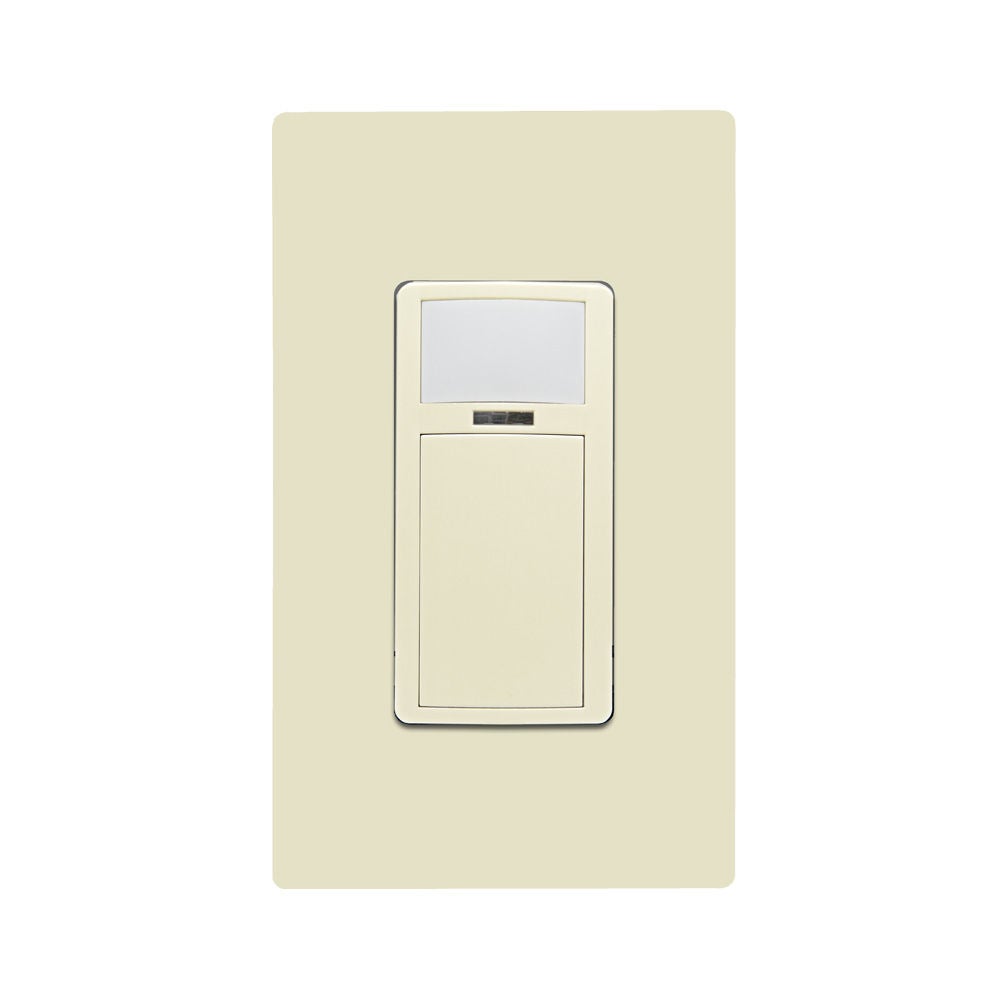
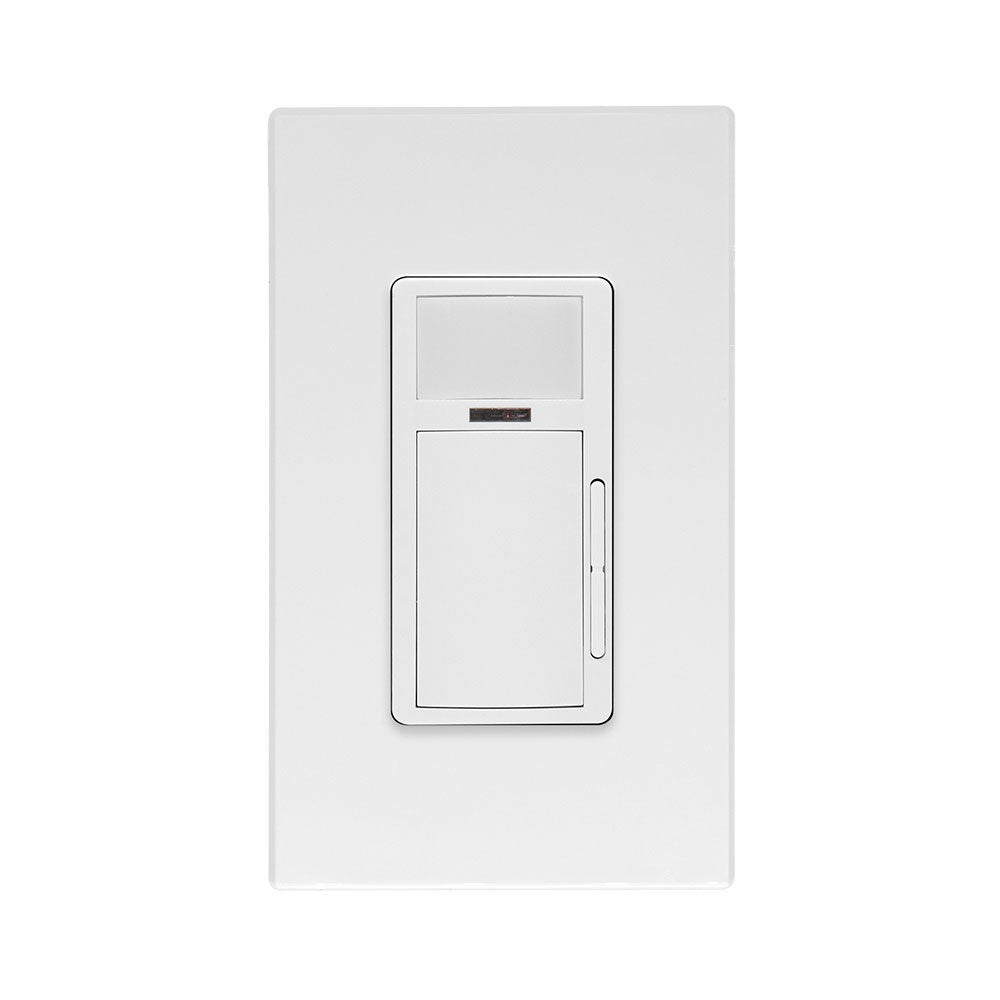
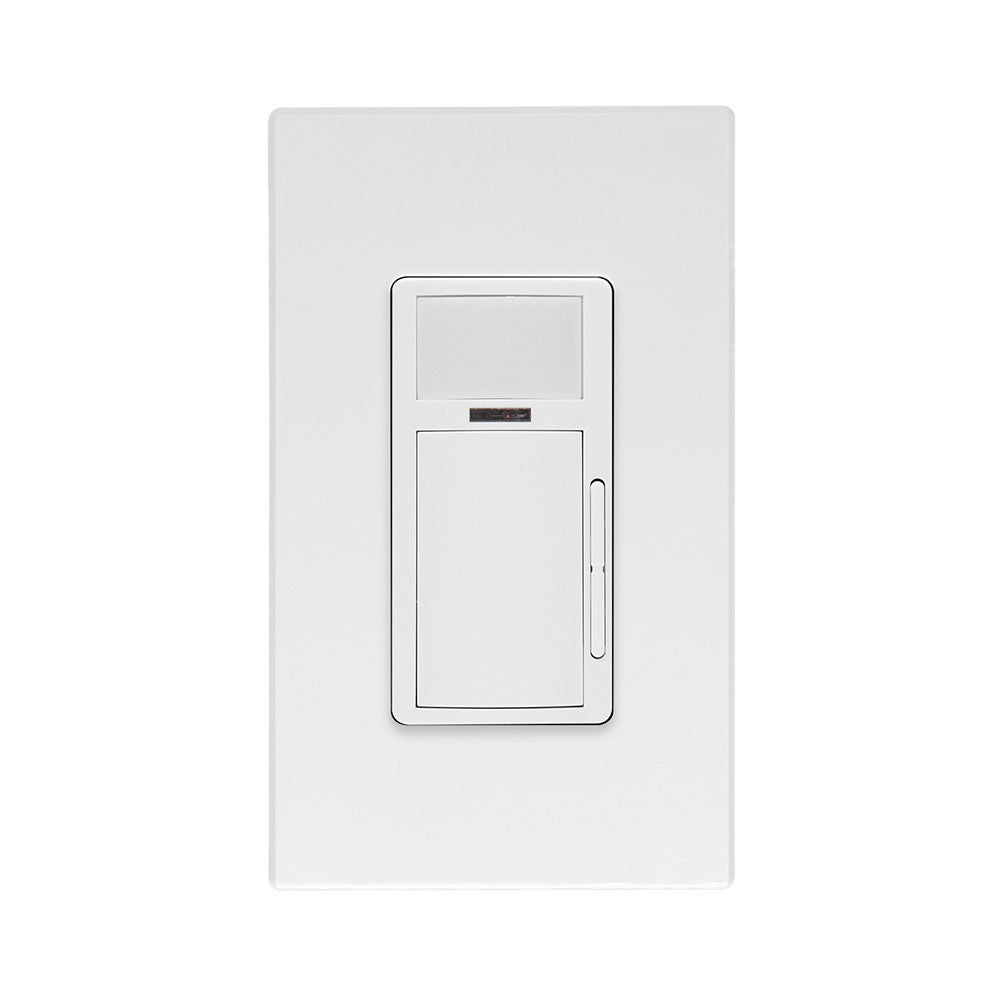
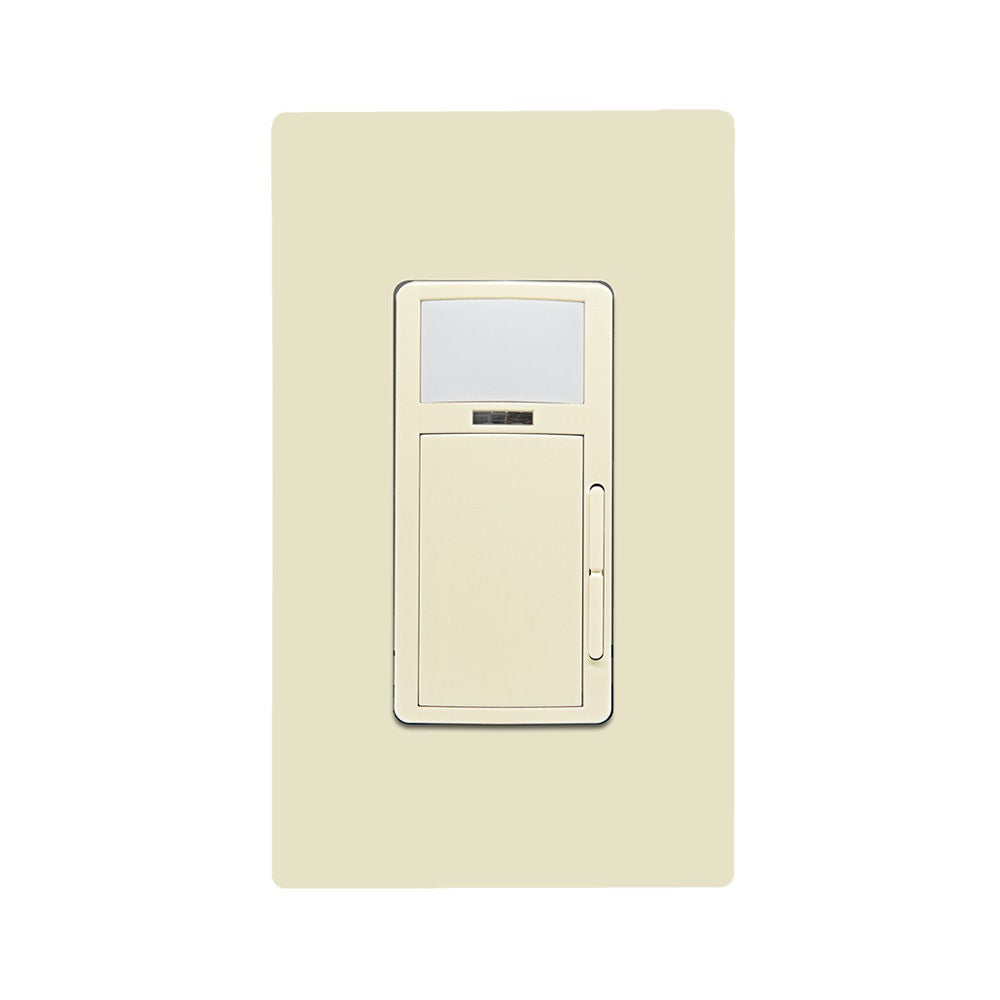
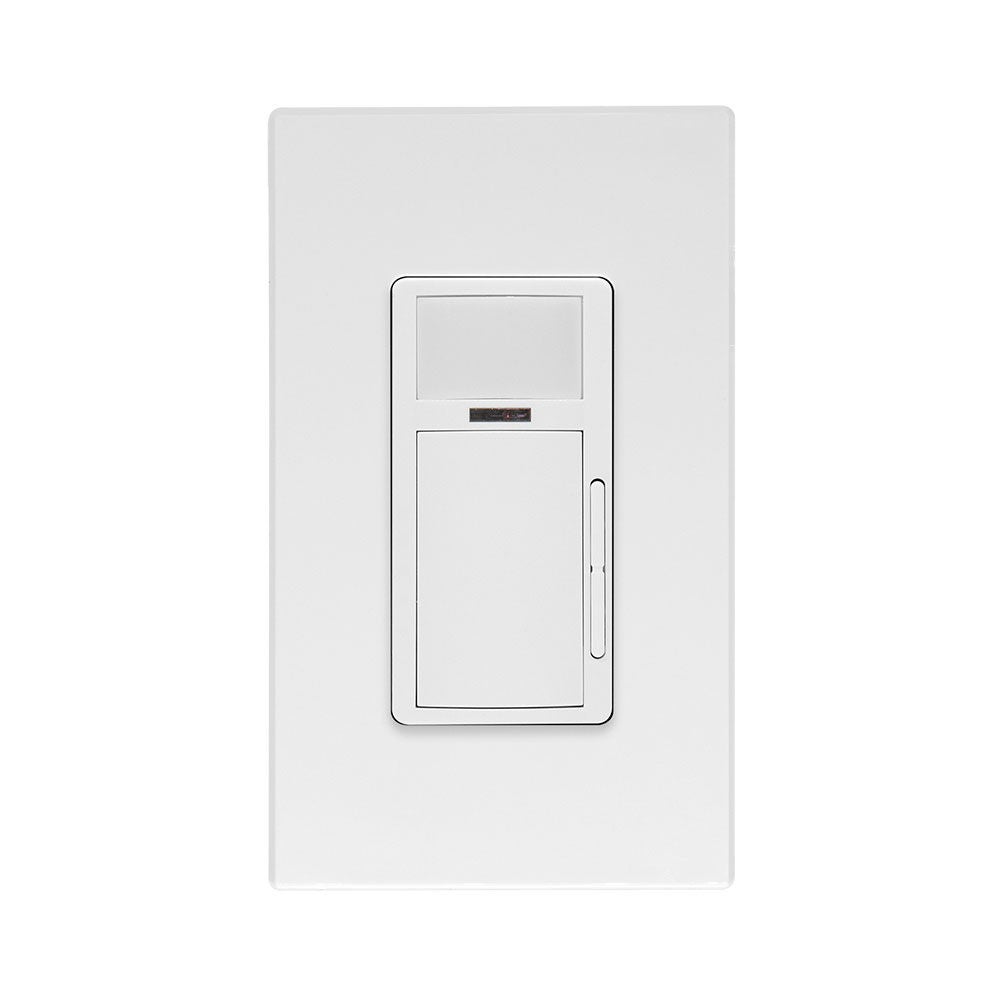
Smart Sensors combine occupancy/vacancy sensing with 0-10V dimming, 1000W dimming, or ON/OFF switching to provide a simple commercial grade solution for easy energy savings, local control and code compliance. Smart Wallbox Sensors offer easy programming and configuration. This includes an out-of-the-box default mode for auto-ON/auto-OFF operation with a 10-minute timeout as well as convenient pushbutton programming for common room settings.
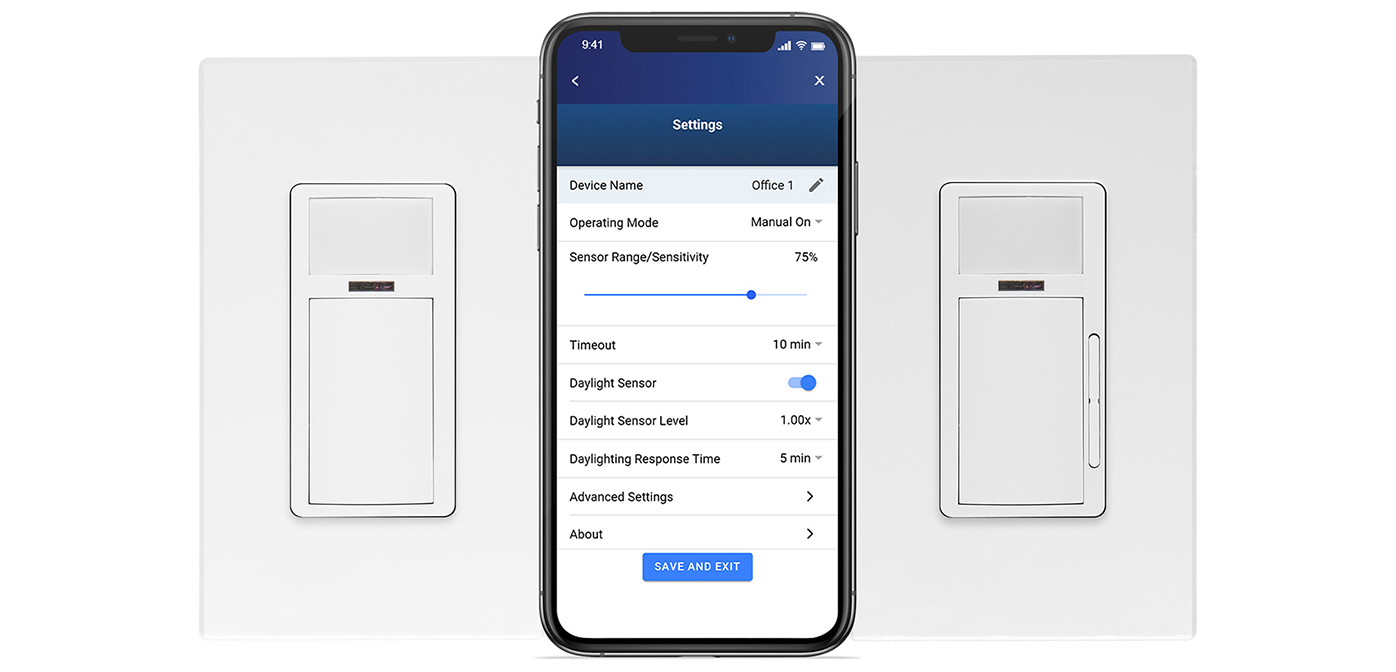
The Smart Sensor App can also be used to configure and enable additional features like sensor sensitivity, timeouts, daylighting, hold-OFF, partial-ON, partial-OFF and more. Ideal for non-residential and commercial spaces up to 1,100 SF including offices, meeting rooms, and lobbies. Antimicrobial models support cleaning protocols in commercial spaces. An antimicrobial agent in the treated plastic inhibits the growth of mold, mildew, fungus and odor-causing bacteria that cause discoloration, staining, deterioration or corrosion on the surface of the device in between normal cleanings.
Smart Sensor
Combines occupancy/vacancy sensing with ON/OFF switching (ODS15).
Smart Sensor App
Easy configuration with the Smart Sensor App; other programming options include an out-of-the-box default mode for auto-ON/auto-OFF operation with a 10-minute timeout as well as convenient pushbutton programming for common room settings.
Smart Sensor with Dimming
Combines occupancy/vacancy sensing with 0-10V dimming (ODD10); 24V model (ODD24) ideal for low voltage applications for use with an OPP20 or OSA20 Power Pack.
- 1
- 2
- 3
- 4
- 5
- 6
- 7
- 8
- 9
- 10
- 11
- 12
- 11
- 13
- 14
- 15
- 16
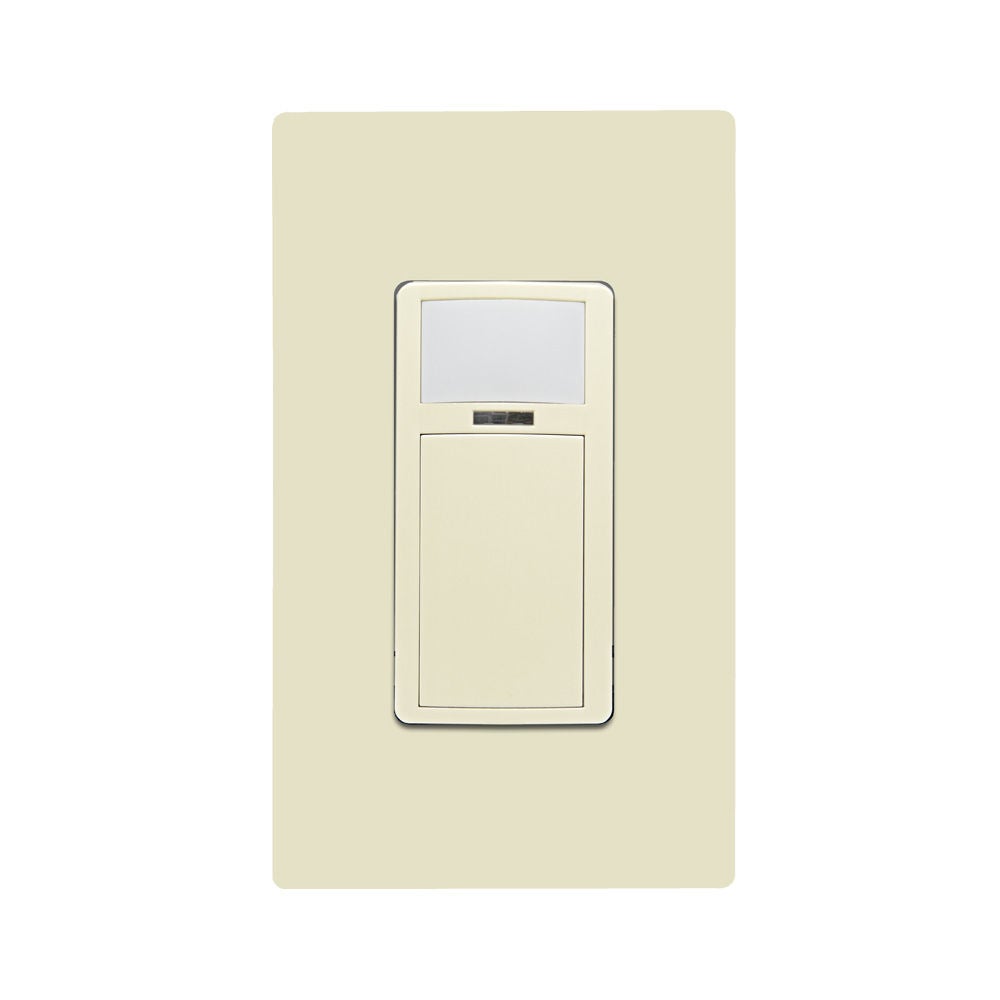
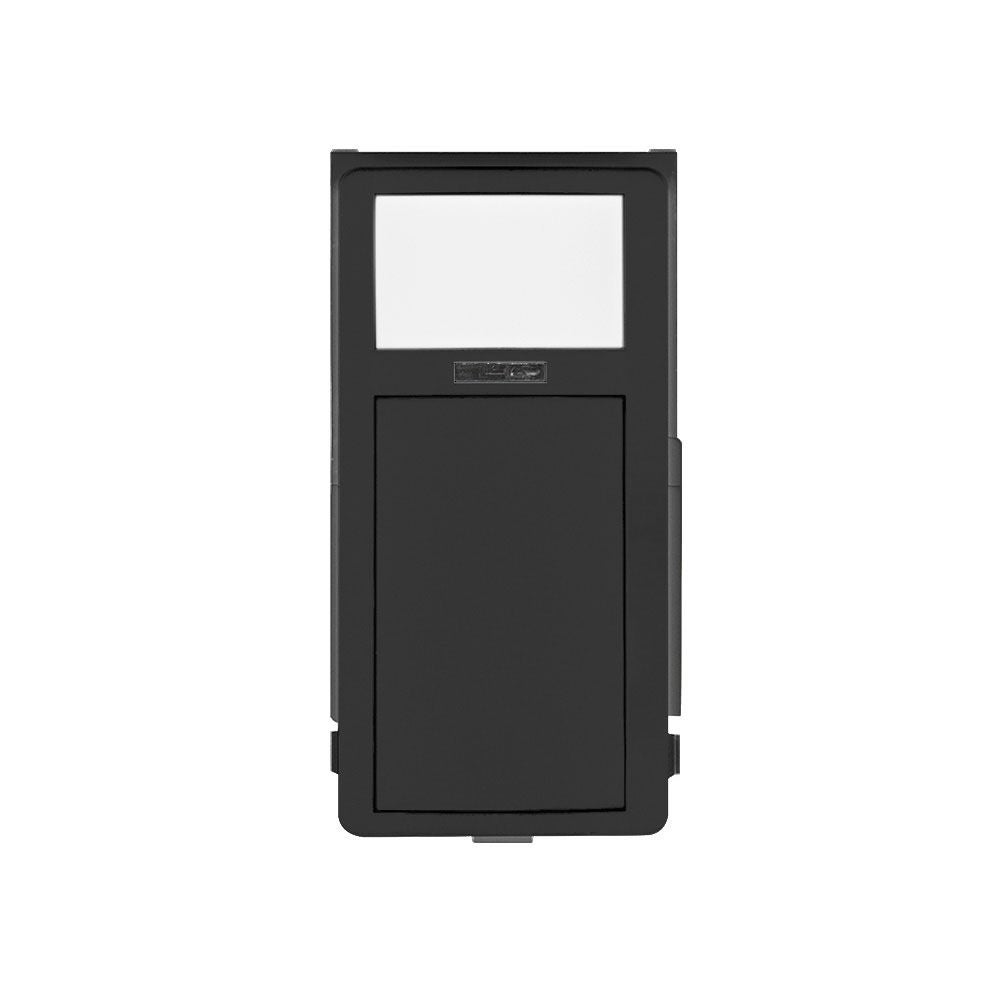
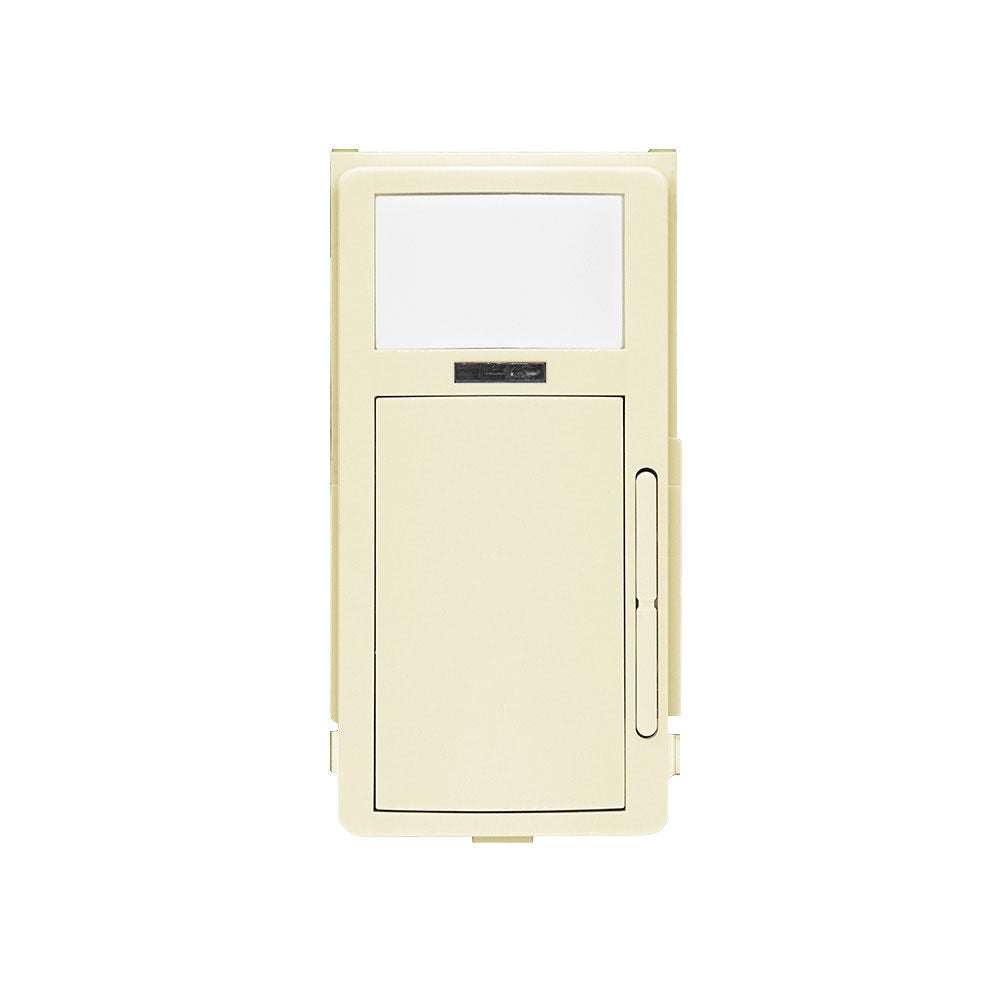
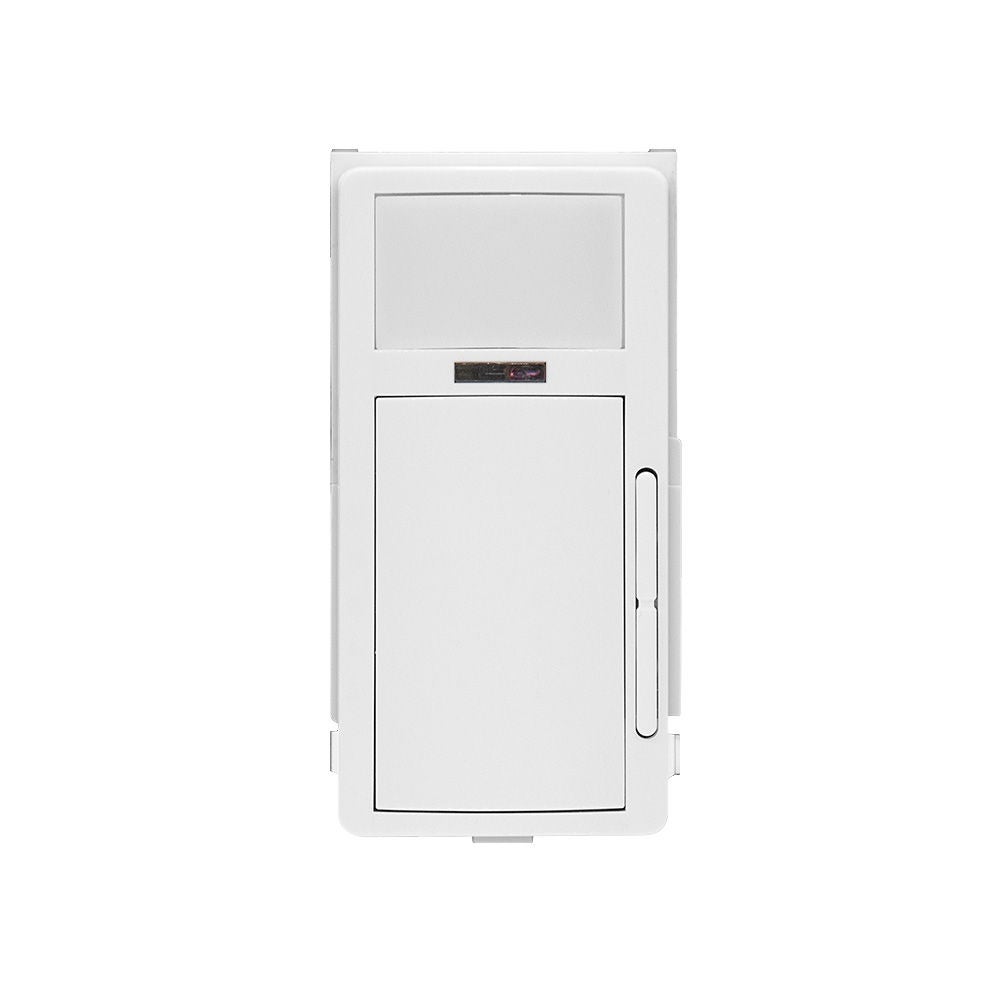
Smart Wallbox Sensors (SWS) Color Change Kits
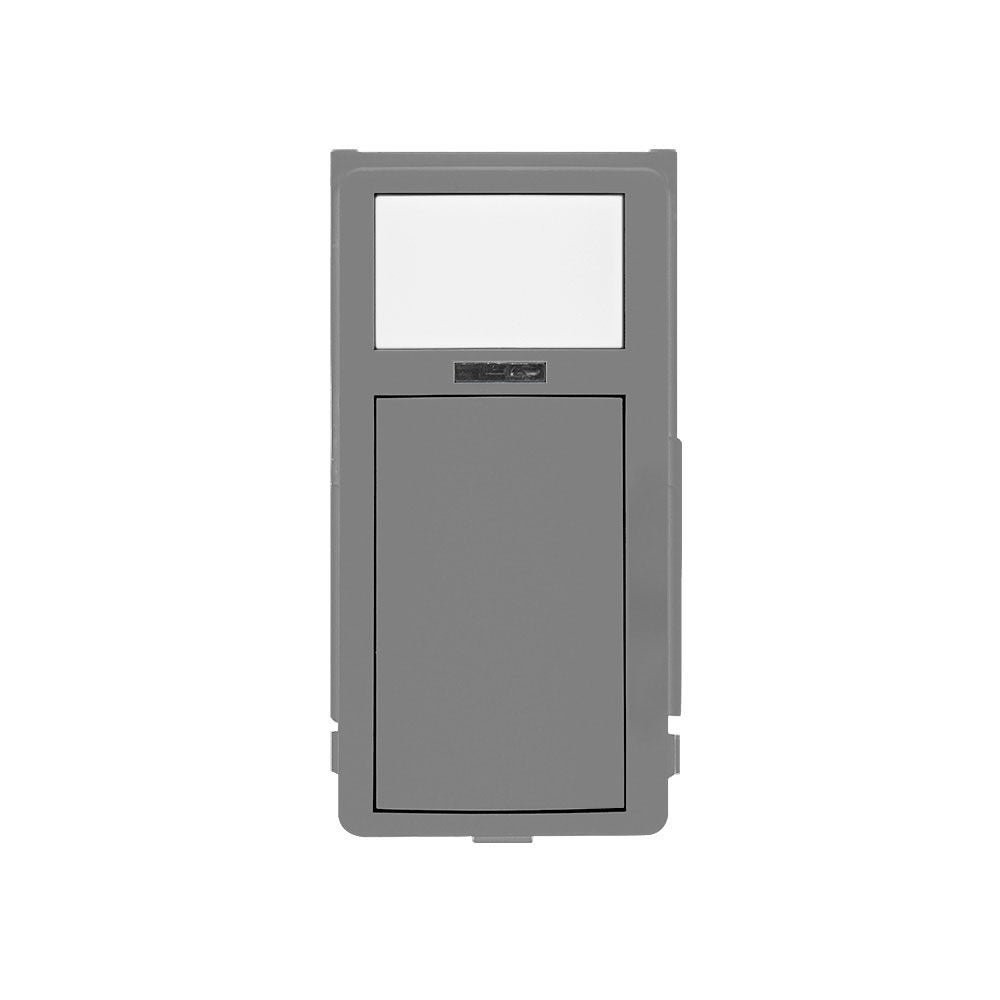
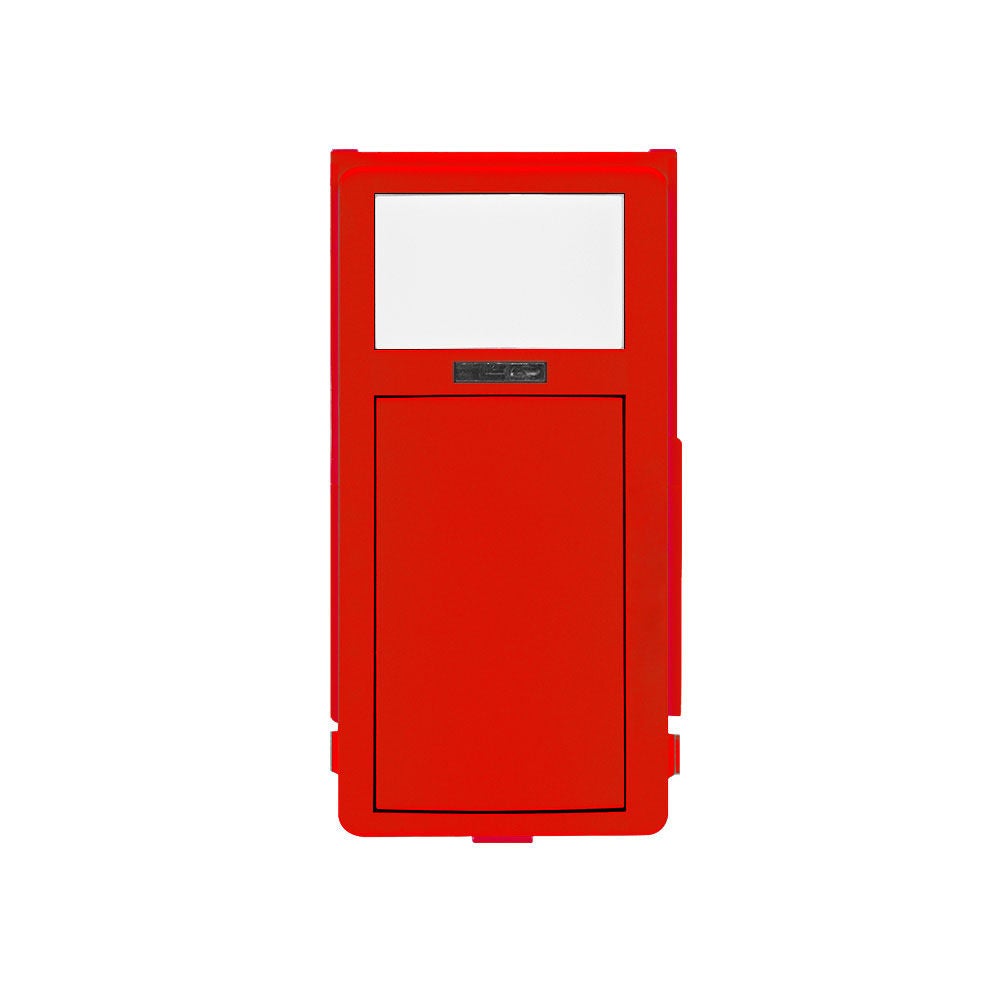
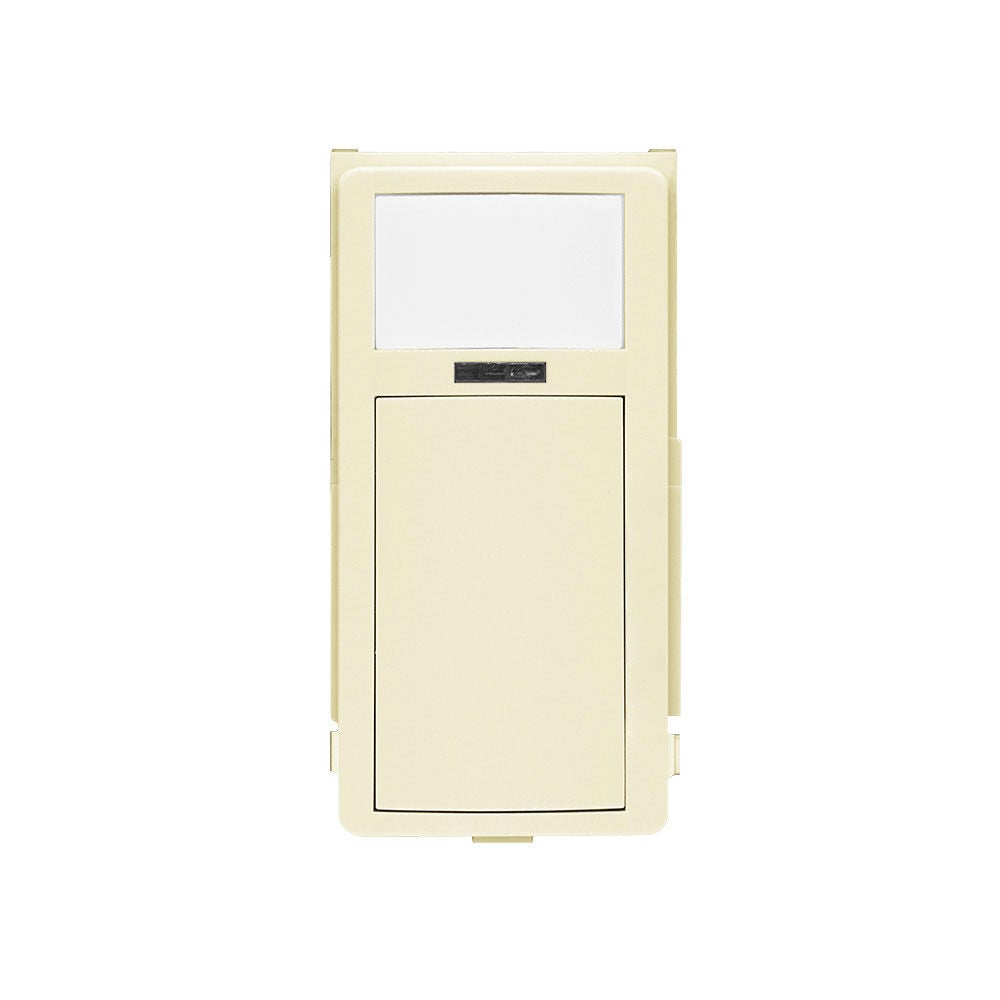
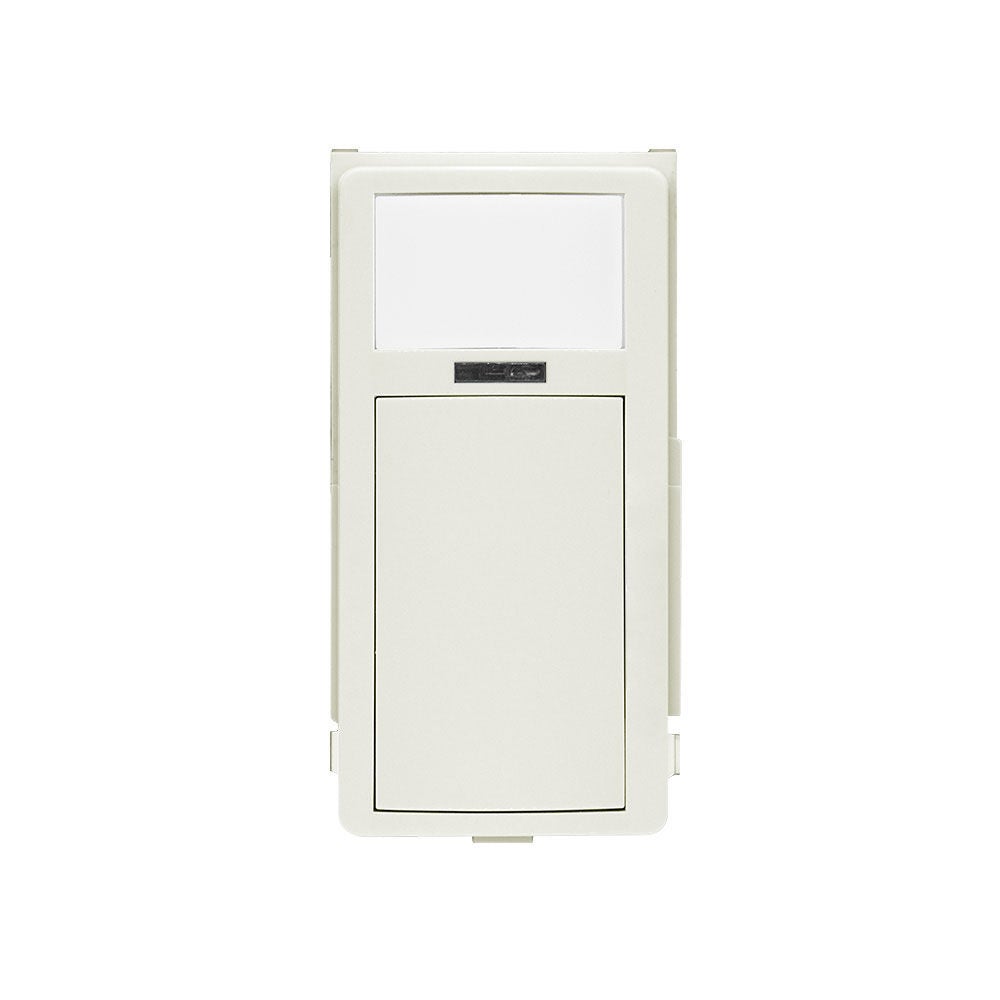
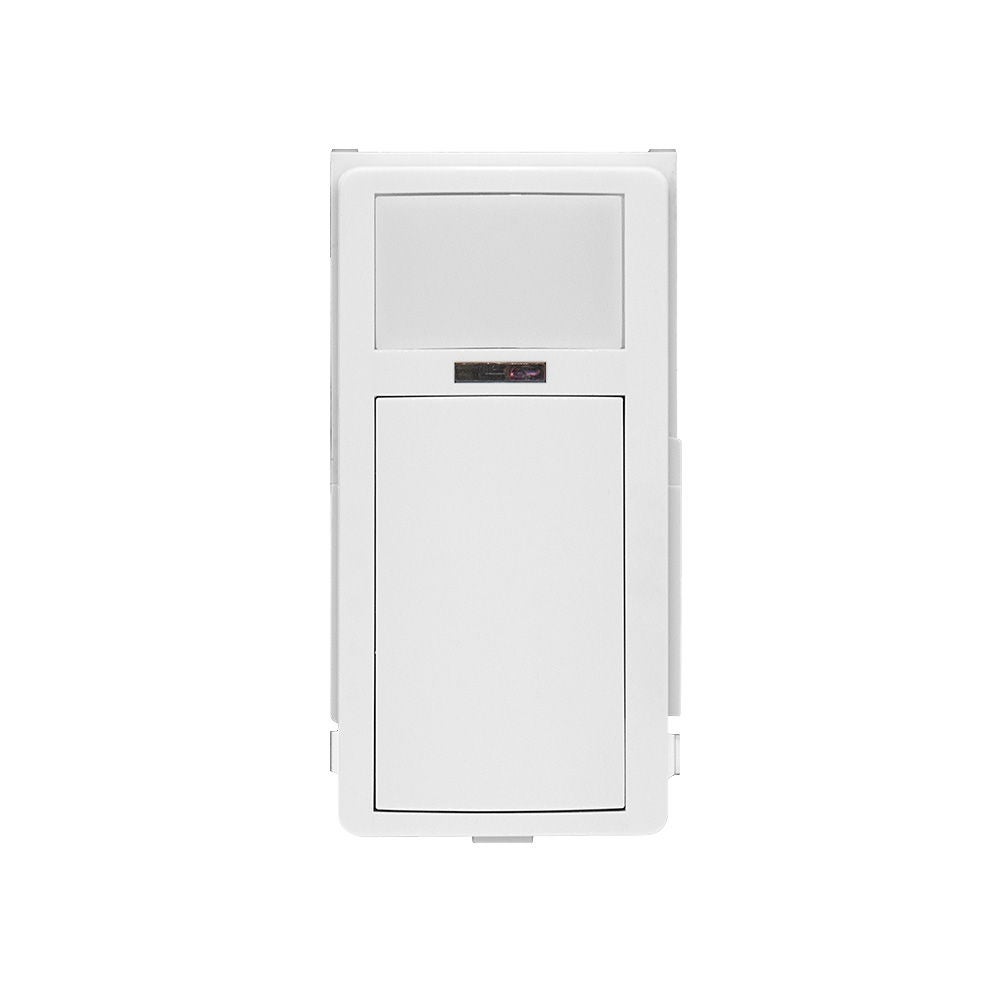
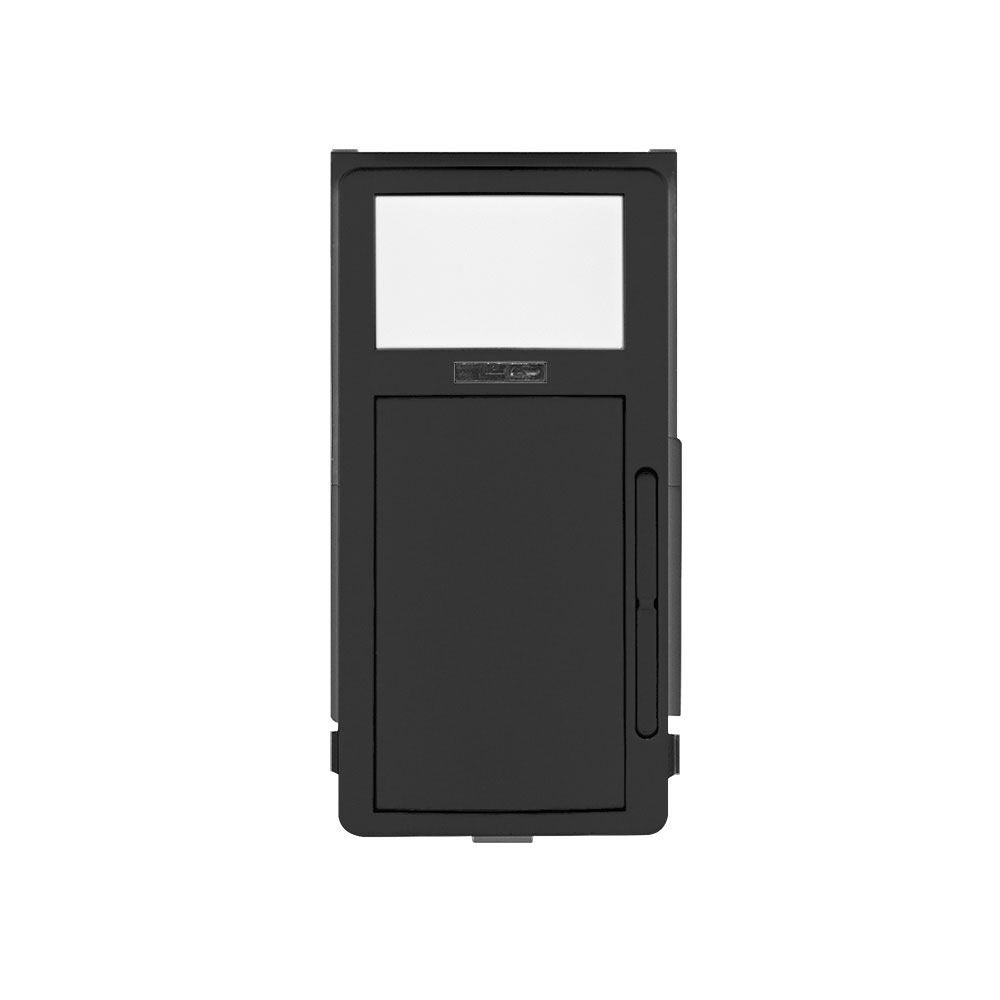
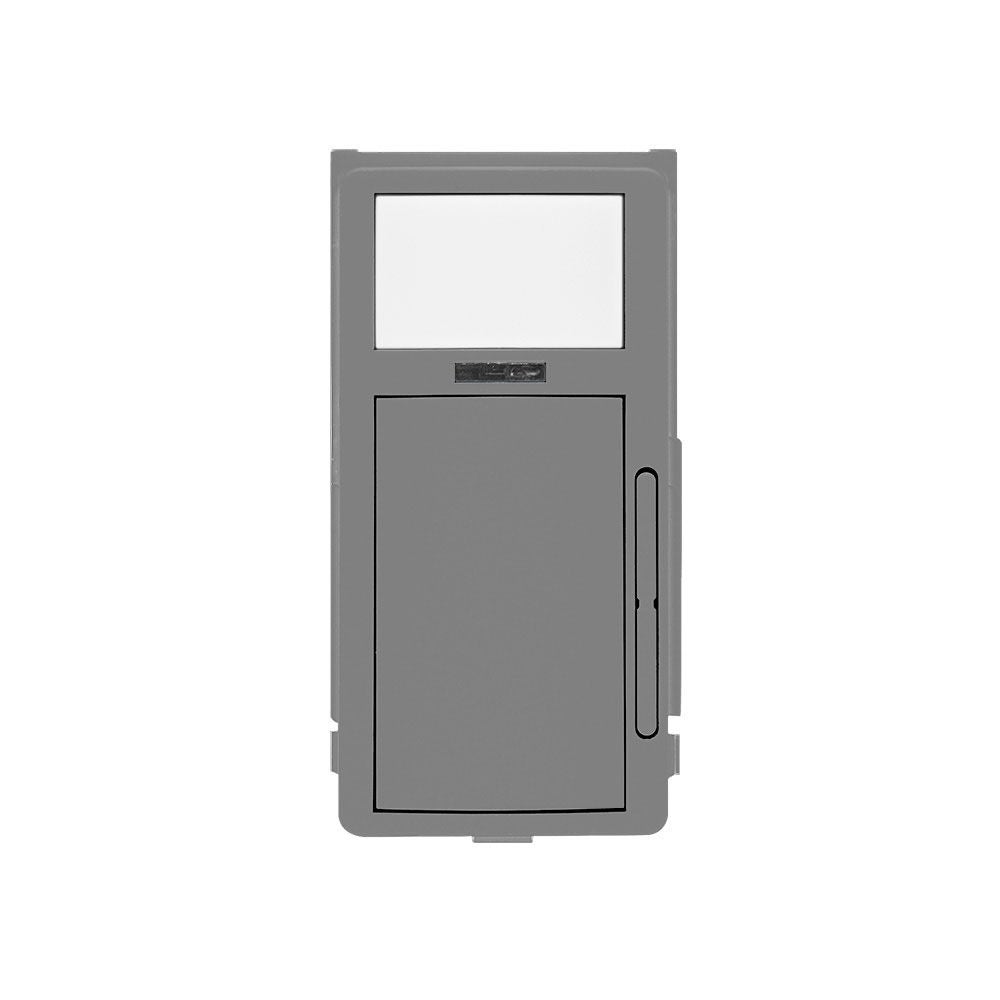
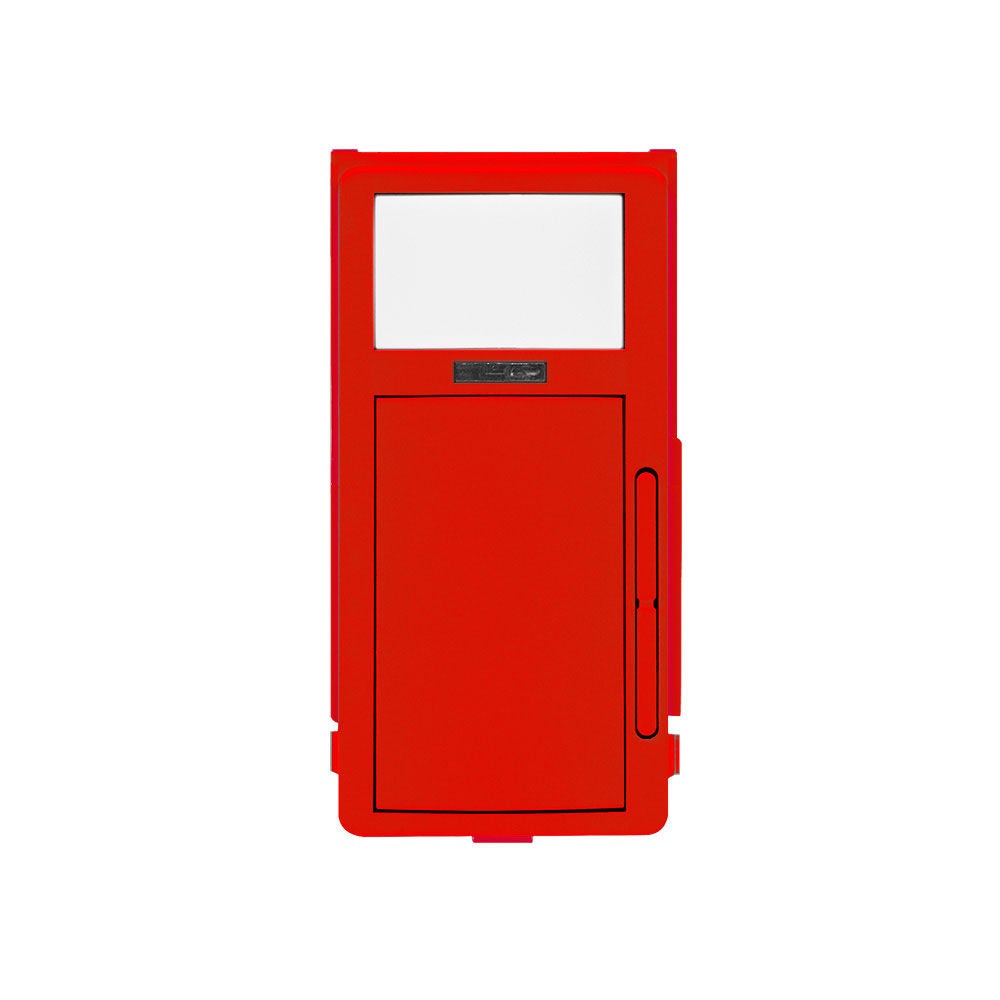
- 1
- 2
- 3
- 4
- 5
- 6
- 11
- 11
- 7
- 8
- 10
Smart Fixture Mount Sensors (FMS)
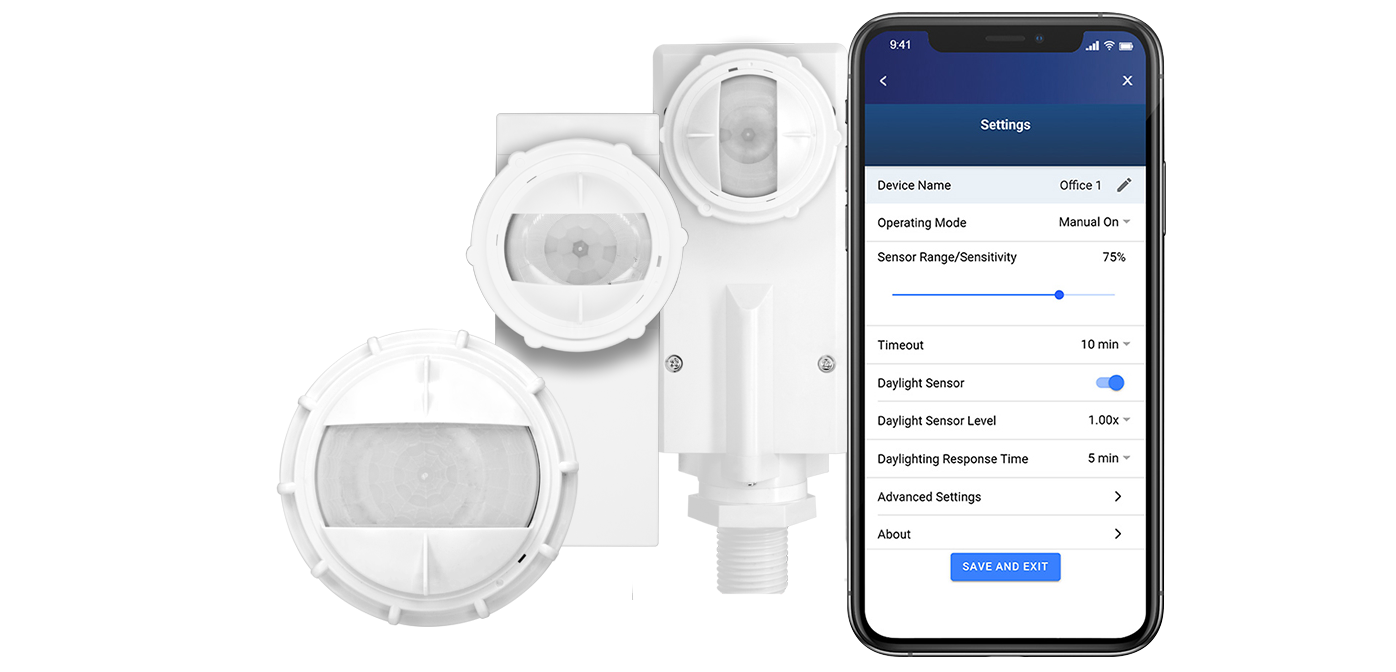
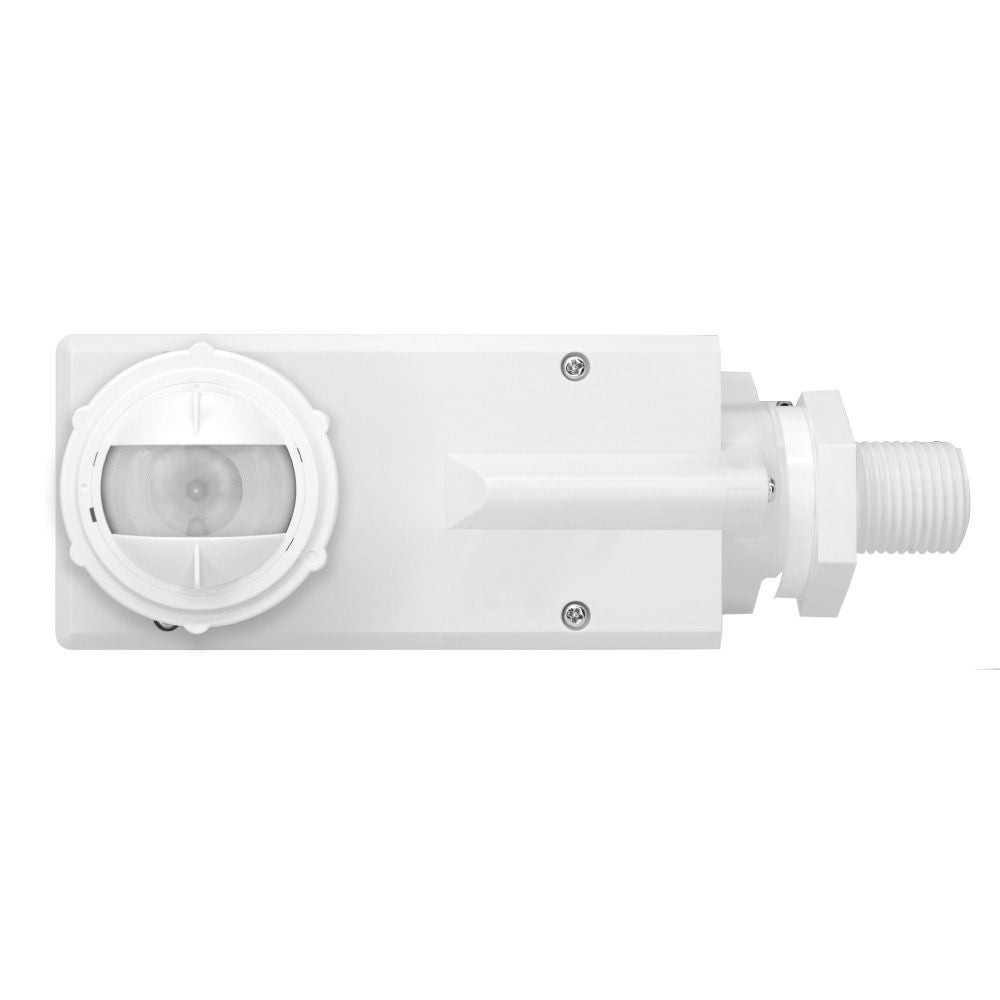
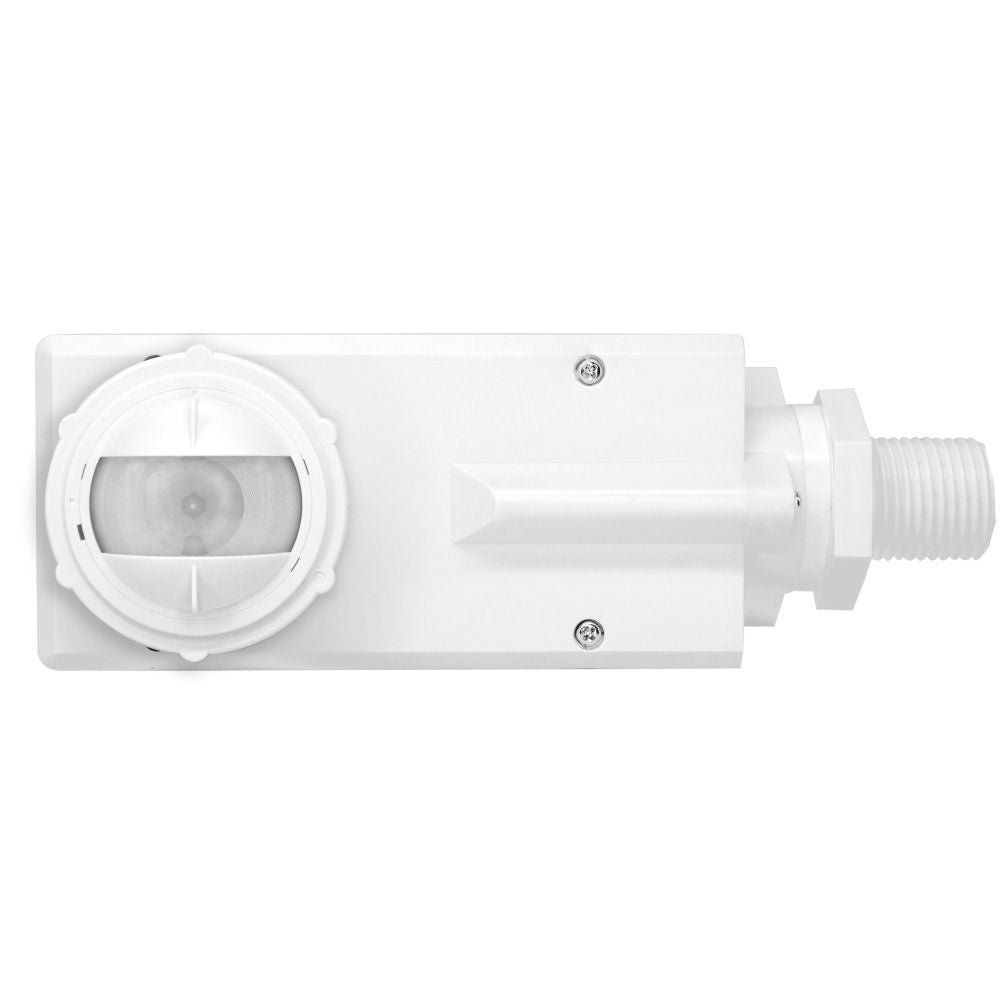
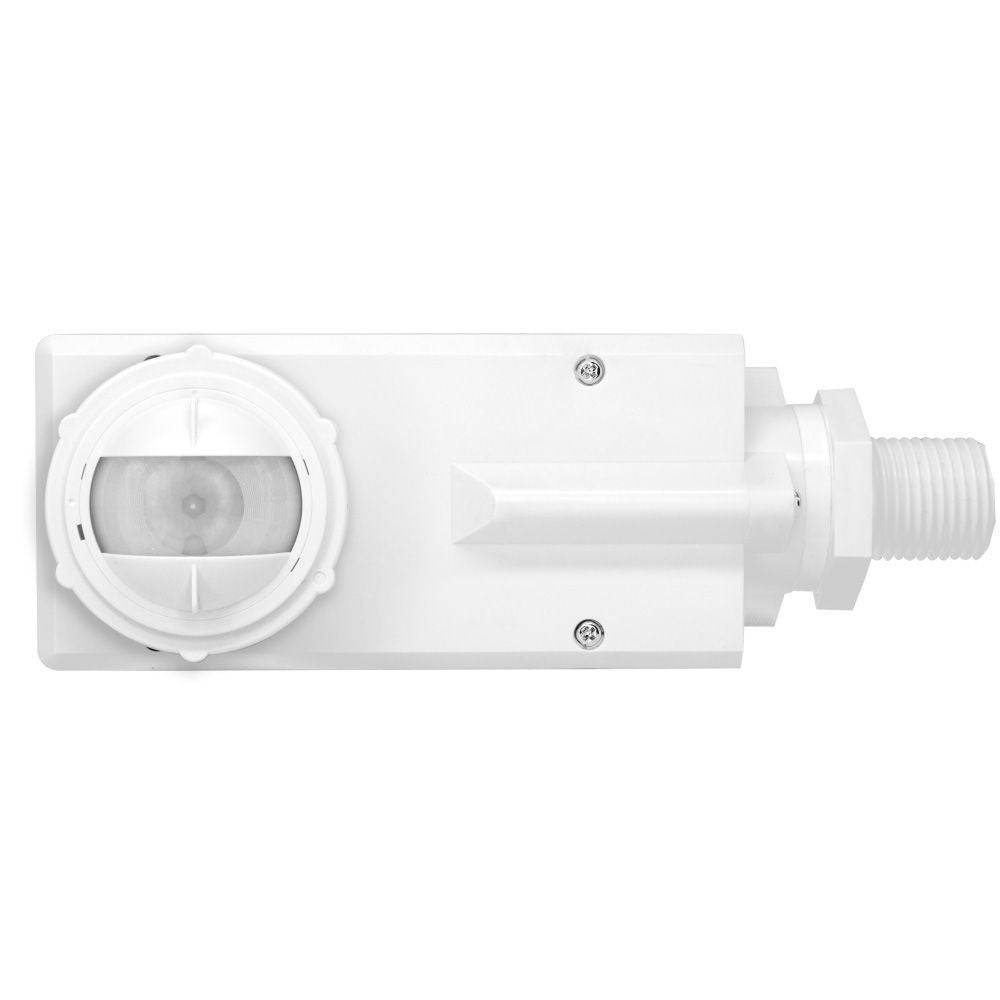
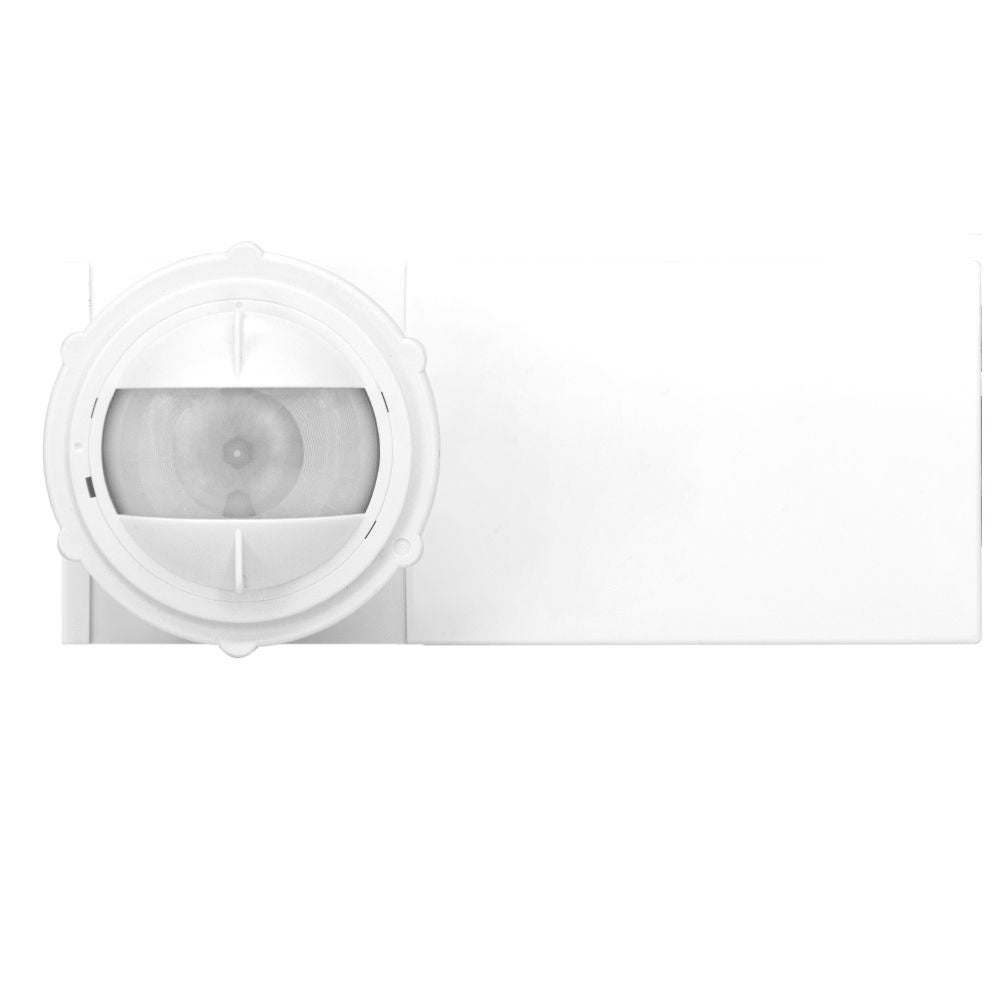
Smart Fixture Mount Sensors are IP66 rated and designed for use with switching, 0-10V LED dimming drivers, and fluorescent ballasts. The sensors use PIR detection technology and advanced optics to provide an exceptional field-of-view (FOV) for mounting heights from 8 to 40 feet. Configuration is made using the Smart Sensor App. Ideal for warehouses, parking lots and garages, outdoor sports facilities, and building facades.
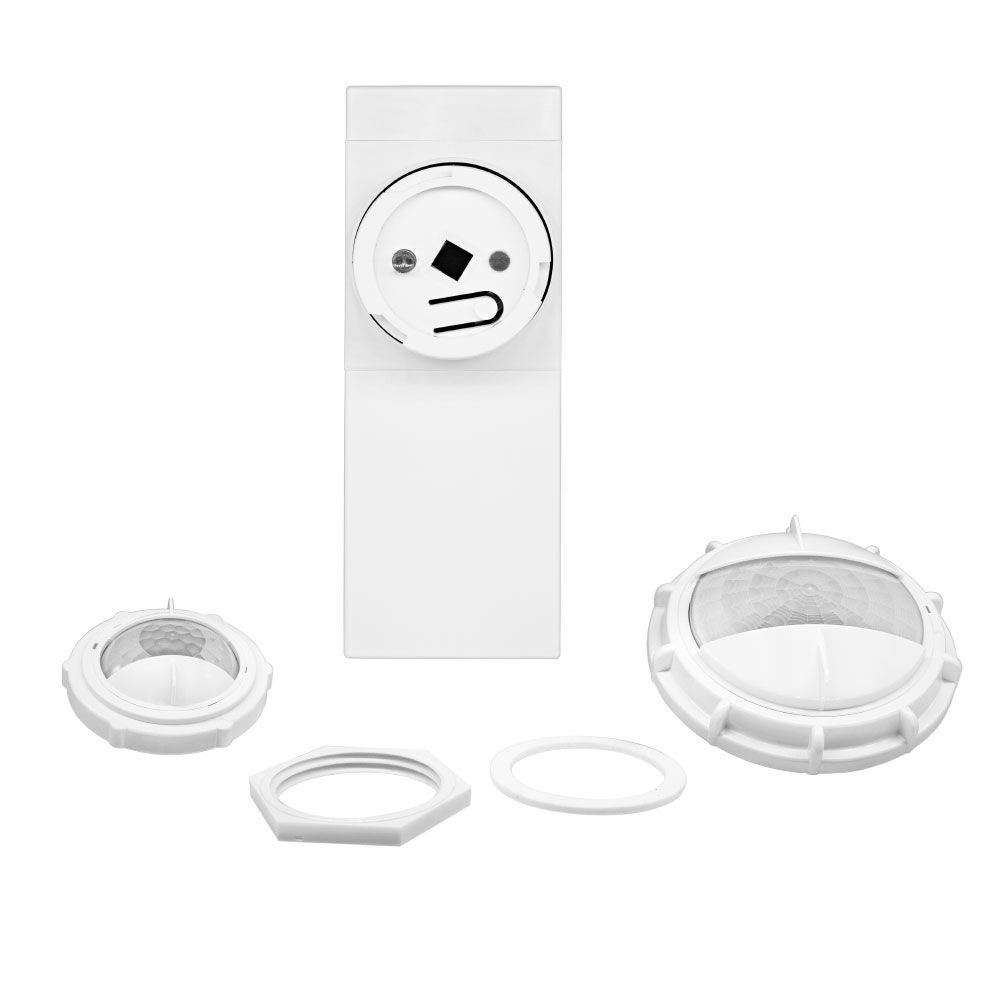
High Bay Lens
Low bay lens, high bay lens, and aisleway masks included with each sensor.
Smart Fixture Mount Sensor
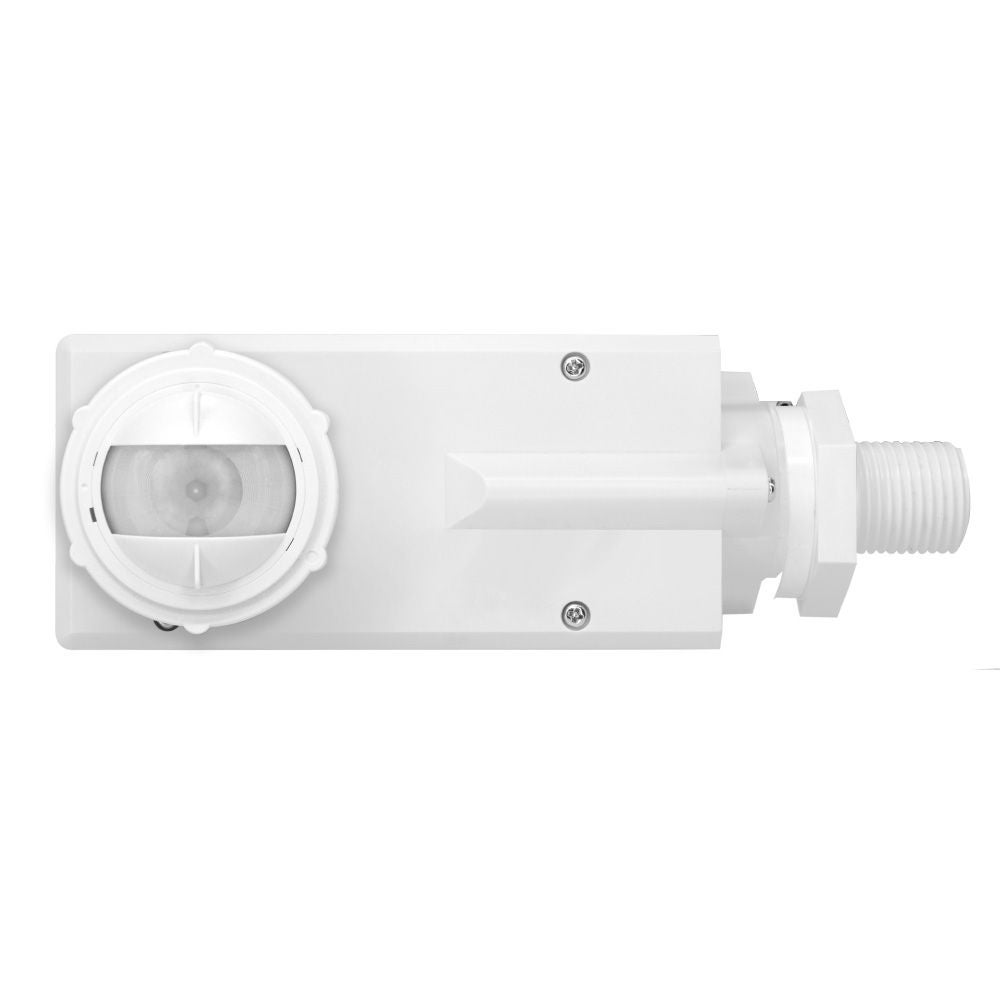
Internal fixture mount model, IP66 rated.
Smart Fixture Mount Sensor
End/external fixture mount model, IP66 rated.
Smart Sensor App
Easy configuration with the Smart Sensor App. Configure for partial-ON, partial-OFF, multiple daylighting modes, scheduling, and multi-room templates.
- 2
- 1
- 4
- 3
- 5
- 6
Smart Sensor Videos
Give Light Back to the Night
Add ambiance and illuminate any space with Leviton Smart Wallbox Sensors.
Code Compliance with Smart Sensors
Learn about energy codes and energy conservation as they relate to lighting controls and learn how Leviton Smart Sensor solutions help you with code compliance.
How to Wire a Leviton Ceiling Mount Occupancy Sensor, Power Pack, Switch, Photocell, and Receptacle
In this training video we demonstrate how to wire a Leviton Low Voltage Ceiling Mount Occupancy Sensor, Power Pack, Manual Switch, Photocell, and Controlled Receptacle for code compliant automatic shutoff, manual control, and daylight harvesting.
Elevate Your Sensing Control Options with Commercial Grade Smart Sensors
Easy energy savings, local control and code compliance with a single solution. Modernize your space and simplify energy savings with a solution that combines occupancy/vacancy sensing with 0-10V dimming or ON/OFF switching control.
Connect Leviton Wireless Companion Switch
Learn how to connect a Leviton Wireless Companion Switch or Dimmer to a Smart Ceiling Mounted Occupancy Sensor (CMS).
Smart Fixture Mount Sensors
Partner with Leviton for your next high bay or low bay lighting control project.
How to Wire a Smart Wallbox Sensor
In this training video we demonstrate how to wire a Leviton Smart 0-10V Dimming Wallbox Sensor for code compliant automatic shutoff, manual control, and multi-level lighting control.
Easy Programming and Configuration
Use the out-of-the-box default mode, convenient pushbutton programming, or the Smart Sensor App. Discover how easy it is to program commercial Smart Wallbox Sensors with pushbutton programming.
Push to Pair for Multi-Location Control
App Programming for Common Configurations & Push-to-Pair for Multi-Location.
Smart Ceiling Mount Sensors and App Overview
Learn about Leviton Smart Ceiling Mount Solutions consisting of Occupancy Sensors, Vacancy Sensors, and Photocells.
Smart Ceiling Mount Sensors
The Leviton Smart Ceiling Mount Sensor (CMS) delivers all-in-one code compliance.
Leviton 4-Button Wireless Keypad and Glass Wall Mounting Plate
The Leviton Wireless Companion 4-Button Keypad (SBK00-4DW) and Glass Wall Mounting Plate provide manual control for the Smart Ceiling Mount Sensors (CMS).
How to Pair Leviton 4-Button Wireless Keypad
Learn how to pair the Wireless Companion 4-Button Keypad (SBK00-4DW) to the Smart Ceiling Mount Sensor (CMS). The Smart Ceiling Mount Sensor offers high performance, code compliant, advanced room configuration in one easy-to-install device.
Smart IP66 PIR Integrated Fixture Mount Sensor - App Programming
This video walks the user through the process for connecting to a Leviton Smart IP66 PIR Integrated Fixture Mount Sensor using the Leviton Smart Sensor App.
Frequently Asked Questions
| Microphonics | U/S |
|---|---|
| Passive technology | Active technology |
| Can detect sound behind obstructions | Can detect sound behind obstructions |
| Can distinguish sounds between human activity from ambient noise | Can’t distinguish sound between human activity from ambient noise |
| Consumes less energy | Consumes more energy |
| Used in conjunction with PIR | Can be used as standalone technology |
- Yes. Smart Wallbox Sensors have multi-way capabilities for up to 5 devices on all models. Use the Leviton Push to Pair (P2P) process to create a multi-way system. Enable multi-way capabilities with an OTA update for all models.
- There is a lot of flexibility in terms of how the sensors are wired since the 3-way (or more sensors) connections are made using the Bluetooth radio. The sensors can be wired in parallel or can be wired completely separately. They can even be on separate circuits or not connected to a load at all acting more as a remote. As long as they are paired together wirelessly, they will operate in unison with any of the sensors able to pick up motion and any of the sensors can be used to control the lighting manually (ON/OFF or dim up / down).
Select Smart Wallbox Sensors have antimicrobial treated plastic to help keep the device clean. The SAN-BASIC-DASH must be used to order antimicrobial models. See the data sheet for details.
- Simple configurations can be applied using a pushbutton setup for several common pre-configured options. Additionally, the Smart Wallbox Sensors have out-of-the-box default modes:
- Auto-ON/auto-OFF with 20-minute time out
- Sensitivity set to 75%
- Nightlight and daylighting disabled