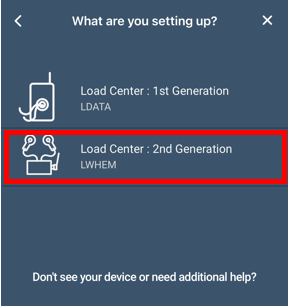
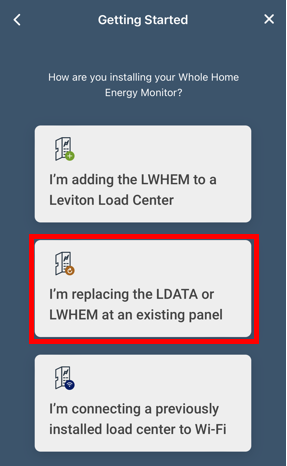
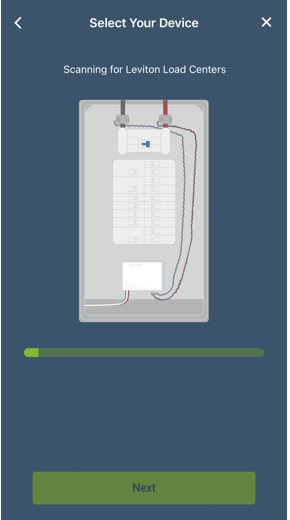
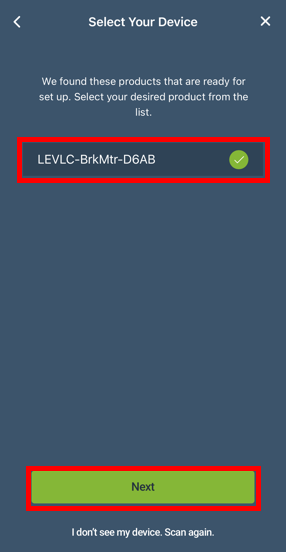
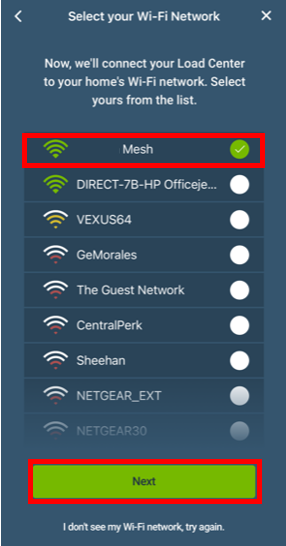
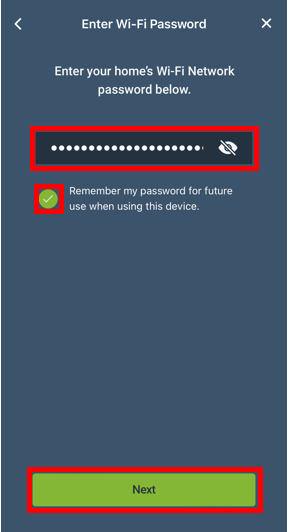
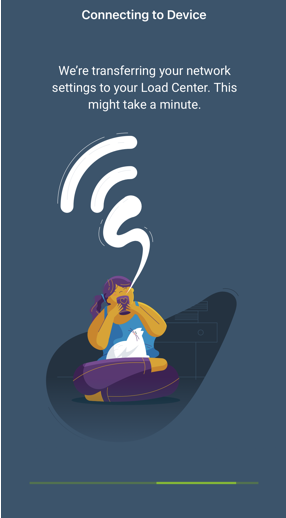
The LWHEM is the replacement for the Leviton Smart Breaker Data Hub (LDATA). This article is for customers that currently have an LDATA and are transitioning to an LWHEM. The My Leviton app makes the transition easy by providing an installation wizard that transitions the connection between the LDATA and the breakers to the LWHEM. This article is only for the transition from an LDATA to an LWHEM. For wiring information or traditional installation information, please consult any of the following articles:
- Add A Leviton Smart Breaker Data Hub (LDATA) and Smart Breakers To a Leviton Load Center
- Add a Leviton Whole Home Energy Monitor (LWHEM) and Smart Breakers To a Leviton Load Center
- LWHEM Get Started Guide
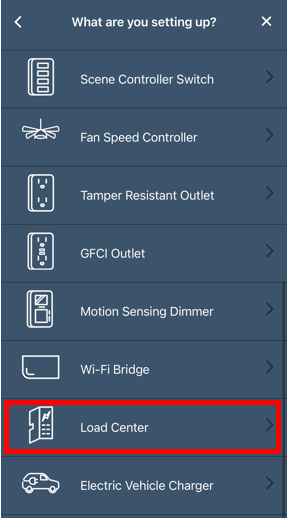
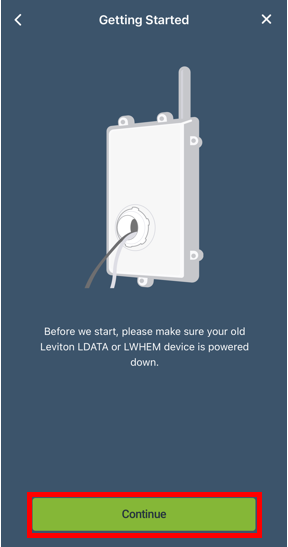
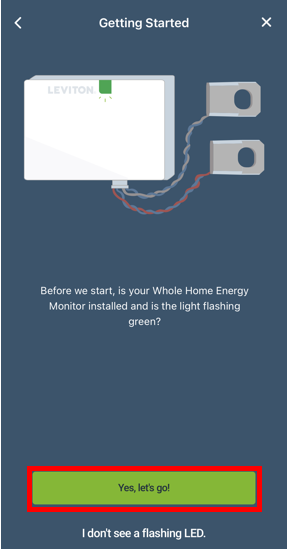
To transition from an LDATA to an LWHEM start by powering down the LDATA (don't remove it from the app), install the LWHEM and connect it to power.
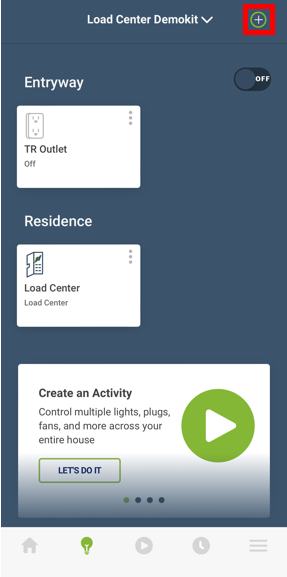
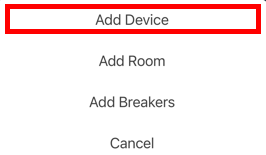
From the Device screen (lightbulb icon at the bottom) press the + in the upper right corner.