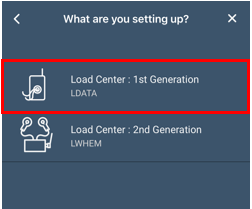
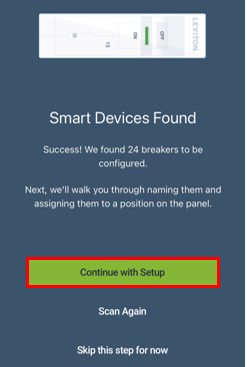
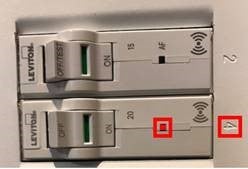
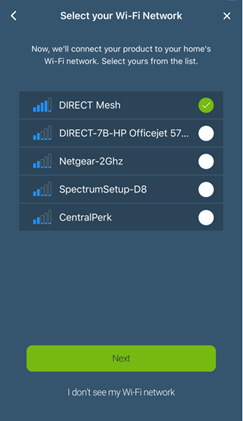
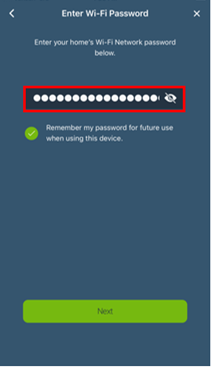
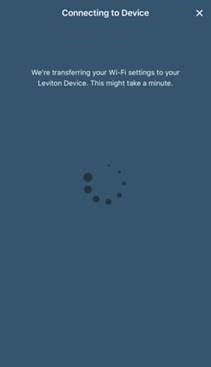
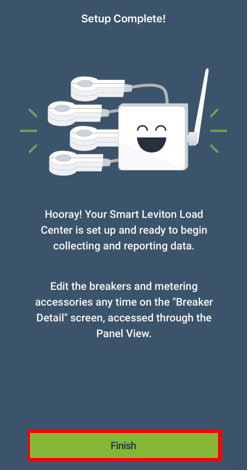
Each Leviton Smart Breaker has a built in radio that must be paired with the Leviton Smart Breaker Data Hub (LDATA). The LDATA is the 1st Gen hub designed for use with the 1st Gen Smart breakers. If you are using a Leviton Whole Home Energy Monitor (LWHEM) or 2nd Gen Smart Breakers with Remote Control please read articles:
- Which Smart Breakers Are Compatible With The LDATA and LWHEM?
- Add a Leviton Whole House Energy Monitor (LWHEM) and Smart Breakers To a Leviton Load Center.
If you will be installing more than one Leviton Load Center with Smart Breakers, please read the article below before proceeding:
Additionally, please follow the instruction sheets for the LDATA: Smart Breaker Data Hub and install the Smart Breakers prior to proceeding.
Preparing to Install an LDATA:
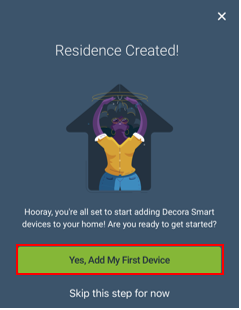
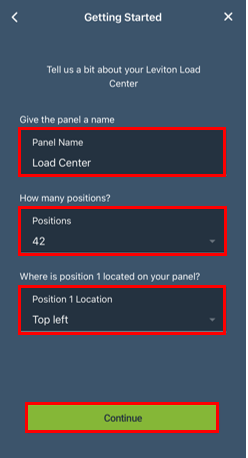
When no devices are currently enrolled, choose the 'Yes, Add My First Device' option.