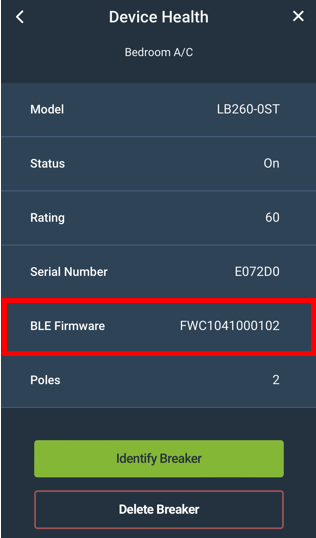
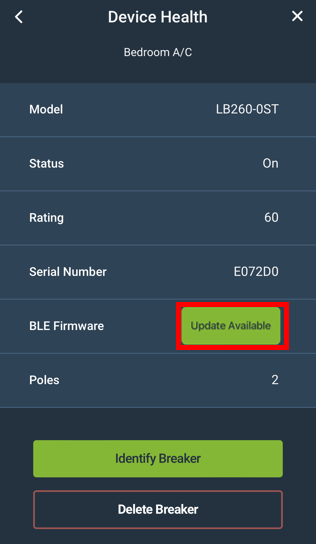
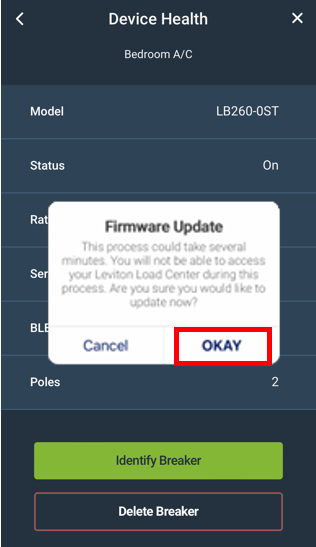
This article describes the process for updating firmware in 1st and 2nd Gen Smart Breakers installed in a Leviton Smart Load Center. All breaker updates are coordinated through the LWHEM or LDATA. To begin the process, follow the update process found in Checking and Updating Firmware on Decora Smart® Wi-Fi Devices. Once the LWHEM or LDATA is updated follow the instructions below to update breakers. Please note that breaker updates do not occur often and new breaker firmware does not occur with every LWHEM or LDATA update.
Updating Individual Circuit Breakers
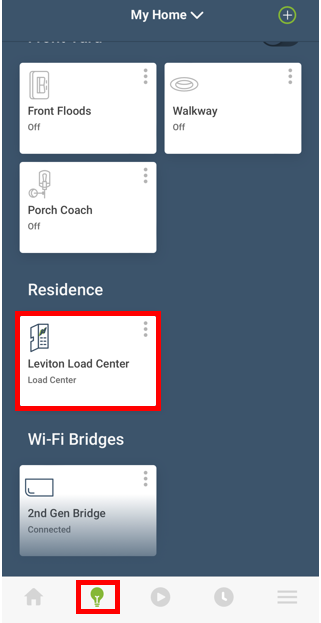
- From the Device Screen (Lightbulb Icon) scroll to the bottom and choose the Load Center Icon