Updating Firmware on a Decora Smart Wi-Fi Device
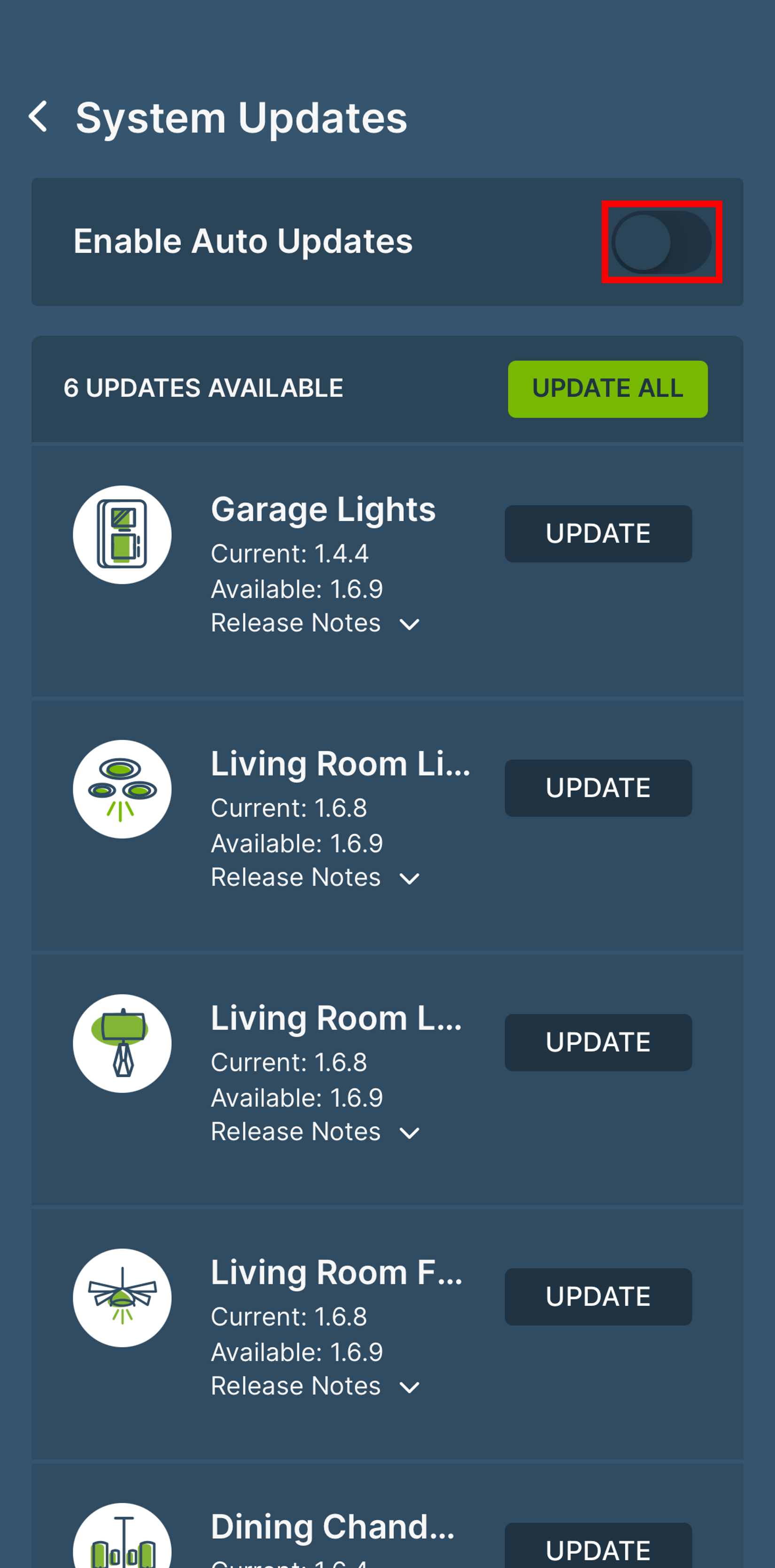
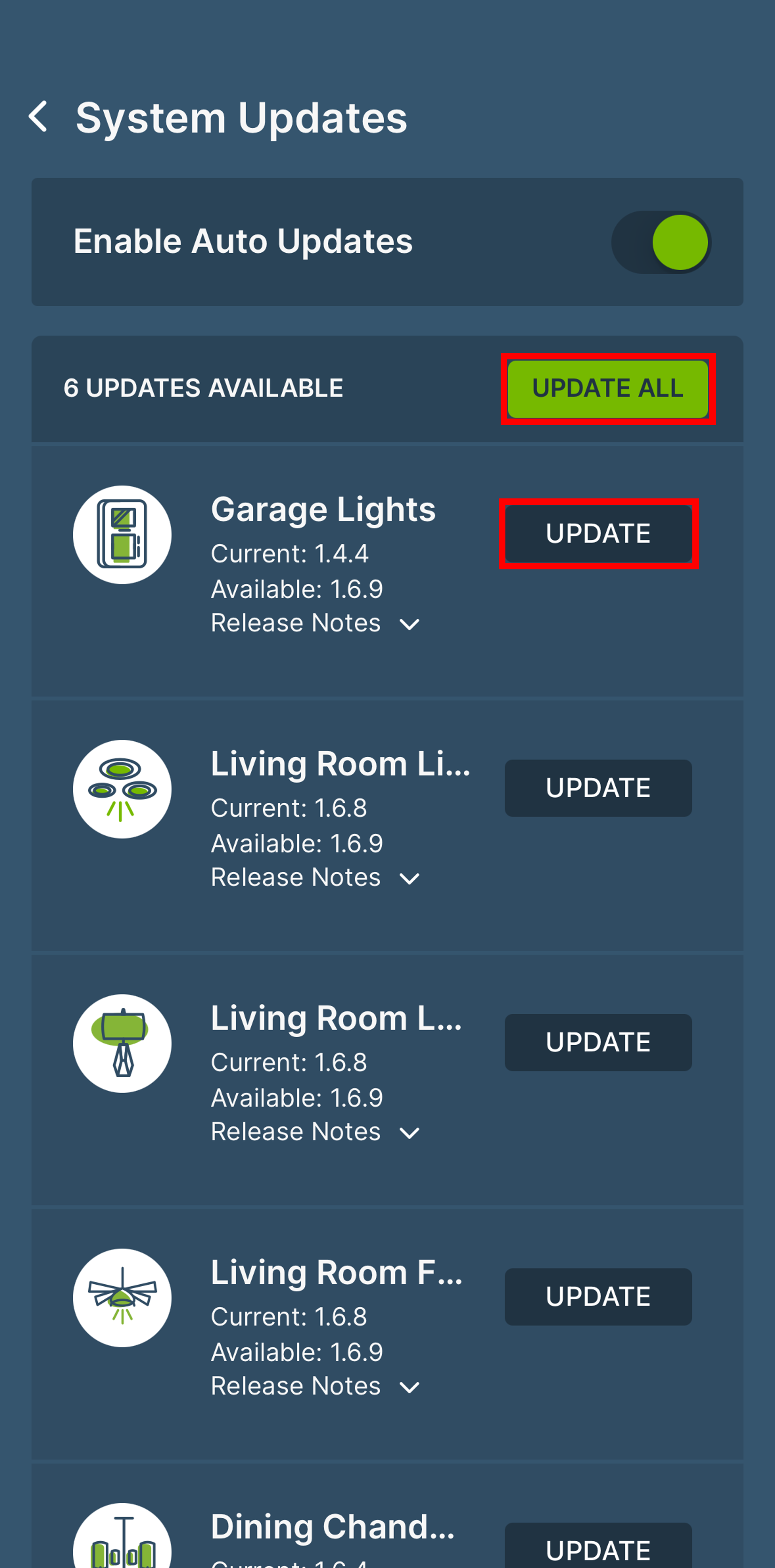
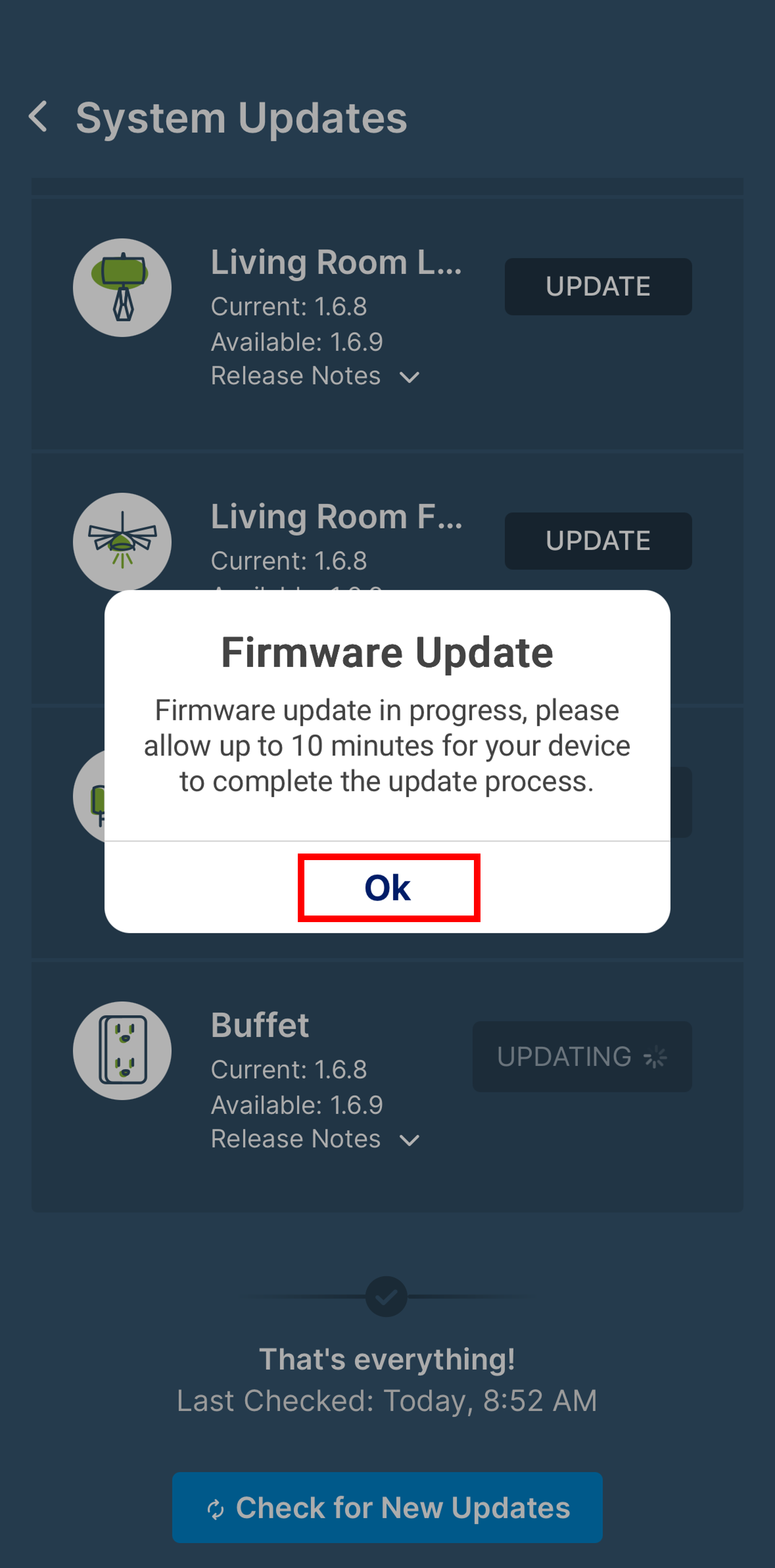
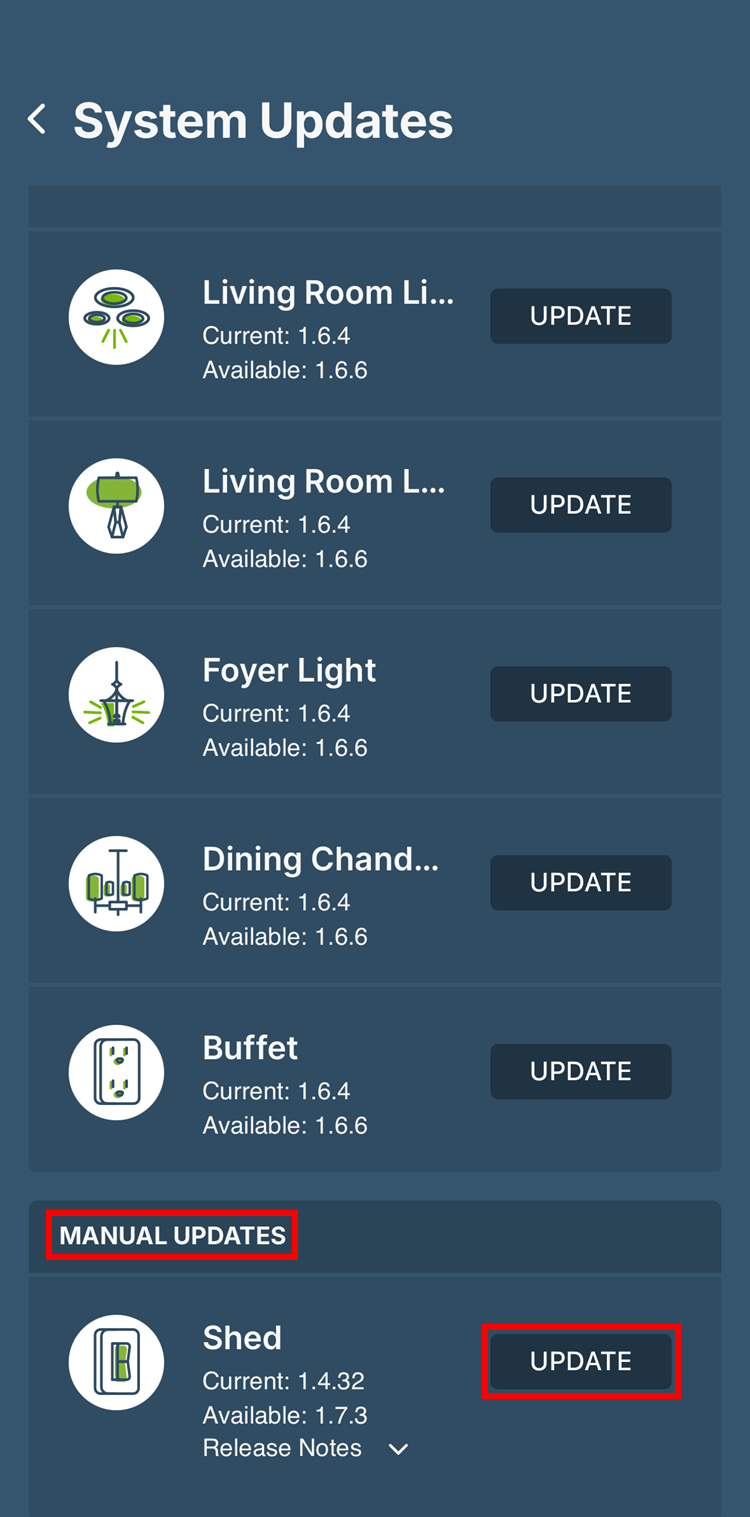
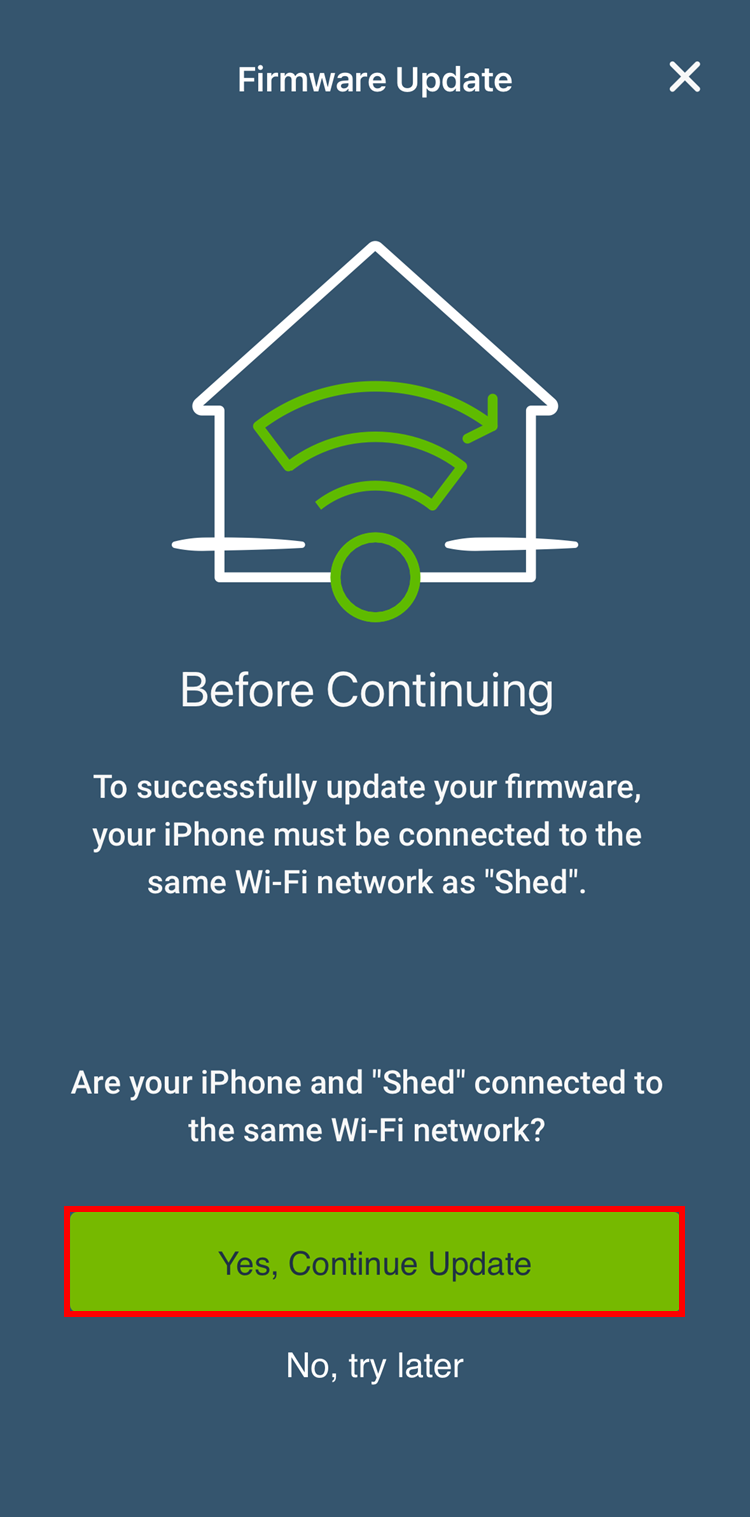
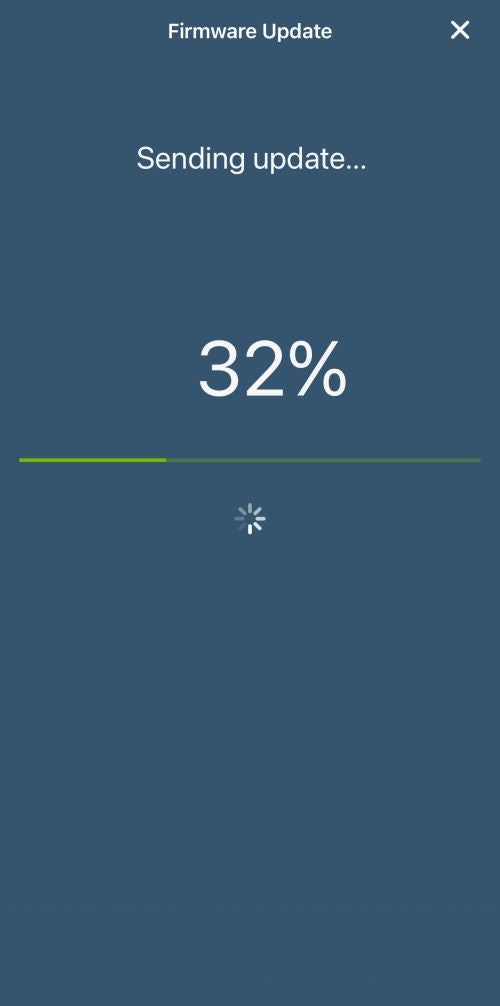
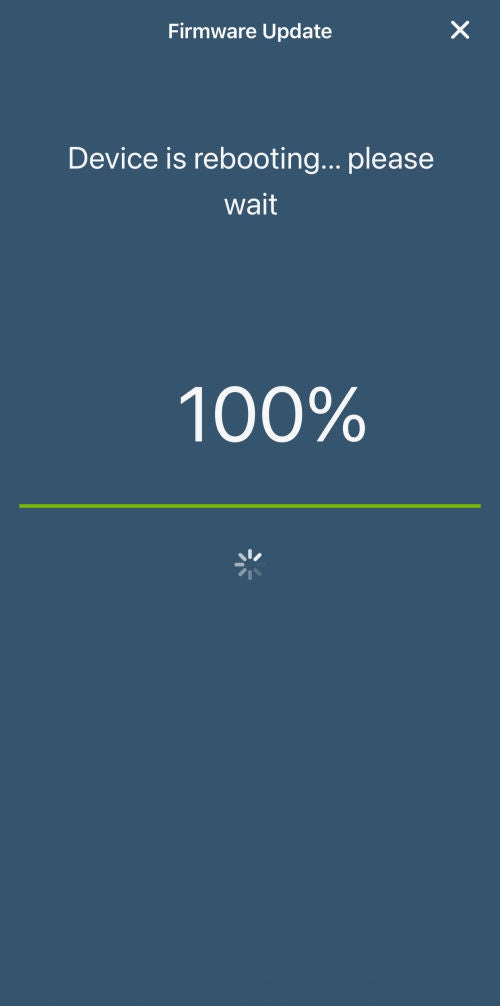
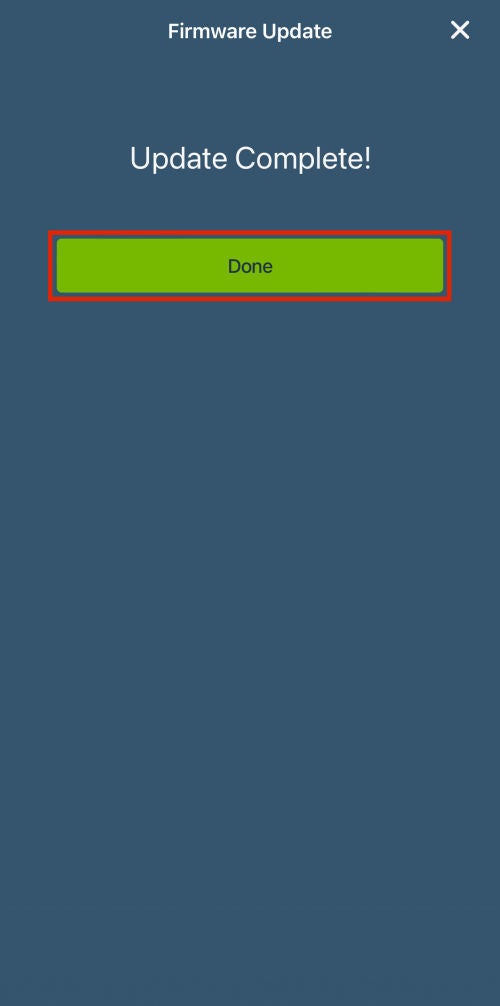
Firmware is used to improve performance and add features to your Decora Smart Wi-Fi device. The app keeps track of each device and will prompt you when an update is available. Depending on the age of your Decora Smart Wi-Fi device and the current firmware, the update may follow one of two possible procedures.
Is an Update available?
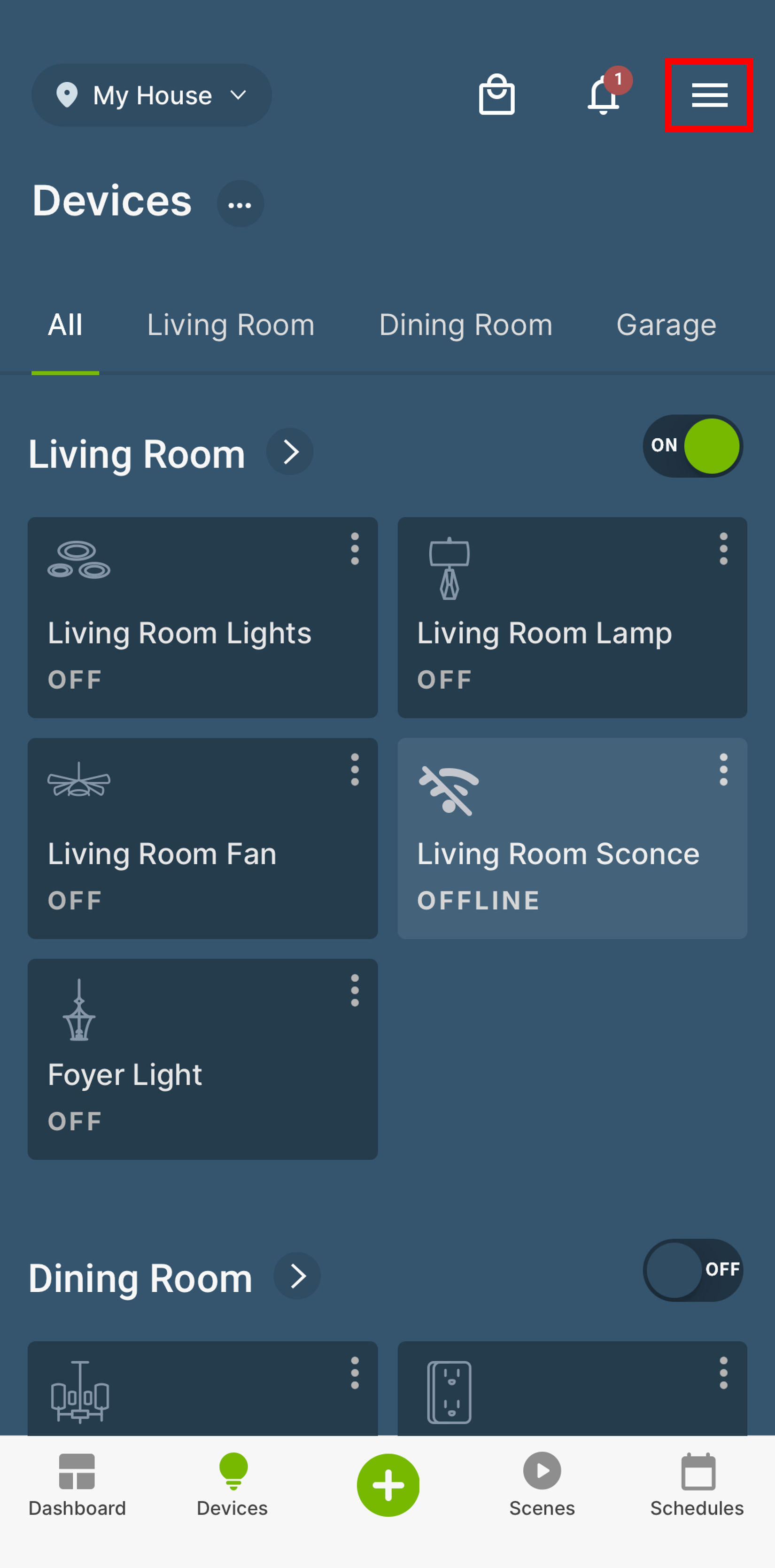
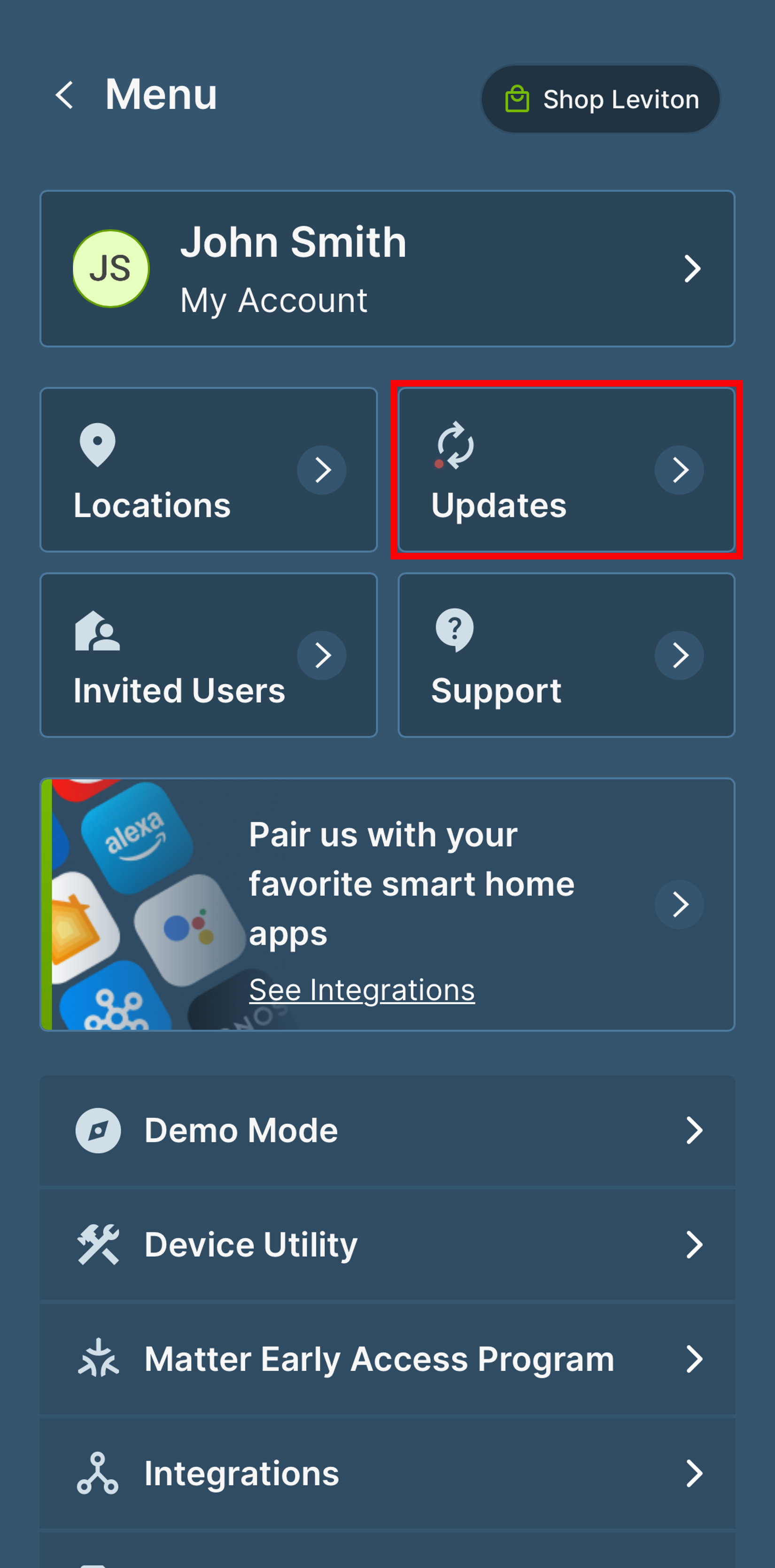
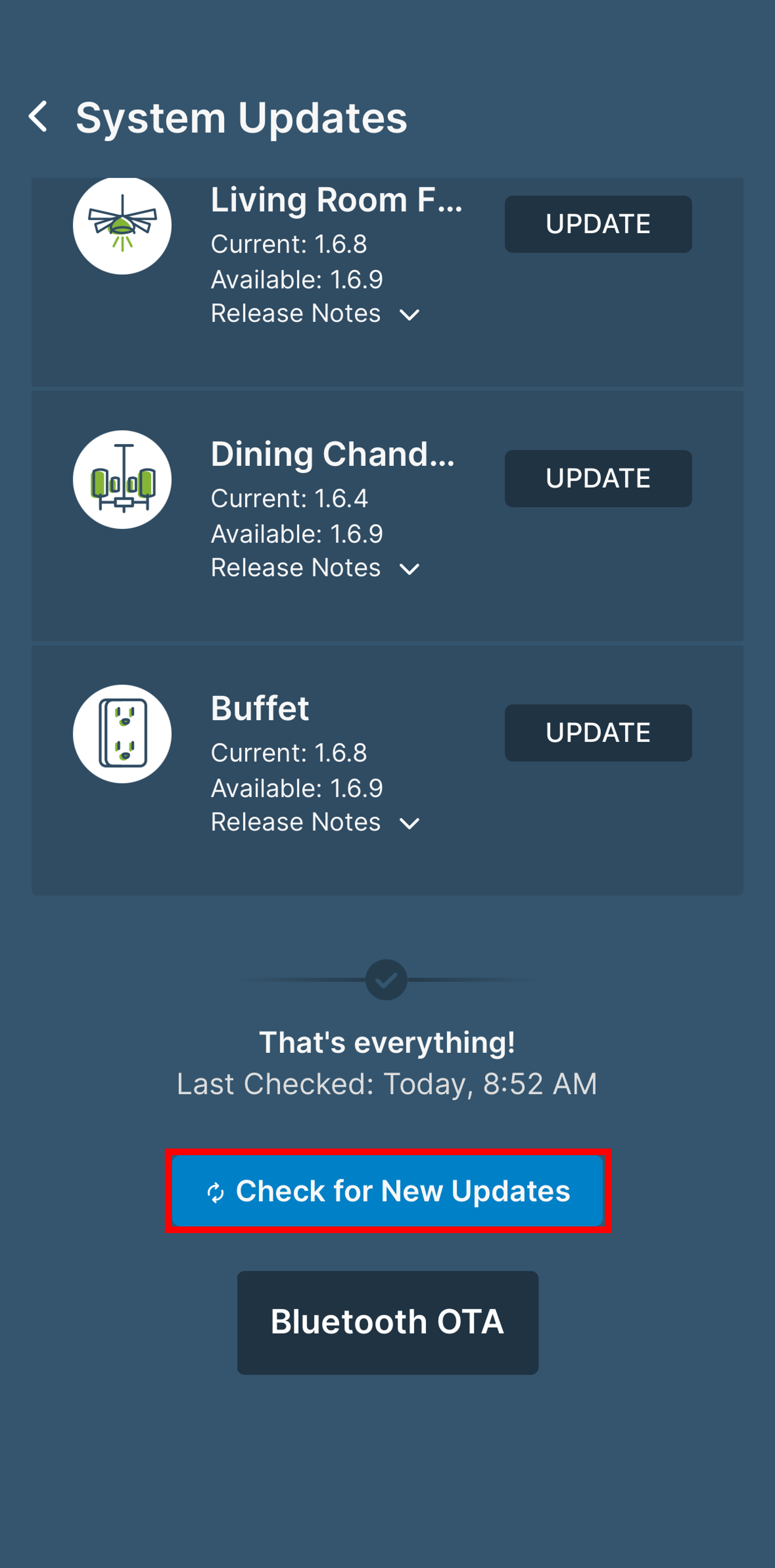
To check if there is a firmware update available, tap the Menu icon (≡) in the upper right corner of the My Leviton devices screen.