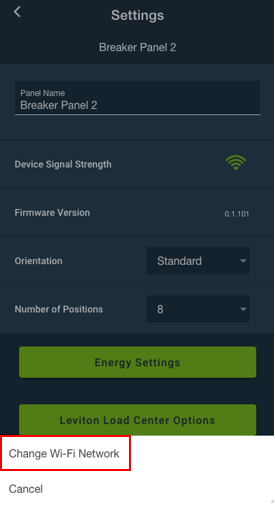
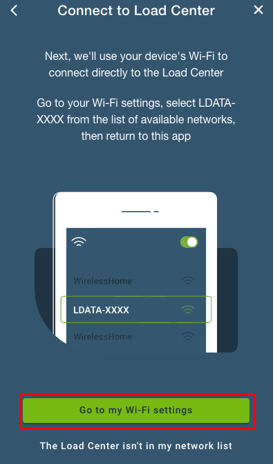
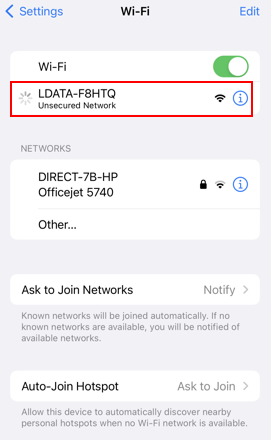
If you are installing a new Wi-Fi network with the same SSID (network name) and password your LDATA will use the new network after a restart. If you are changing the SSID or password you can follow the following procedure to update Wi-Fi credentials without defaulting the LDATA or repeating the breaker pairing process.
To update your LDATA Wi-Fi settings without resetting your LDATA you must first restart (power cycle) your LDATA and the original Wi-Fi network must not be available. Your mobile device running the My Leviton app must have access to the My Leviton cloud connected to a different Wi-Fi network or connect using a cell data connection.
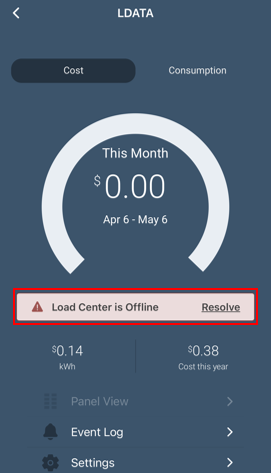
When the LDATA is rebooted without the Wi-Fi network available the My Leviton app will show the Load Center as offline: