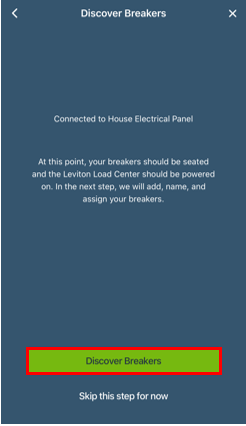
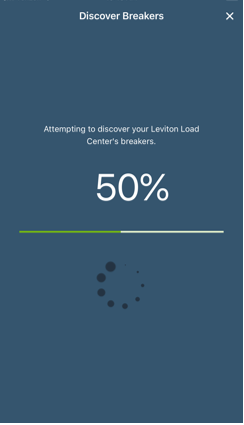
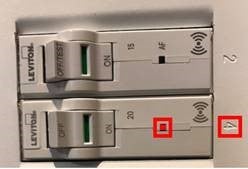
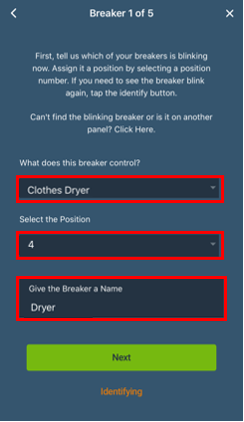
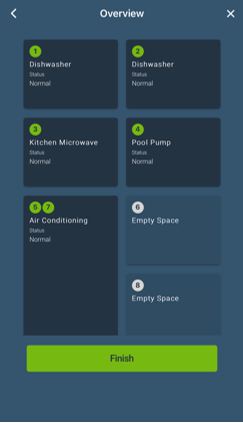
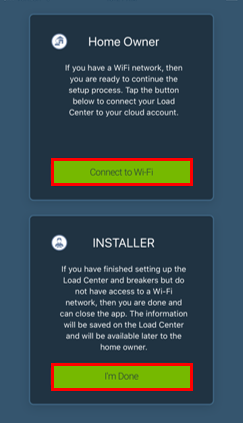
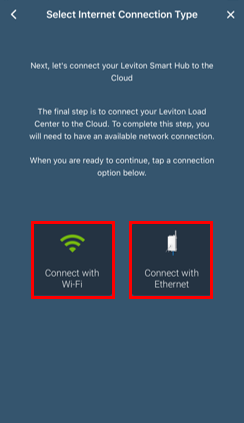
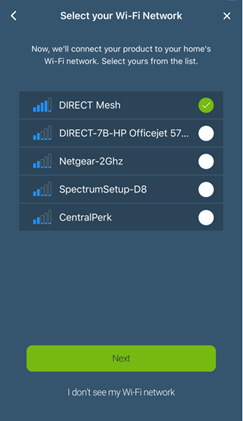
Each Leviton Smart Breaker has a built in radio that automatically pairs with an LDATA Smart Breaker Data Hub. This automatic enrollment makes setup quick and easy. When multiple electrical panels with Smart Breakers are installed it is recommended to power only 1 panel at a time. Power the panel with the home Wi-Fi first and enroll all of the Smart Breakers. Note turning off a Smart Breaker is not sufficient to prevent enrollment to the wrong hub, a breaker can communicate even when the breaker is in the off position. The second panel must be turned off via the panel main breaker.
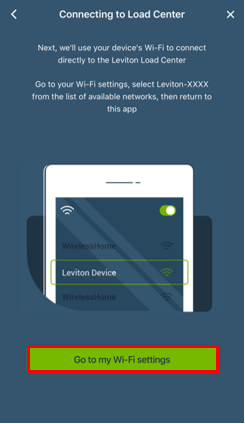
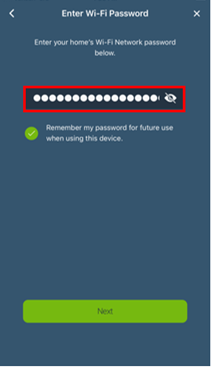
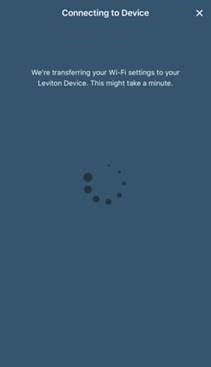
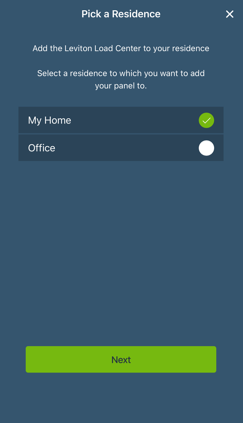
With the Leviton Load Center and LDATA powered on proceed to the My Leviton App.
Preparing to Add a Device:
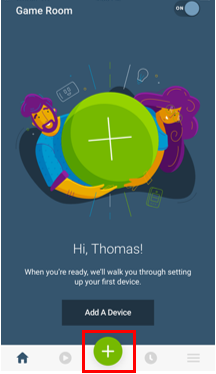
When no devices are currently enrolled, choose the Add a Device Now option.
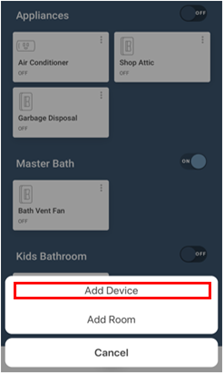
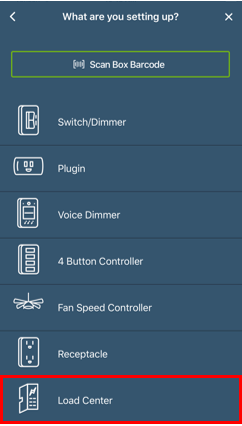
Note: If a device has been previously enrolled, it will be shown in the app. Choose the + button in the bottom center, select Add Device, and advance to Step 1.