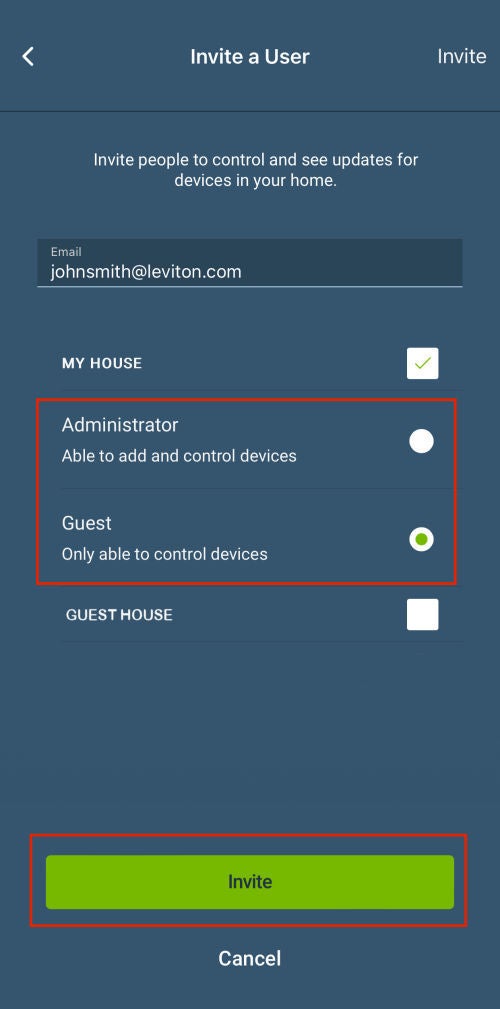
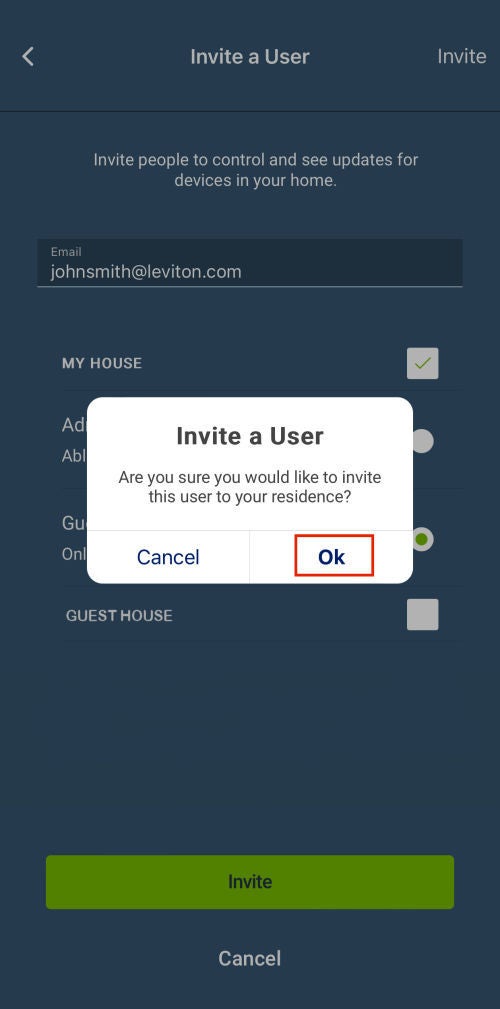
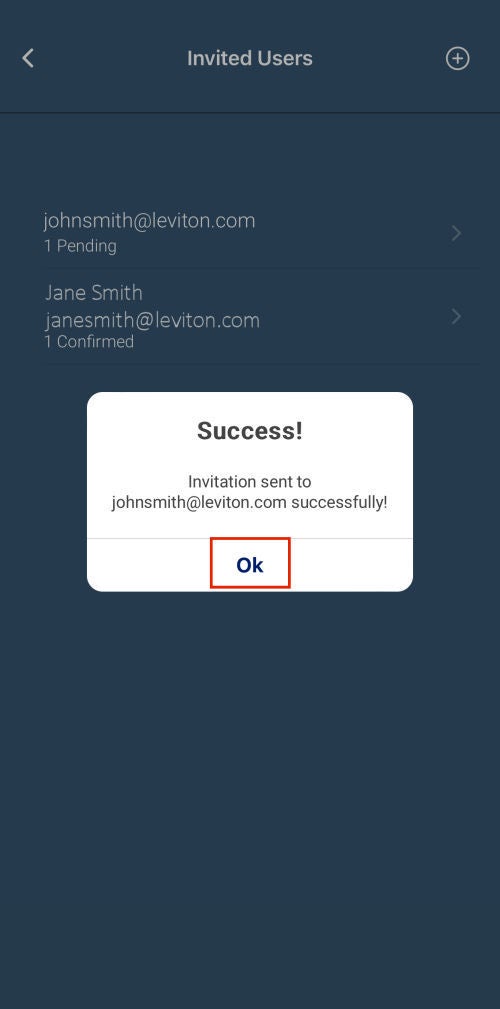
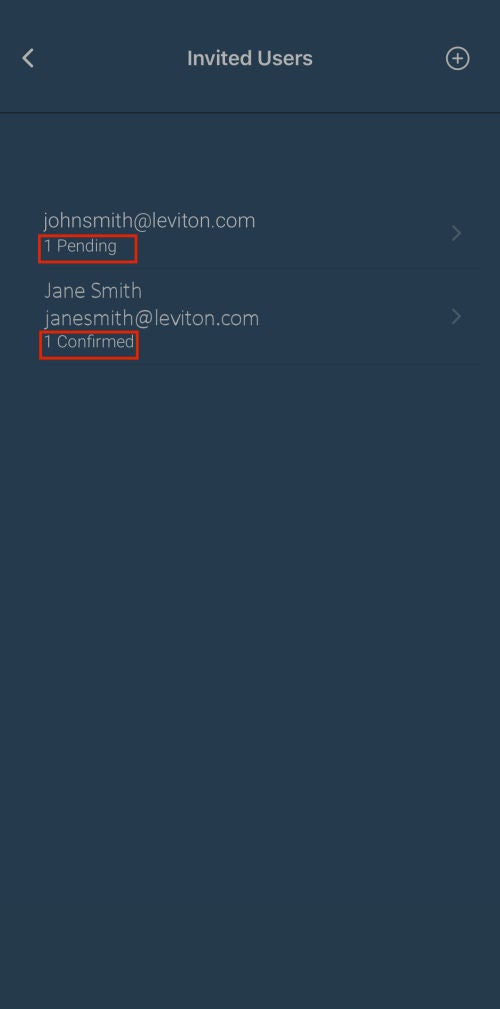
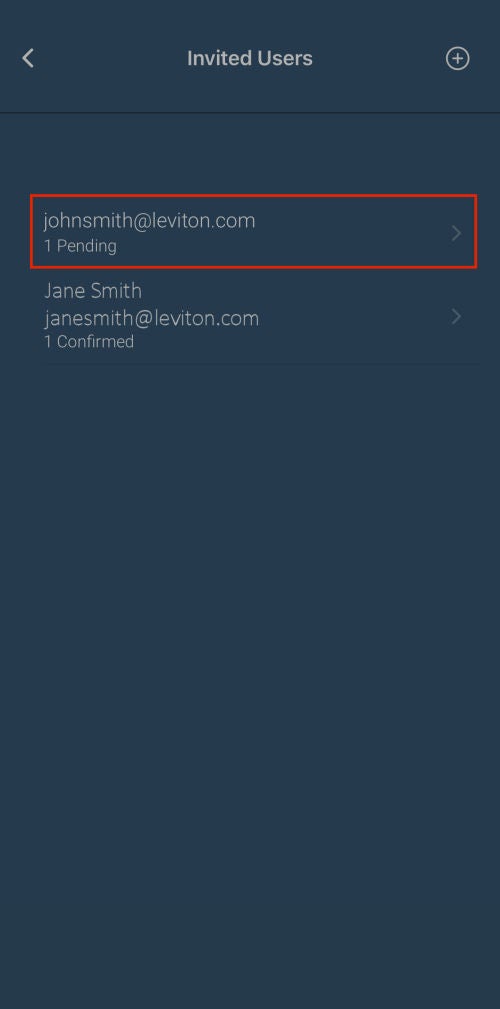
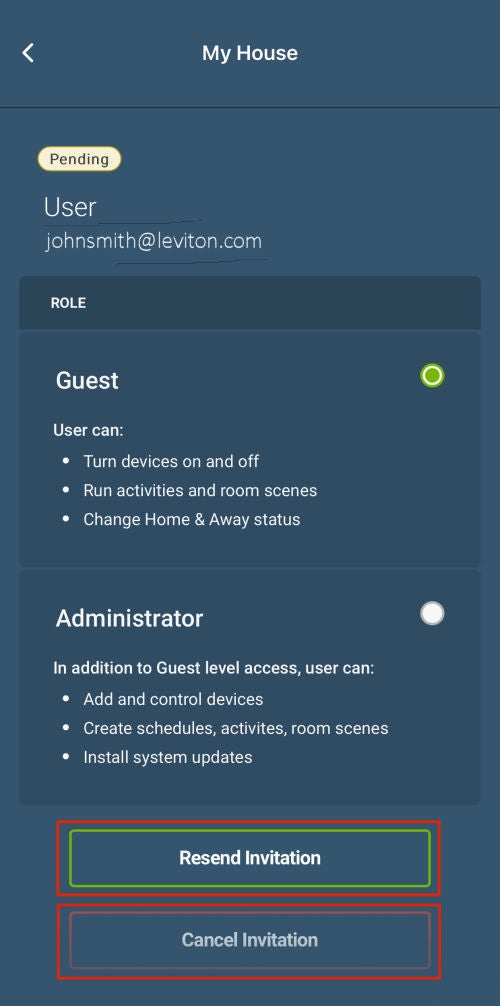
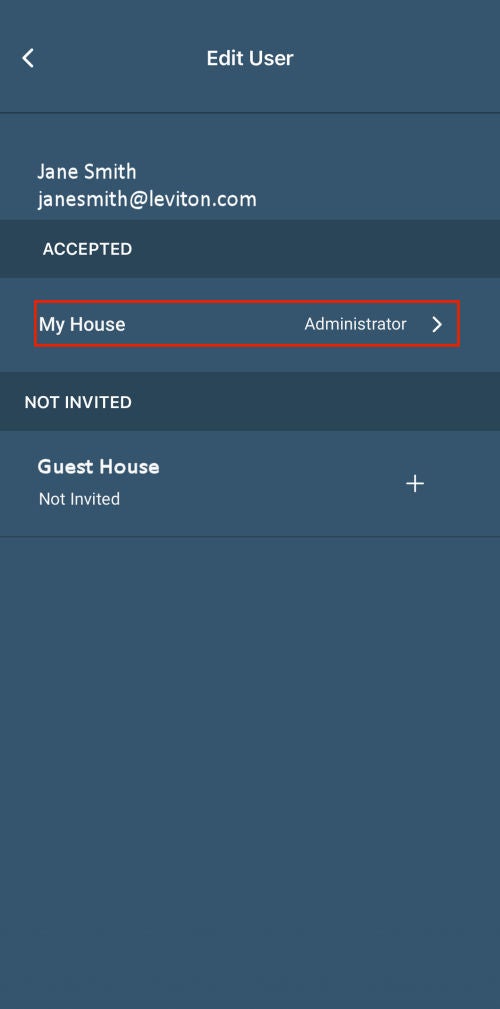
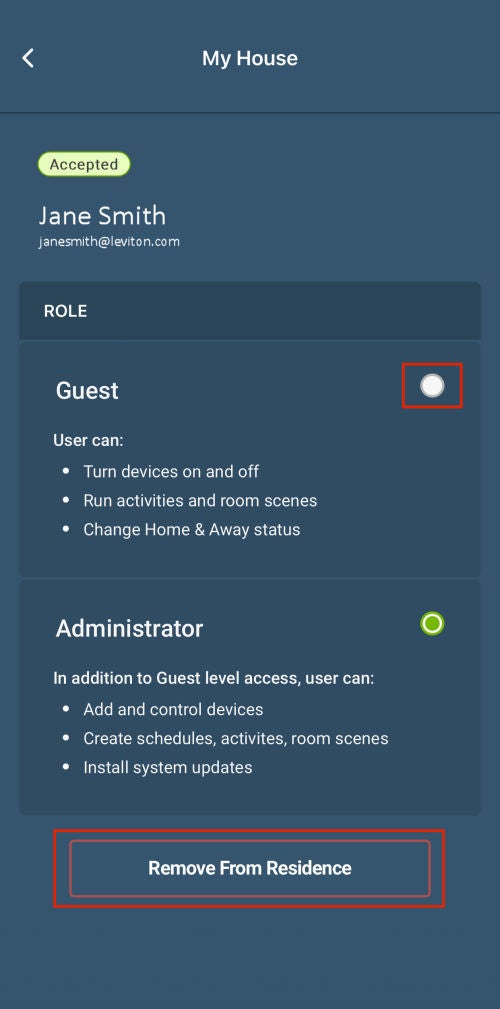
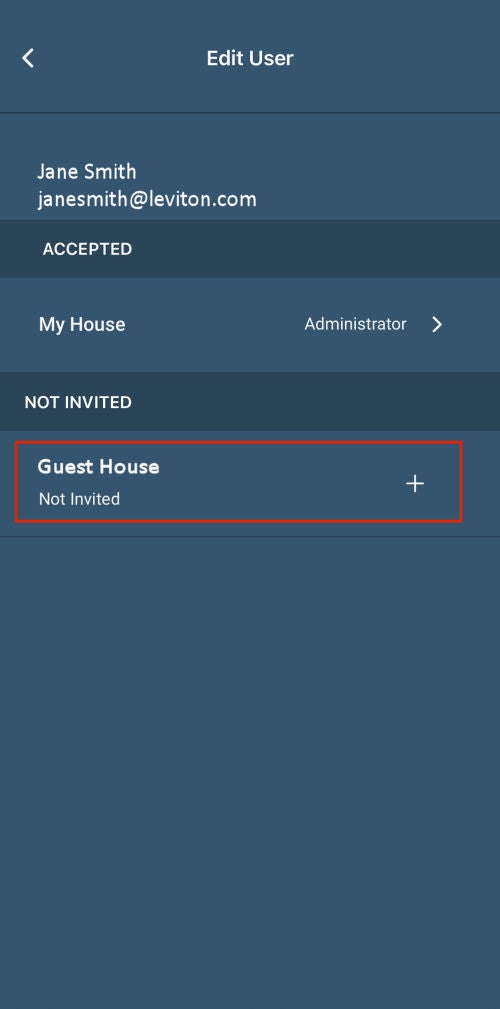
Absolutely! In the My Leviton app, you can invite up to 19 additional users to operate the Decora Smart devices in your Residence. They can be added as a Guest or an Administrator.
A Guest can turn devices on and off, run activities and room scenes, and change the mode between Home/Away. A Guest cannot add or remove devices, users, schedules, activities, room scenes, and cannot install System Updates.
An Administrator can turn devices on and off, run activities and room scenes, change the mode between Home/Away, add devices, add schedules, add activities, add room scenes, and can install System Updates. An Administrator cannot add guests or remove guests, devices, schedules, activities, or room scenes.
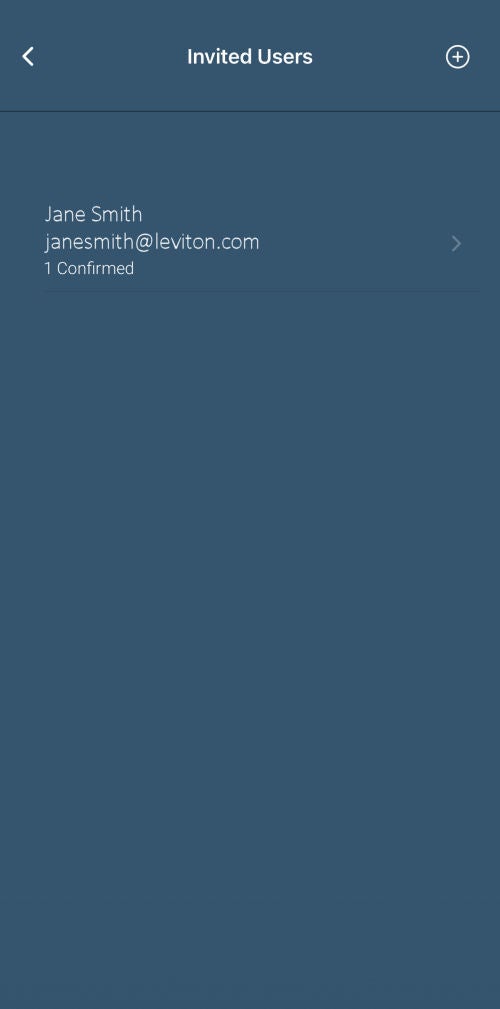
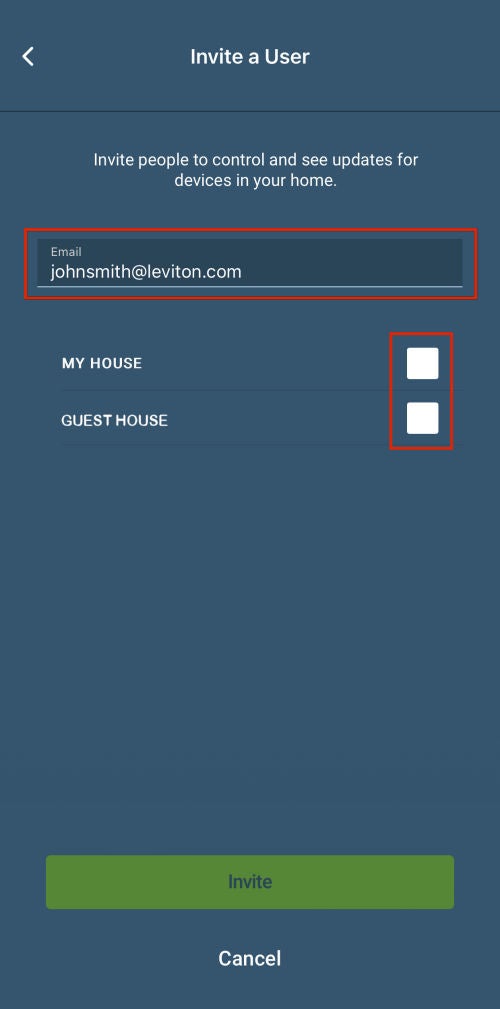
Inviting a User
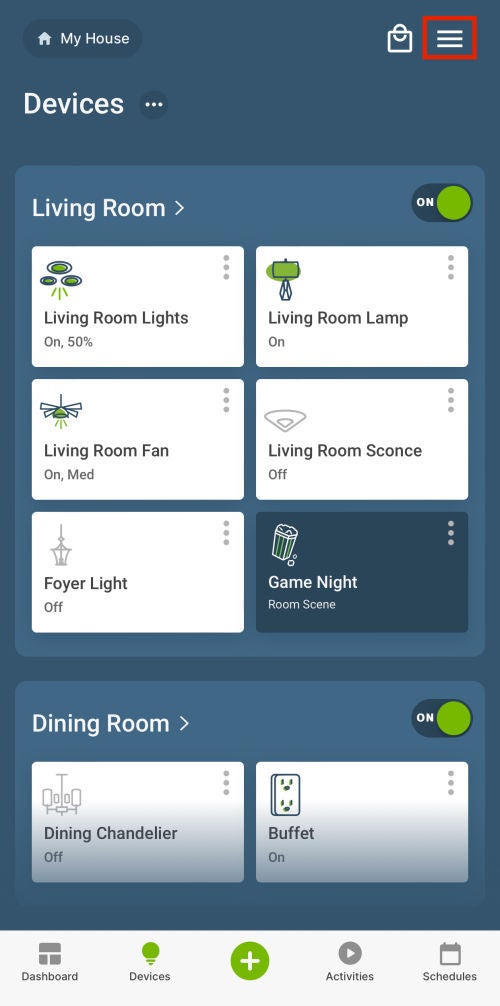
To invite Users, select the menu icon [≡] in the upper right corner of the screen.
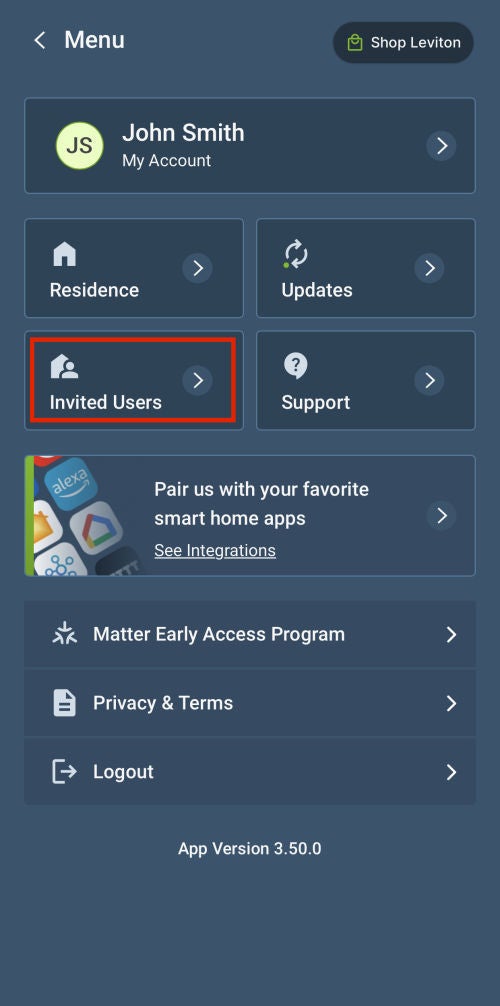
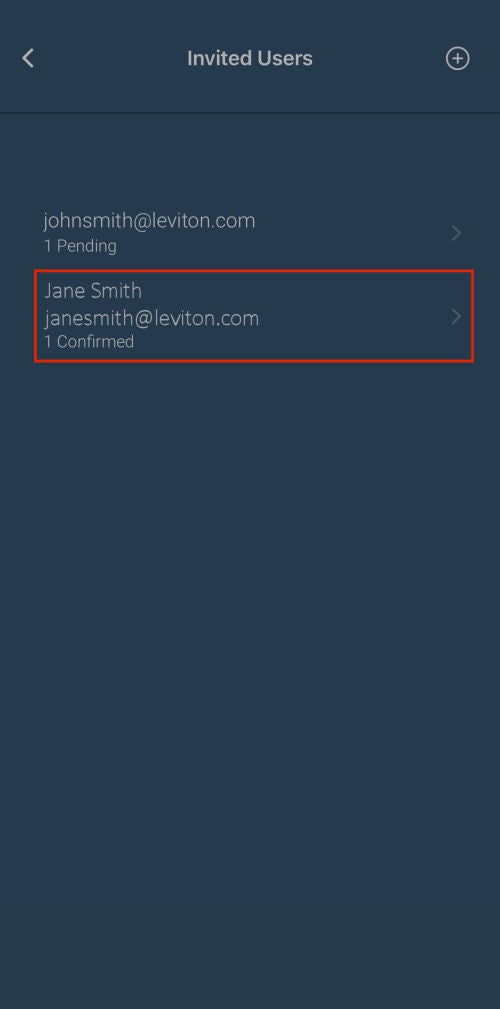
From the menu, select Invited Users.