For installations that require multiple MLWSB Decora Smart Wi-Fi Bridges, you will need to enroll the bridges into your My Leviton account prior to adding the DN No-Neutral switches and dimmers. See the article How Many Devices Can I Connect To A MLWSB And What Is The Wireless Coverage Area? If you are adding new DN No-Neutral devices you may want to update an existing connection to improve performance.
- Add all MLWSB Decora Smart Wi-Fi Bridges using the article Add a Decora Smart® No-Neutral Device to the My Leviton App
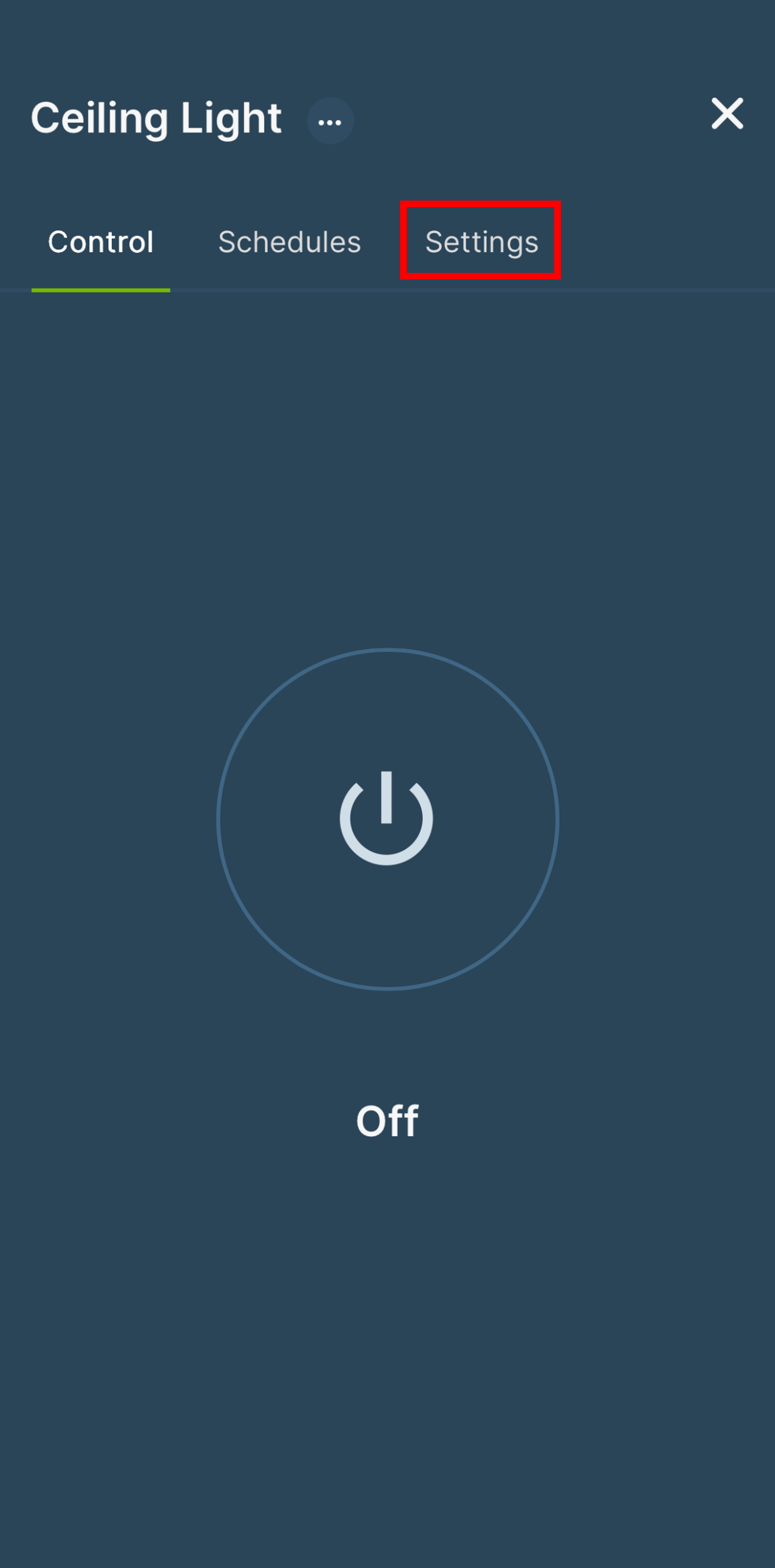
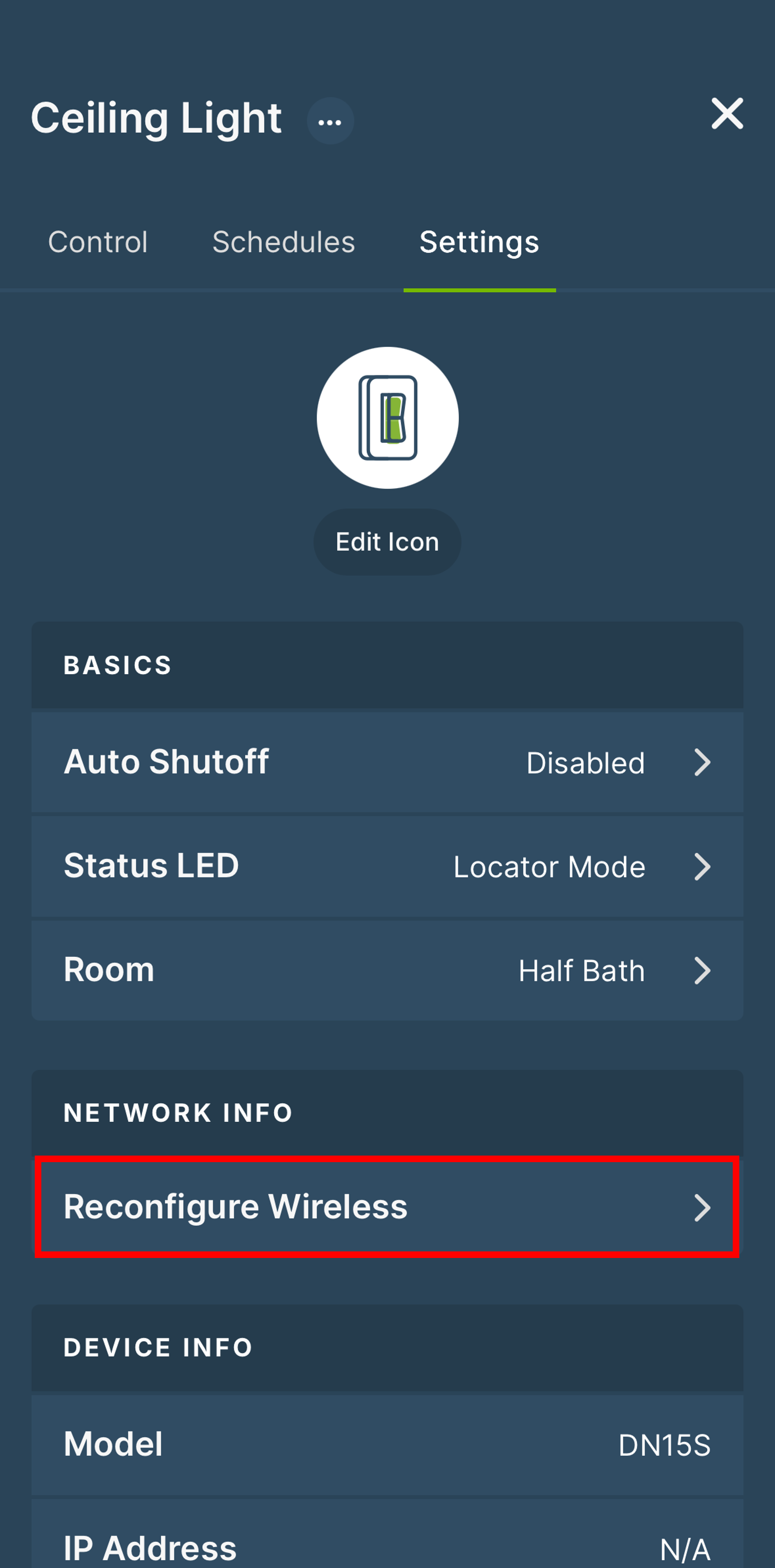
- If you have a previously installed DN device that may benefit from a newly added MLWSB Decora Smart Wi-Fi Bridge, use the Reconfigure Wireless procedure
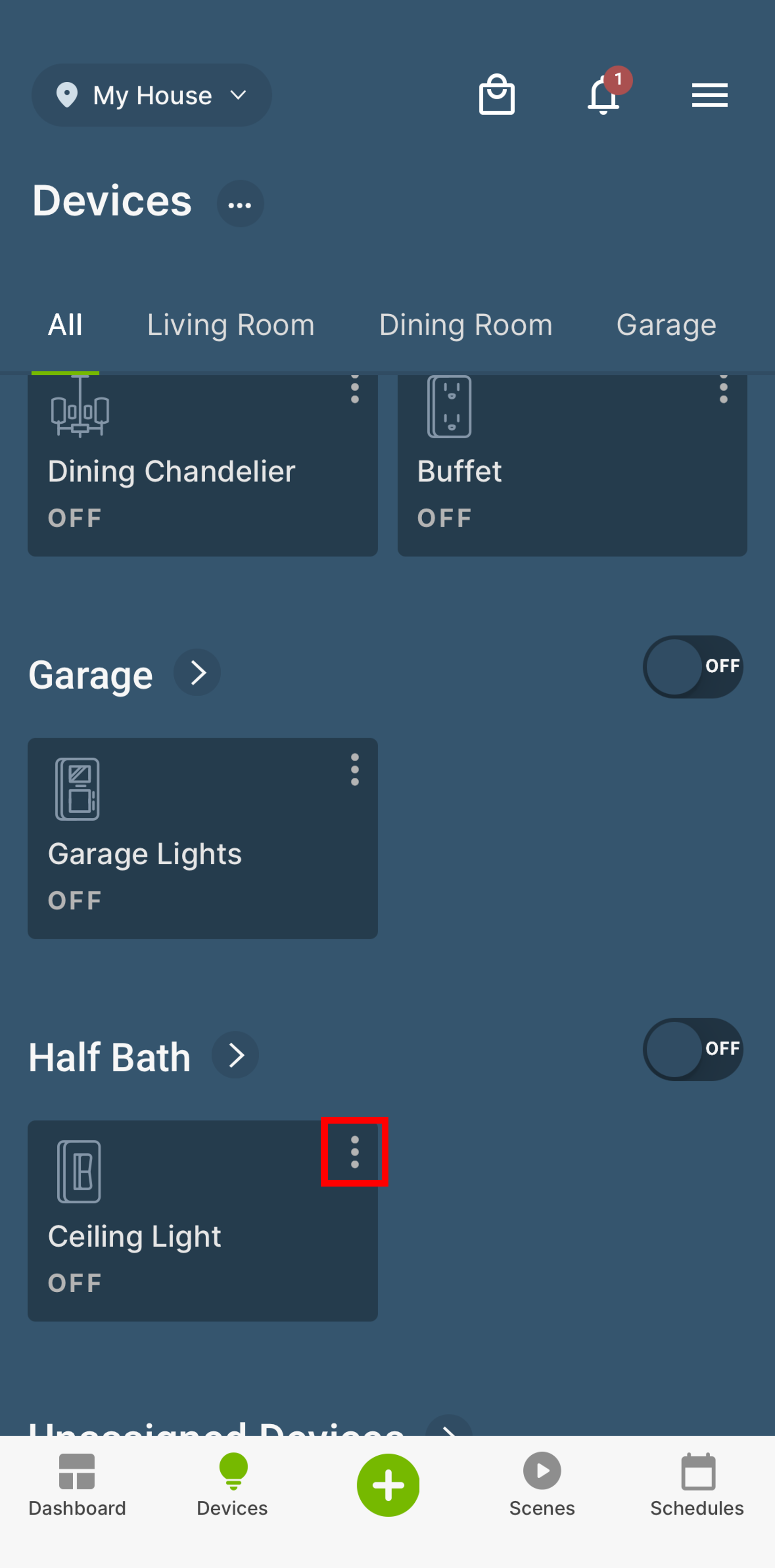
- Press the 3 Dots in the upper corner of the DN Dimmer or Switch