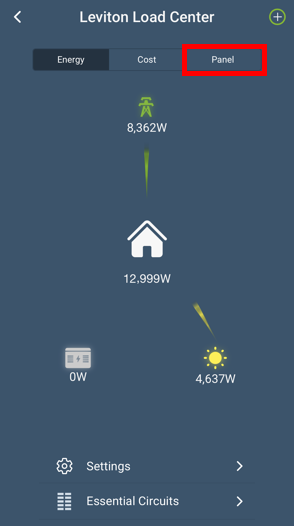
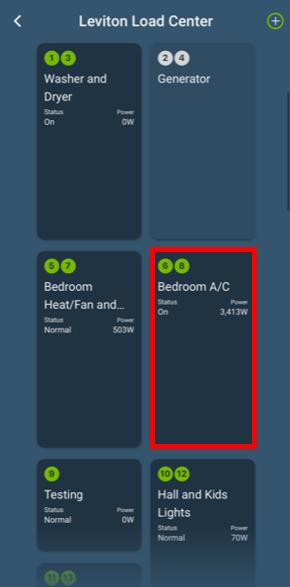
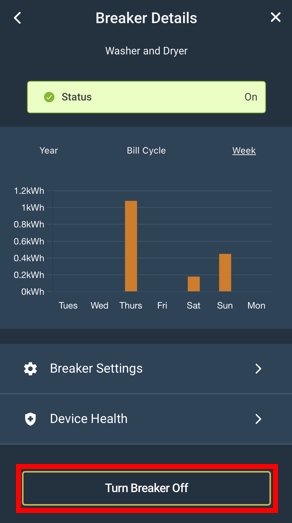
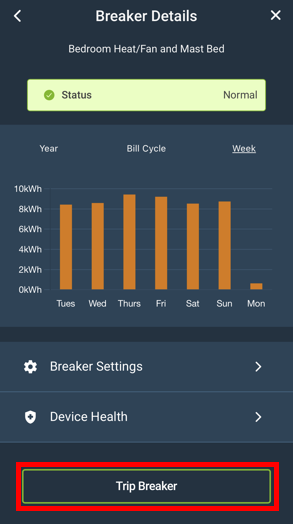
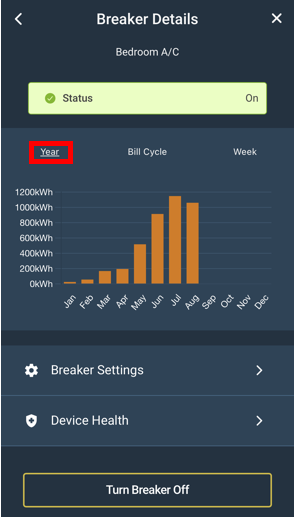
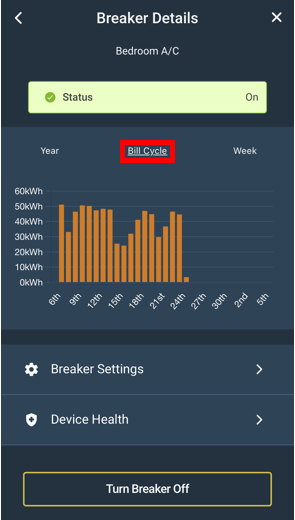
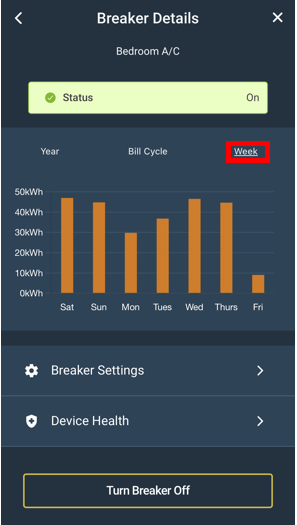
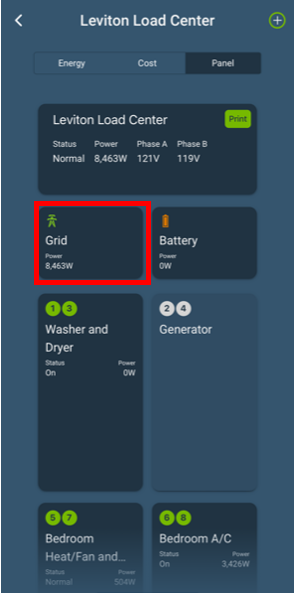
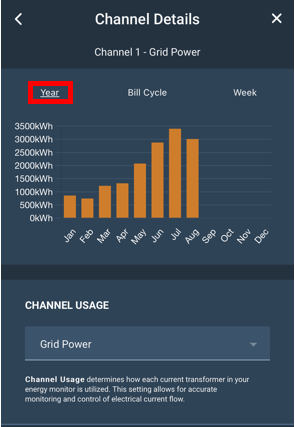
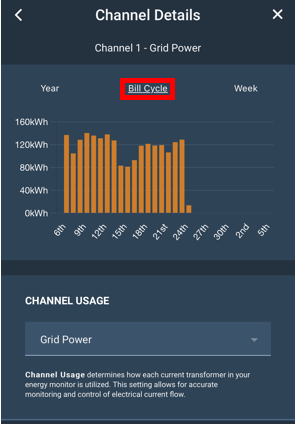
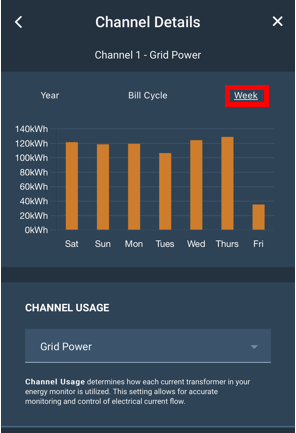
The My Leviton app gives homeowners the ability to manage their home’s energy usage and monitor the Leviton Smart Load Center through their smartphones, tablets or desktops. After establishing overall energy goals, it is useful to view each Smart Breaker's historical consumption information. This information can be found in the Panel View.
The LWHEM Whole Home Energy View:
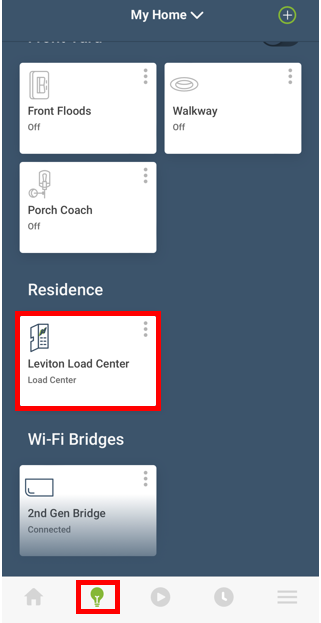
- From the Device Screen (Lightbulb Icon) scroll to the bottom and choose the Load Center Icon