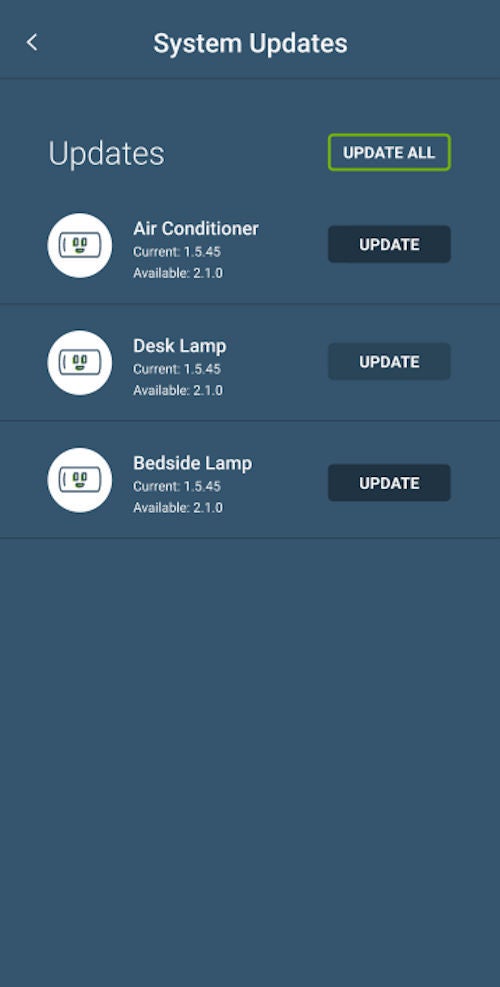
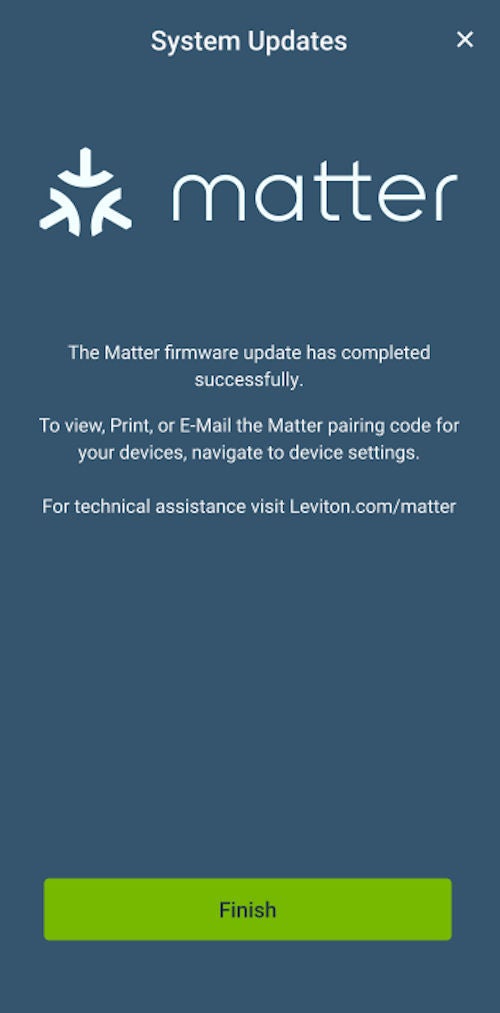
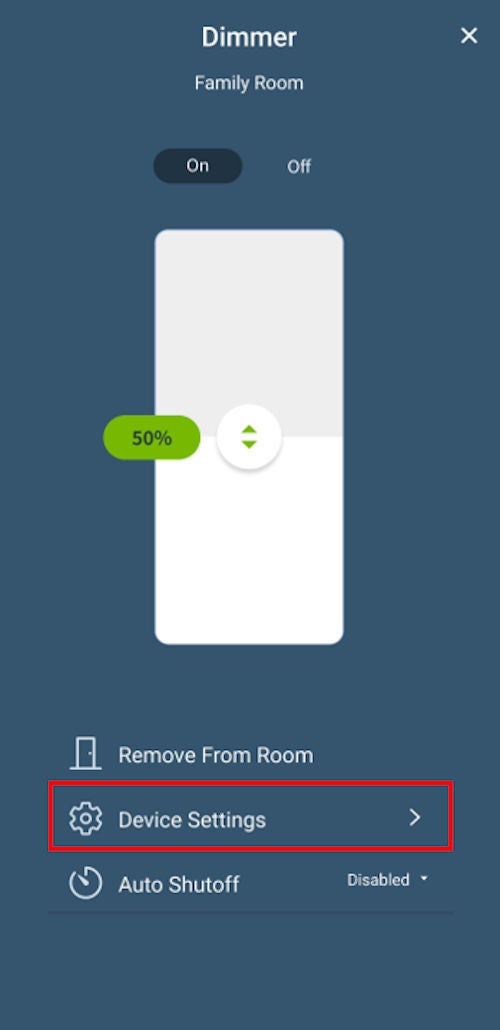
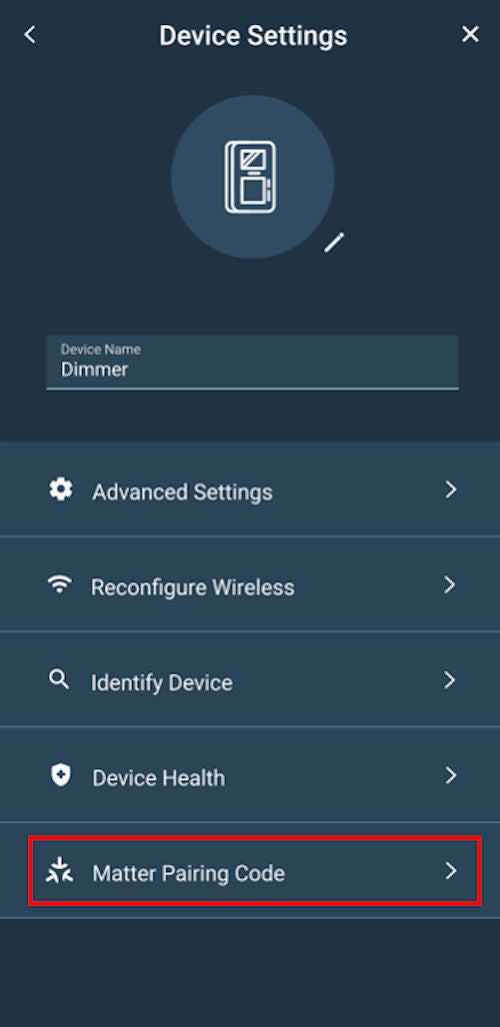
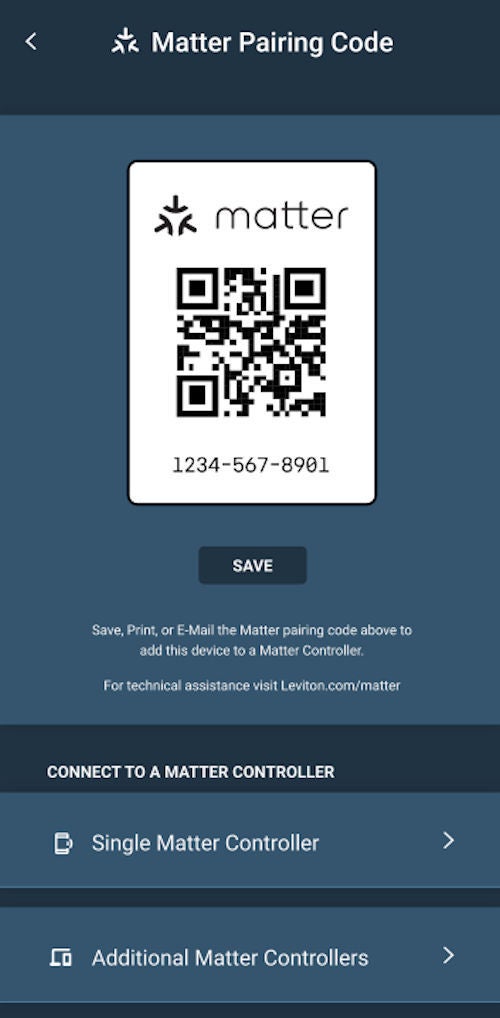
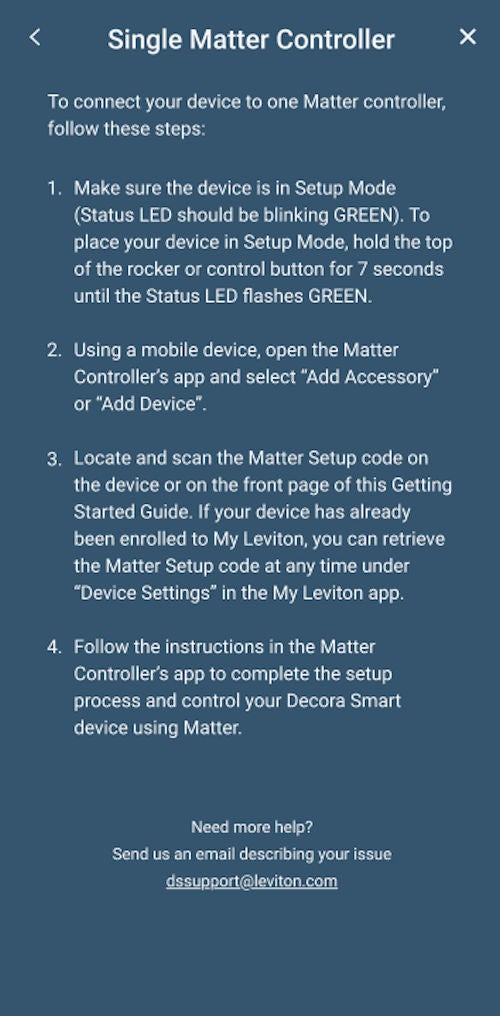
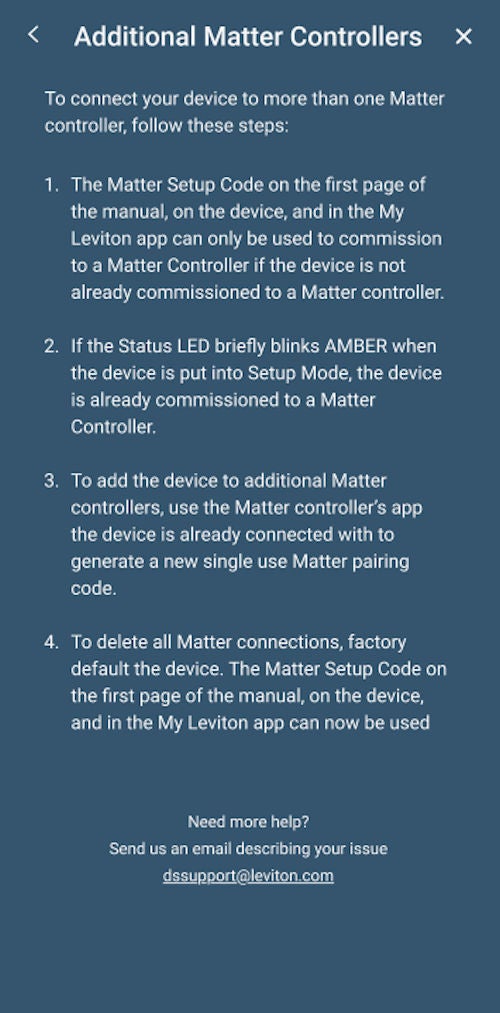
The firmware for a Decora Smart Wi-Fi 2nd Gen D26HD Dimmer, D215S Switch, D215P Mini Plug-In Switch, and D23LP Mini Plug-In Dimmer can now be updated to enable Matter compatibility. Additional Decora Smart Wi-Fi 2nd Gen devices are planned for future updates.
Adding Matter Support to your Decora Smart 2nd Gen Wi-Fi Device:
The update instructions below will guide you through the firmware update process, including how to view your Matter QR pairing code using the My Leviton app. Once the update is complete, your device will be able to be enrolled to any Matter-certified smart home platform including Amazon Alexa, Google Home, Apple Home, and Samsung SmartThings via a compatible Matter controller.
If you are using your Decora Smart Wi-Fi devices with Amazon Alexa, Google Home, SmartThings, IFTTT, August, or Schlage, updating your compatible Decora Smart Wi-Fi 2nd Gen devices to Matter will not impact your existing integrations. Once updated, you can retrieve your Matter pairing code at any time under “Device Settings” in the My Leviton app.
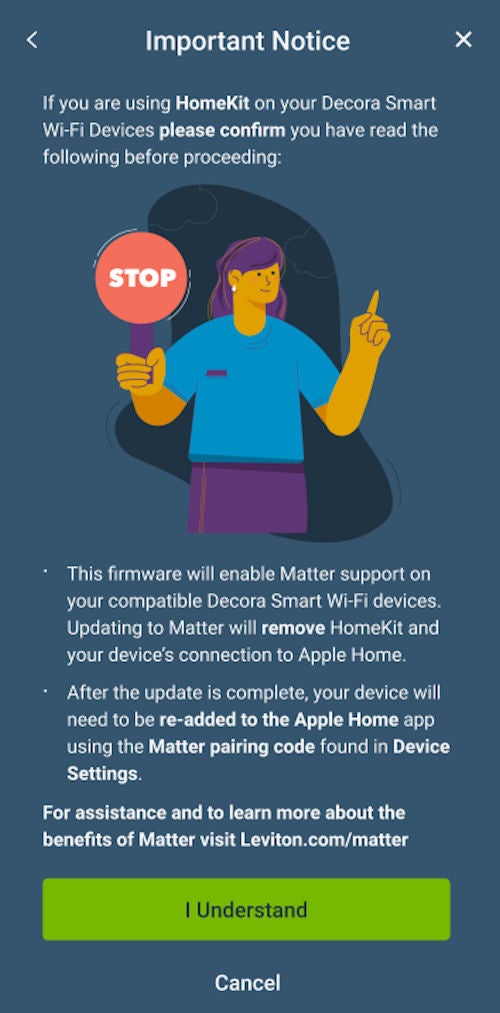
For Apple HomeKit users updating to Matter will remove your Decora Smart Wi-Fi device’s current connection to Apple HomeKit. After the update is complete, your device will need to be re-added to the Apple Home app using the Matter pairing code provided by the My Leviton app under device settings. Controlling Matter accessories with the Apple Home App and Siri requires an Apple Home hub such as a HomePod or Apple TV running the latest software.
Important Note:
Enrollment in Leviton’s Matter Early Access Program requires a My Leviton account. If you do not have a My Leviton account, please create one before proceeding. How to Create a My Leviton Account and Residence
This article assumes your Decora Smart Wi-Fi 2nd Gen device is already connected to the My Leviton app. To connect your device, please follow the article: Add a 2nd Gen Wi-Fi Decora Smart® Wi-Fi Device to the My Leviton App
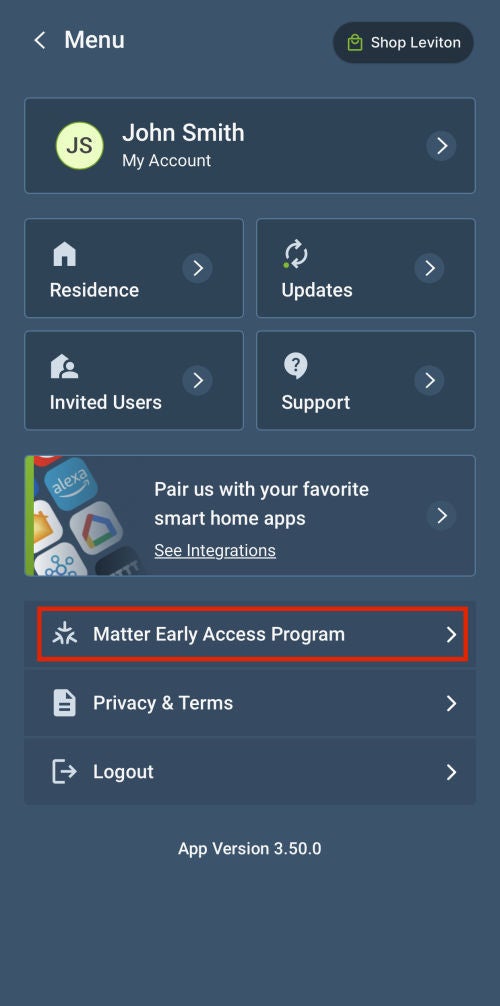
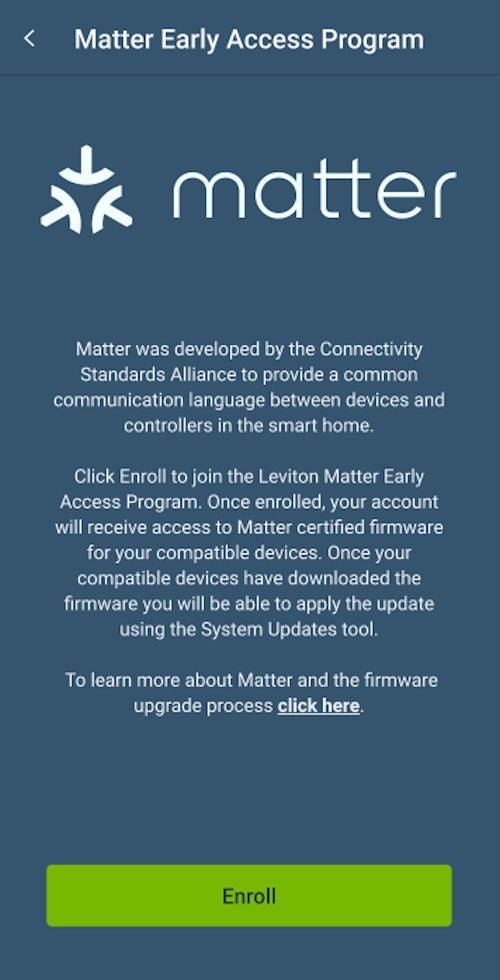
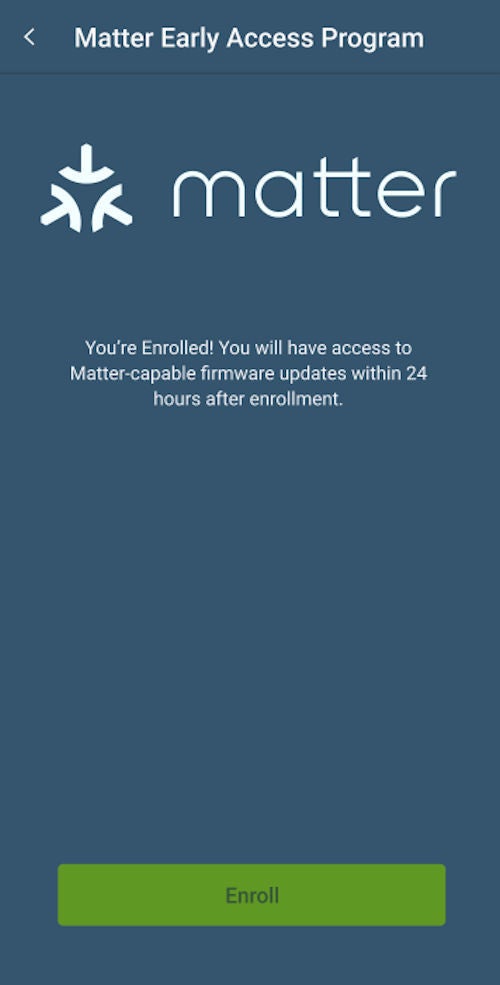
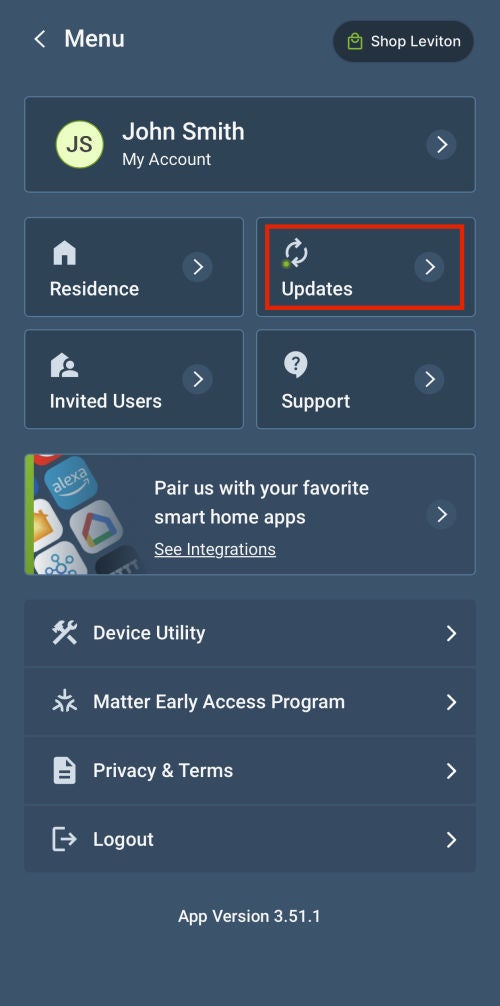
Enrolling in Leviton’s Matter Early Access Program
To enroll into the Matter Early Access Program:
1. Update your My Leviton app to the latest version (3.32.1 or later).
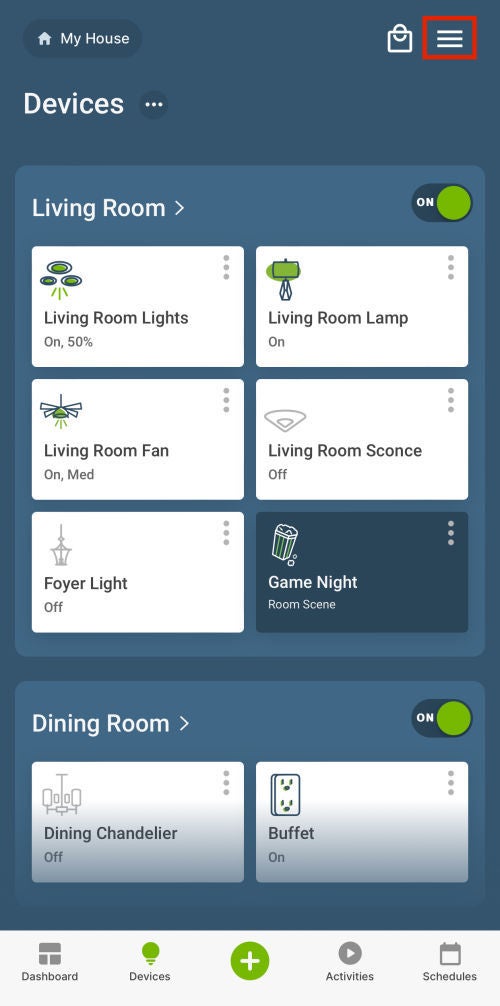
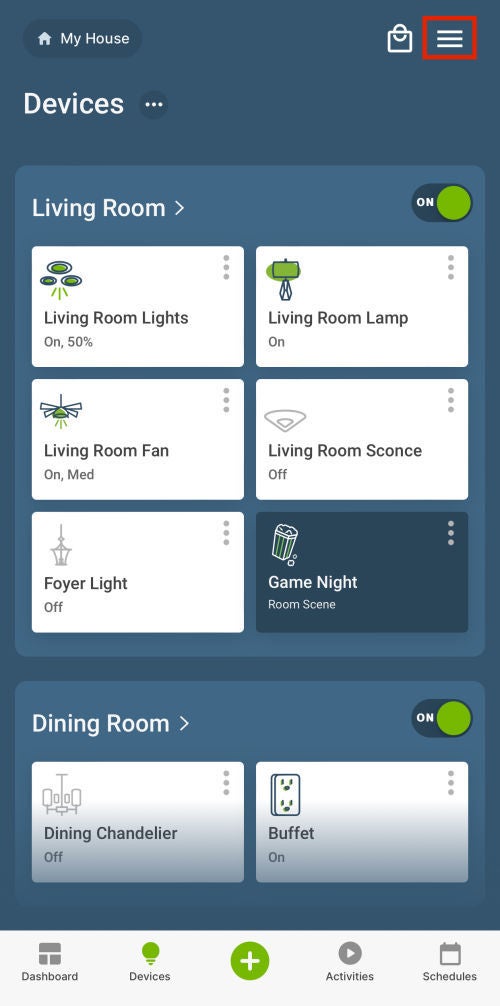
2. Login to the My Leviton app and select the Menu icon (≡) in the upper right-hand corner.