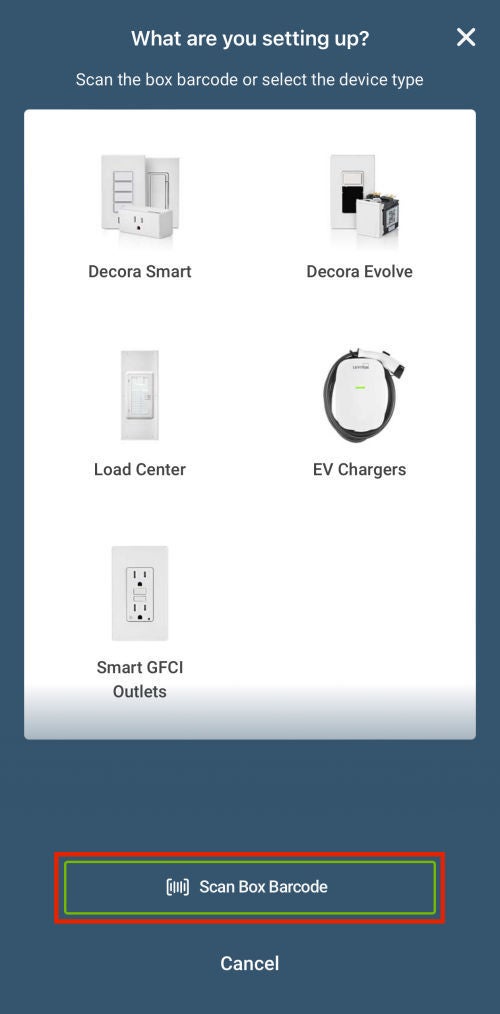
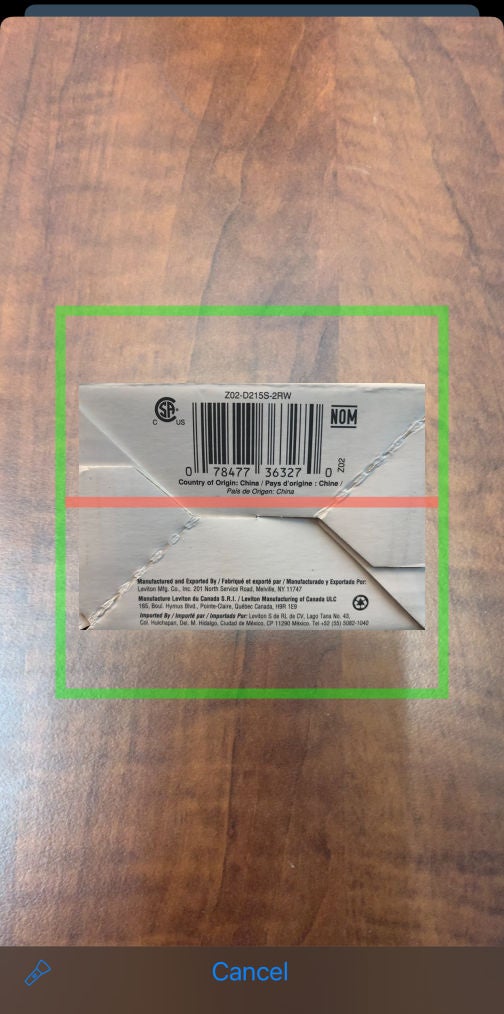
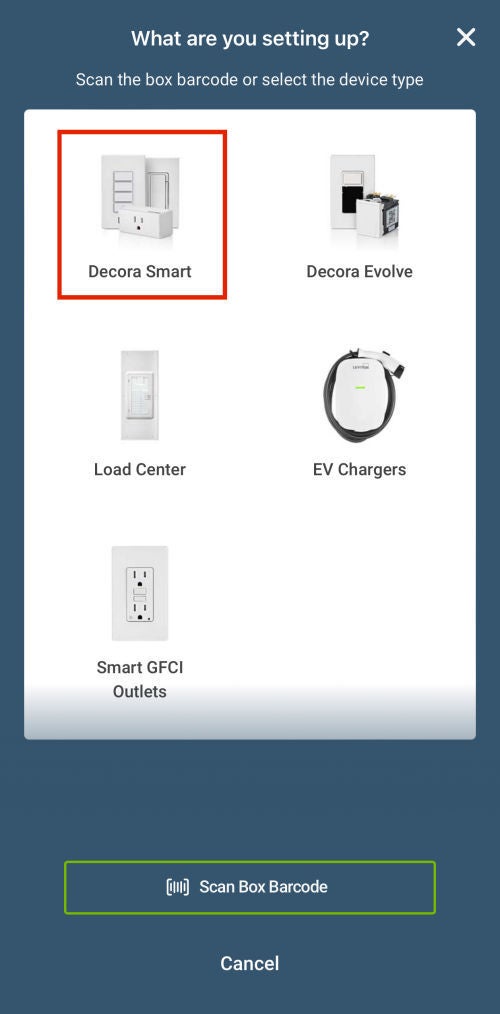
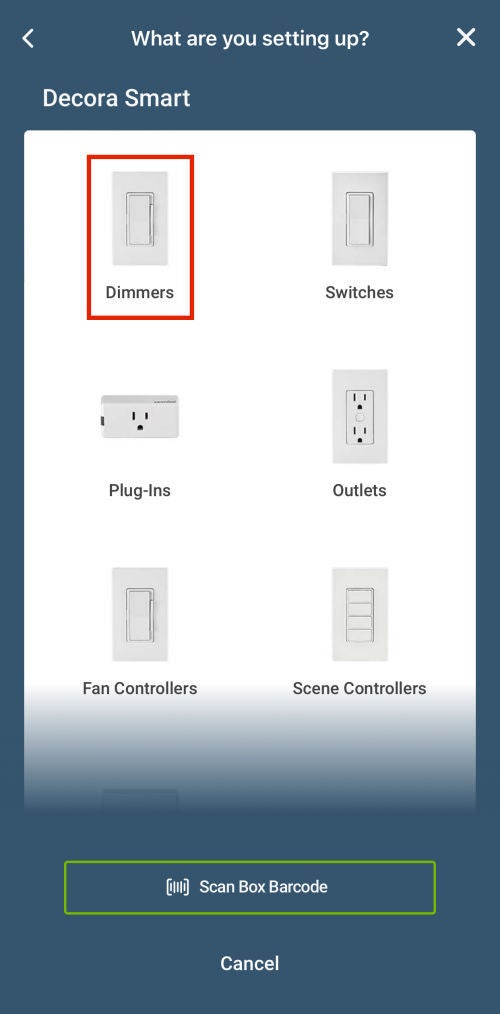
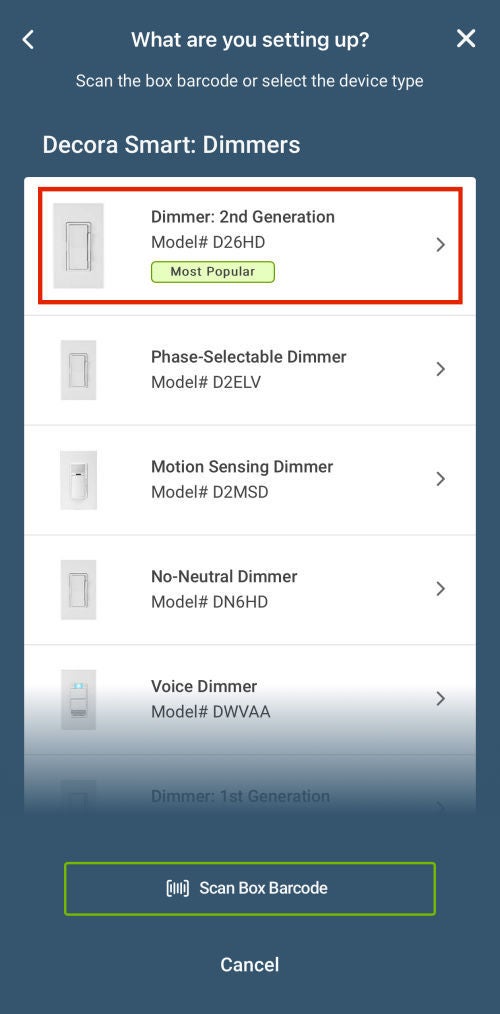
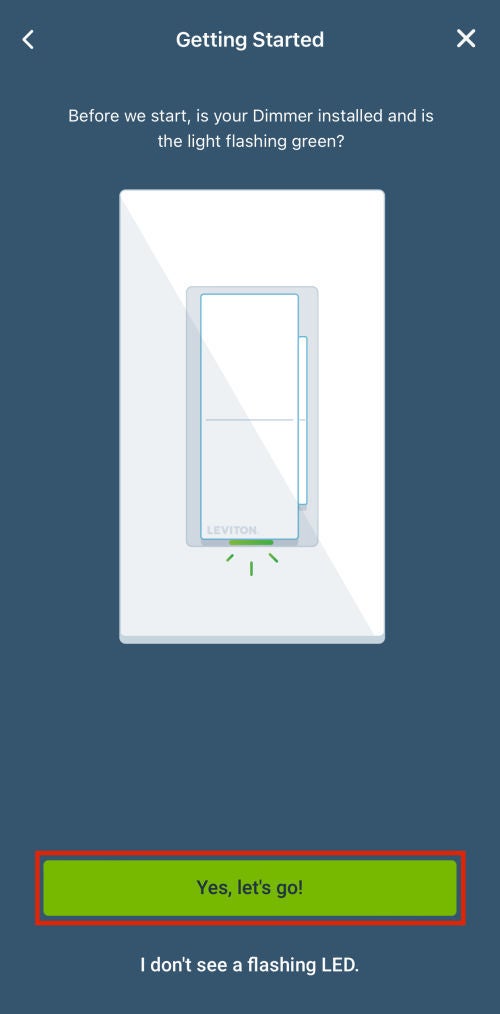
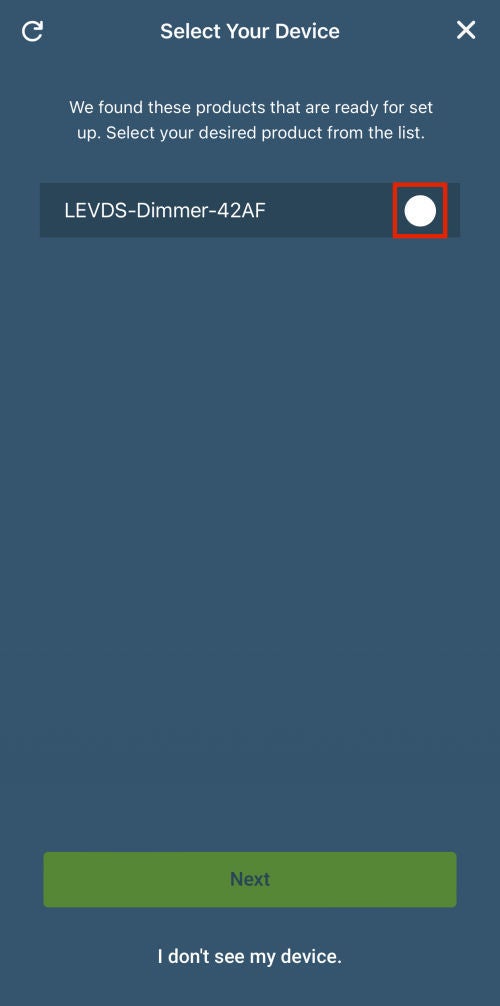
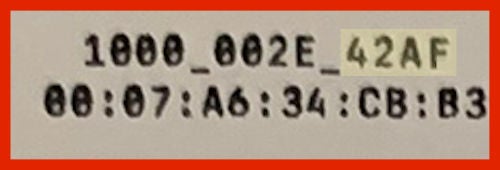
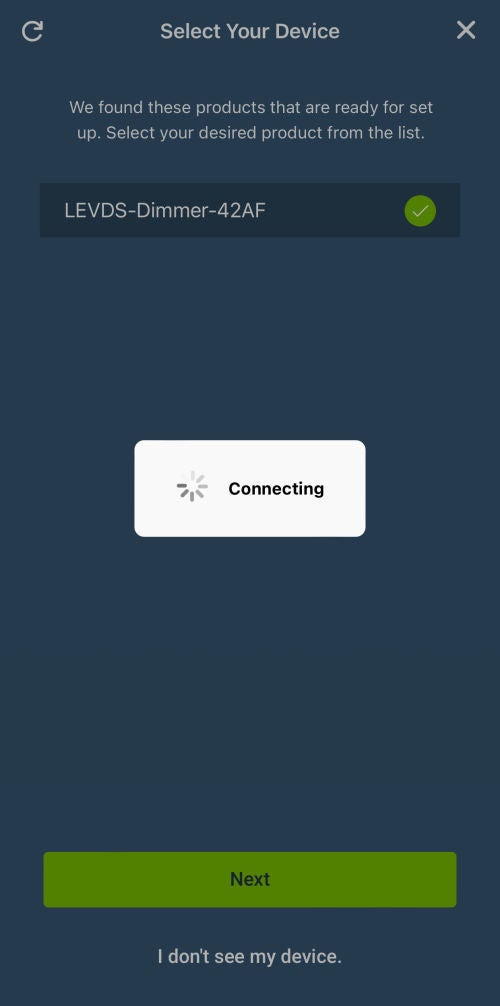
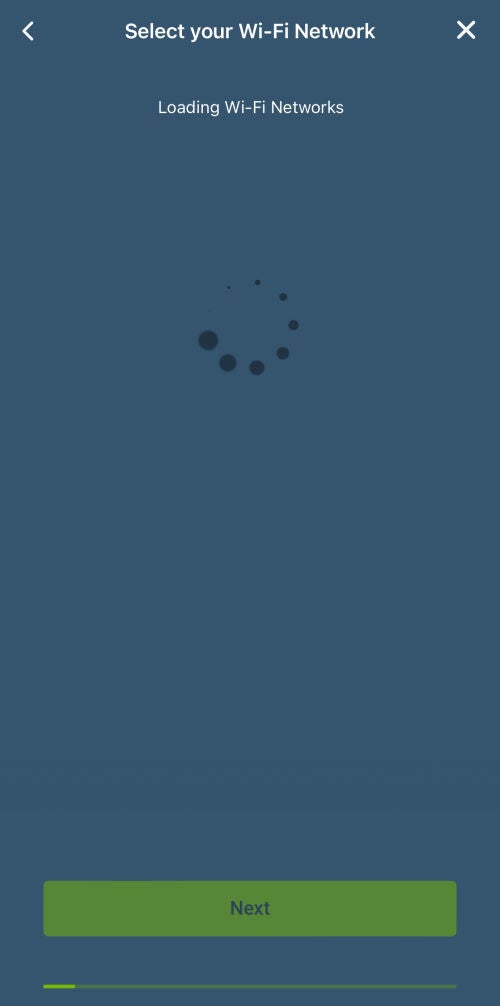
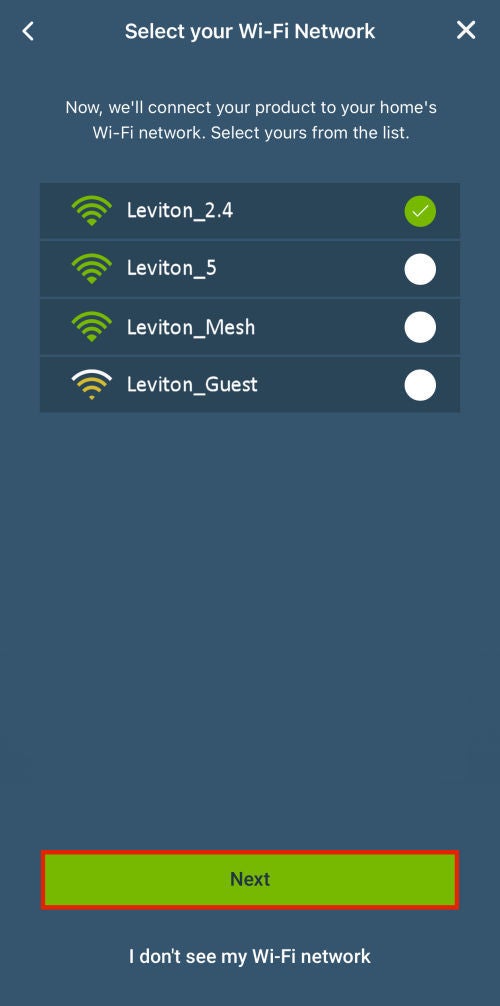
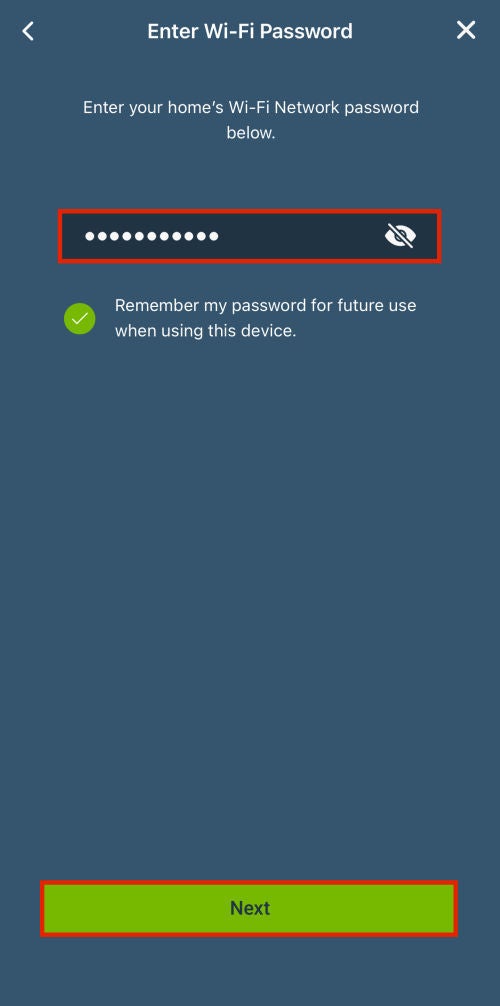
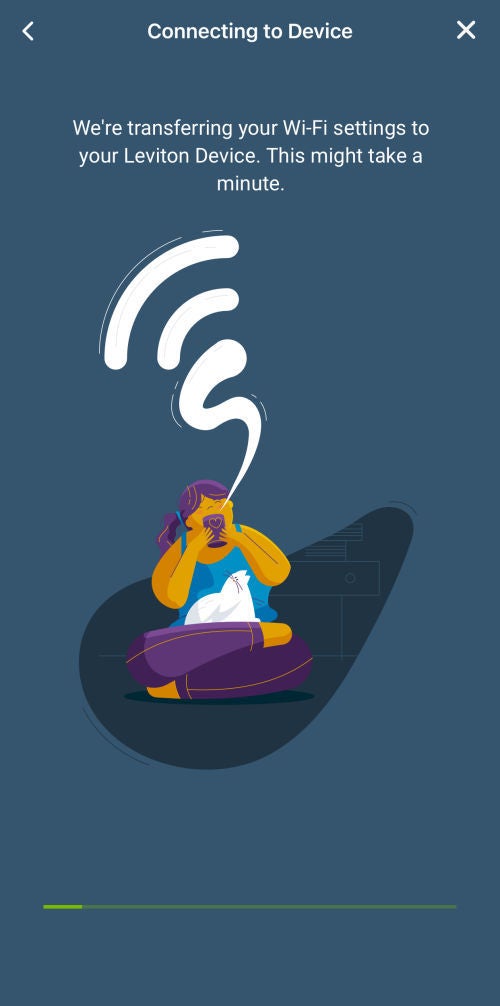
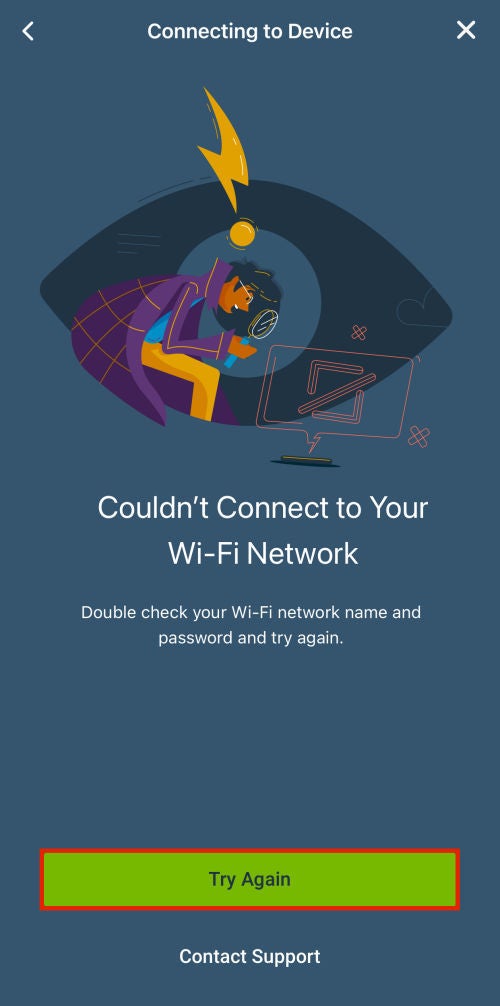
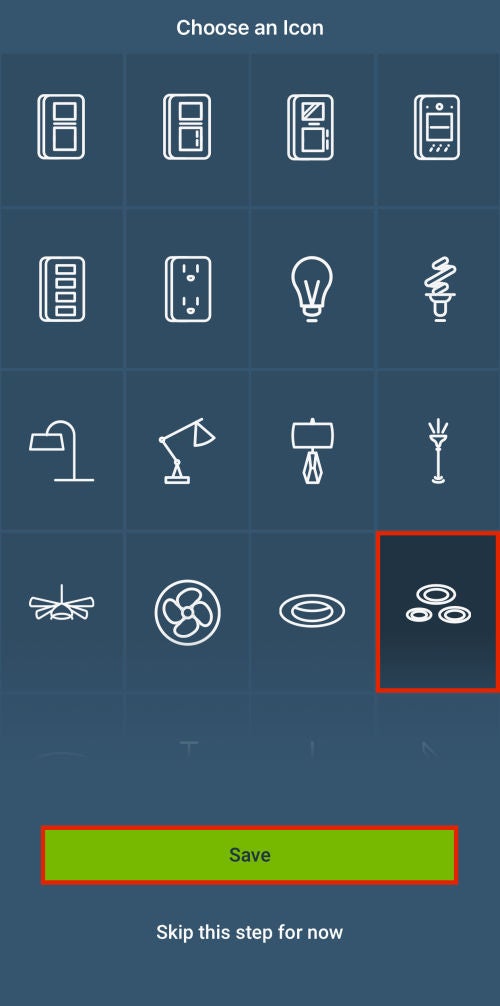
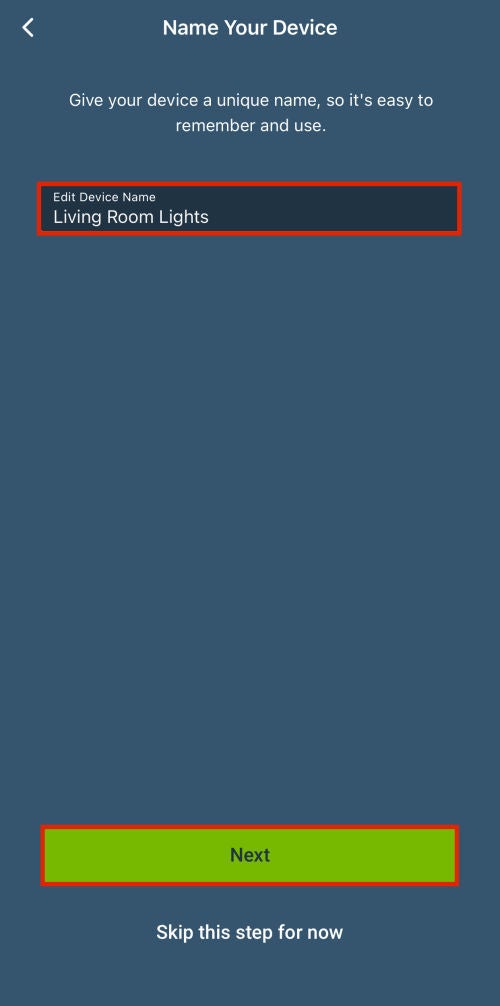
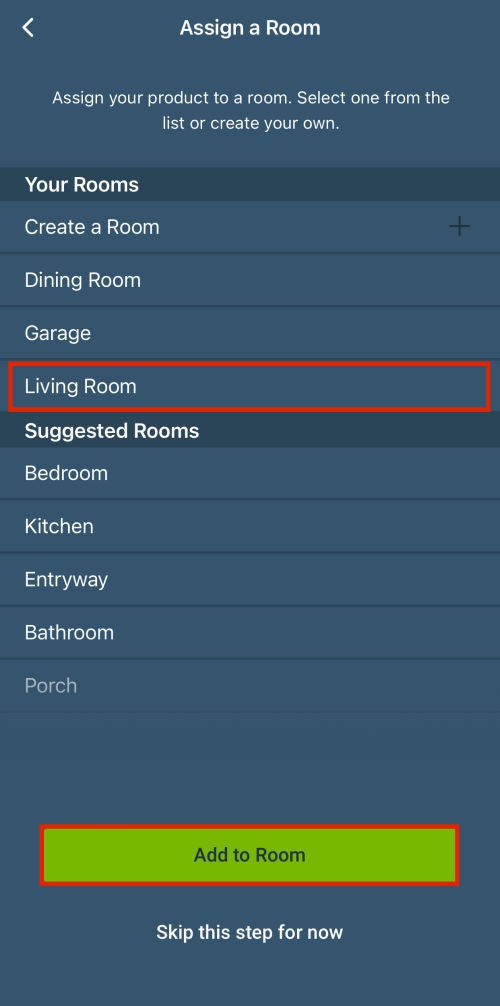
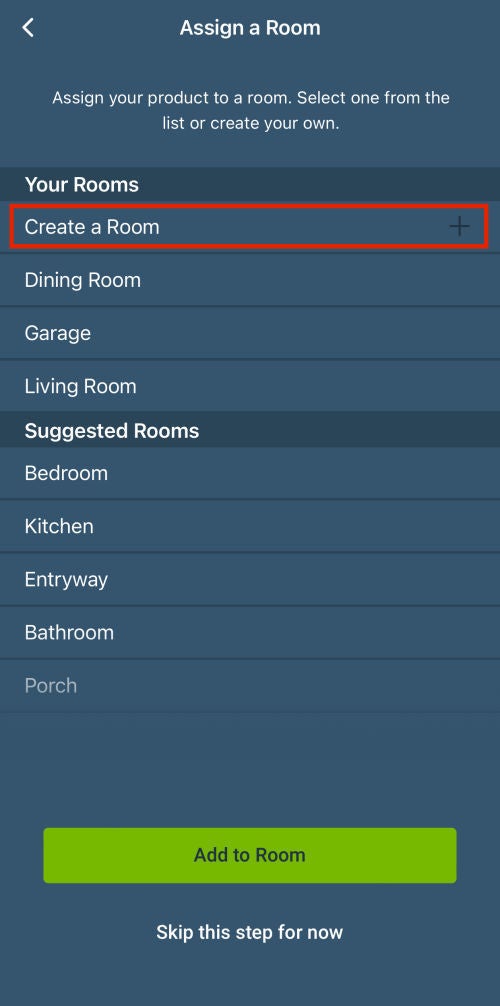
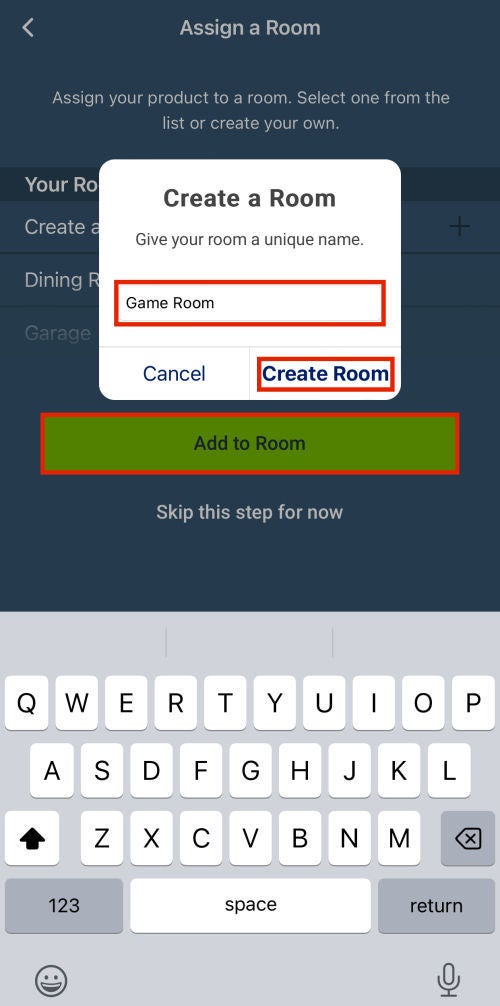
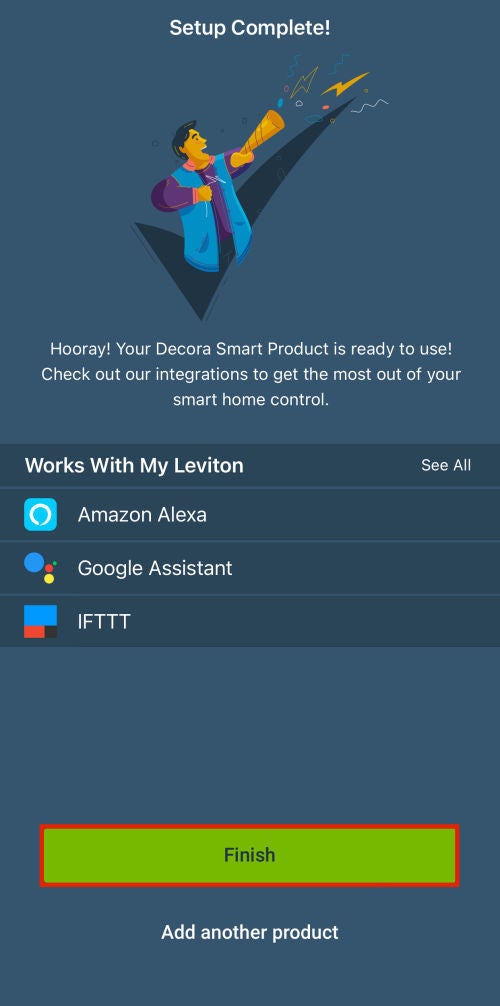
These instructions are for adding a 2nd Gen Decora Smart® Wi-Fi product to the My Leviton app. These products begin with the part number D2. For more information, please consult the article How Do I Know If My Decora Smart® Wi-Fi is 1st or 2nd Generation. If your part number starts with DW, please switch to the article Add a 1st Gen Decora Smart® Wi-Fi Device to the My Leviton App.
Preparing to Add a Device:
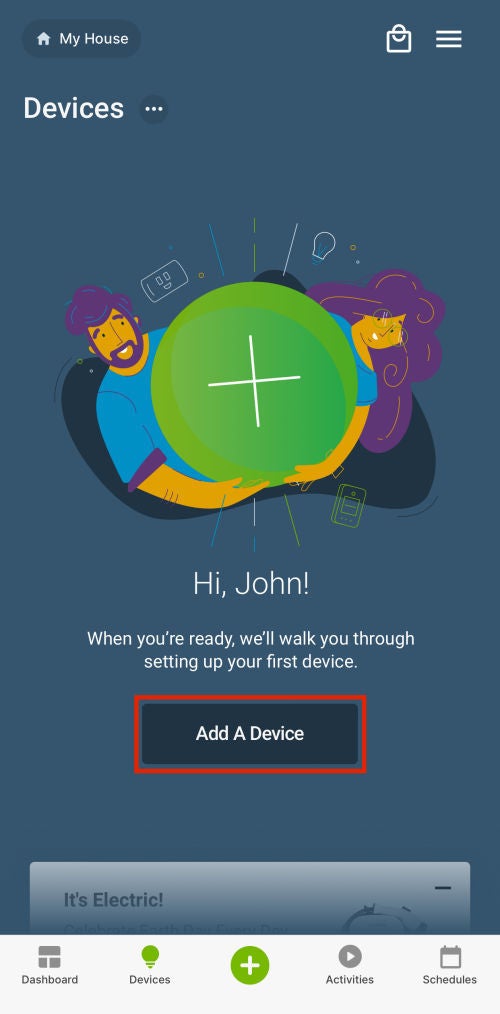
If no devices are currently enrolled into your My Leviton account, choose the Add a Device option.
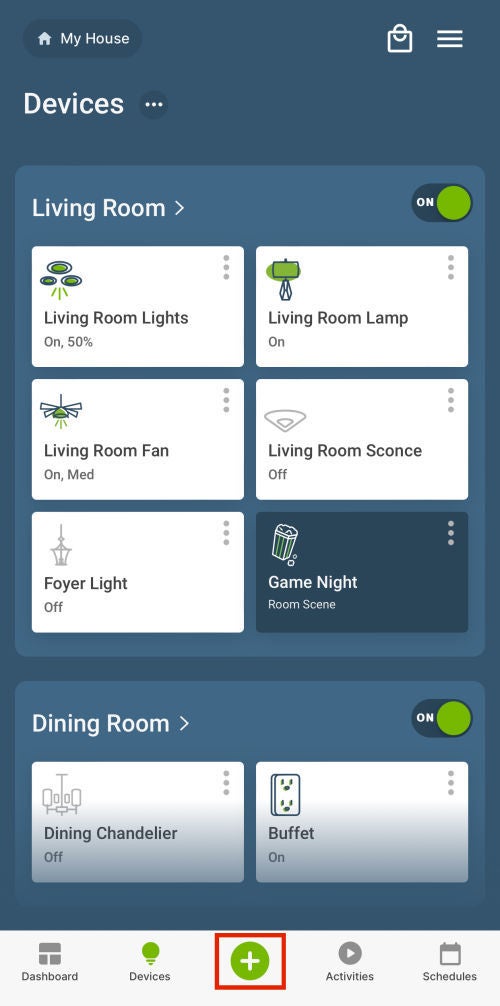
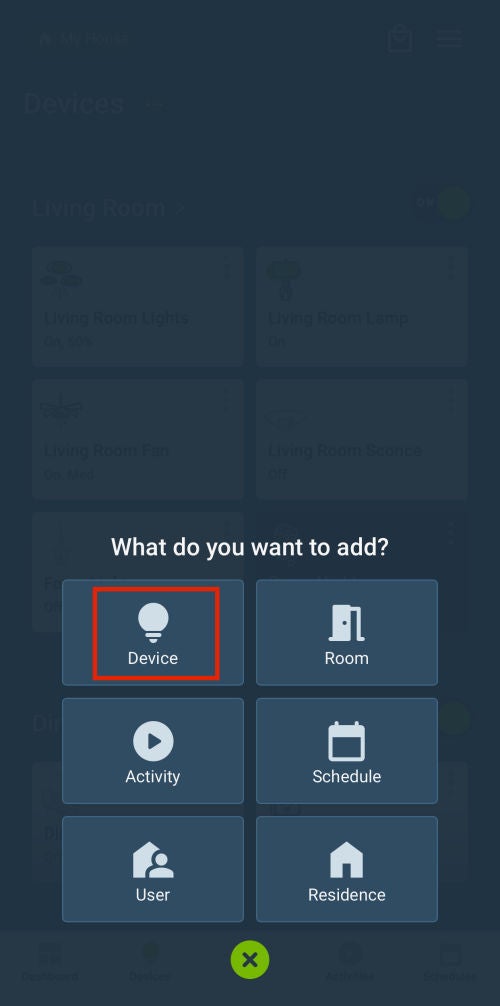
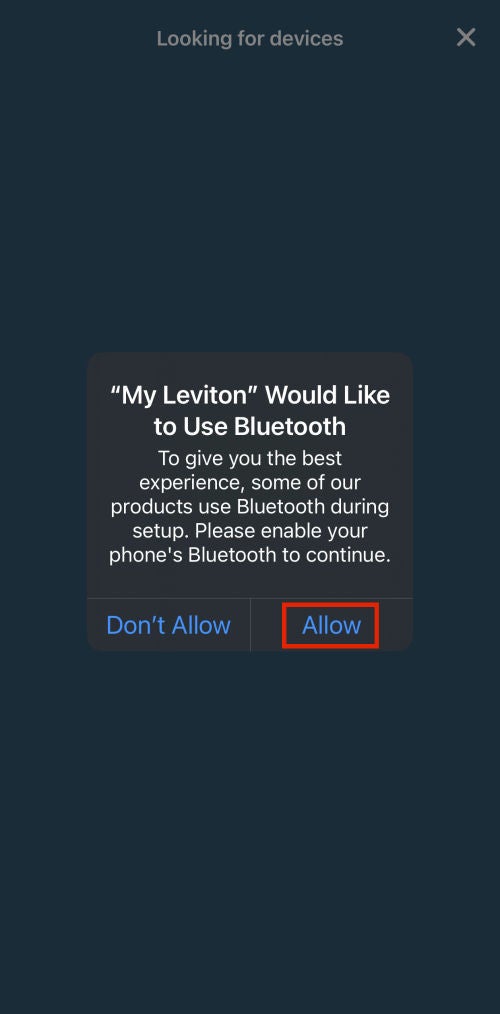
Note: If you already have devices enrolled into your My Leviton account, then choose the green + button in the middle of the navigation bar, and select Device, and then advance to Step 1.