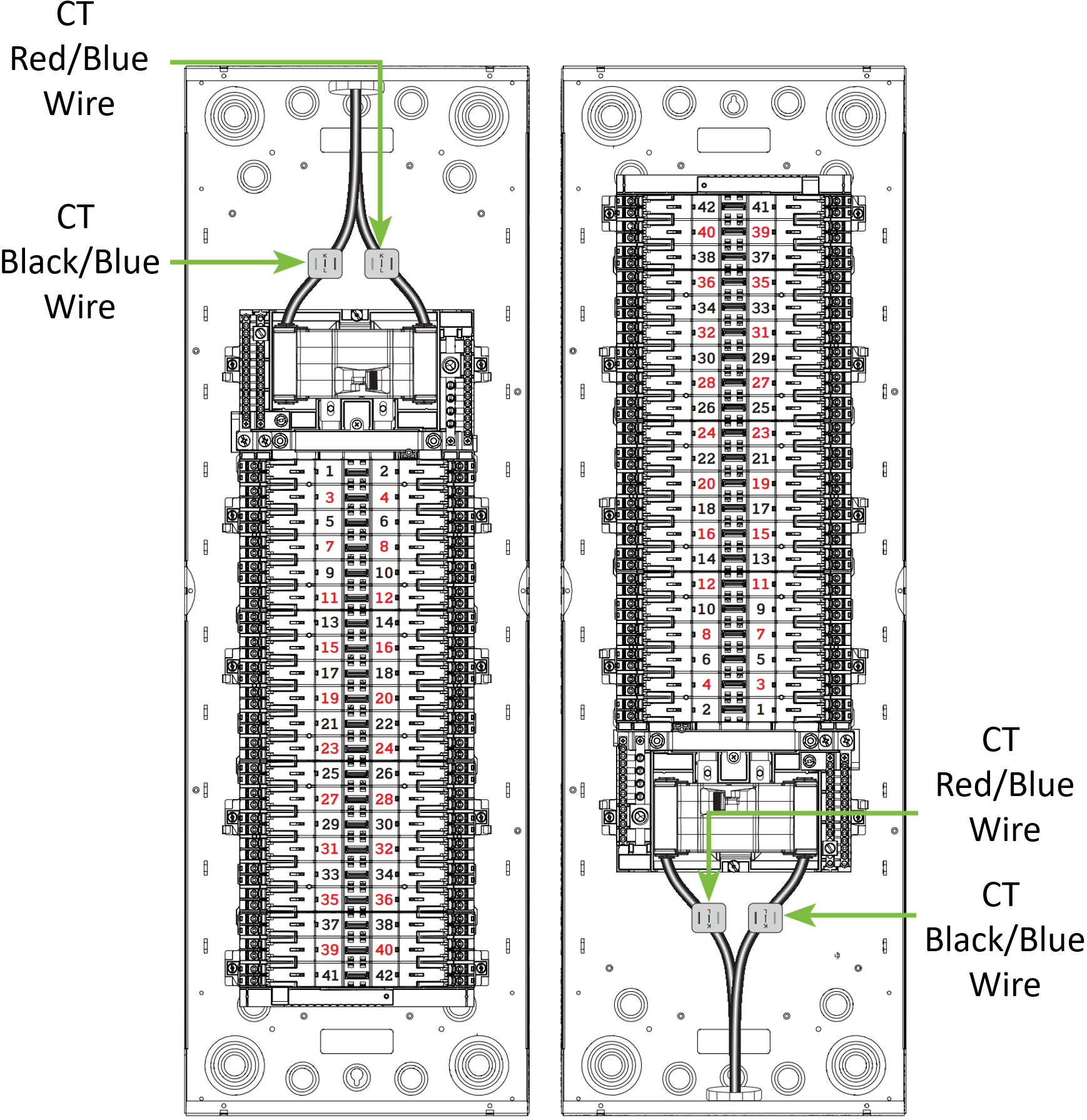
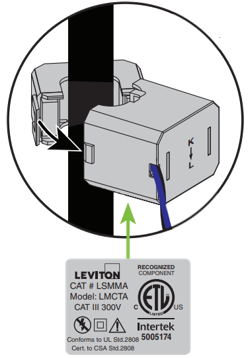
To ensure correct CT readings each CT must be oriented correctly, monitoring the proper load Phase (A or B), and be enabled in the My Leviton App. When any item is not configured correctly you may see readings at or near zero or in the case of grid power with solar the reading may appear backward. This article is designed to provide assistance with troubleshooting. Please use the LWHEM Get Started Guide for proper installation instructions. For information regarding configuring CTs in the My Leviton app, please read the article What are LWHEM Current Transformers (CT) and How Do I Configure Them?
WARNING: To avoid fire, shock, or death, turn off power supplying to the equipment, and confirm power is off before installing, removing or servicing equipment. A licensed electrician is recommended for all applications within a Load Center.
Confirm Proper LWHEM Wiring
- Always use a double pole breaker to power the LWHEM
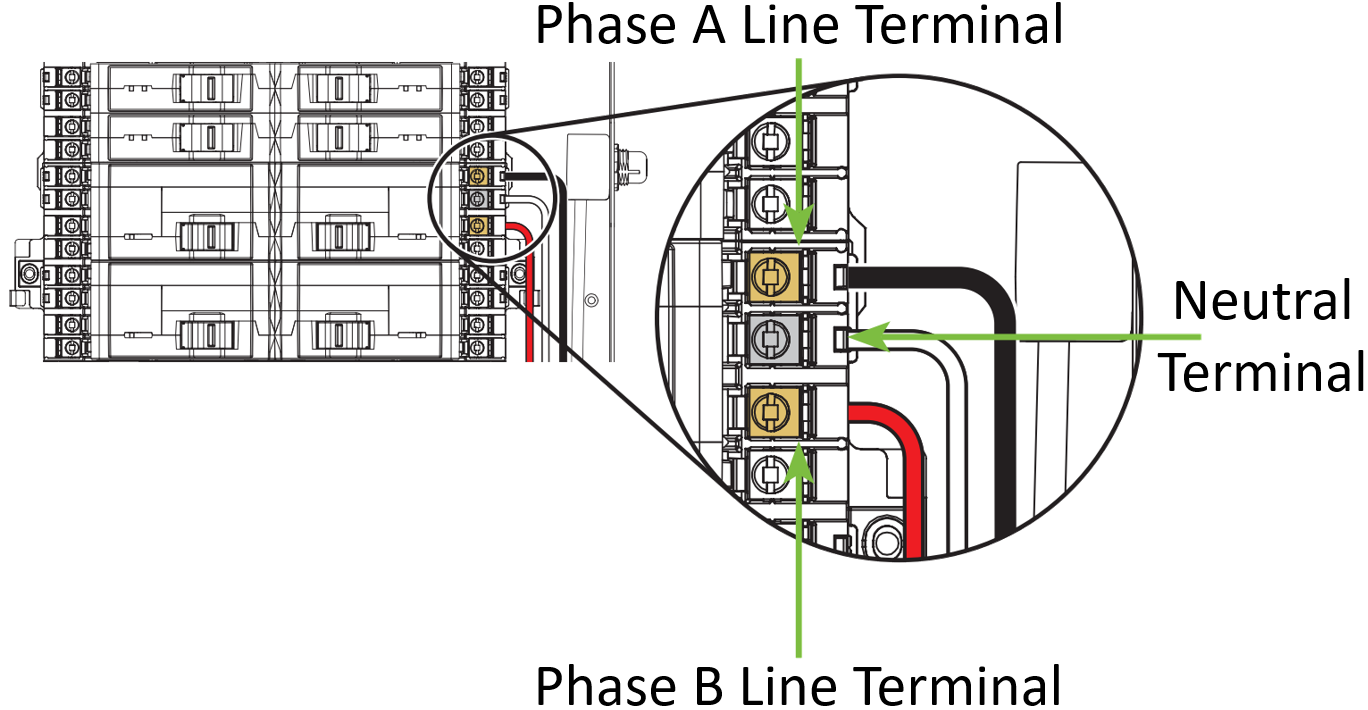
- Consult the Phase Map below for Phase A and Phase B locations
- The Black LWHEM power wire connects to Phase A
- The Red LWHEM power wire connects to Phase B
- The White LWHEM neutral wire connects to the neutral terminal
- Connections should be torqued to 25 in-lbs