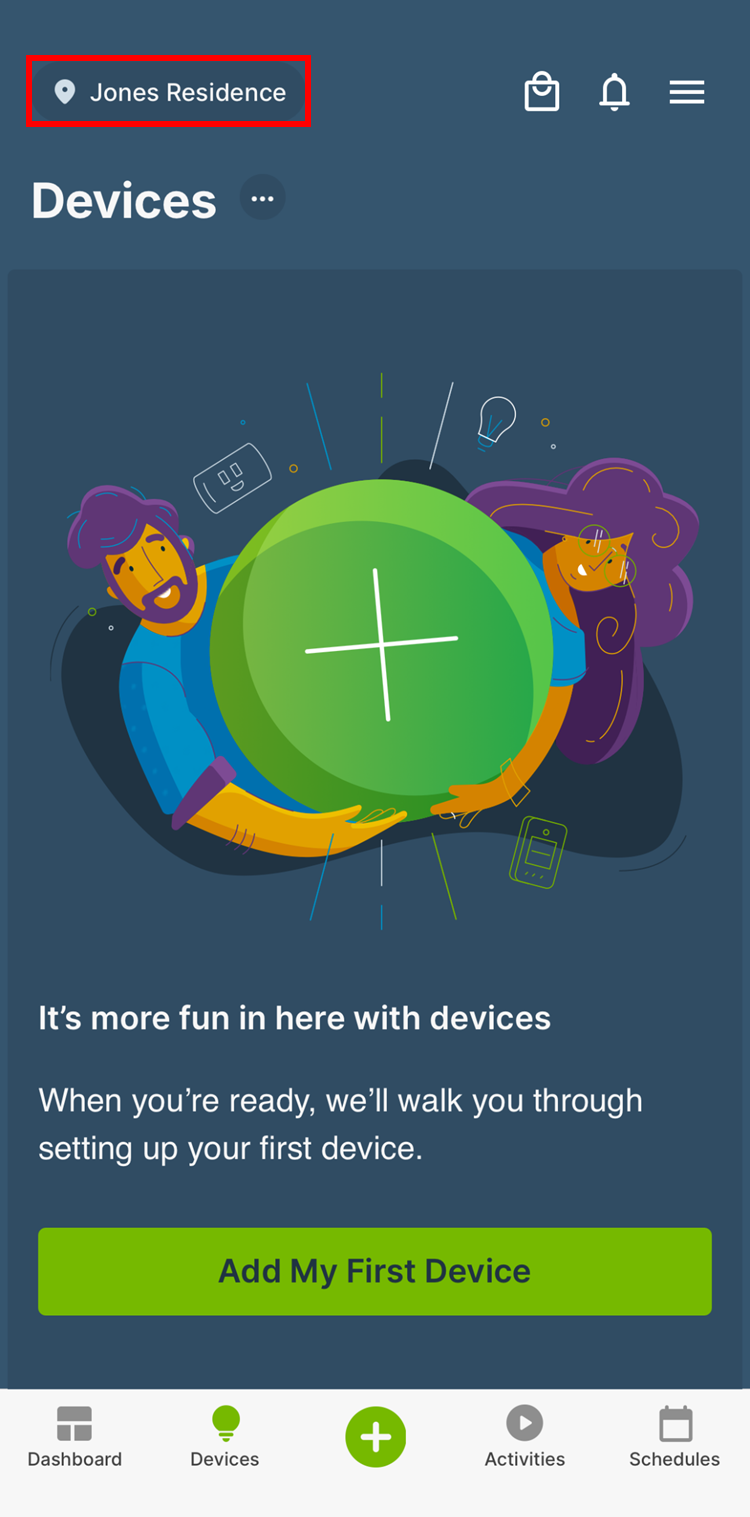
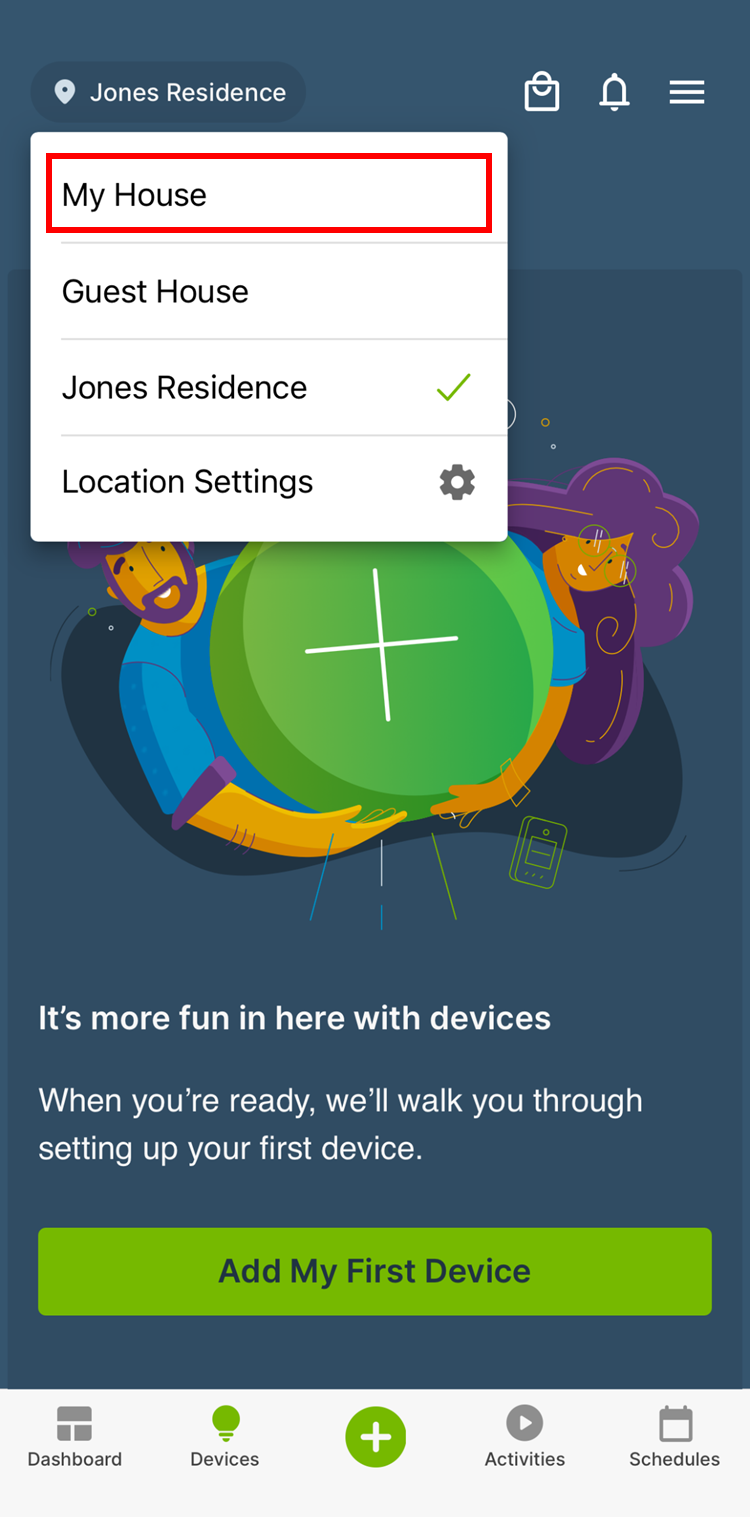
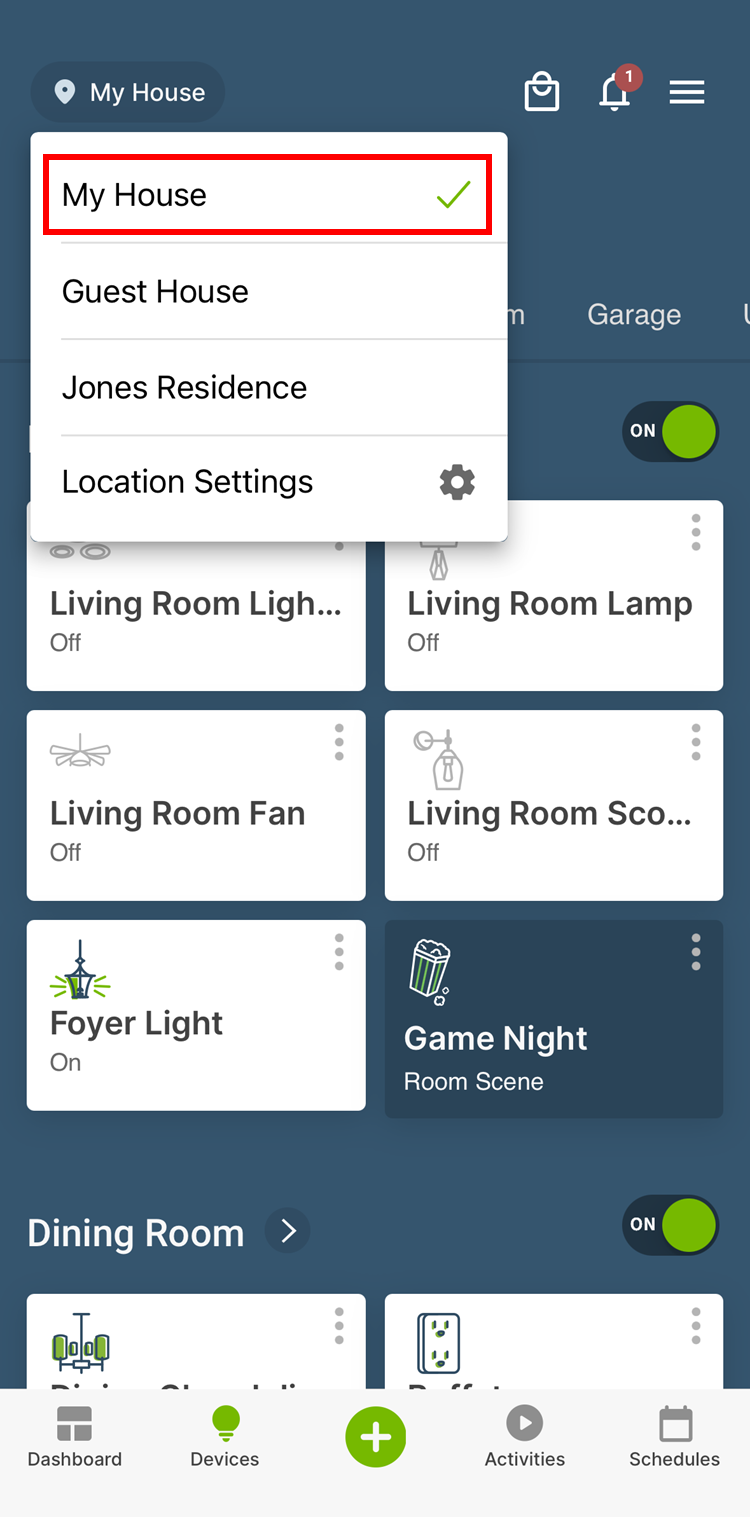
If you open your My Leviton app and your existing devices have disappeared, the most likely cause is the app is not correctly showing your Residence. The solution is to choose your Residence.
Your Residence name should appear in the upper left corner of the My Leviton screen. If do not see your residence name, then tap the name shown and select your residence name from the dropdown.