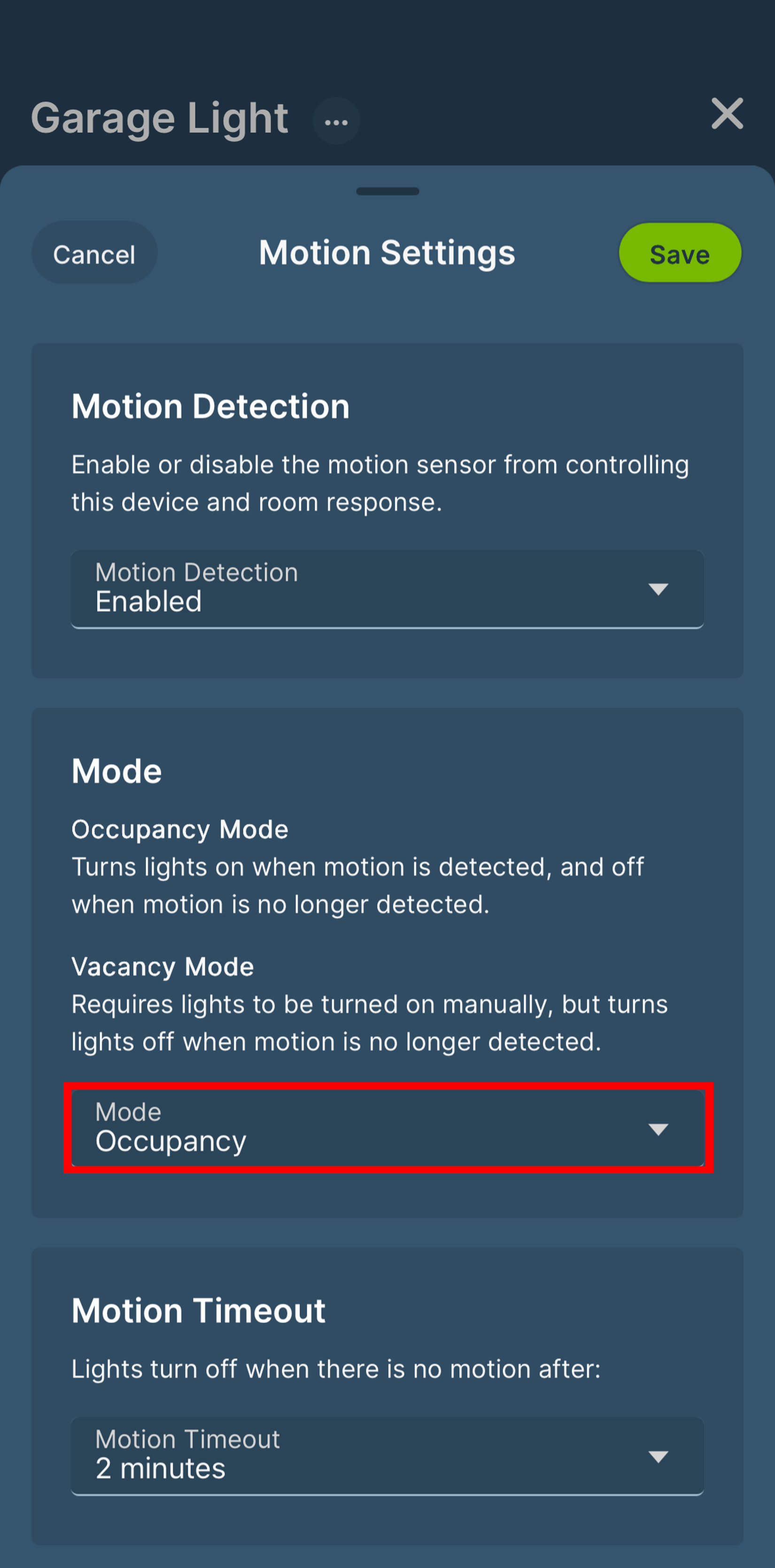
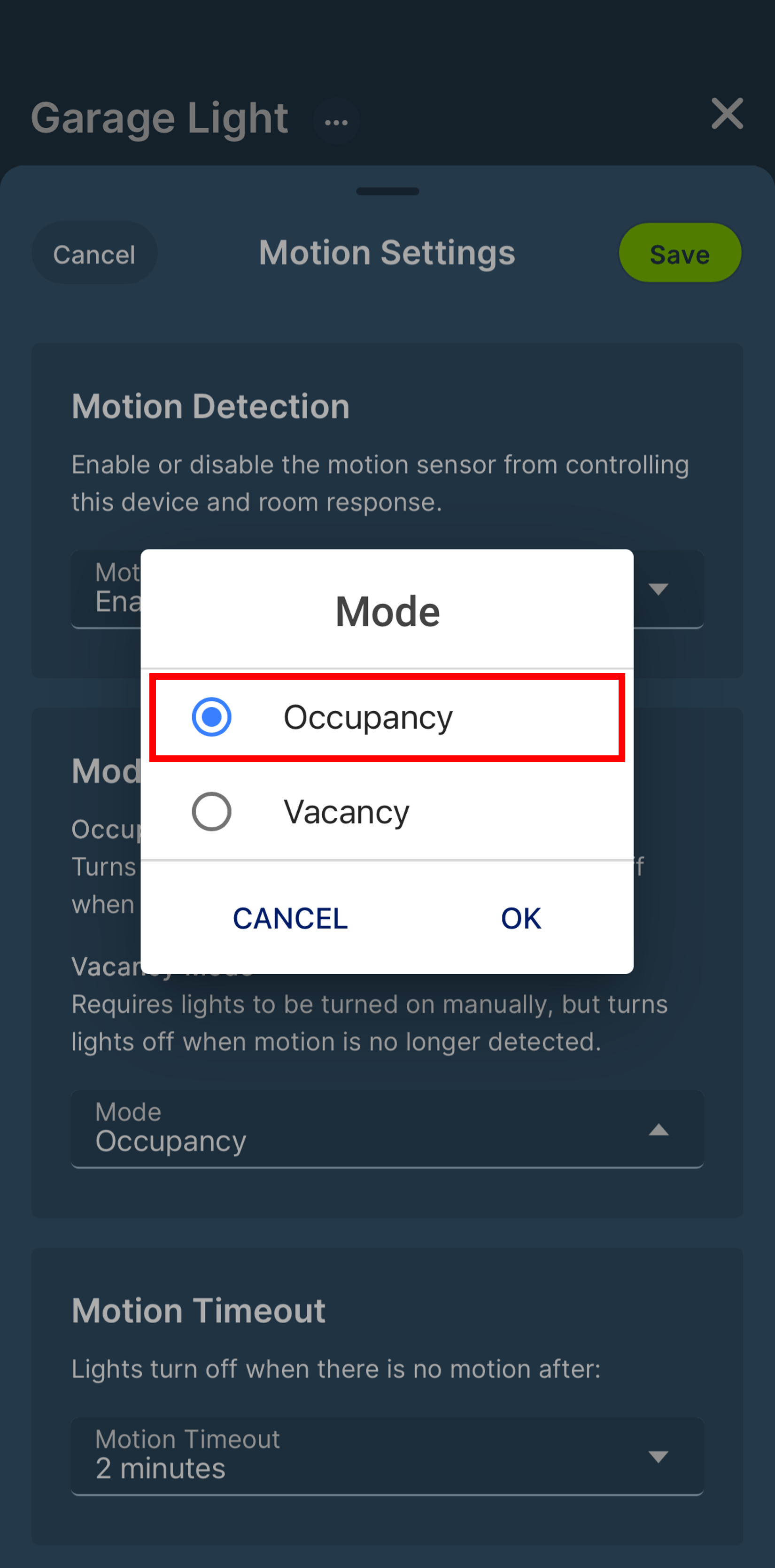
The Motion Sensing Dimmer is defaulted to Occupancy mode. Occupancy Mode will turn the light on when motion is detected and turn the light off after a set time without motion. Vacancy mode requires the light to manually be turned on and will automatically turn the light off after a set time without motion. The Vacancy settings is considered the most energy efficient approach to controlling the light and is used to comply with standards including 2019 Title 24, Part 6 Vacancy Control Device requirements.
Vacancy and Occupancy Modes can be selected in the app or by using the ON/OFF button.
Rocker Selection:
- Press the ON/OFF button 7 times in sequence
- The Sensor mode will change, and the Status LED will briefly flash:
• GREEN, if in Occupancy mode
• RED, if in Vacancy mode
App Selection:
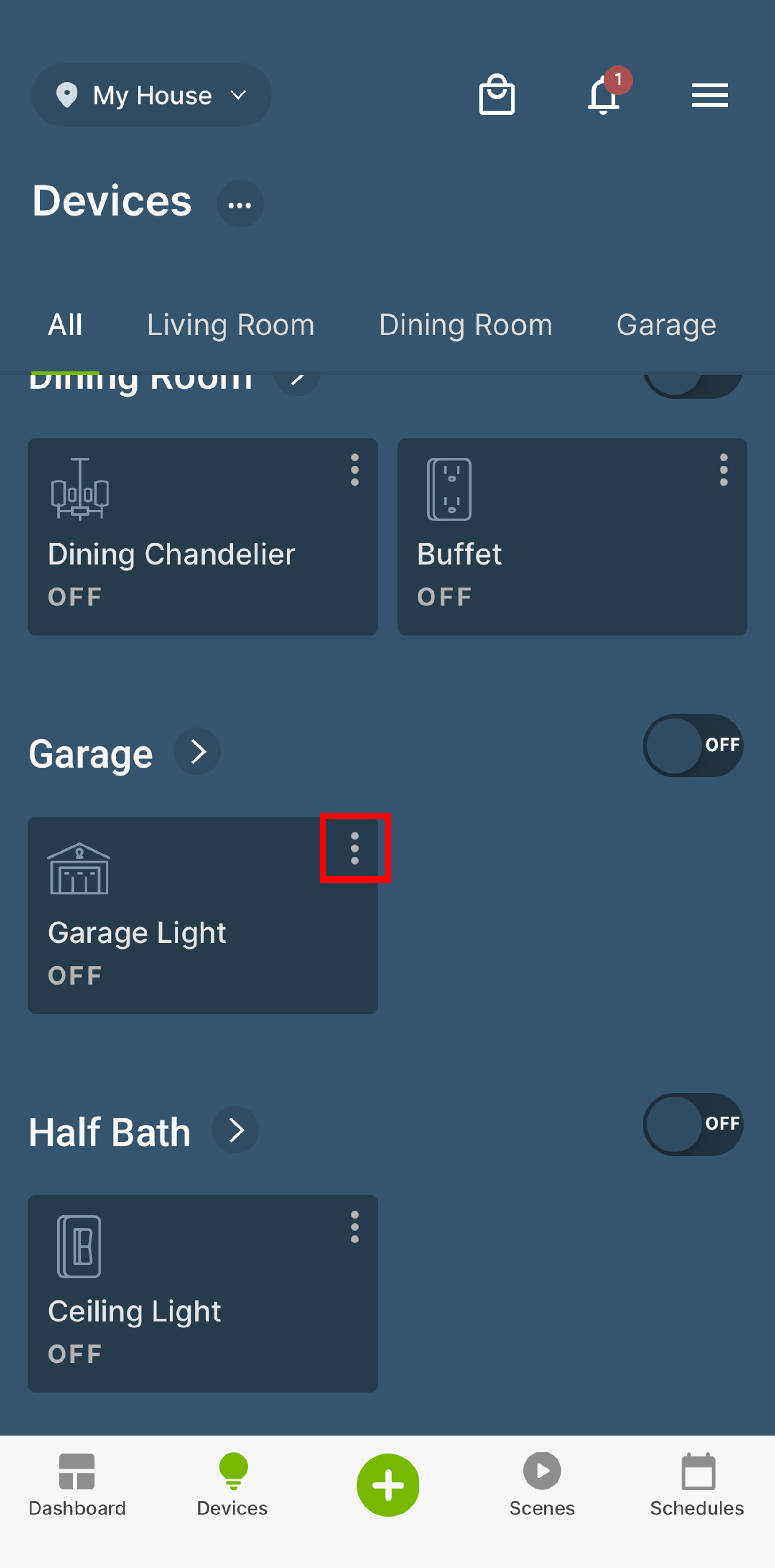
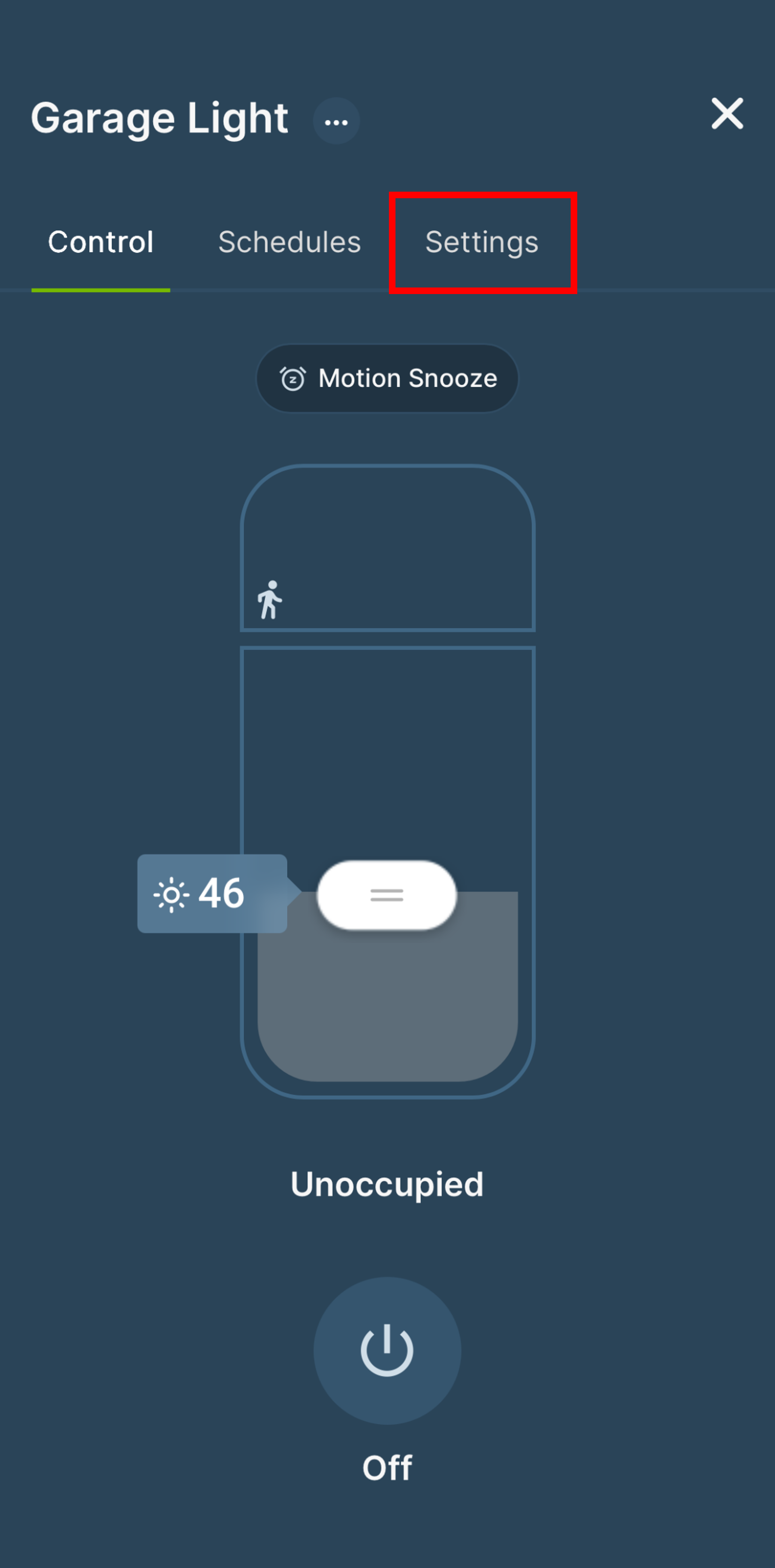
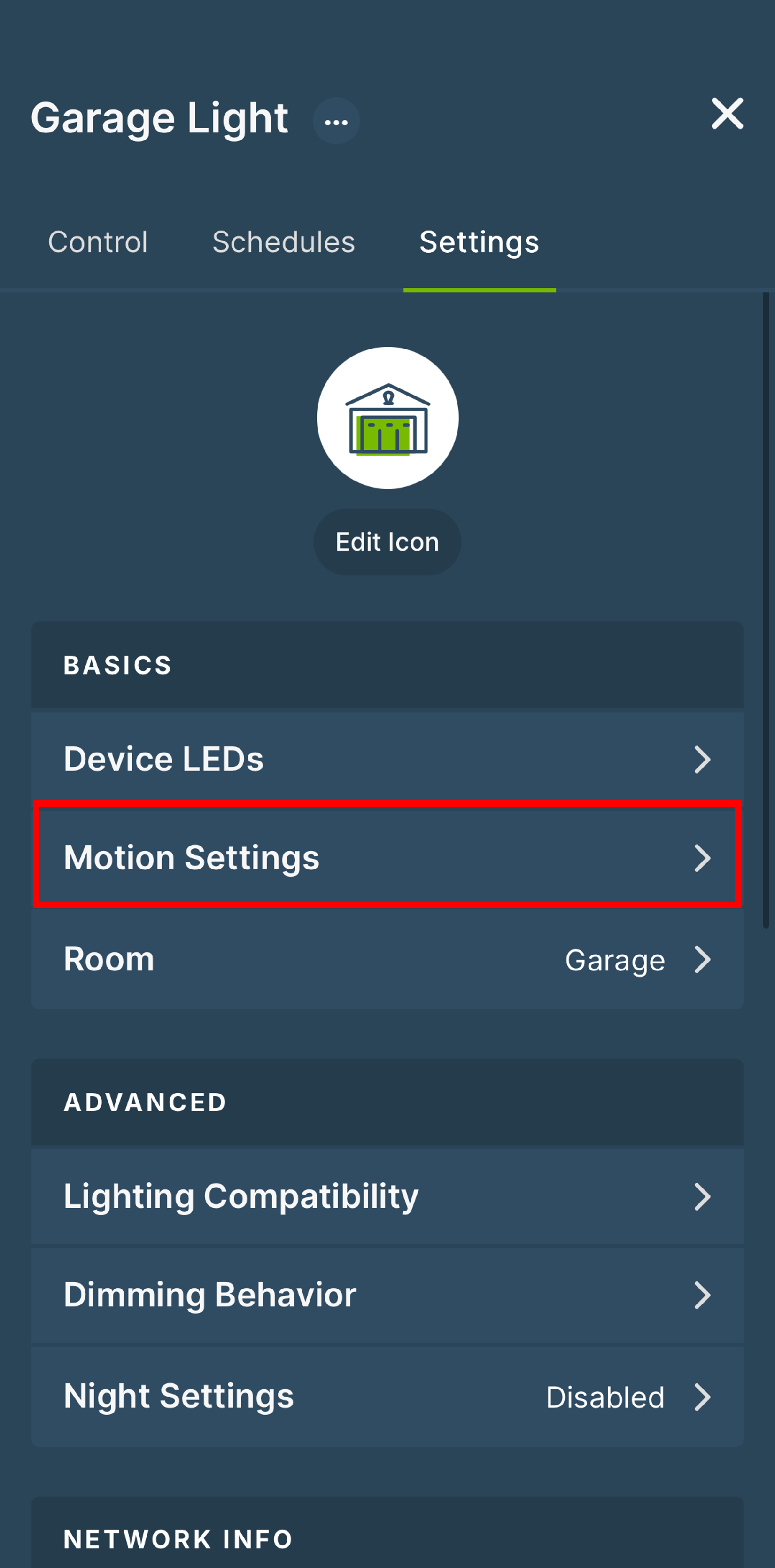
Edit the settings by pressing the 3 dots [⋮] in the upper-right corner of the D2MSD card.