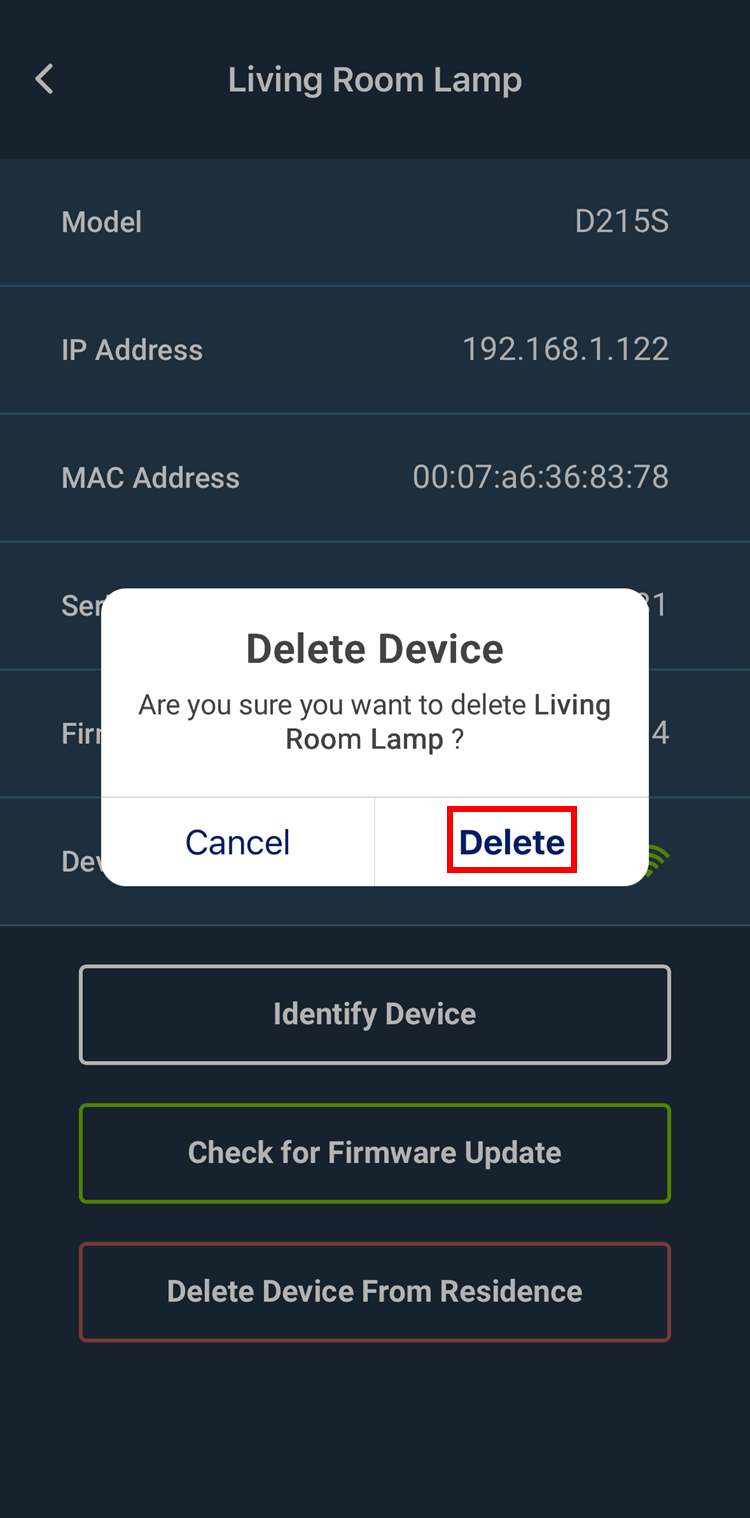
A Decora Smart Wi-Fi Device can easily be removed from an account through the My Leviton app.
To remove a device from a My Leviton account:
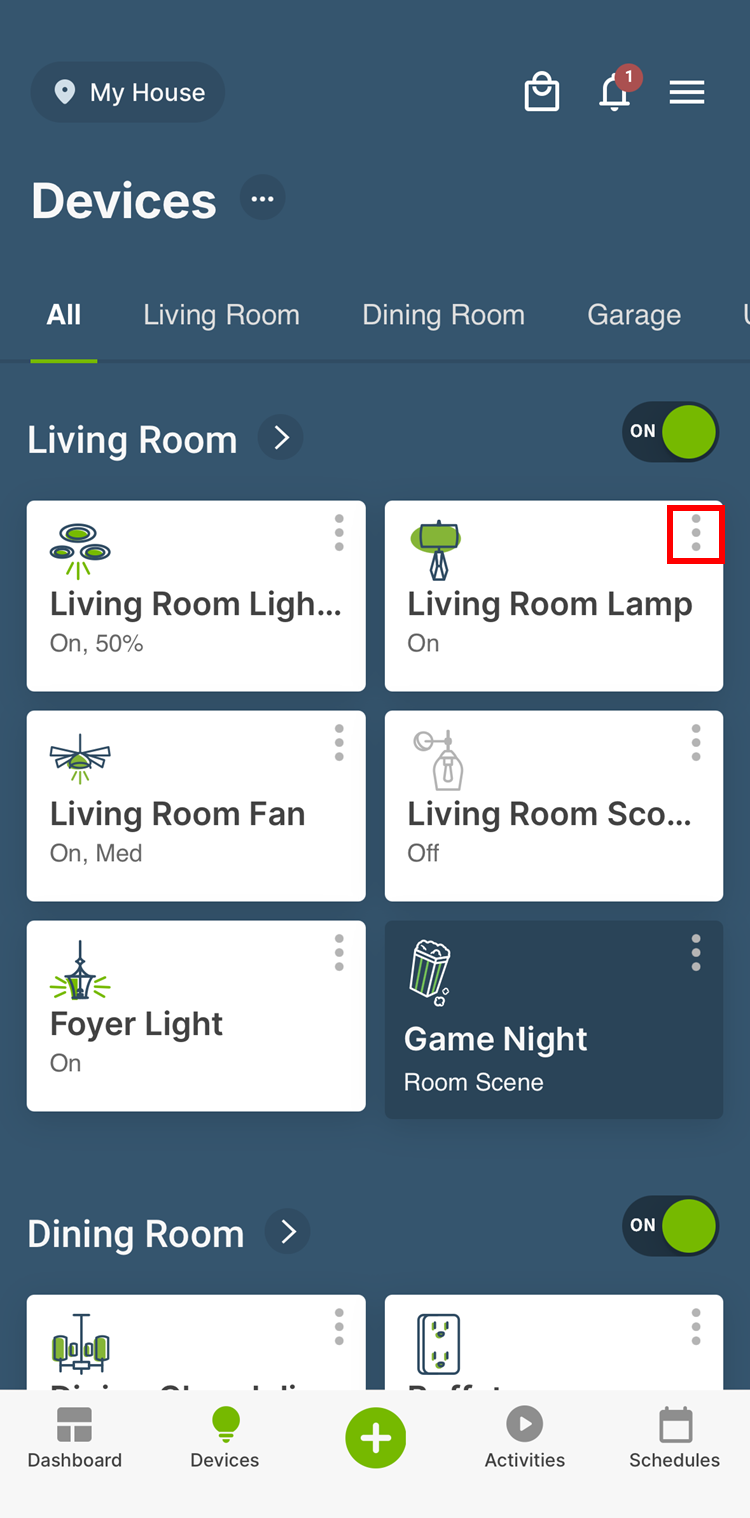
- Press the ⋮ in the upper right corner of the device icon
A Decora Smart Wi-Fi Device can easily be removed from an account through the My Leviton app.
To remove a device from a My Leviton account: