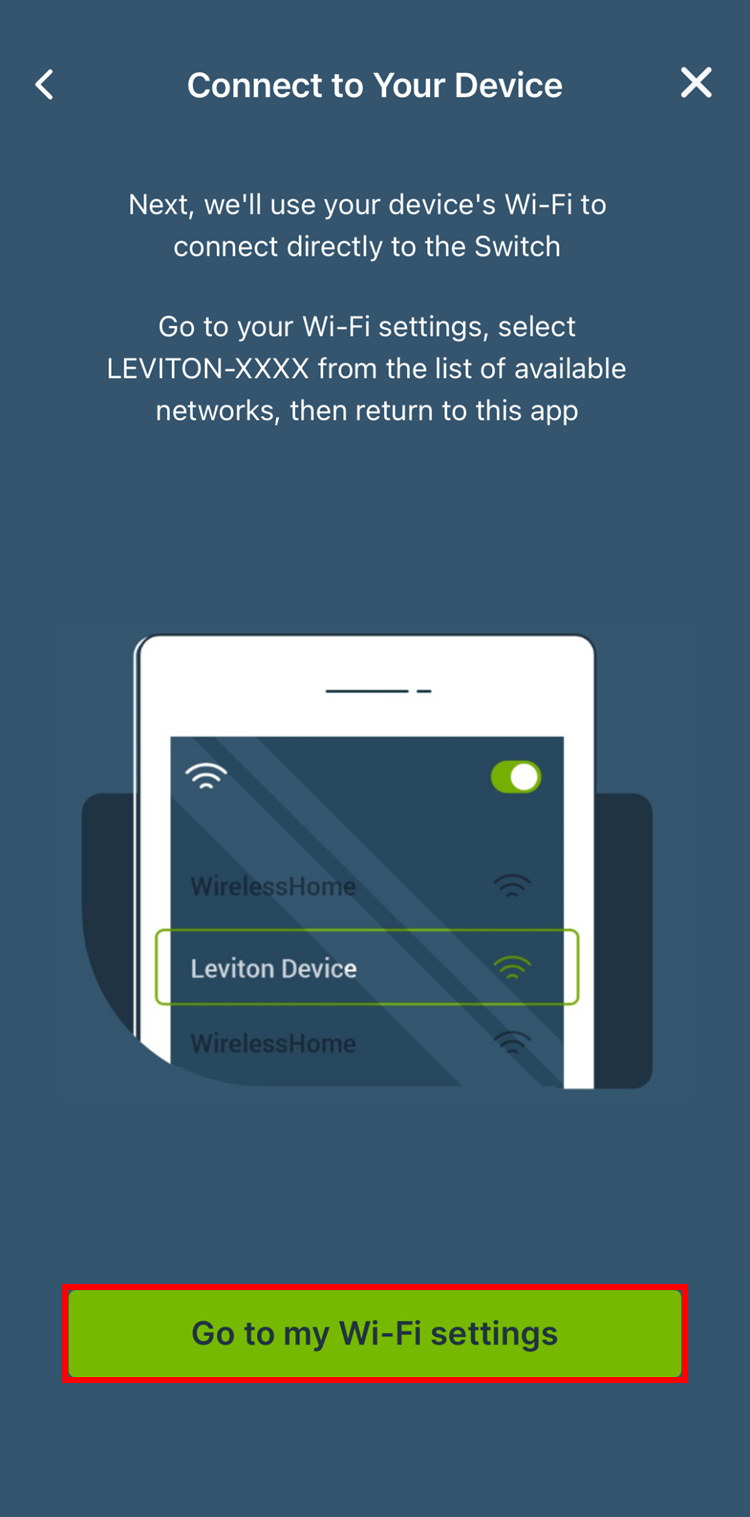
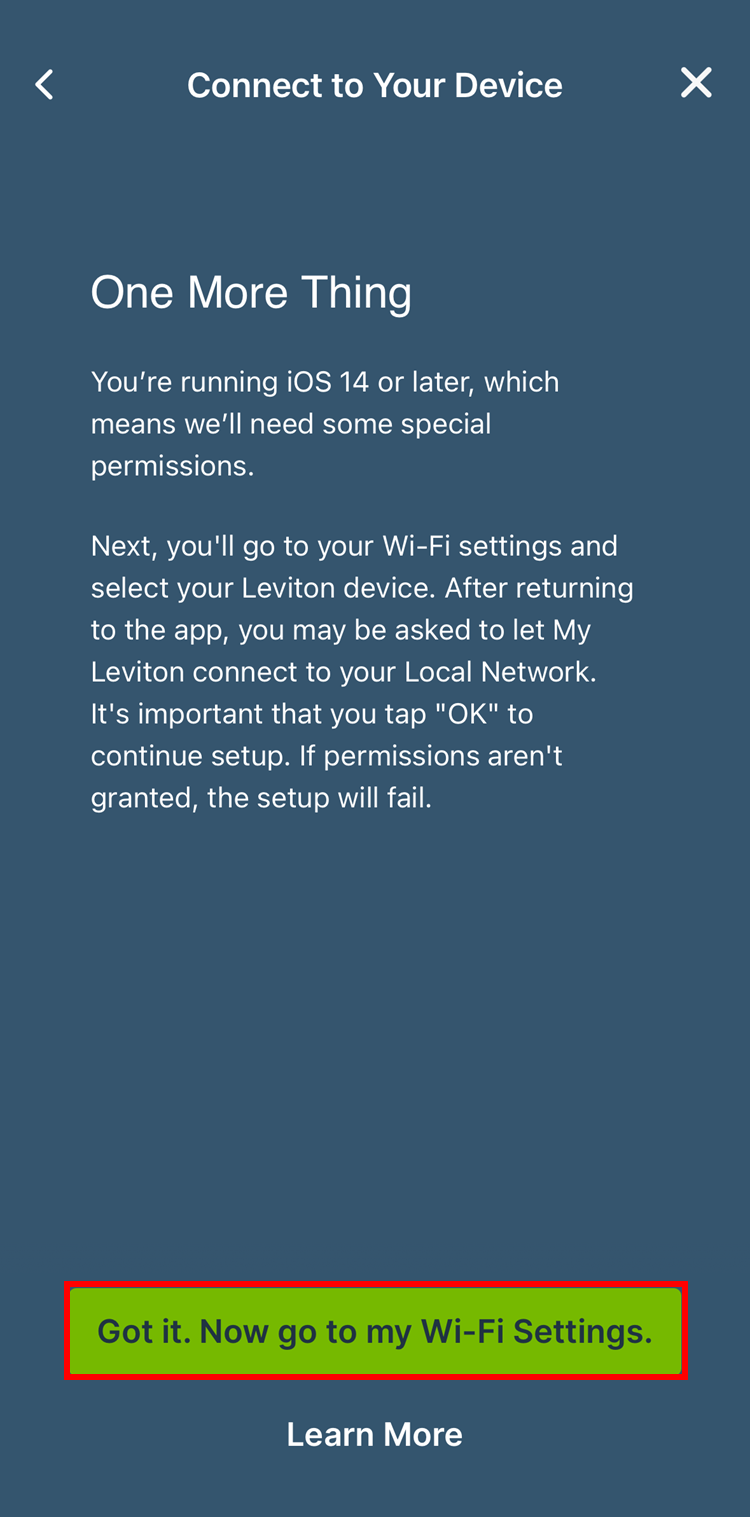
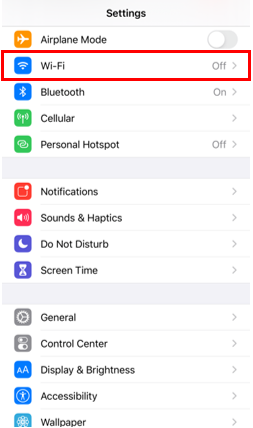
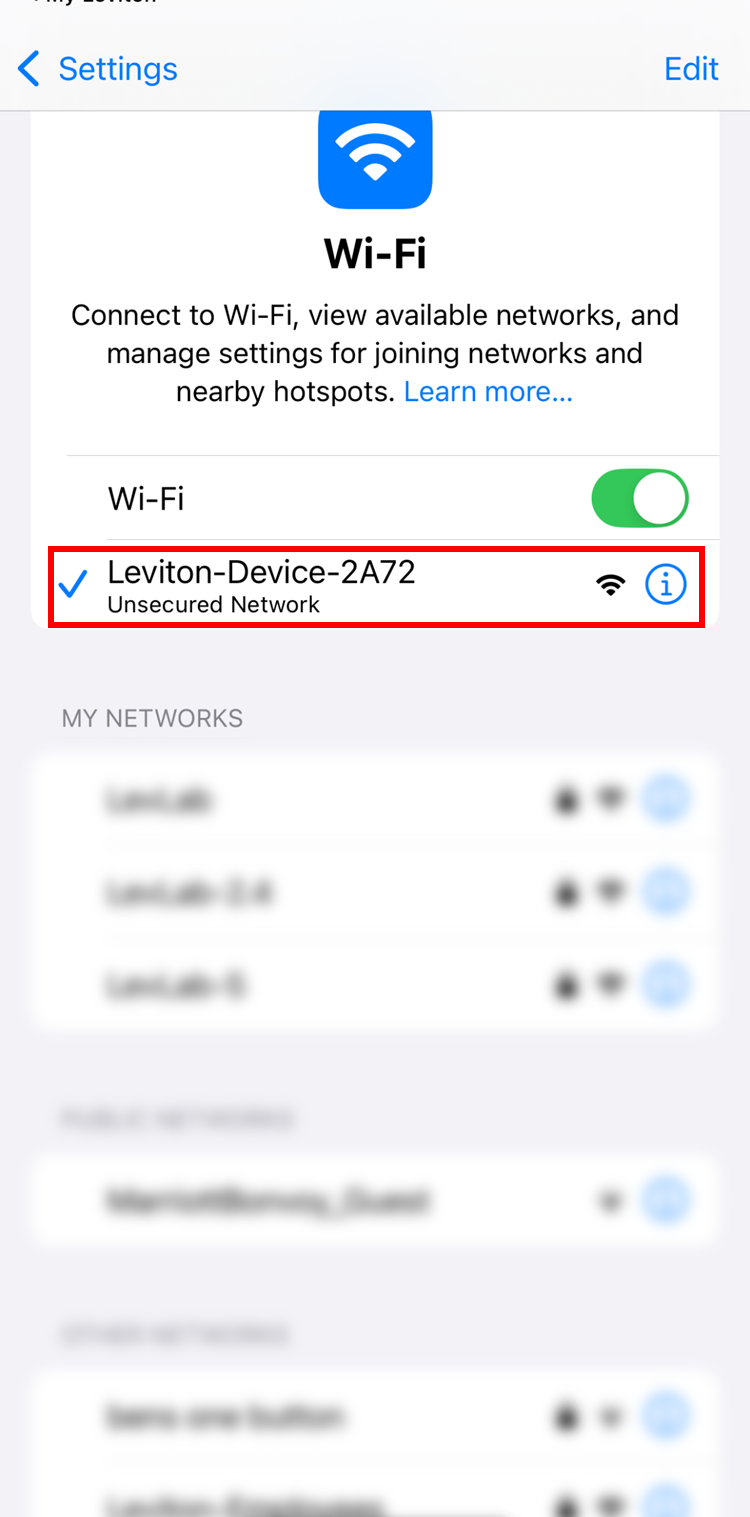
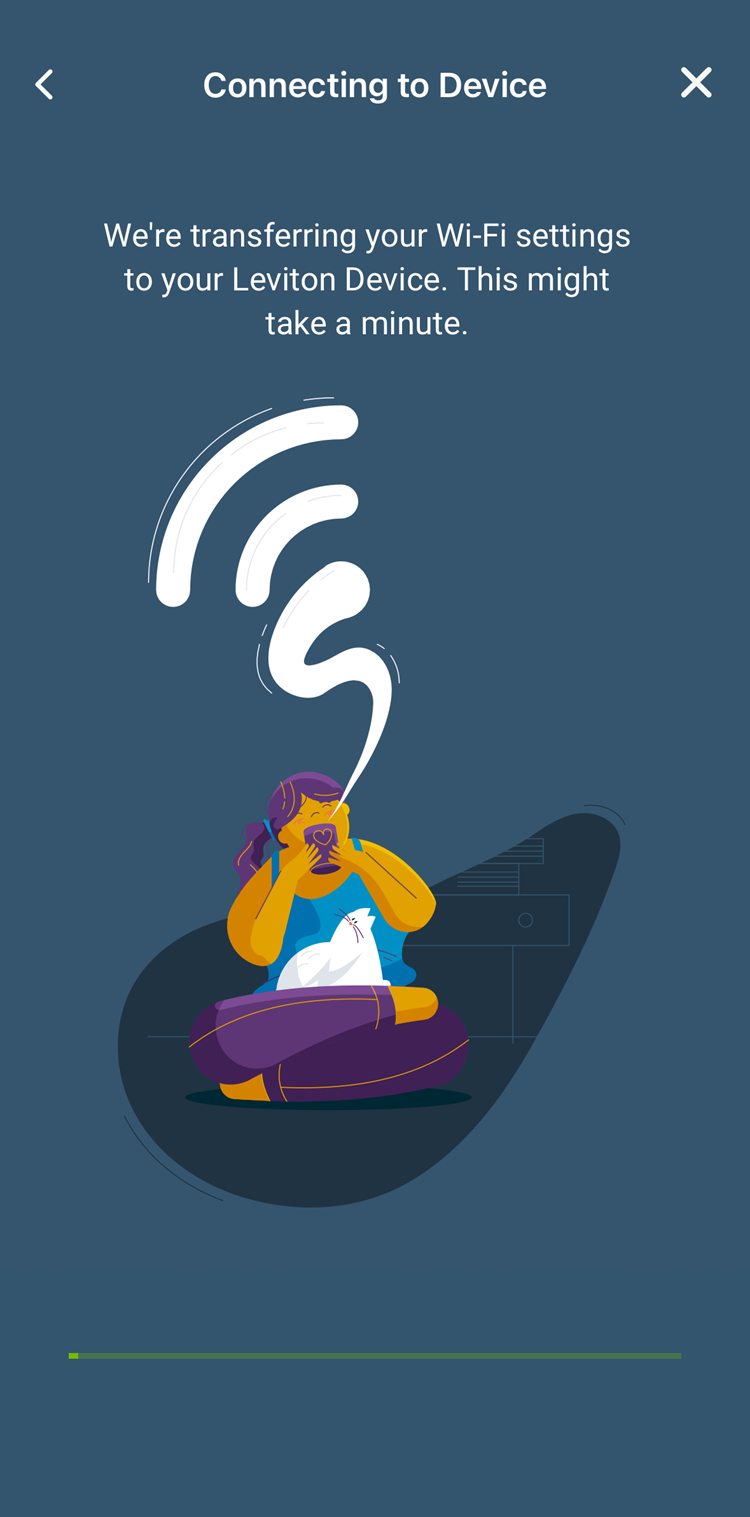
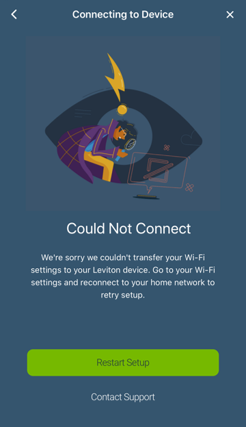
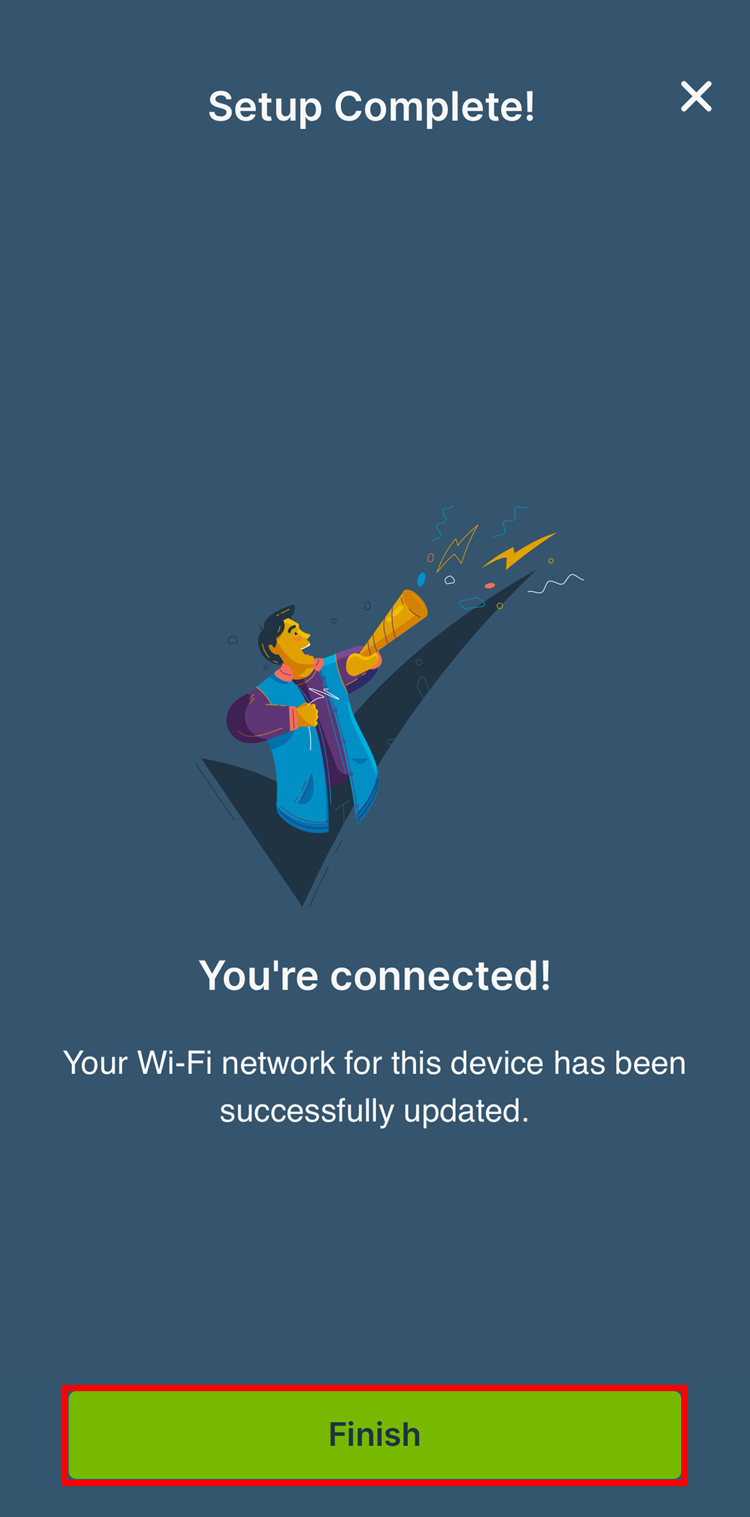
The following are instructions for reconfiguring the wireless settings for 1st Gen Decora Smart® Wi-Fi products. These products begin with the part number DW. If your products model number starts with D2 or D3, please refer to the article How do I Reconfigure the Wireless Settings for 2nd Gen Decora Smart® Wi-Fi Products?
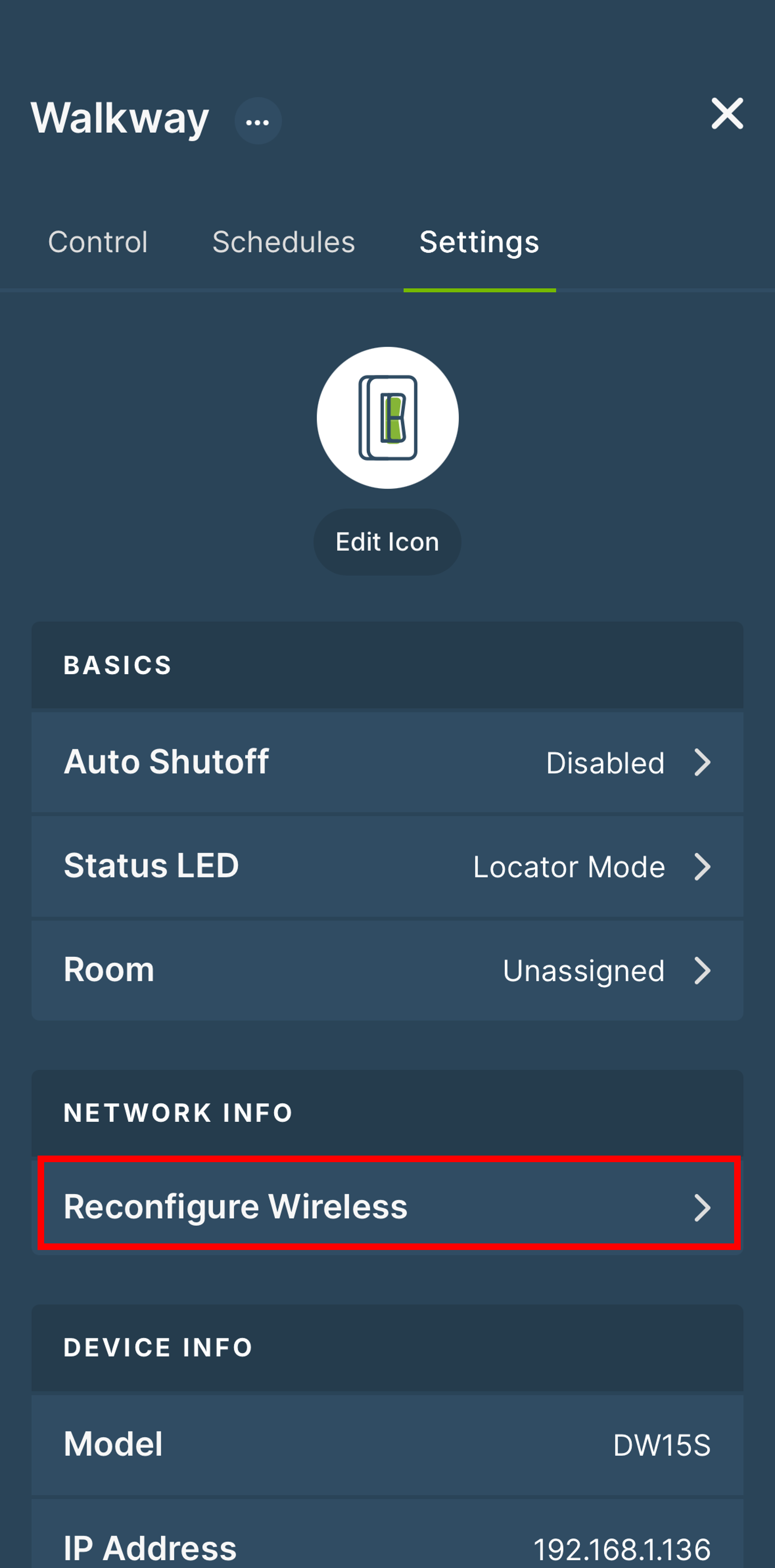
The Reconfigure Wireless option allows a device to join a new wireless network while retaining all of the device information. This is helpful when configuring a device to connect to a Wi-Fi network with a different SSID and/or Wi-Fi password.
Reconfigure Wireless
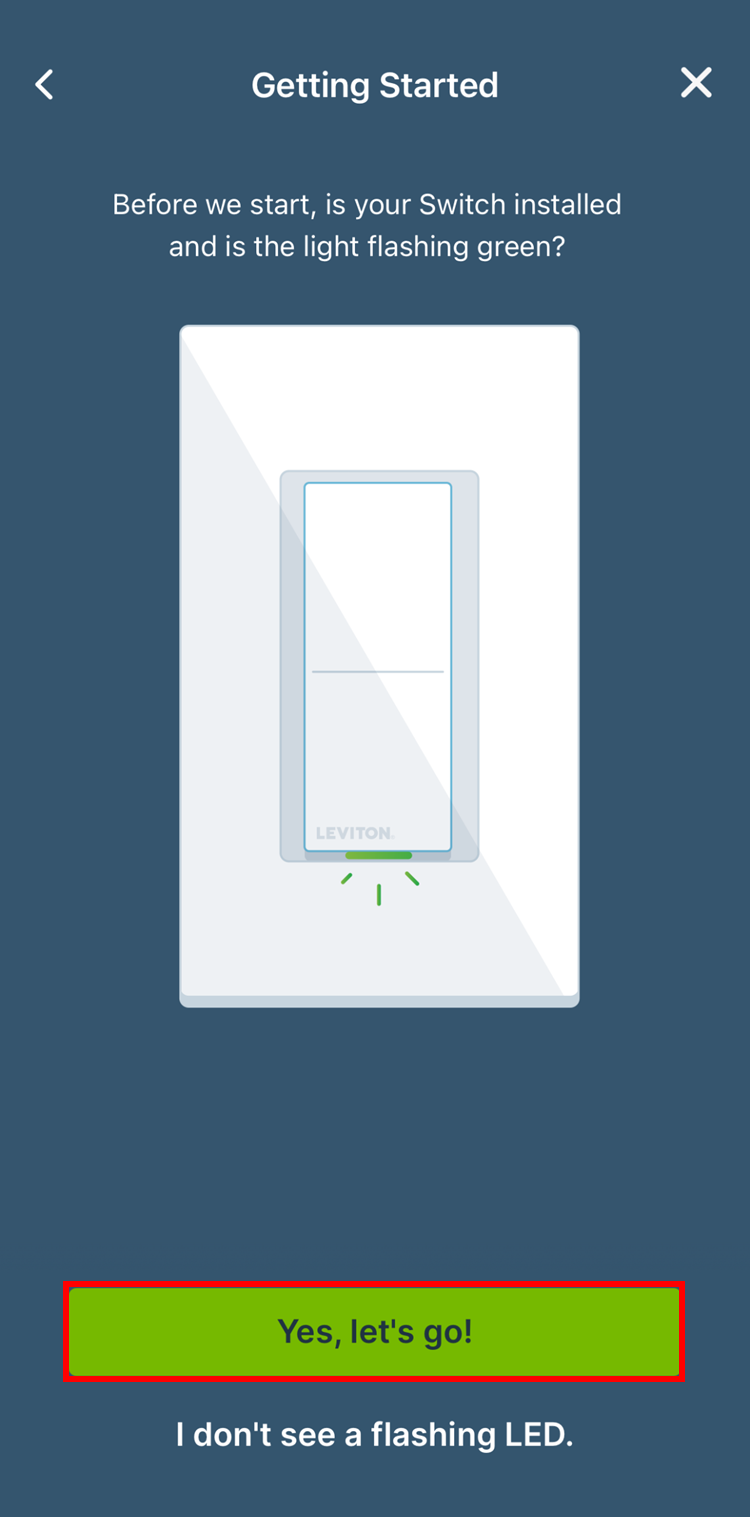
To reconfigure the wireless settings (SSID and/or Wi-Fi password) on an existing 1st Gen Decora Smart Wi-Fi device, place the device into enrollment mode:
- Hold the top of the rocker or button for 7 seconds
- After the first 7 seconds, the LED will turn amber, release the button
- Wait for the LED to begin flashing green
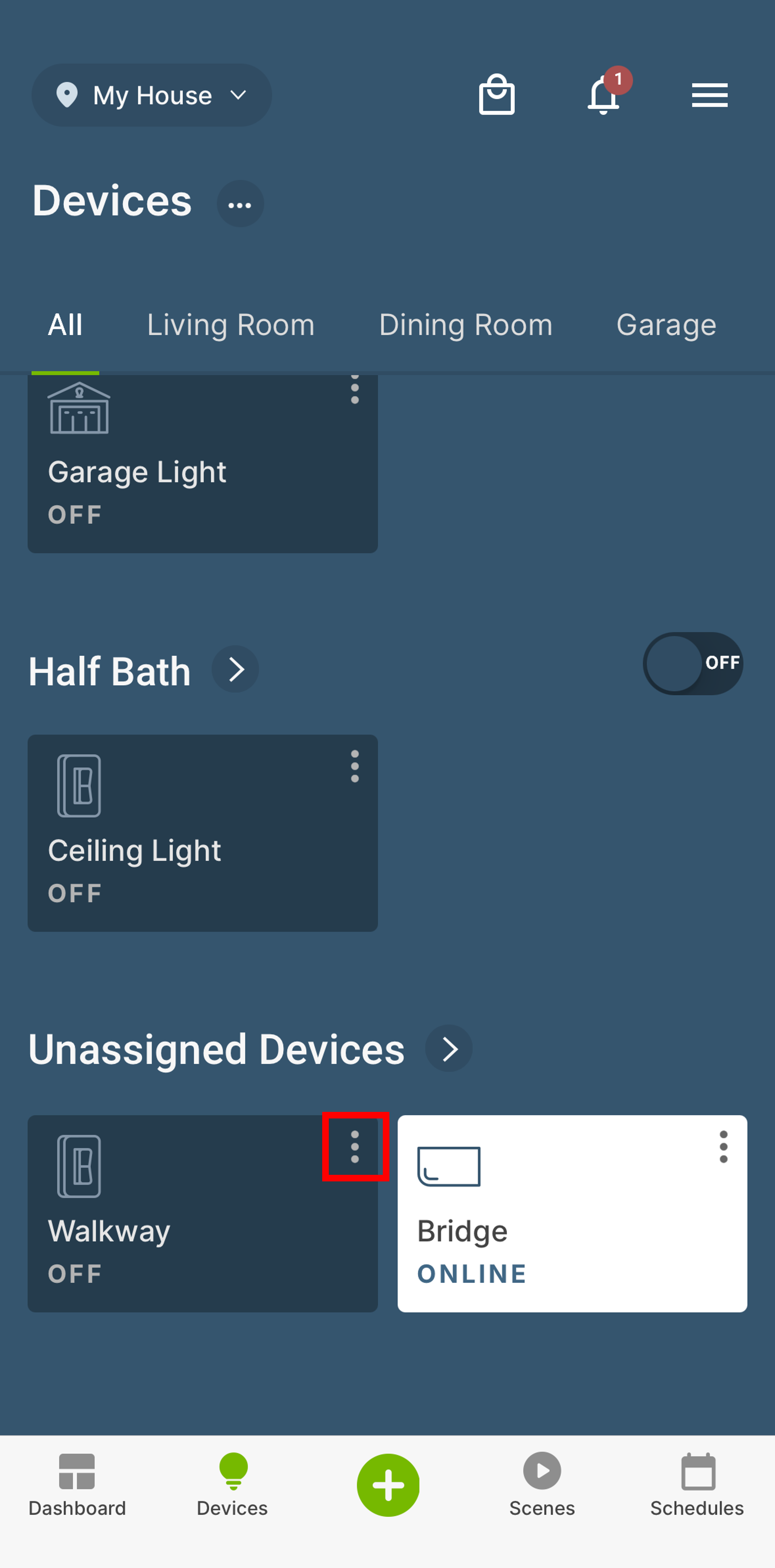
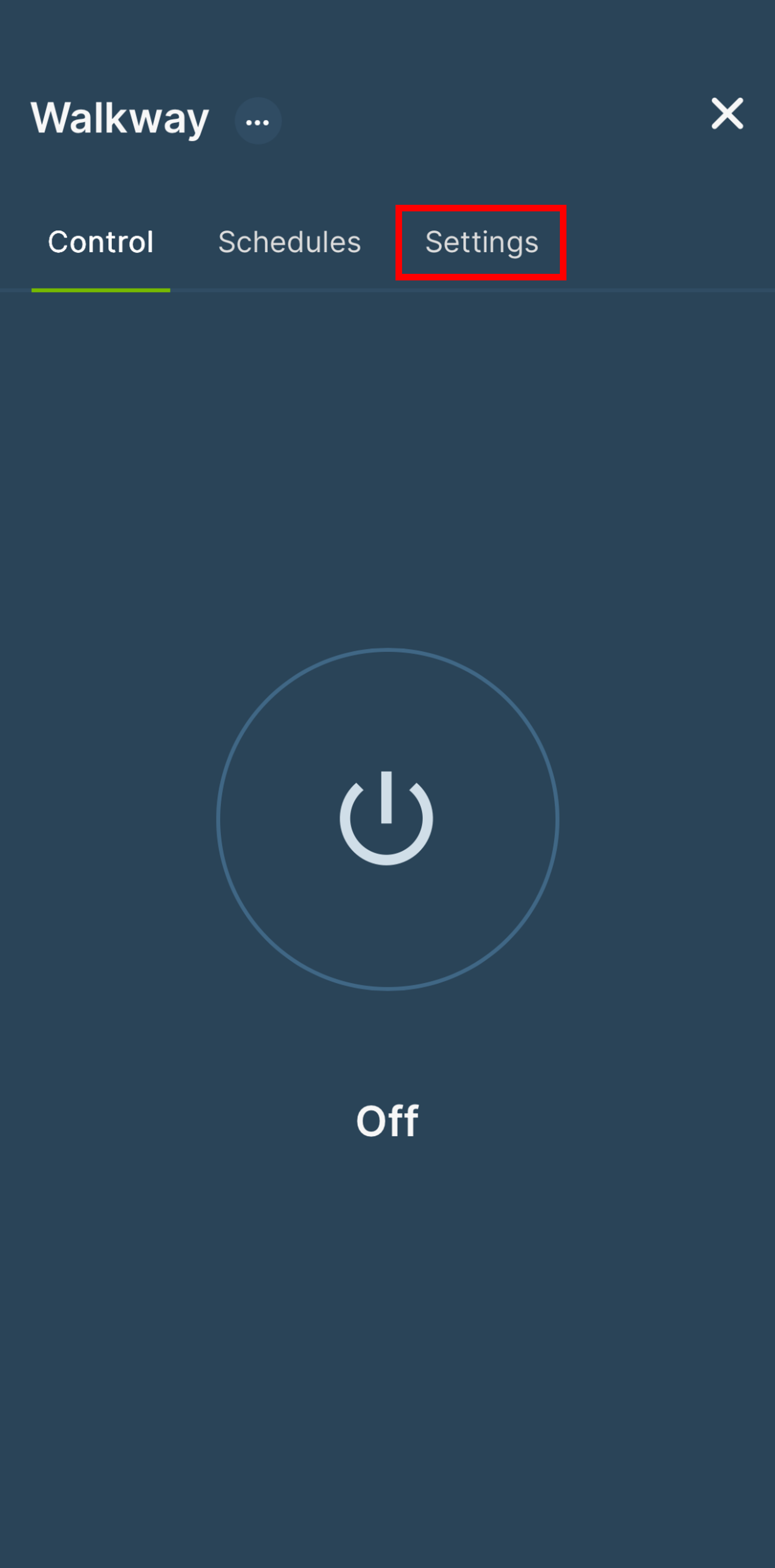
Locate the device card on the My Leviton Dashboard screen or the Devices screen, and tap the 3 dots [⋮] in the upper right corner. Select Settings.