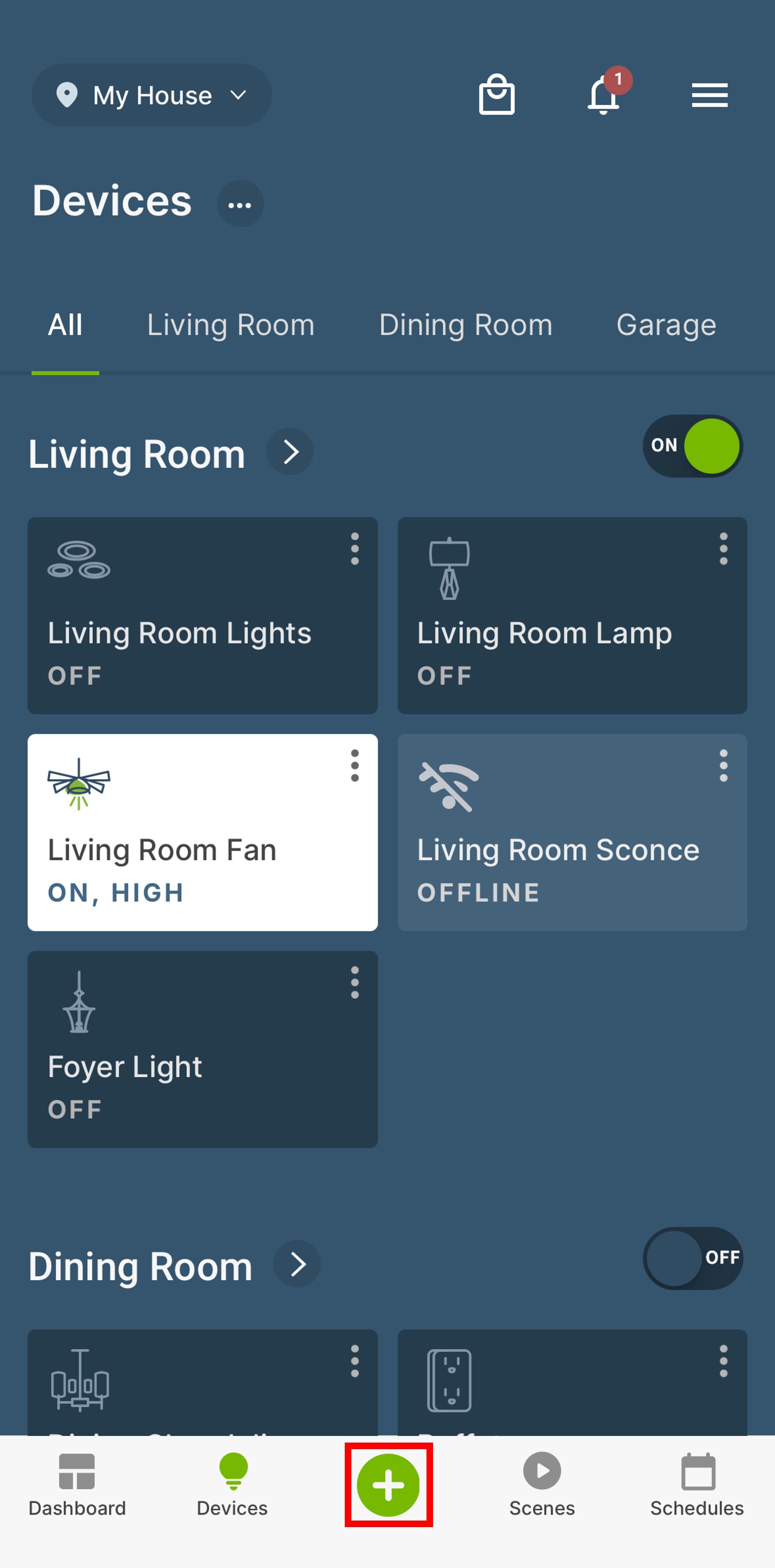
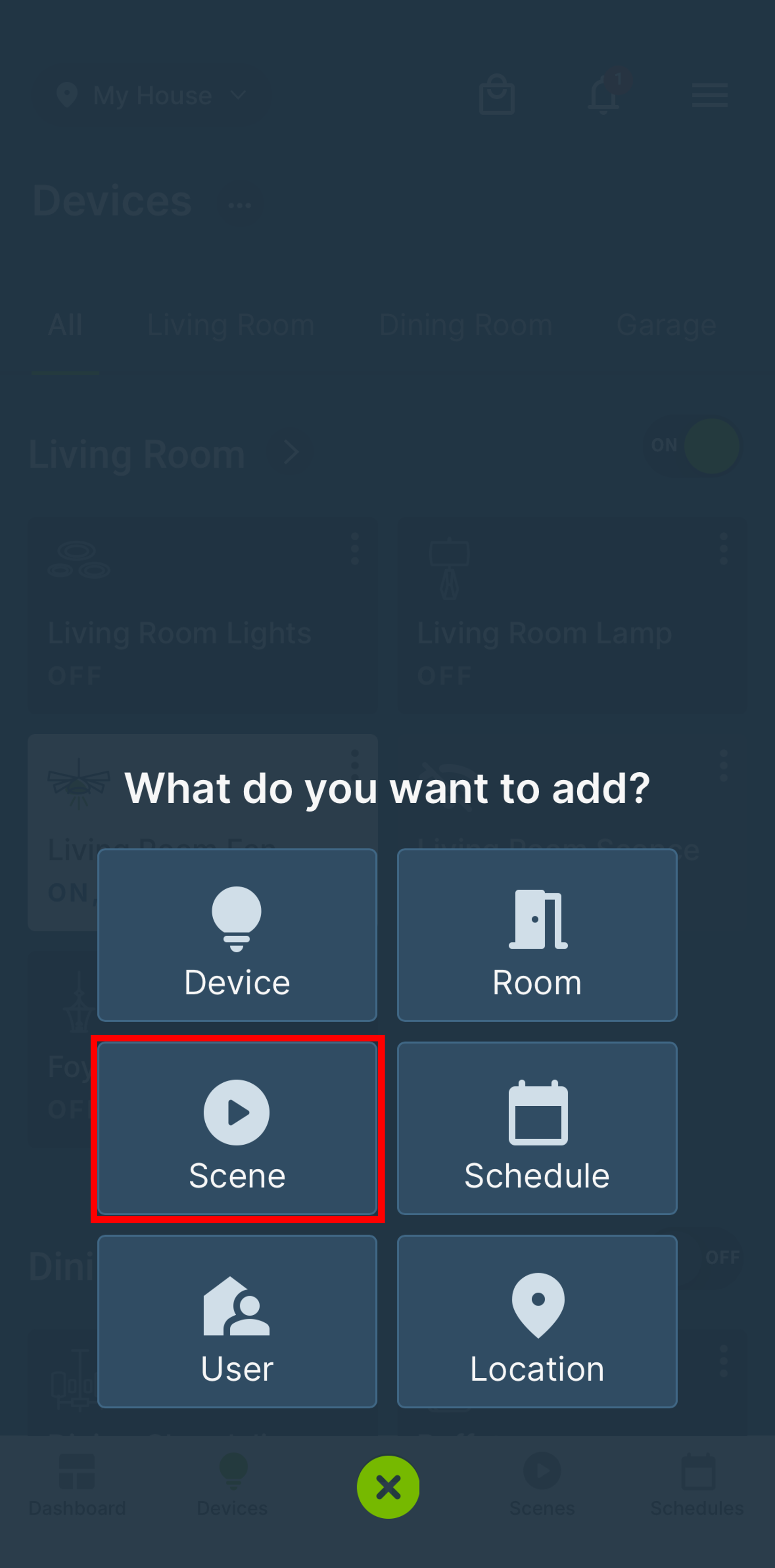
The My Leviton app allows users to easily create room scenes that can be run from a single icon. This article assumes you already have devices assigned to specific rooms. To create the scene, tap the "+" in the center of the Navigation Bar and then tap Scene.
How Do I Create a Room Scene?
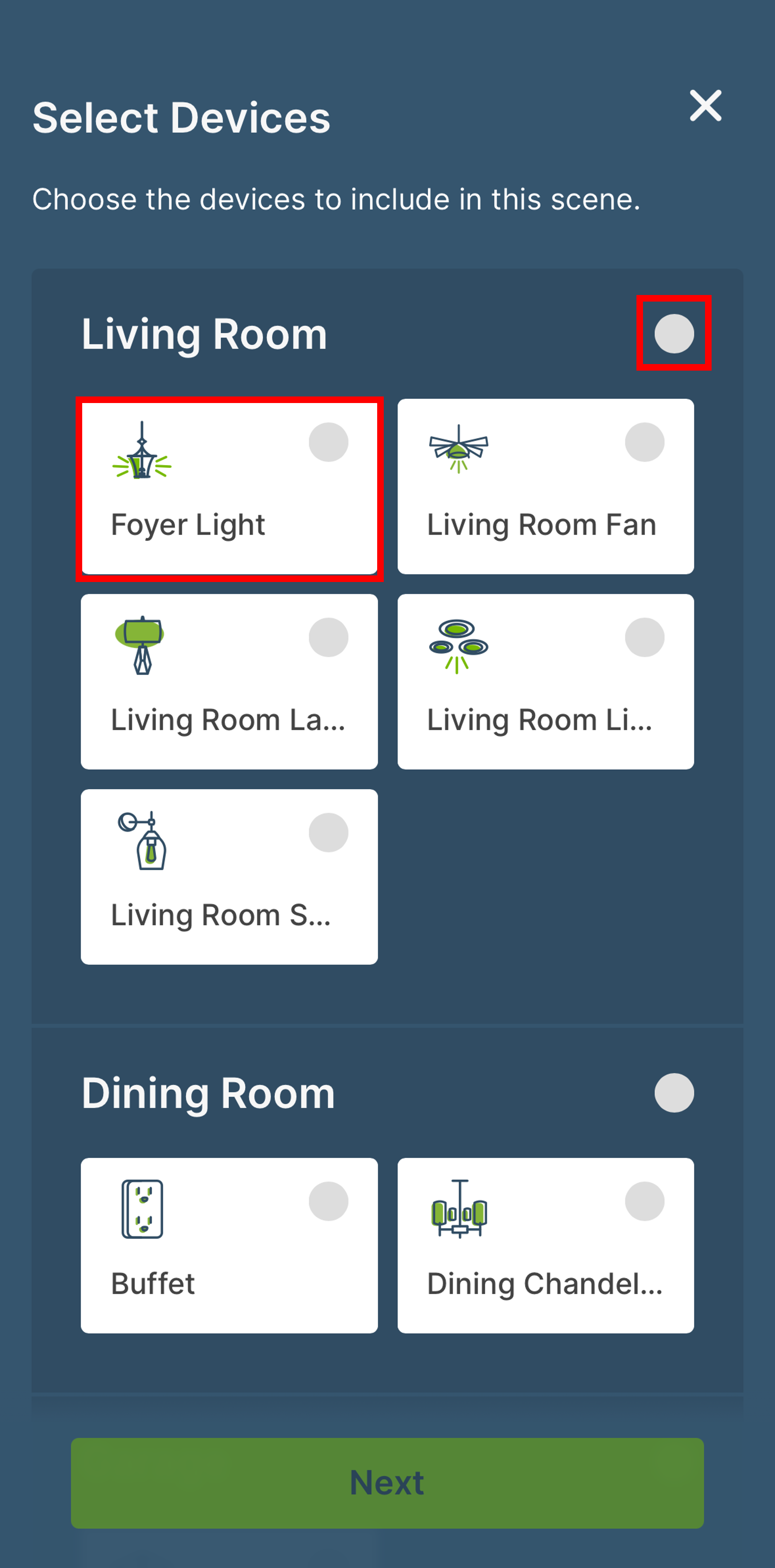
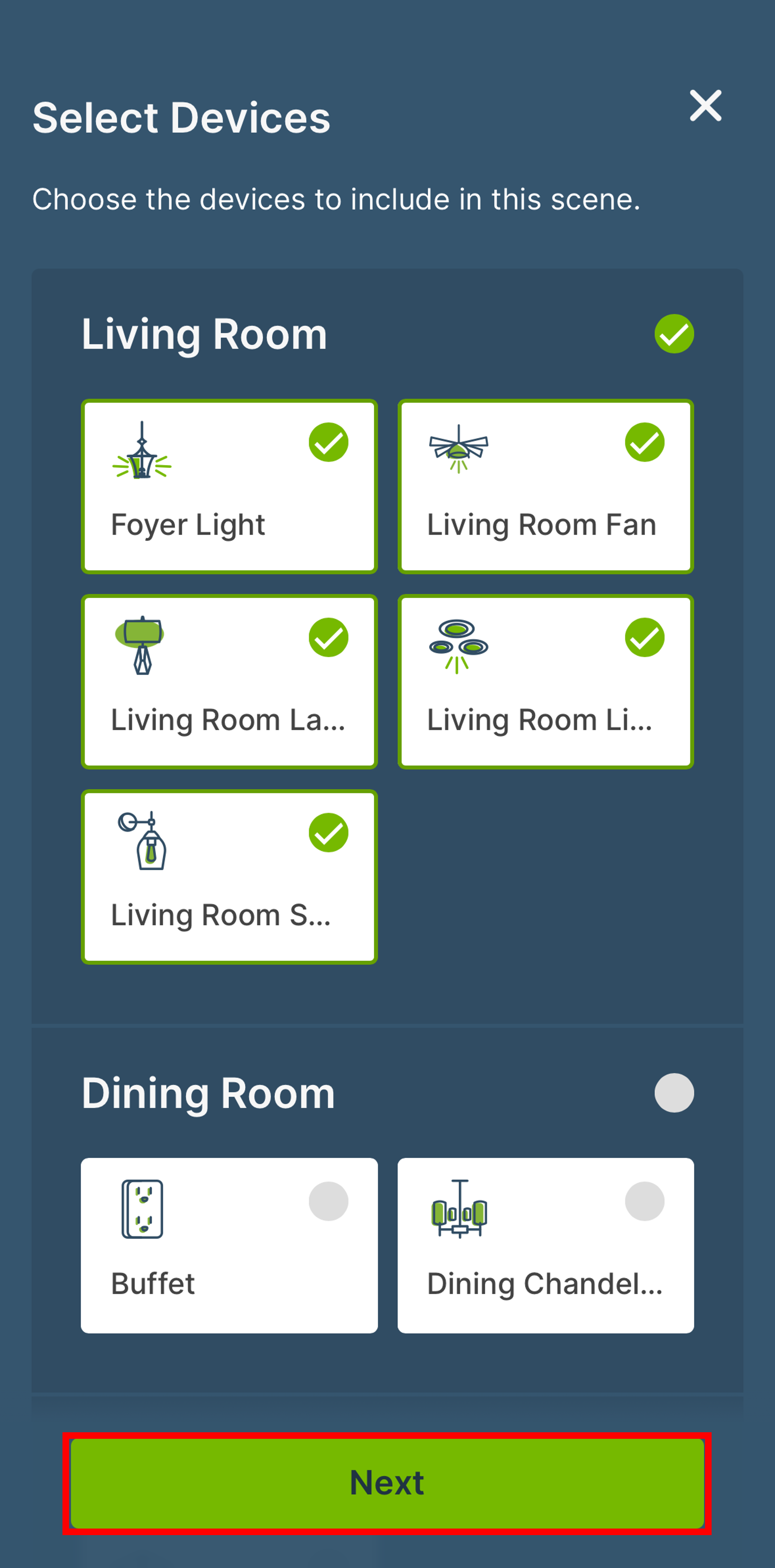
Scroll to the room in which you want to create a scene. Select the button next to the room name to select all of the devices in the room. If you do not want to select all of the devices in the room, then tap the button in the devices you want to be part of the scene. Now tap Next.
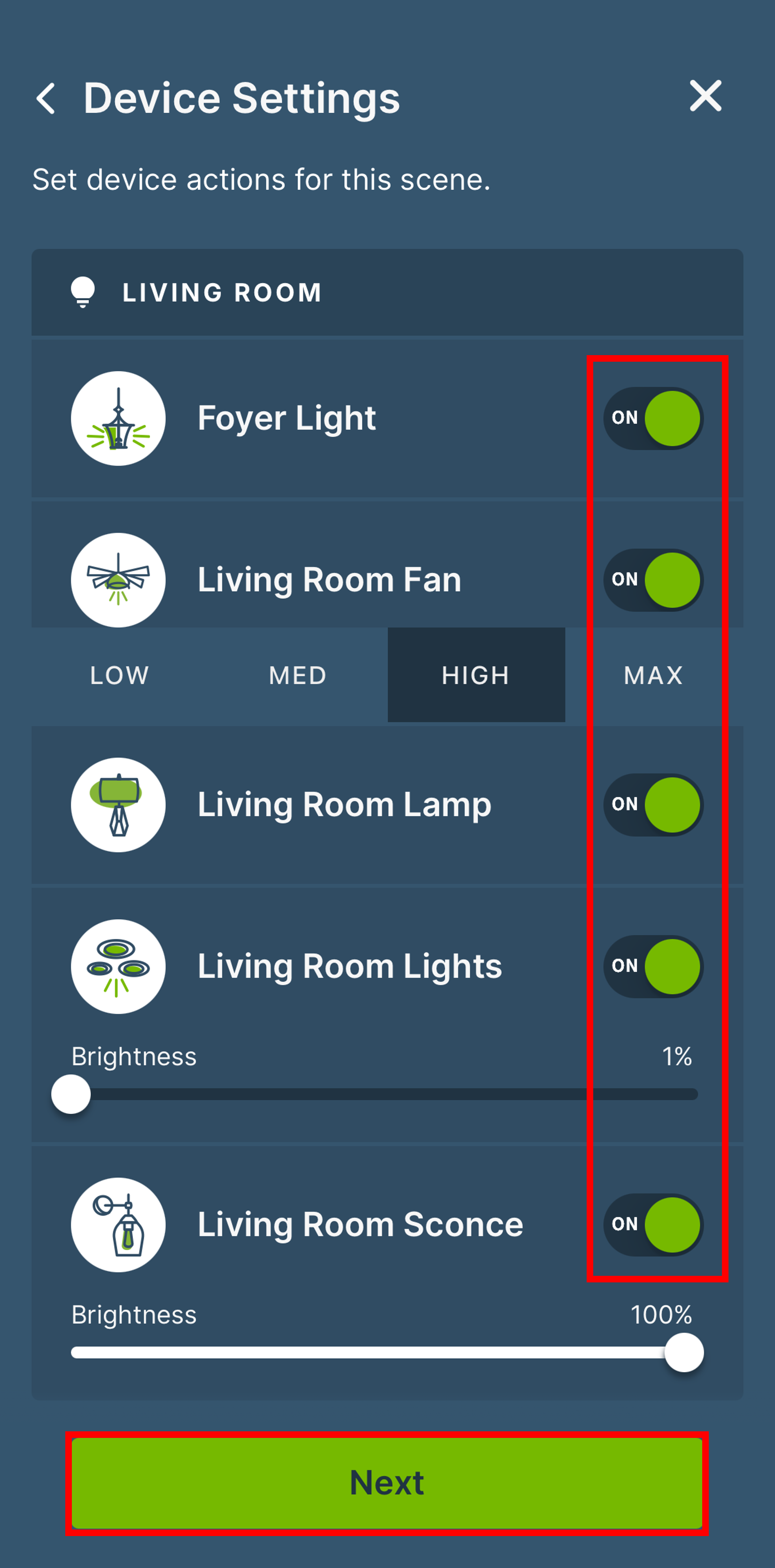
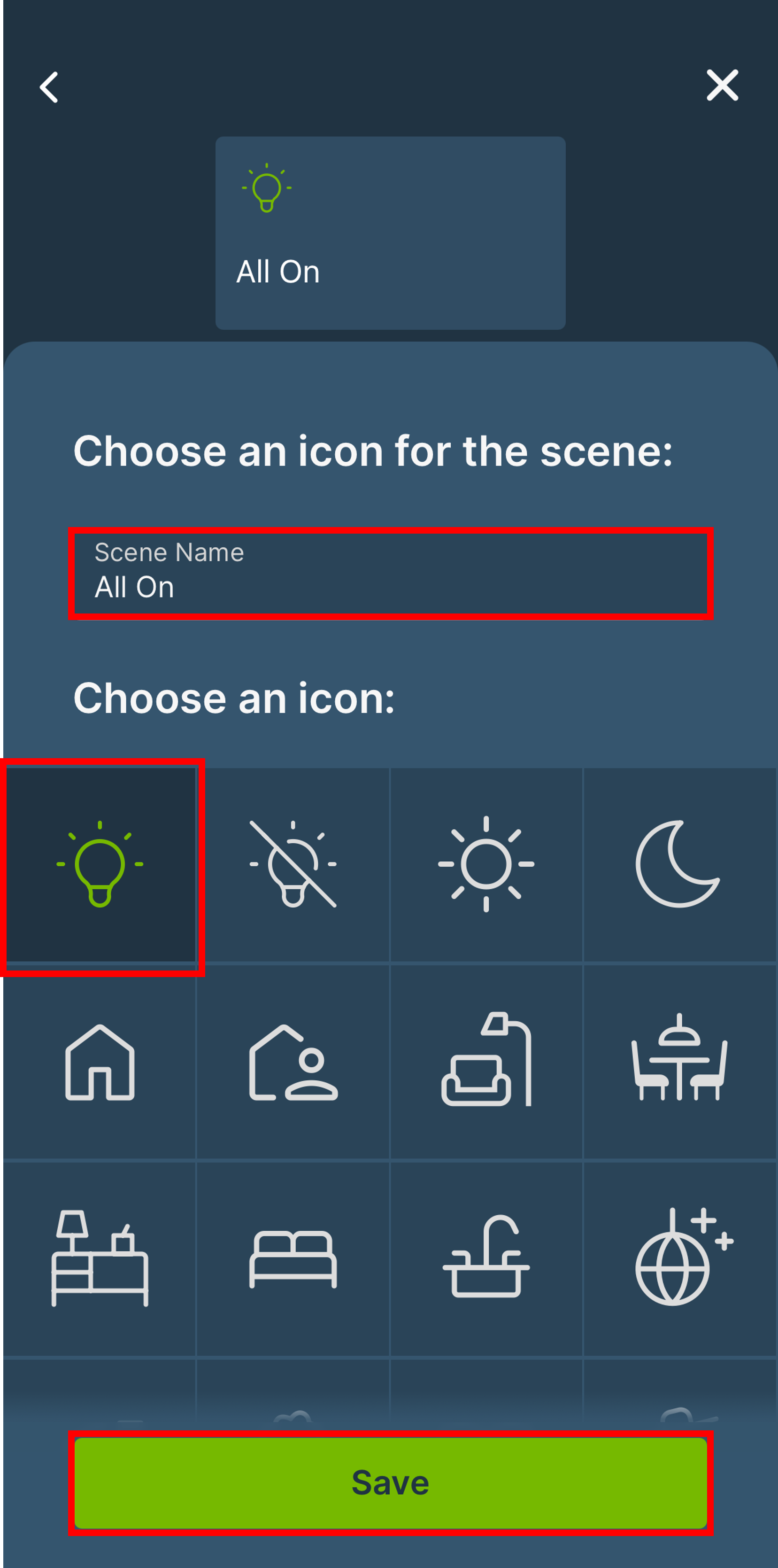
Set the state of the devices in the scene, On, Off, Dim Level, Fan Speed, etc, then tap Next. Select an icon that best identifies the scene and press Save.
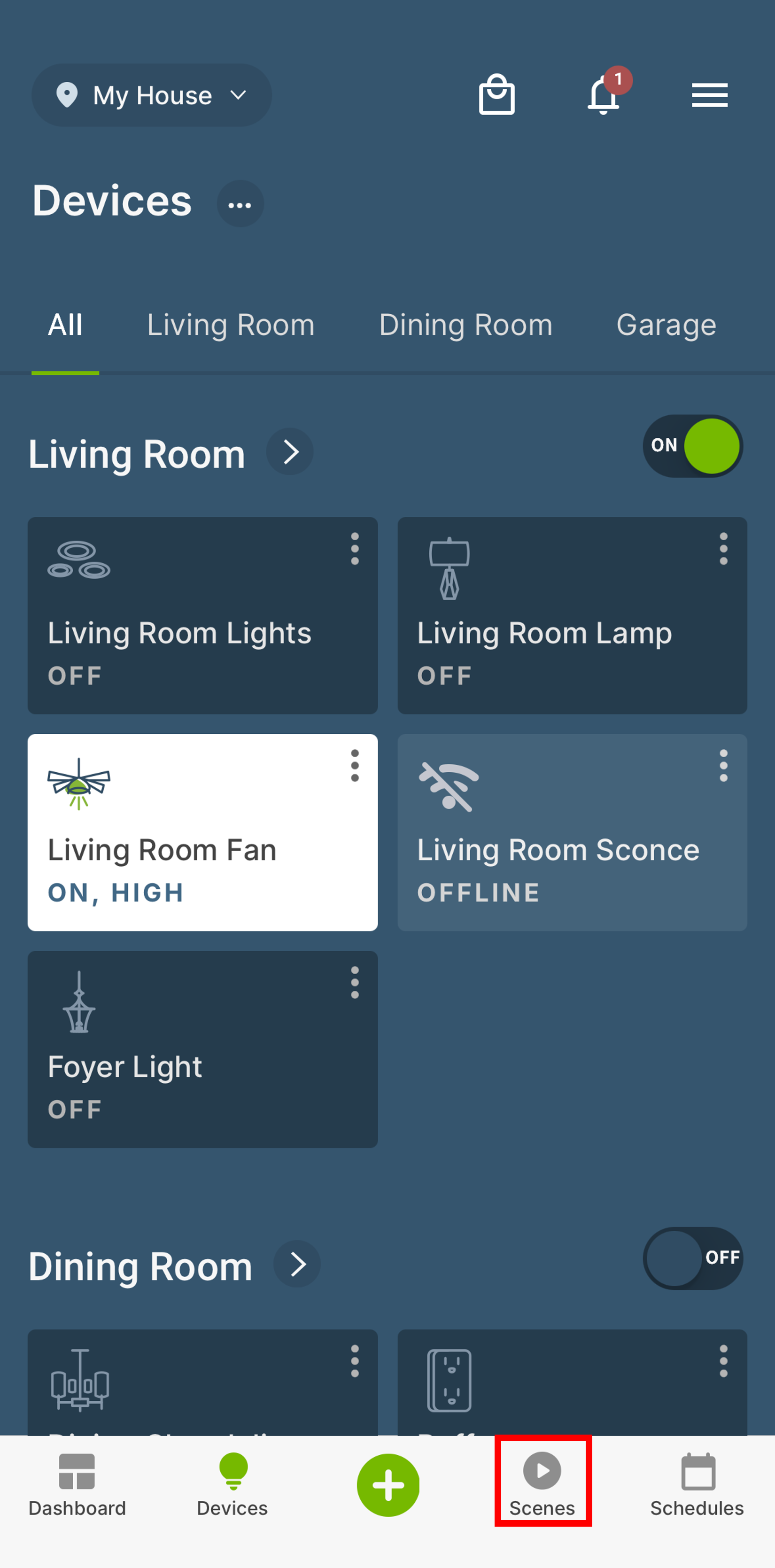
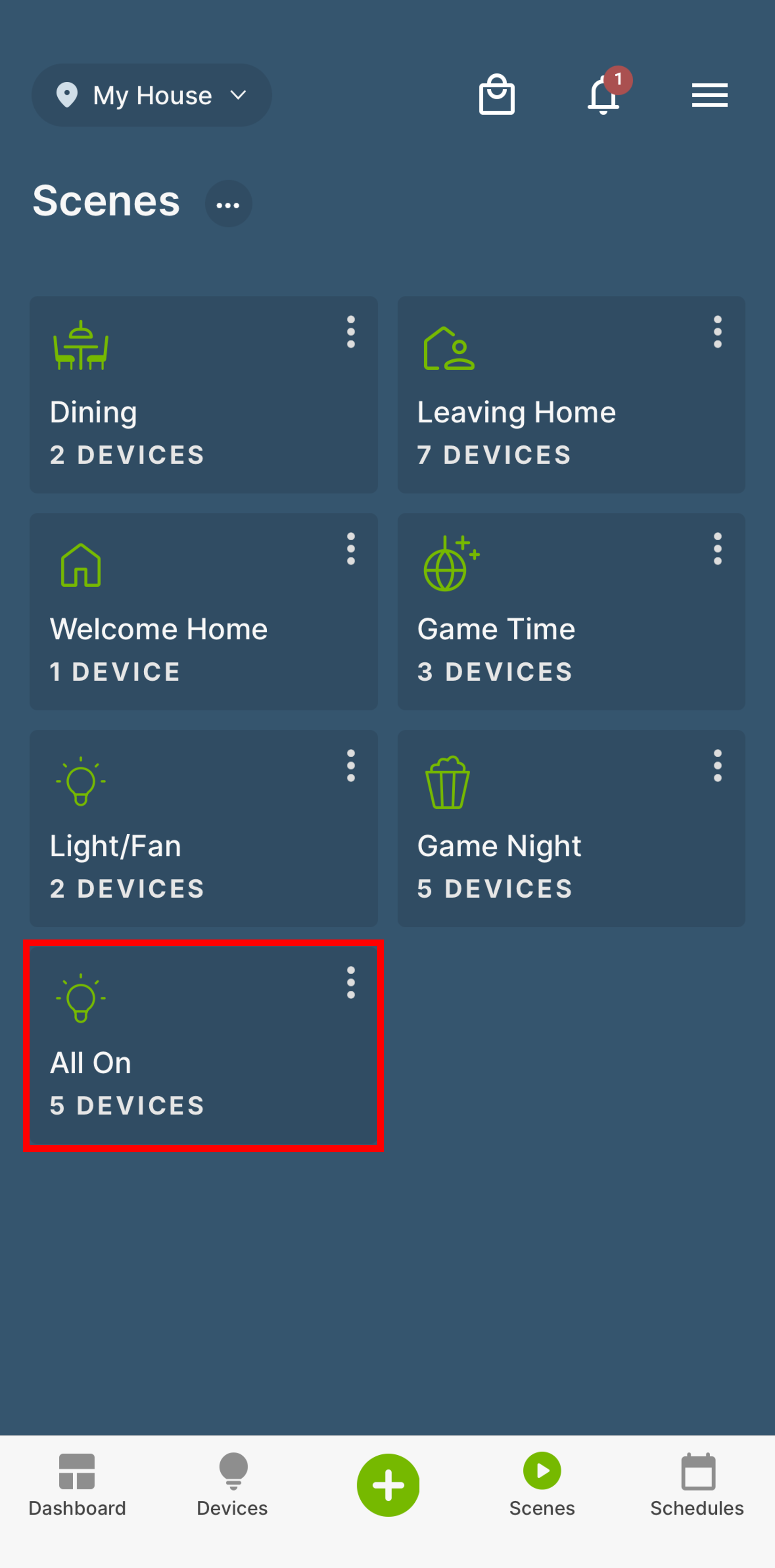
To access the scenes, tap the Scene Icon in the bottom Navigation Bar. All scenes will be displayed. Tap the scene's icon to run the scene.