Loading...

How Can I Use a D2MSD Decora Smart® Wi-Fi Motion Sensing Dimmer With HomeKit

The D2MSD Decora Smart Wi-Fi Motion Sensing Dimmer can be added to HomeKit.  Once added, Homekit will track motion using the motion detector and will provide light control.  

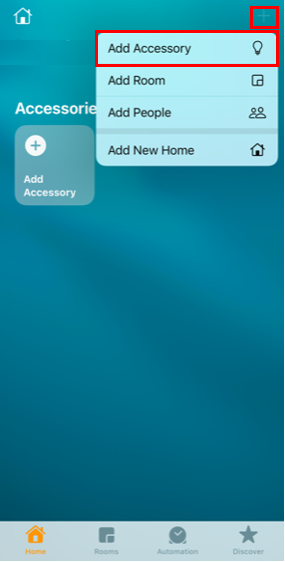
In the Home App press the '+" in the upper right corner and choose Add Accessory
HomeKit

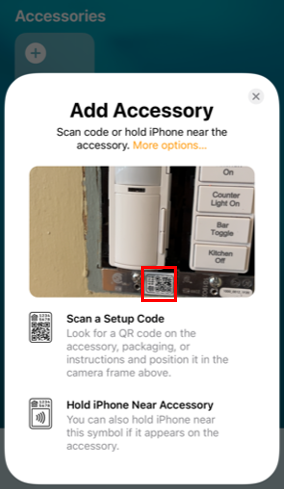
Use the mobile device camera to focus on the HomeKit code on the right side of the bottom strap.

HomeKit

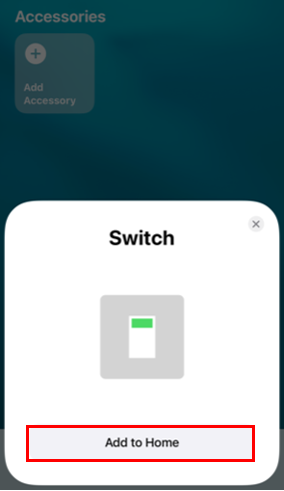
Once the code is read you will be prompted to add a switch

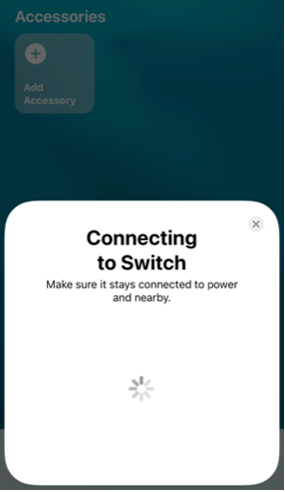
Make certain the D2MSD is powered and LED is flashing green

Press Add to Home

HomeKit
HomeKit

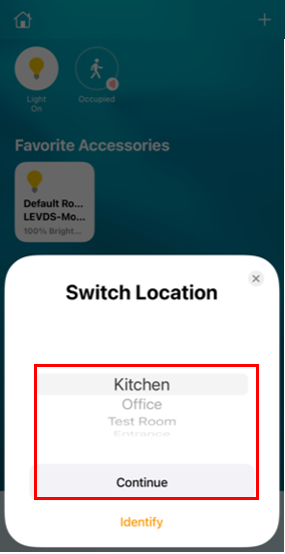
Choose a room to place the D2MSD

HomeKit

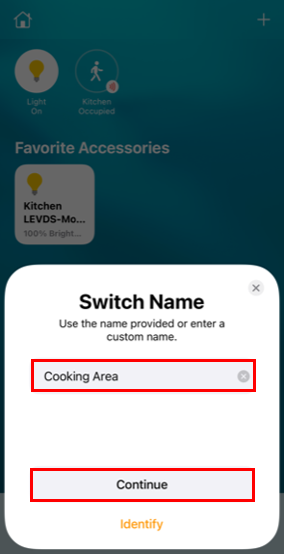
Name the D2MSD

Press Continue

HomeKit

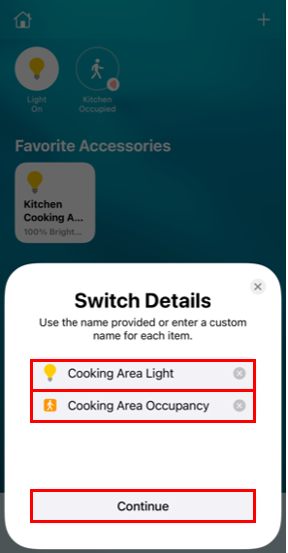
HomeKit will see the D2MSD as 2 devices, a light and an occupancy sensor

Name both the light and the sensor

Press Continue

HomeKit

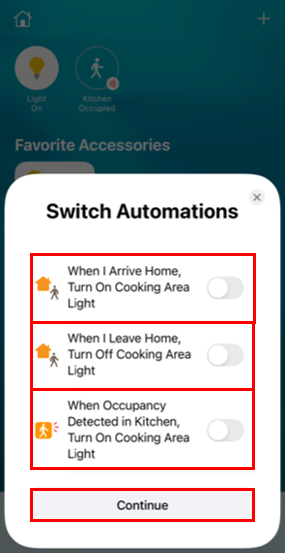
Homekit has some automation capabilities when used with a HomeKit hub

If you would like to control lights based on mobile device movement or occupancy you can adjust the options

HomeKit

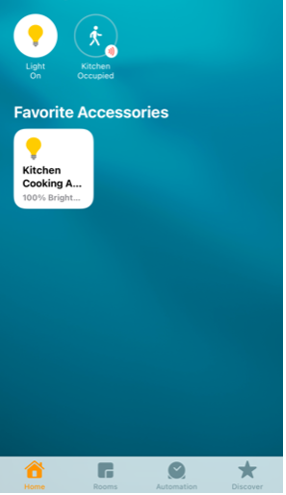
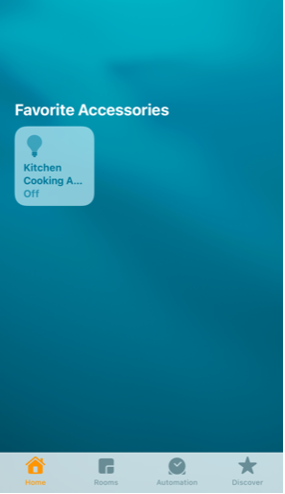
Once added the light will show as an accessory and motion will be shown on the HomeKit Home screen

HomeKit
HomeKit