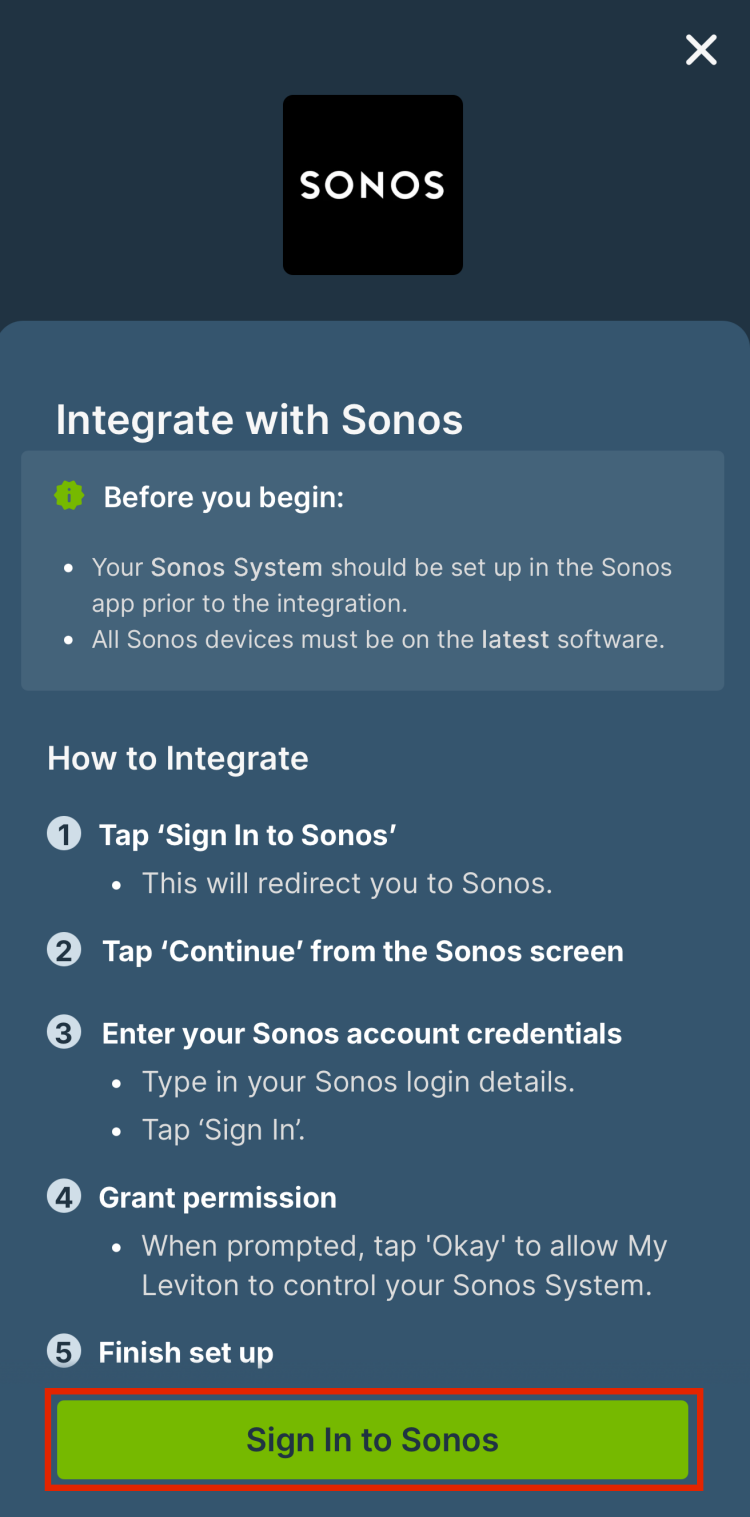
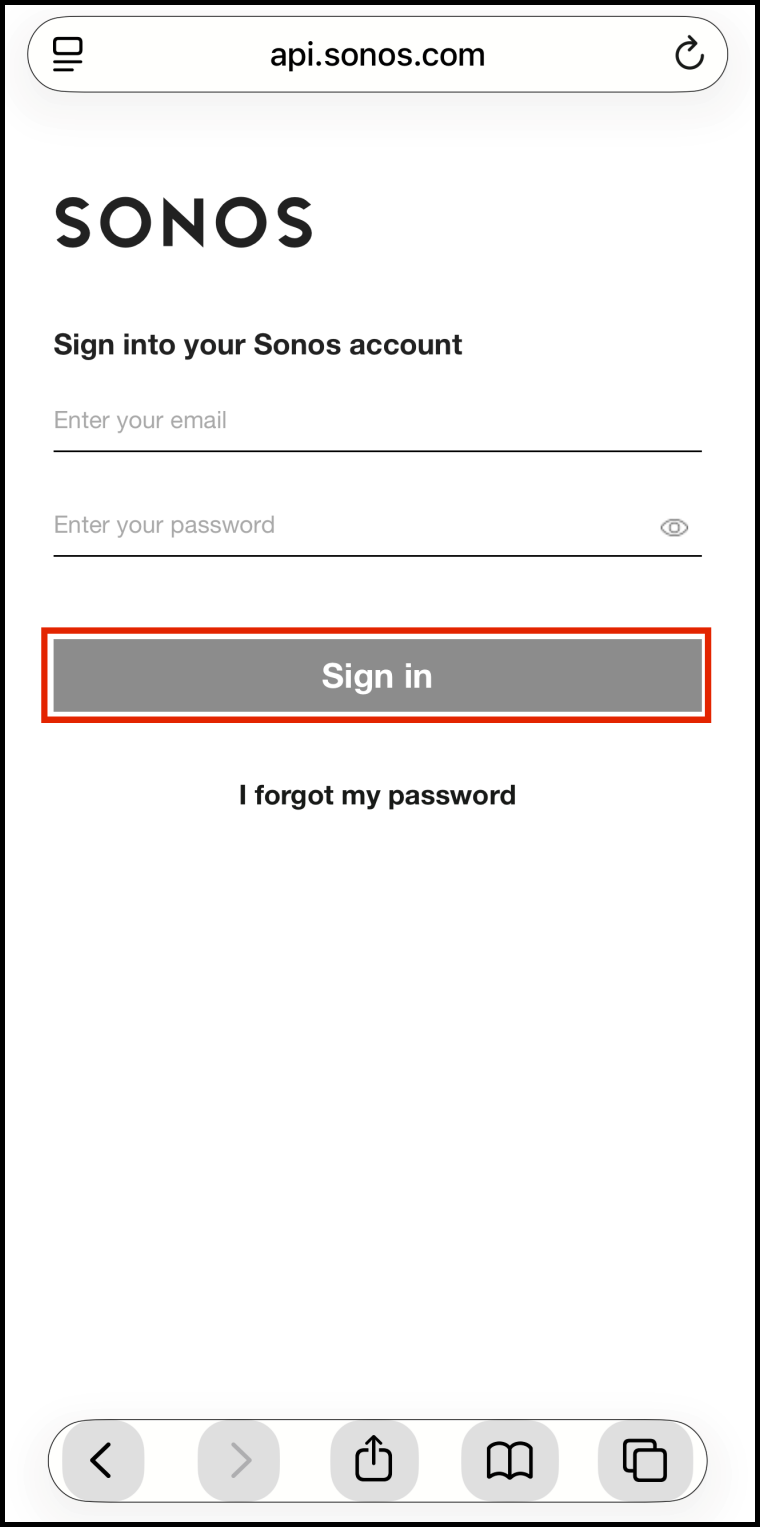
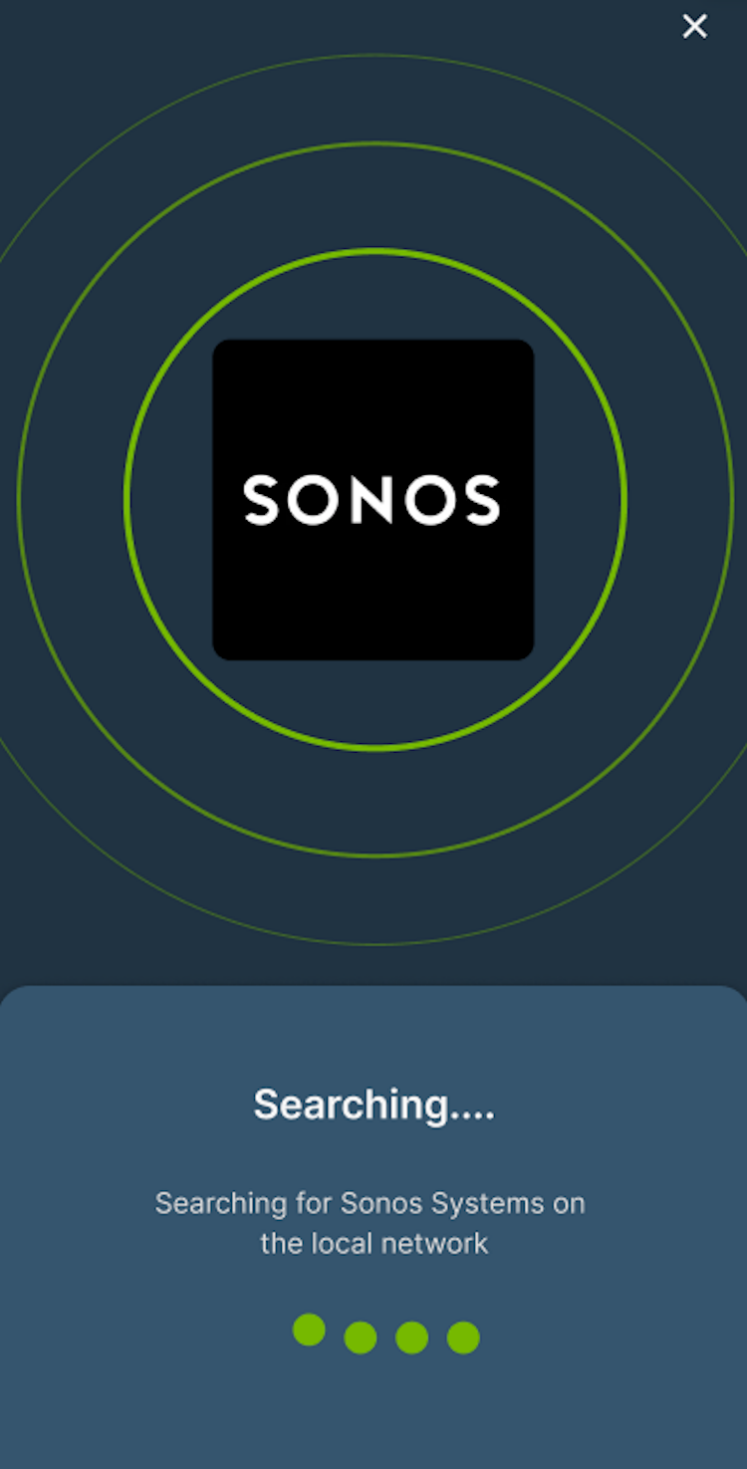
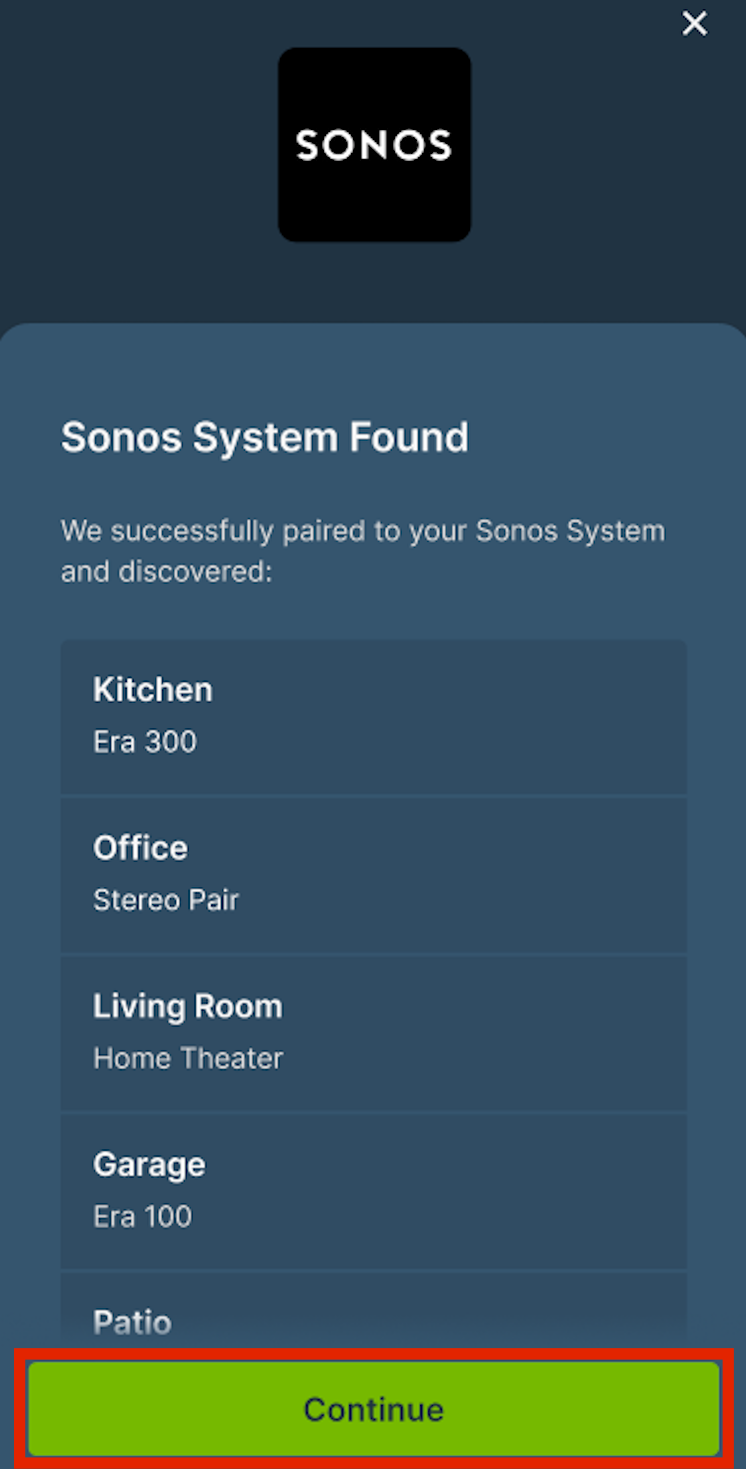
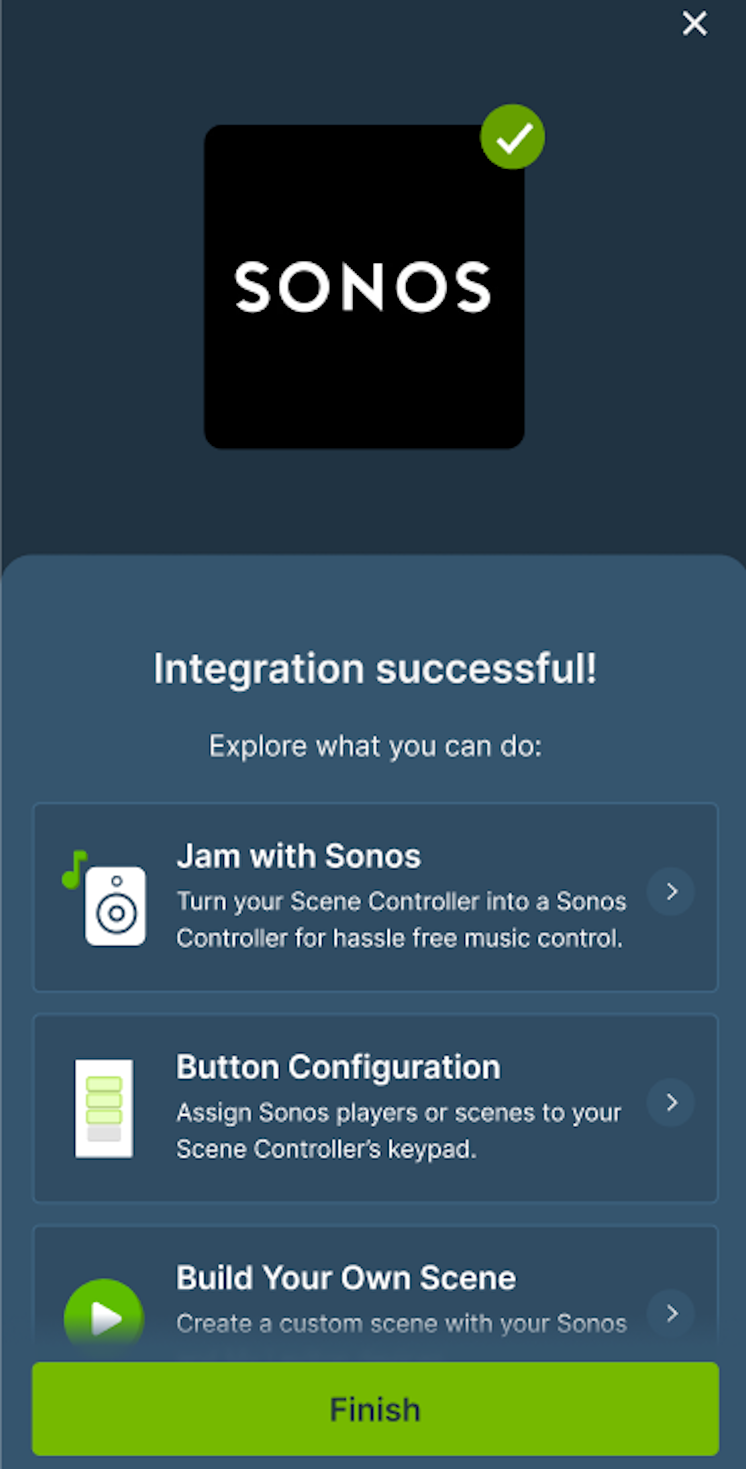
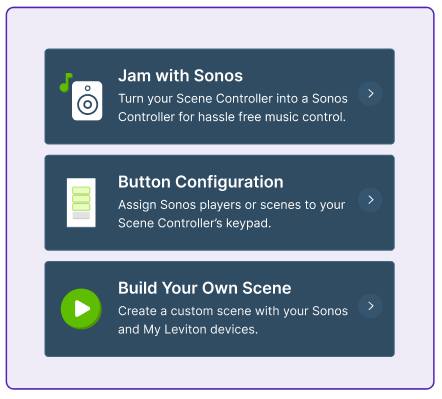
Yes! Leviton’s partnership with Sonos brings convenient, on-wall audio control to every home. By replacing an existing light switch with the Leviton D2SCS Decora Smart Wi-Fi Scene Controller Switch, you gain physical buttons to play/pause, skip tracks, and adjust volume on your Sonos system – right from the wall. Beyond audio control, you can create combined lighting and music scenes—like a “Party” button that sets the lights and starts the perfect playlist. The bottom button functions as a smart light switch, while the top three are customizable for audio or scene control. You can personalize your experience further by ordering custom engraved buttons through the My Leviton app. This integration makes it easy to tie lighting and sound together for a truly immersive smart home experience.
Getting Started
To get started, your Sonos devices will need to be installed and configured before proceeding.
Also, make certain your My Leviton app is up-to-date (3.93 or later) and your D2SCS Decora Smart Wi-Fi Scene Controller Switch must be installed and ready to go.
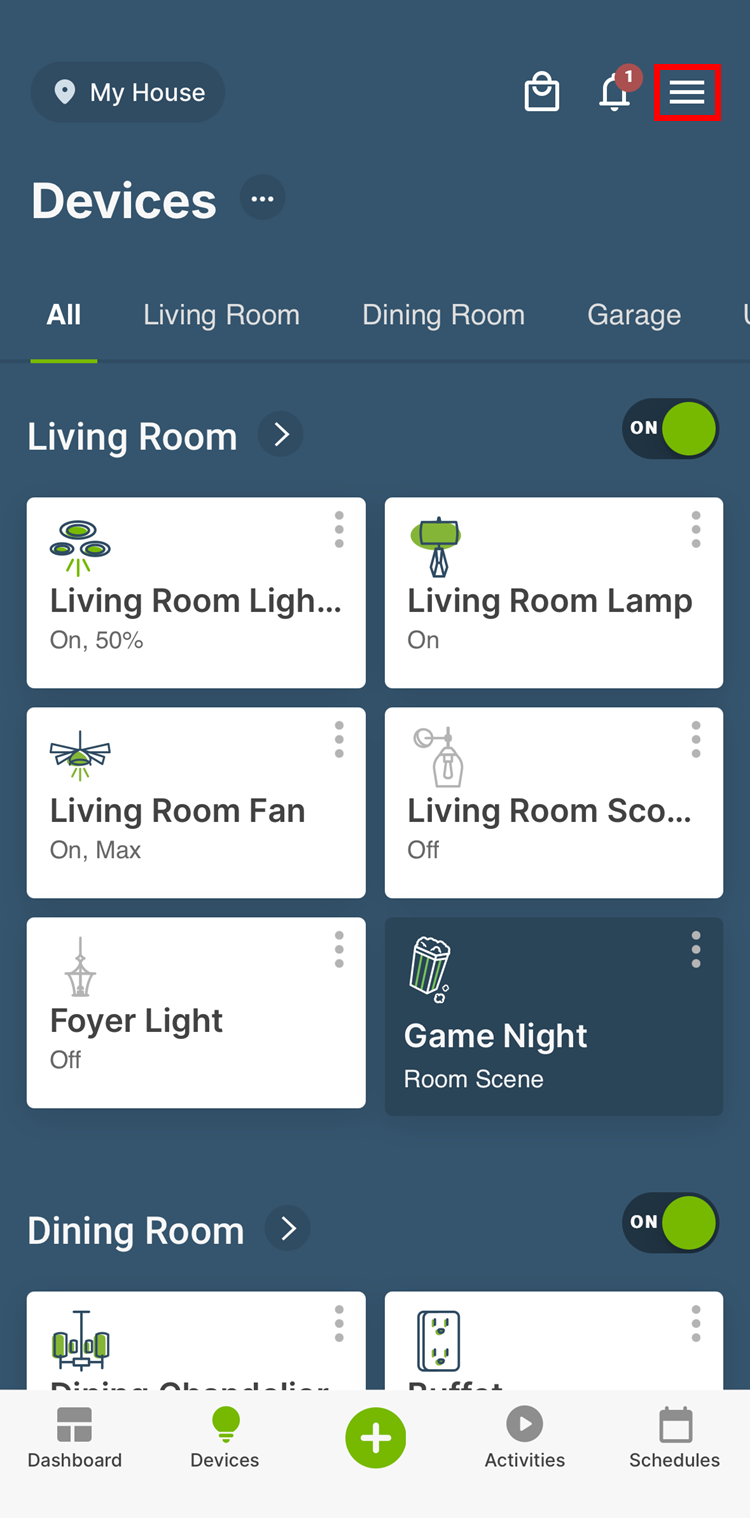
Open the My Leviton app and select the menu icon in the upper right corner of the screen.