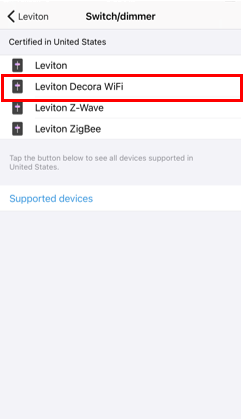
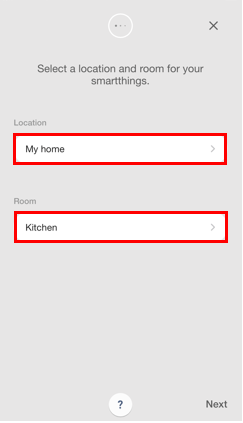
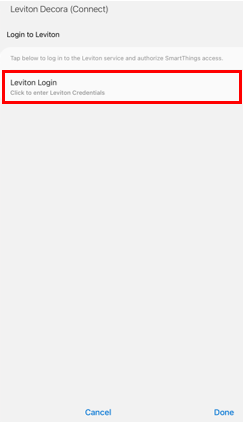
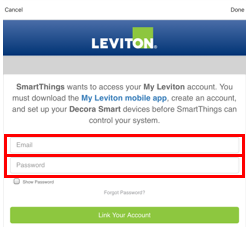
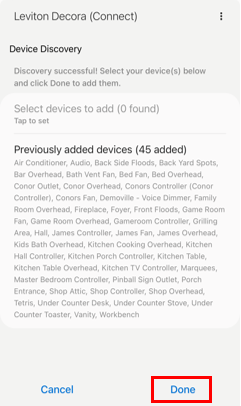
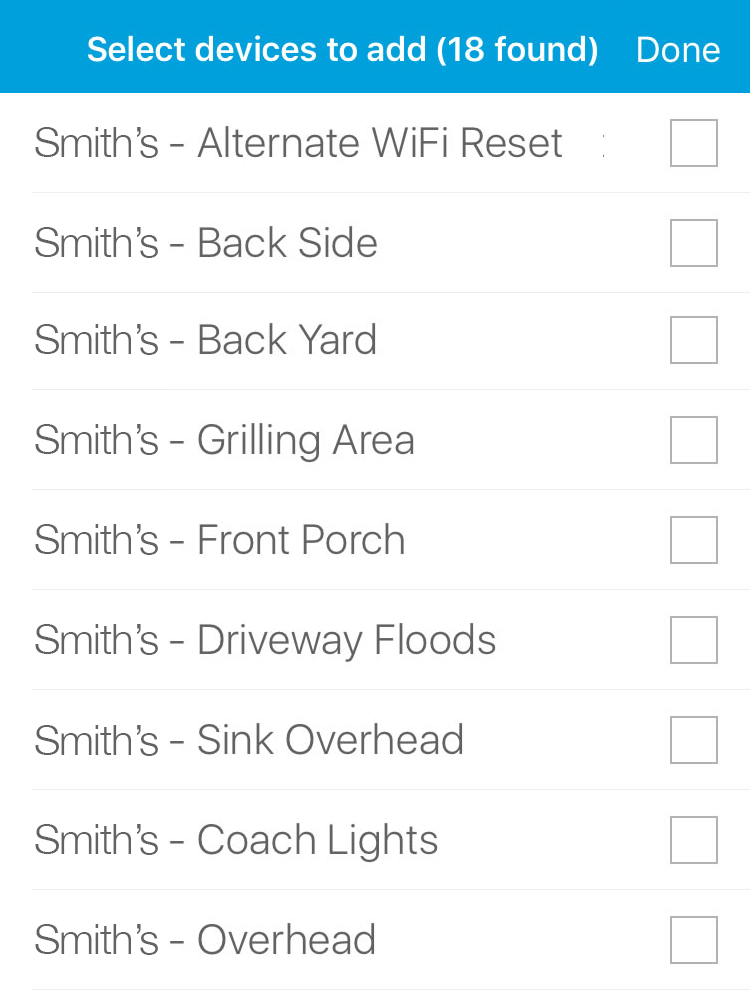
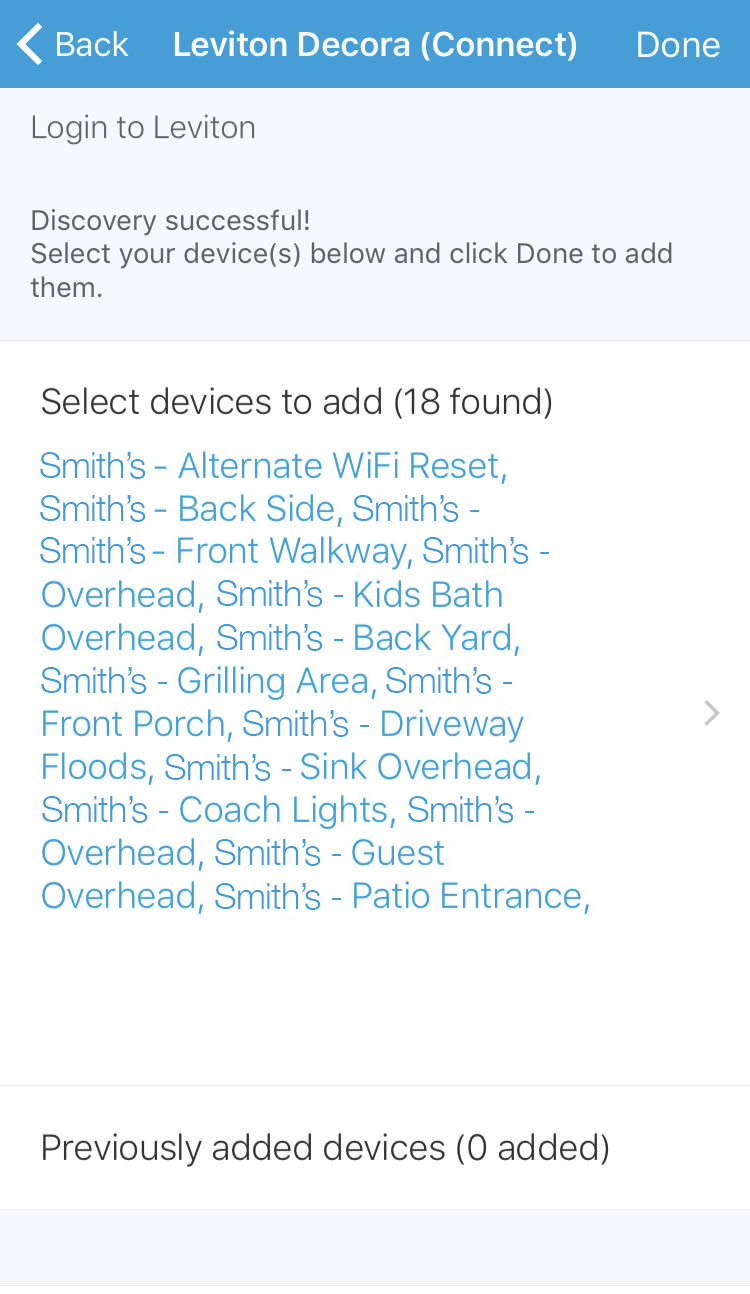
Yes. Once you have enrolled your Decora Smart devices to the My Leviton app, simply add your My Leviton account information and your Wi-Fi devices can be imported to your SmartThings experience.
Getting Started
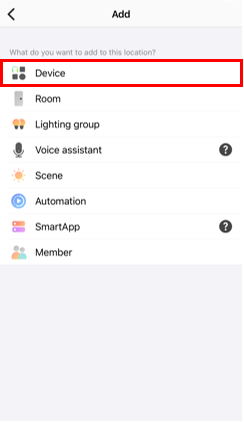
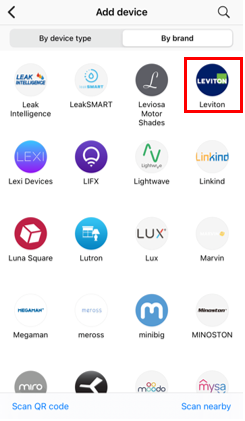
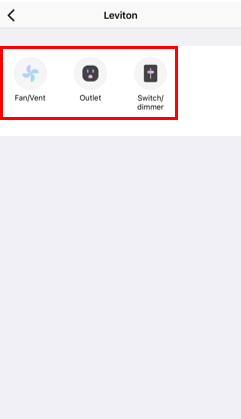
Samsung SmartThings is a powerful home automation hub that integrates a large number of devices, protocols, and services. SmartThings has added support for My Leviton Decora Smart Wi-Fi devices to easily expand the capabilities of the SmartThings system. To get started, you will need to sign into the SmartThings app. This procedure will show you how to connect SmartThings to the My Leviton cloud. Once paired, you will be able to include Decora Smart Wi-Fi devices in SmartThings app and automation routines.
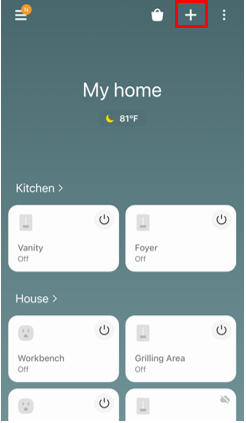
1. Within the SmartThings App, choose the + in the upper right corner: