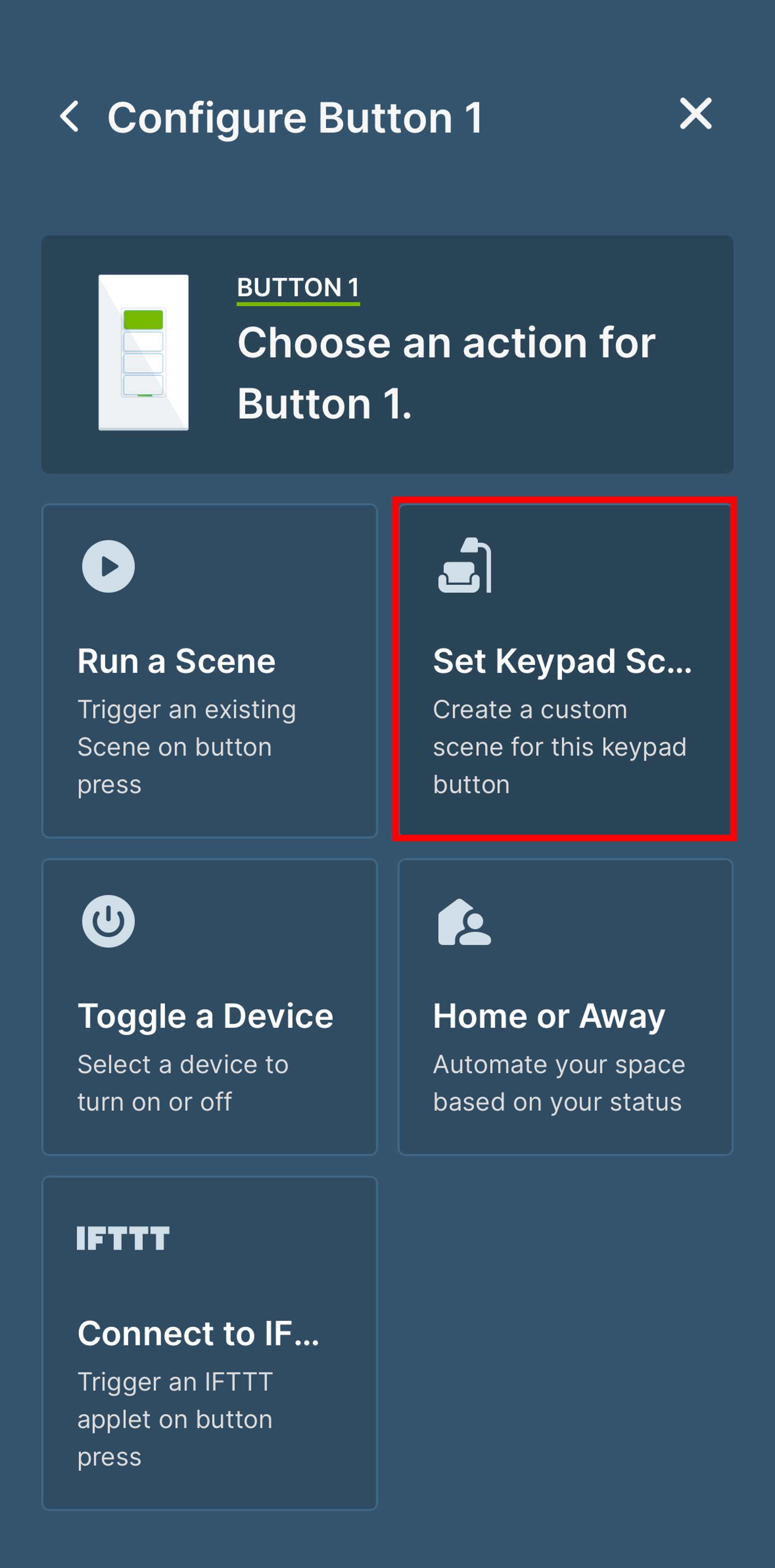
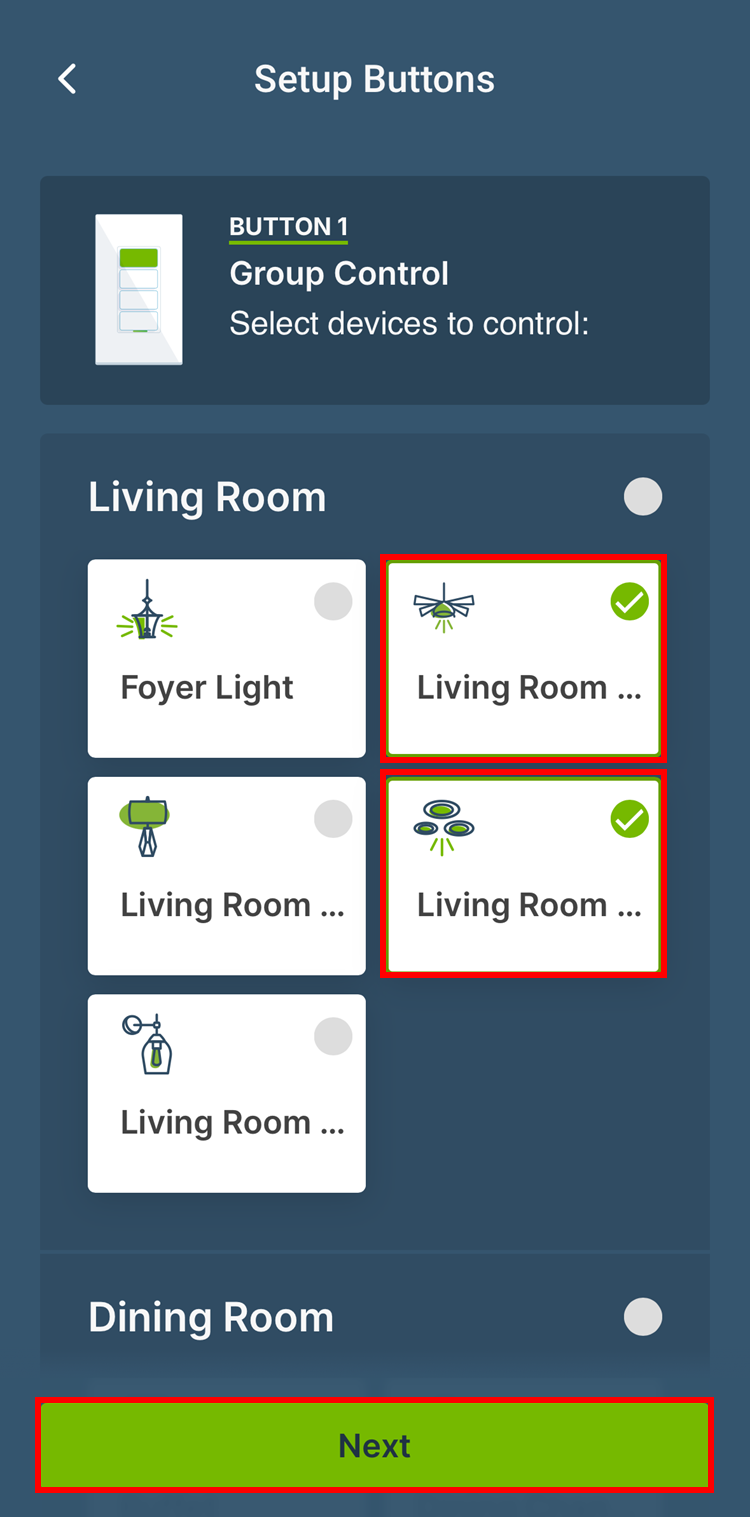
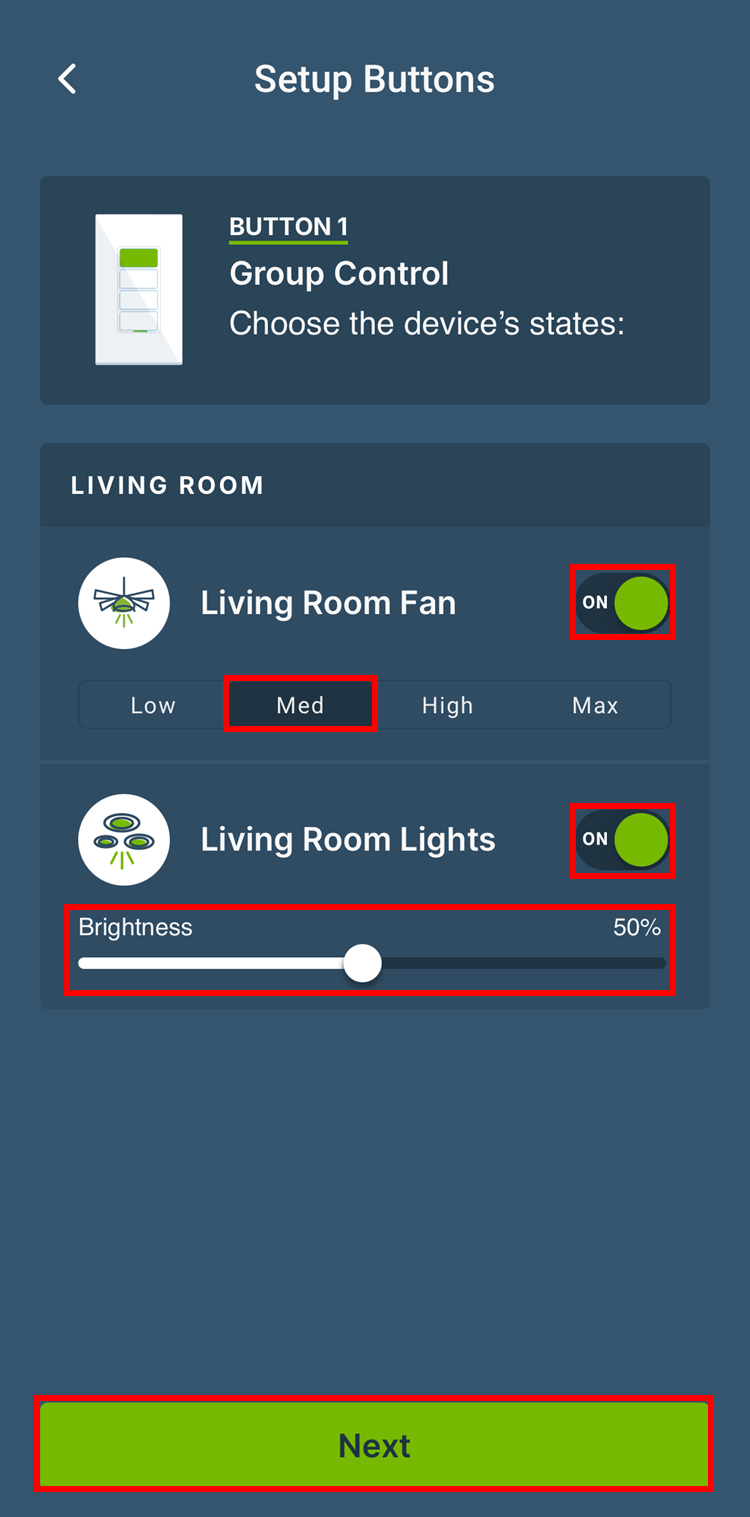
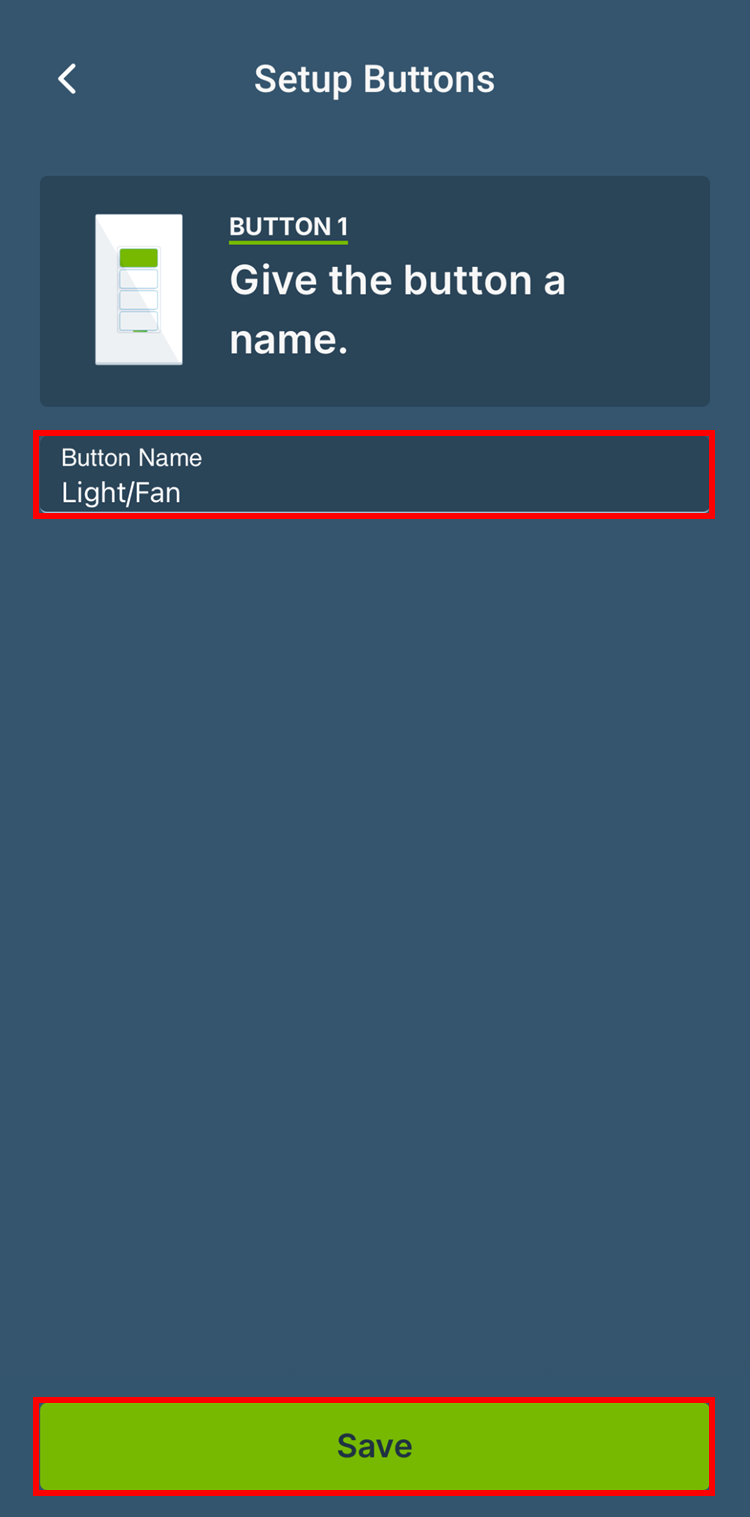
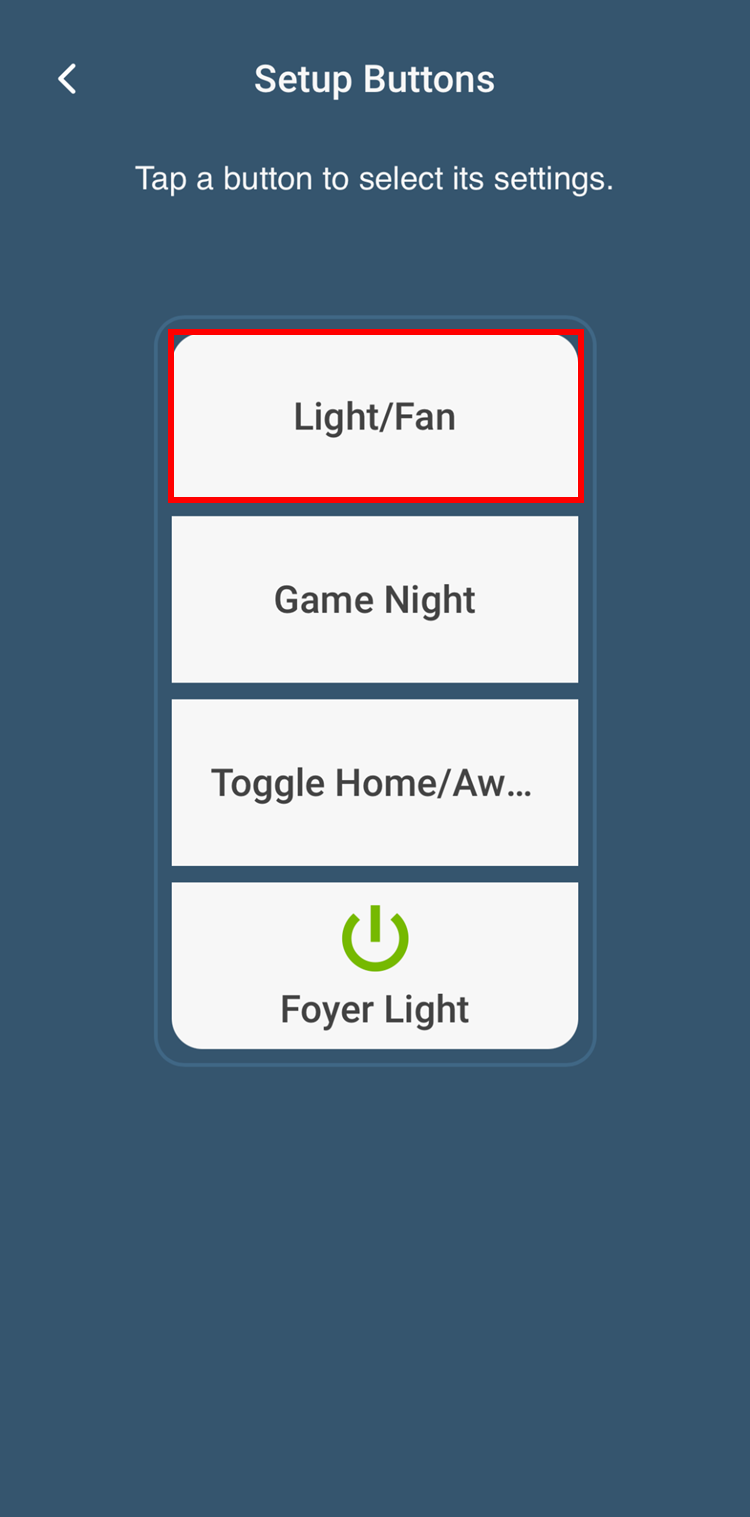
Scene Controller buttons can be configured for ON / OFF toggle control of an individual Decora Smart Wi-Fi device. On/Off toggle control using one button for a group of lights is not supported.
A scene controller button can be configured to run a Scene and this is the best solution for controlling multiple devices.
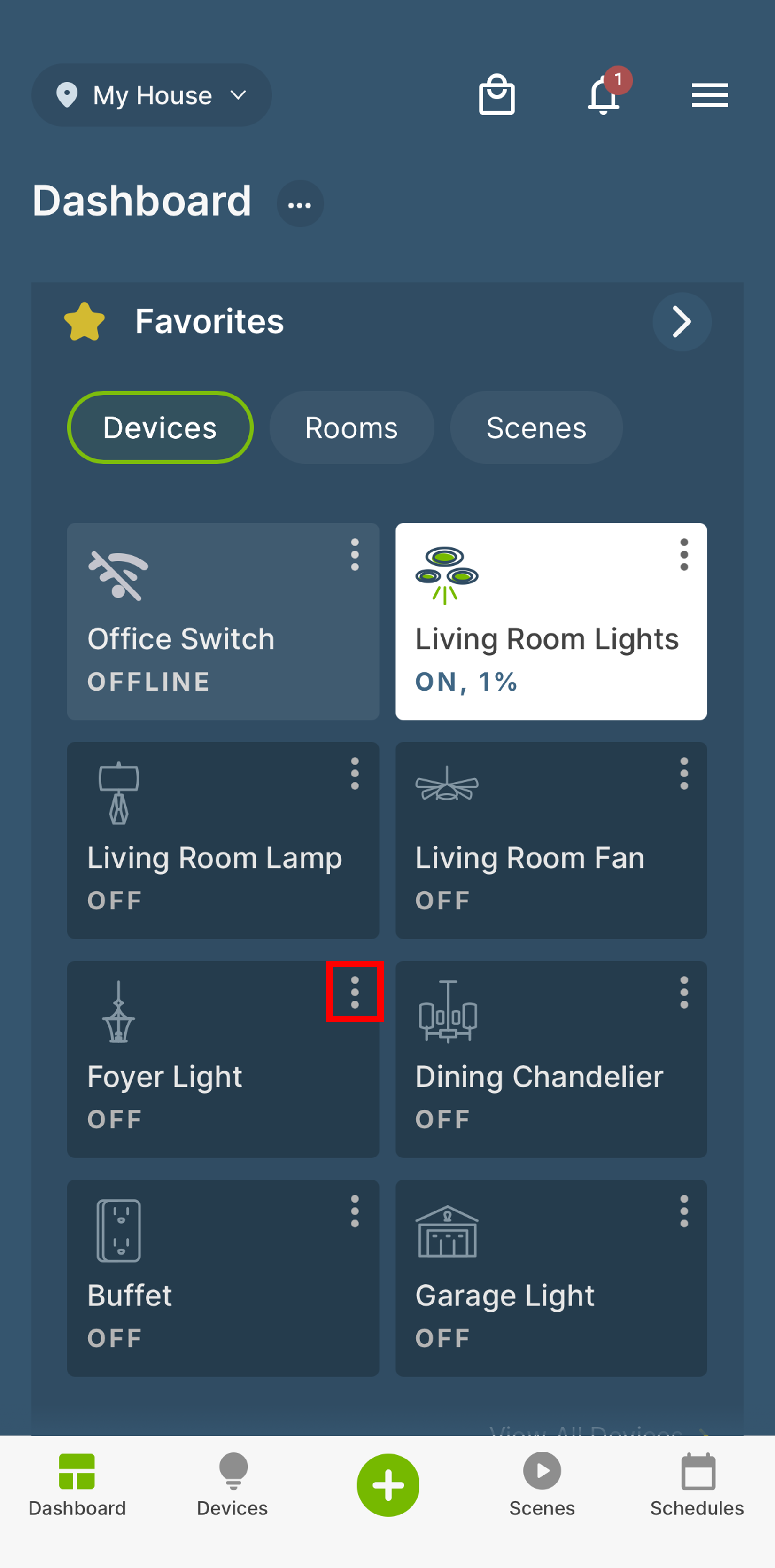
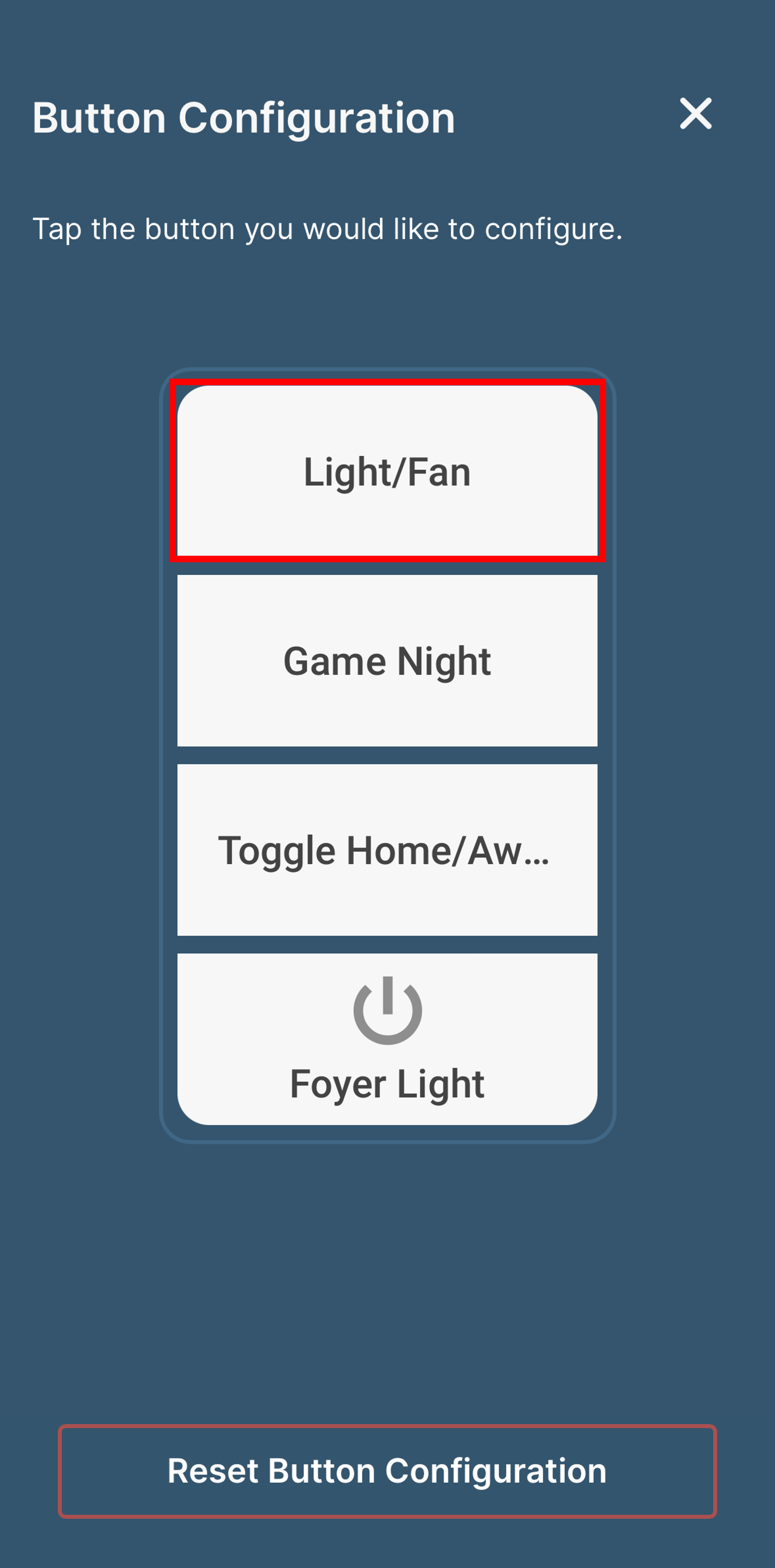
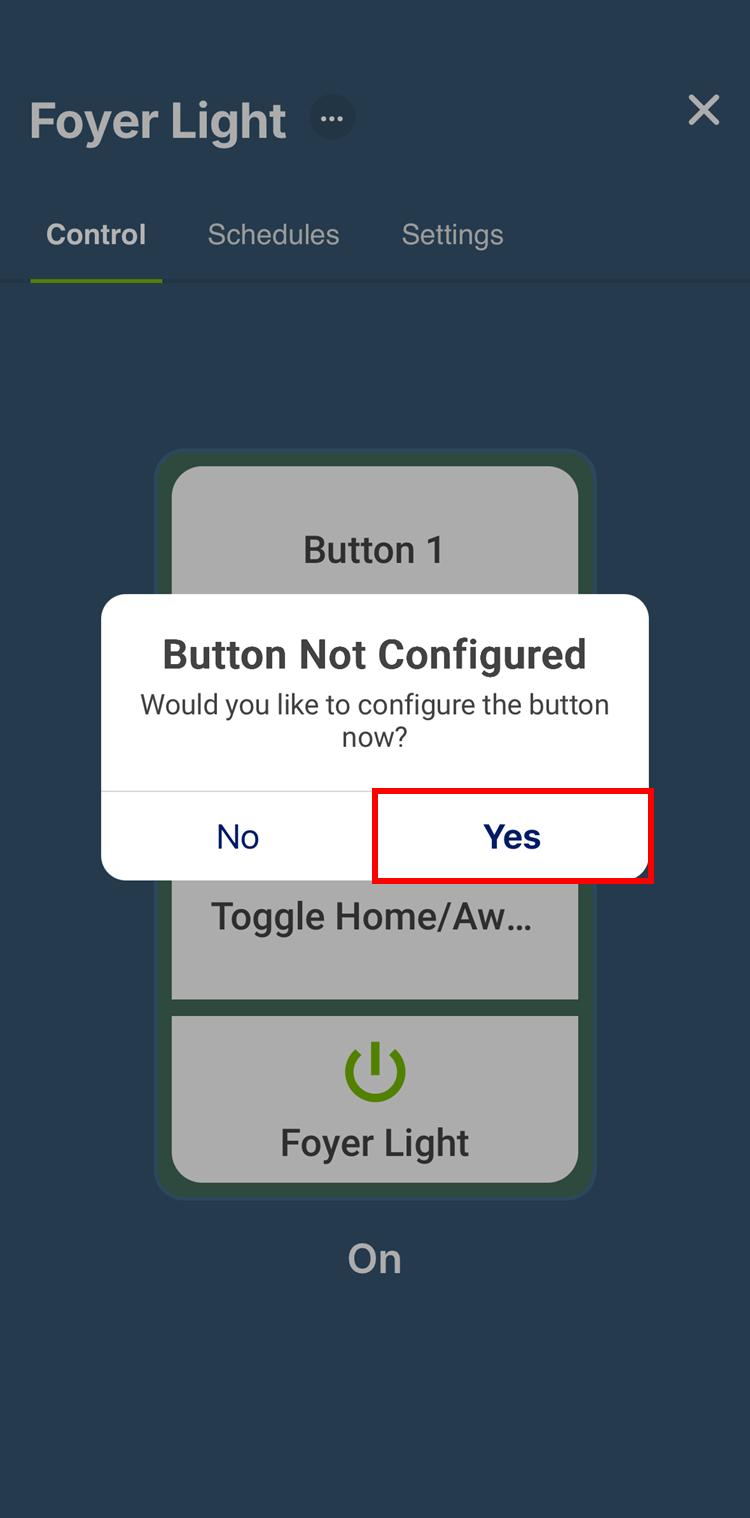
Locate the card for the D2SCS or DW4BC and then tap the three dots in the upper right corner. Tap the button you would like to program and tap Yes to confirm that this is the button you would like to program.