Press and hold the top rocker (or button on a plug-in device) for two seconds, and then release. The status LED will blink a diagnostic code for approximately two seconds.
| Color | Status |
| Amber | The device is not connected to Wi-Fi |
| Red | The device is connected to Wi-Fi but not to the My Leviton cloud |
| Alternating Green/Amber | The device is connected to Wi-Fi and the My Leviton cloud but it has been unable to set the time from the Internet |
Alternating Red/Yellow | The device does not have an IP address* |
| Green | The device is connected to Wi-Fi and the My Leviton cloud and is working properly |
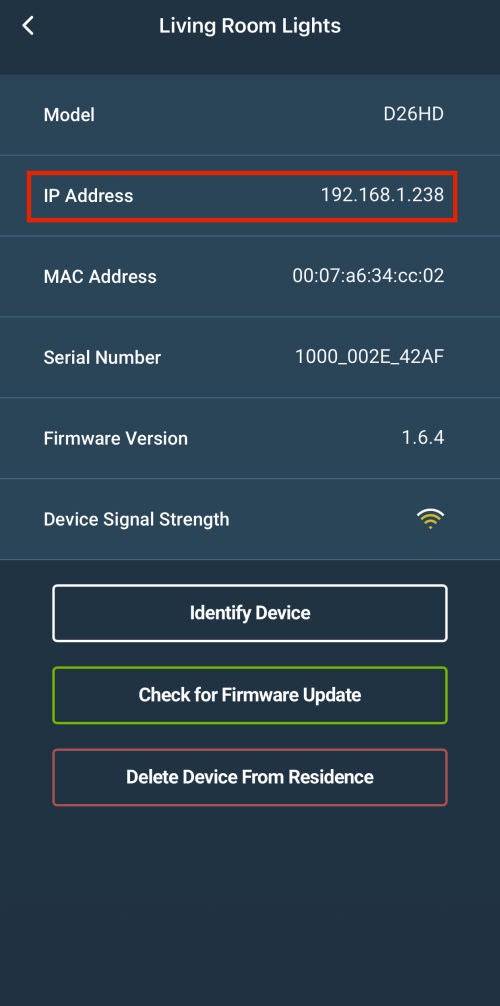
* Not all Decora Smart Wi-Fi devices will indicate 'no IP address' with an Alternating Red/Yellow indicator. To see a device IP address choose the Device Settings in the My Leviton App: