
Things to consider:
Zigbee is a mesh network. It must be installed within 30 ft of hub or another Zigbee 3.0 compliant device.
NOTE: Communication through exterior surfaces will likely reduce transmission distances.
Zigbee is a mesh network. It must be installed within 30 ft of hub or another Zigbee 3.0 compliant device.
NOTE: Communication through exterior surfaces will likely reduce transmission distances.
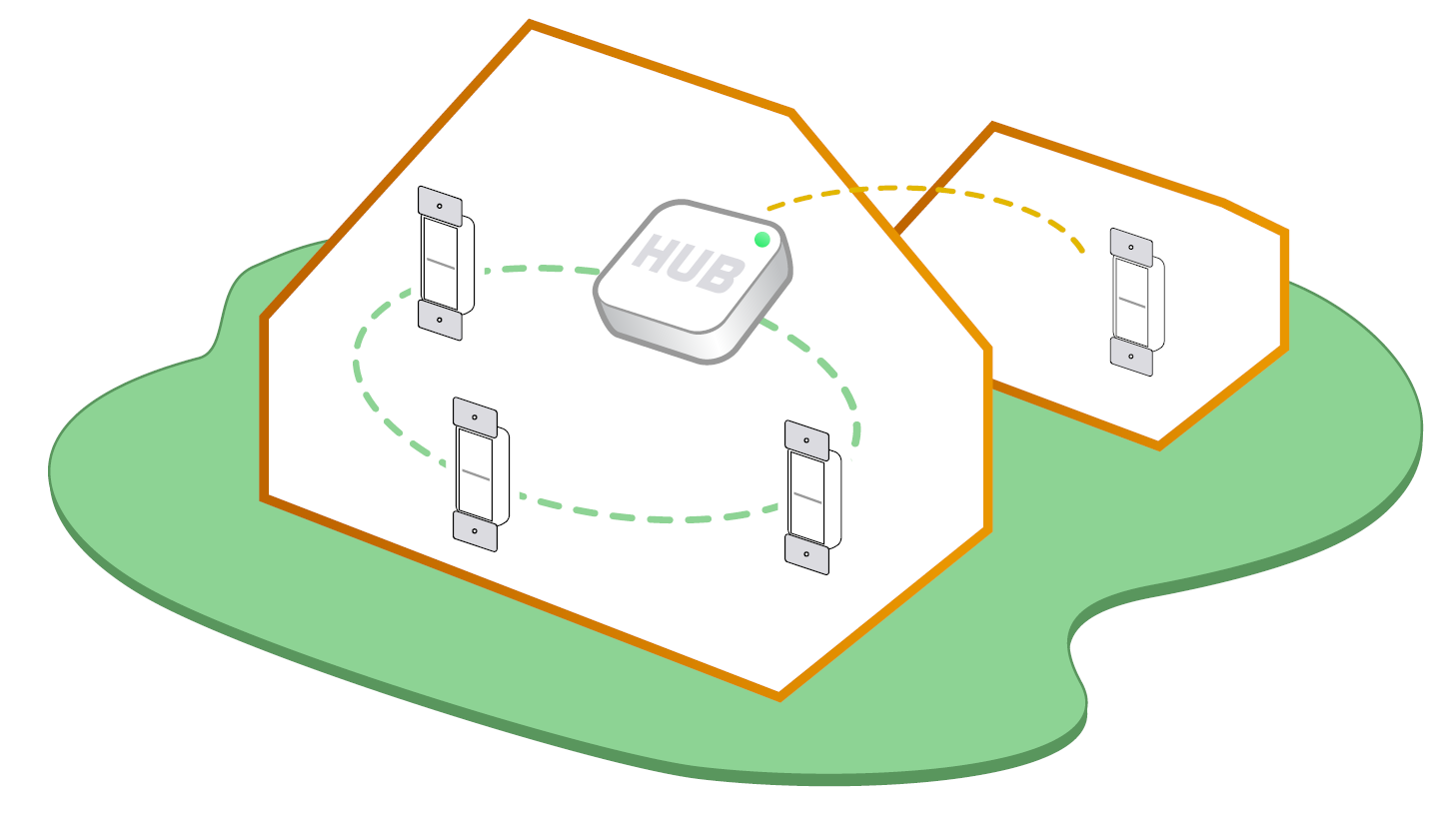
To control your Decora Smart Zigbee device with your phone, add it to a compatible Zigbee hub. Use the hub's app and follow the instructions for adding a Zigbee device.
When you power up your Decora Smart Zigbee device, it immediately enters joining mode (some hubs may use the term "connect", "join", or "pair"). When in joining mode, the Status light will be flashing green. This indicates that the Decora Smart Zigbee device is in joining mode. It will remain in this state for
30 minutes or until the Decora Smart Zigbee device is added to a network.
a) opening the air gap on all other wall switch devices and unplugging all other plug-in devices or
b) manually stop joining mode on all devices as follows: Manually start or stop joining mode
If the hub uses older inclusion processes, contact technical services for specific product instructions.