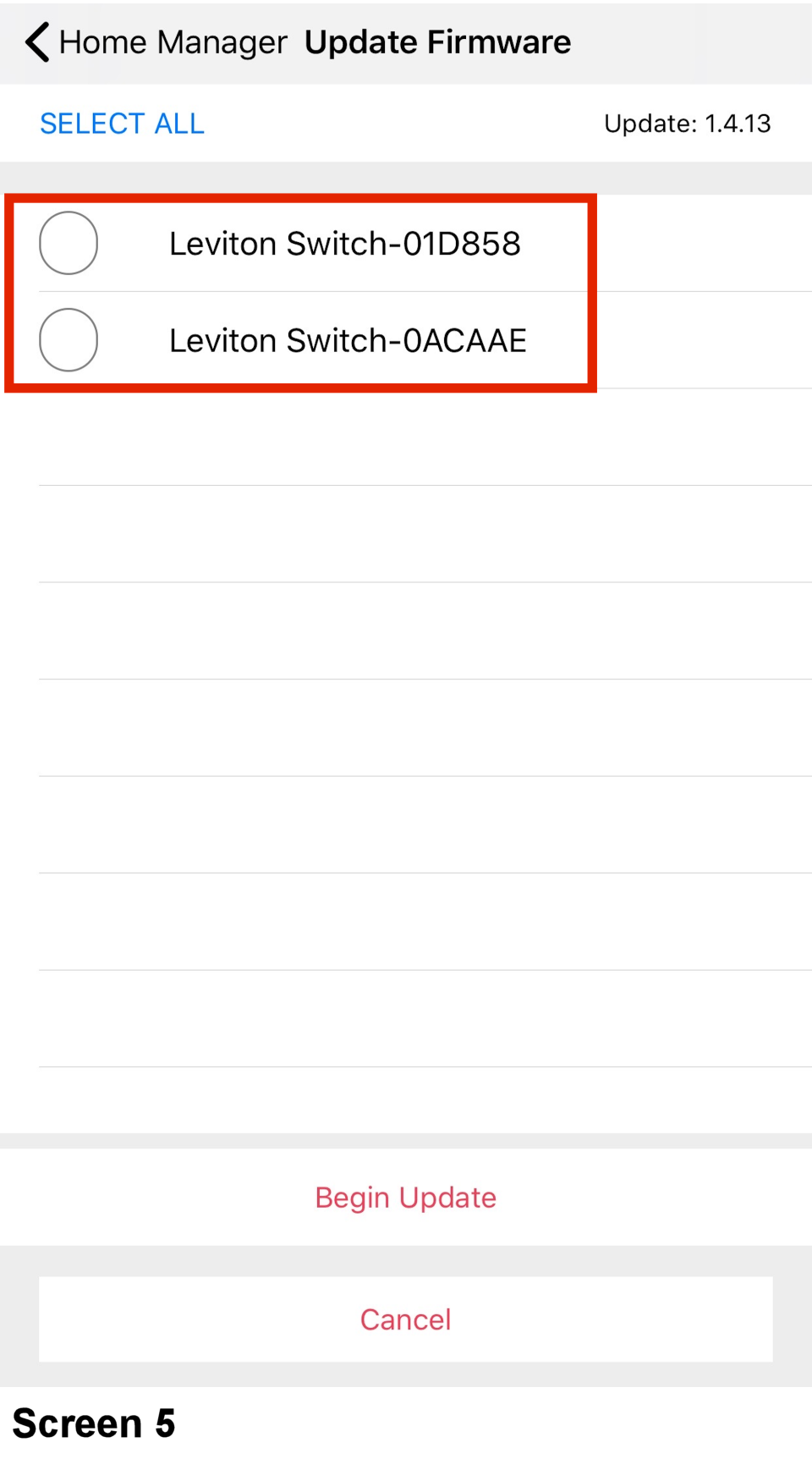
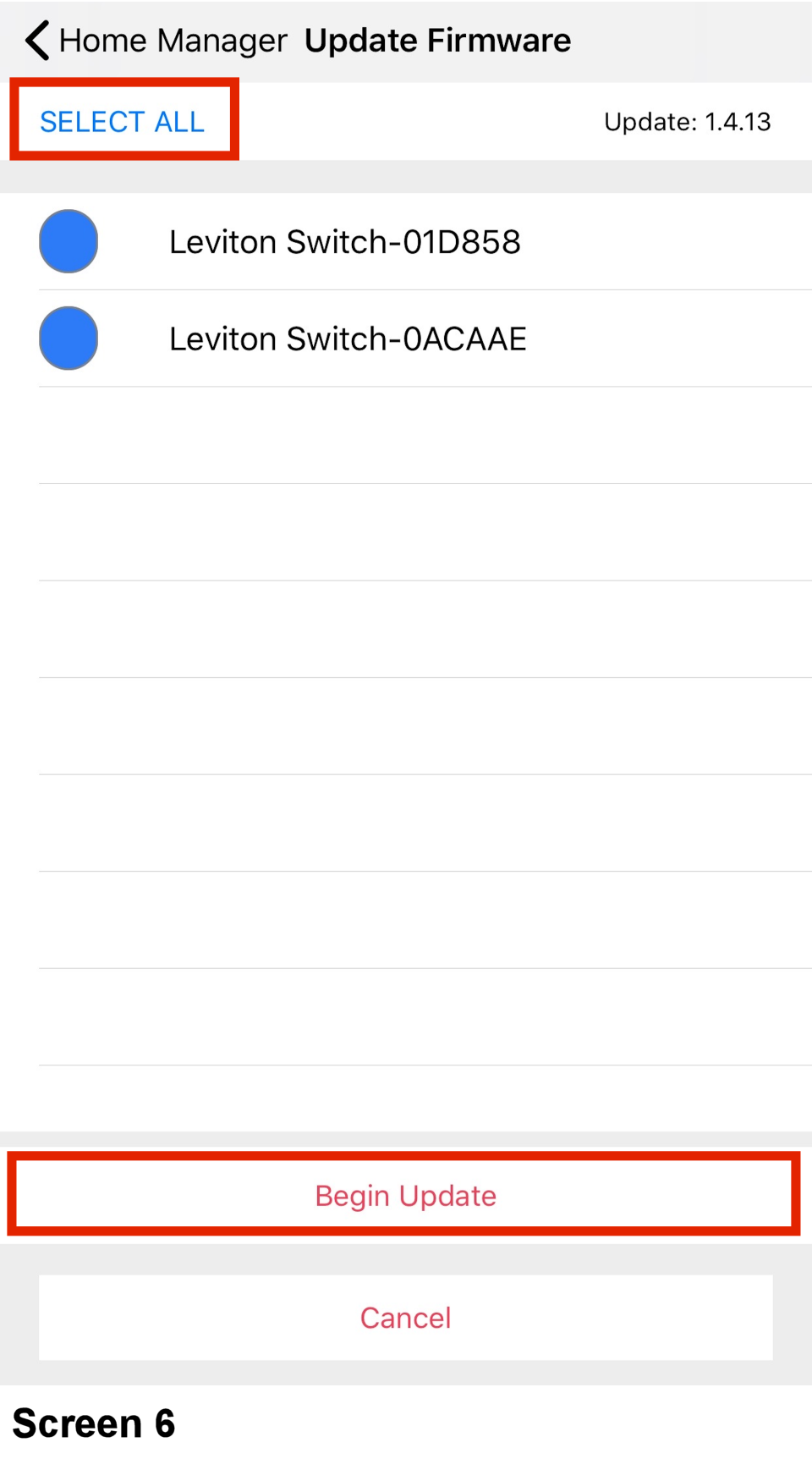
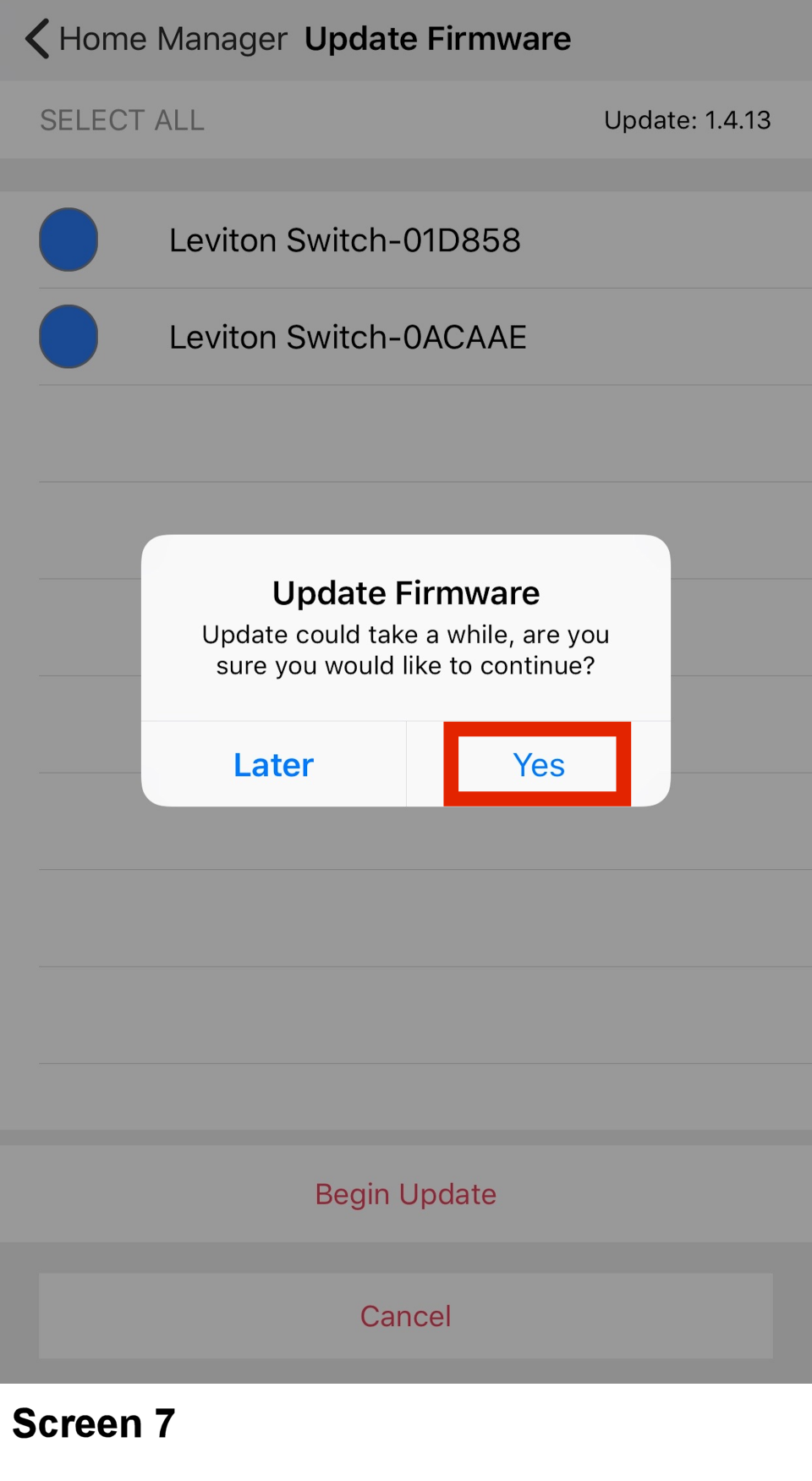
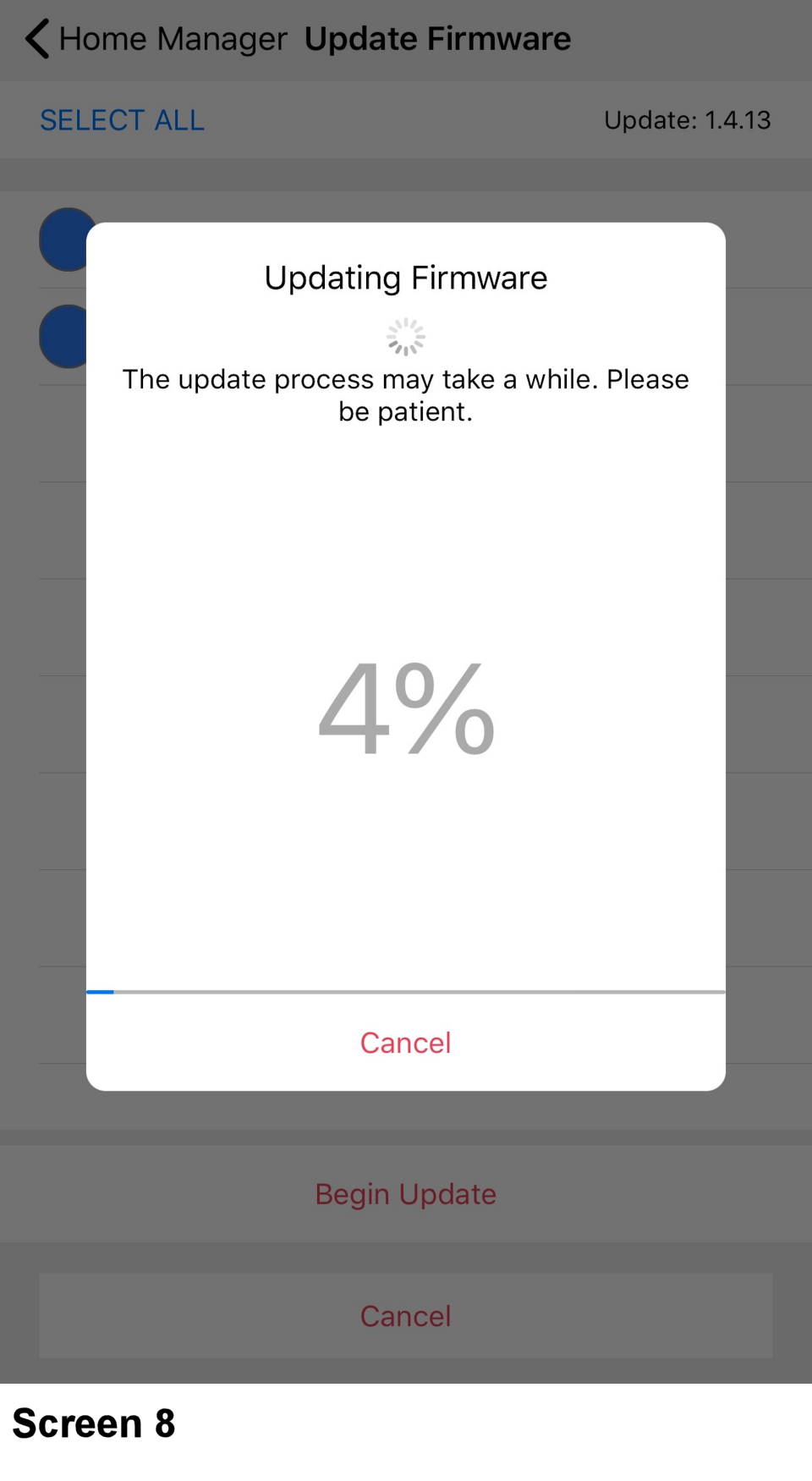
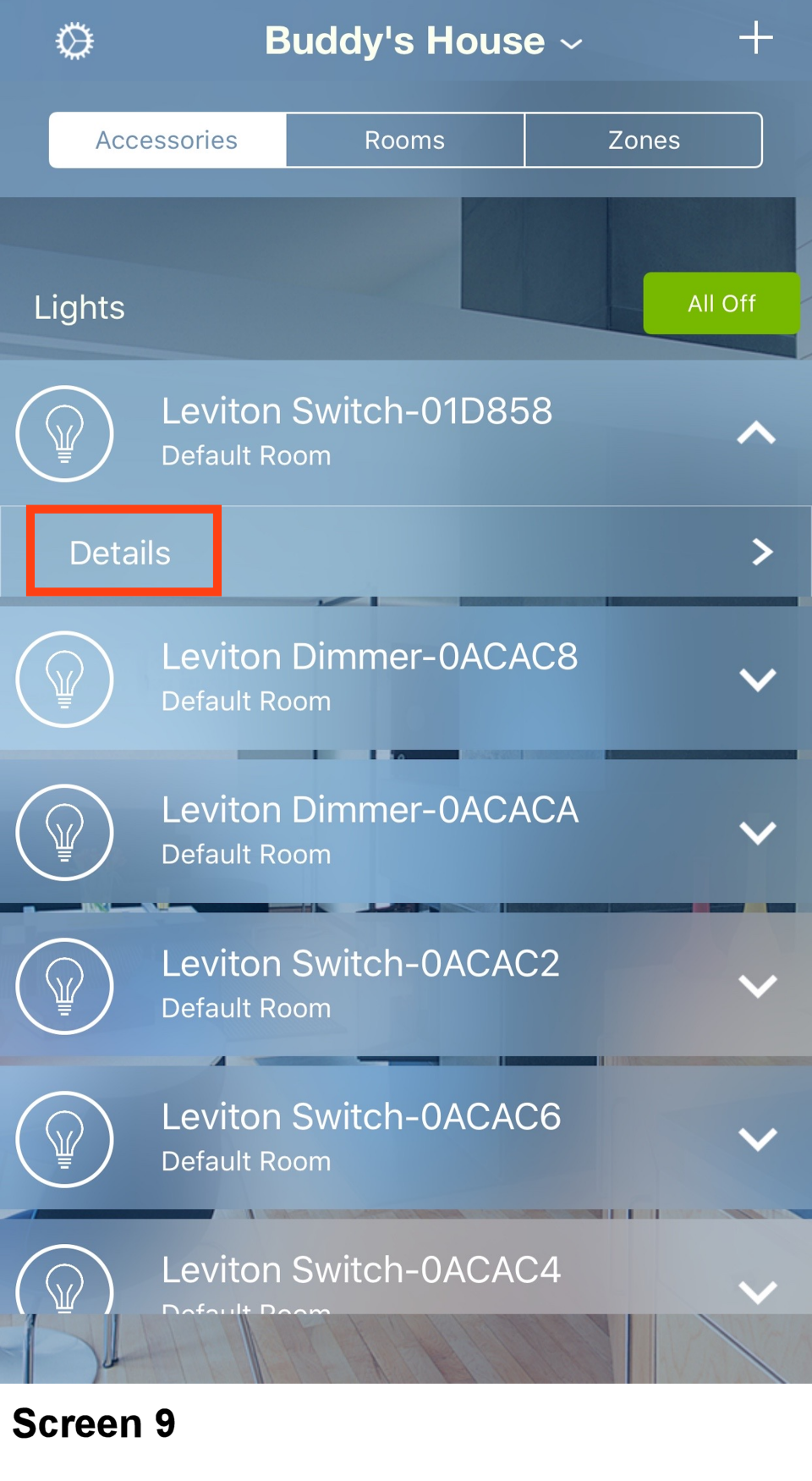
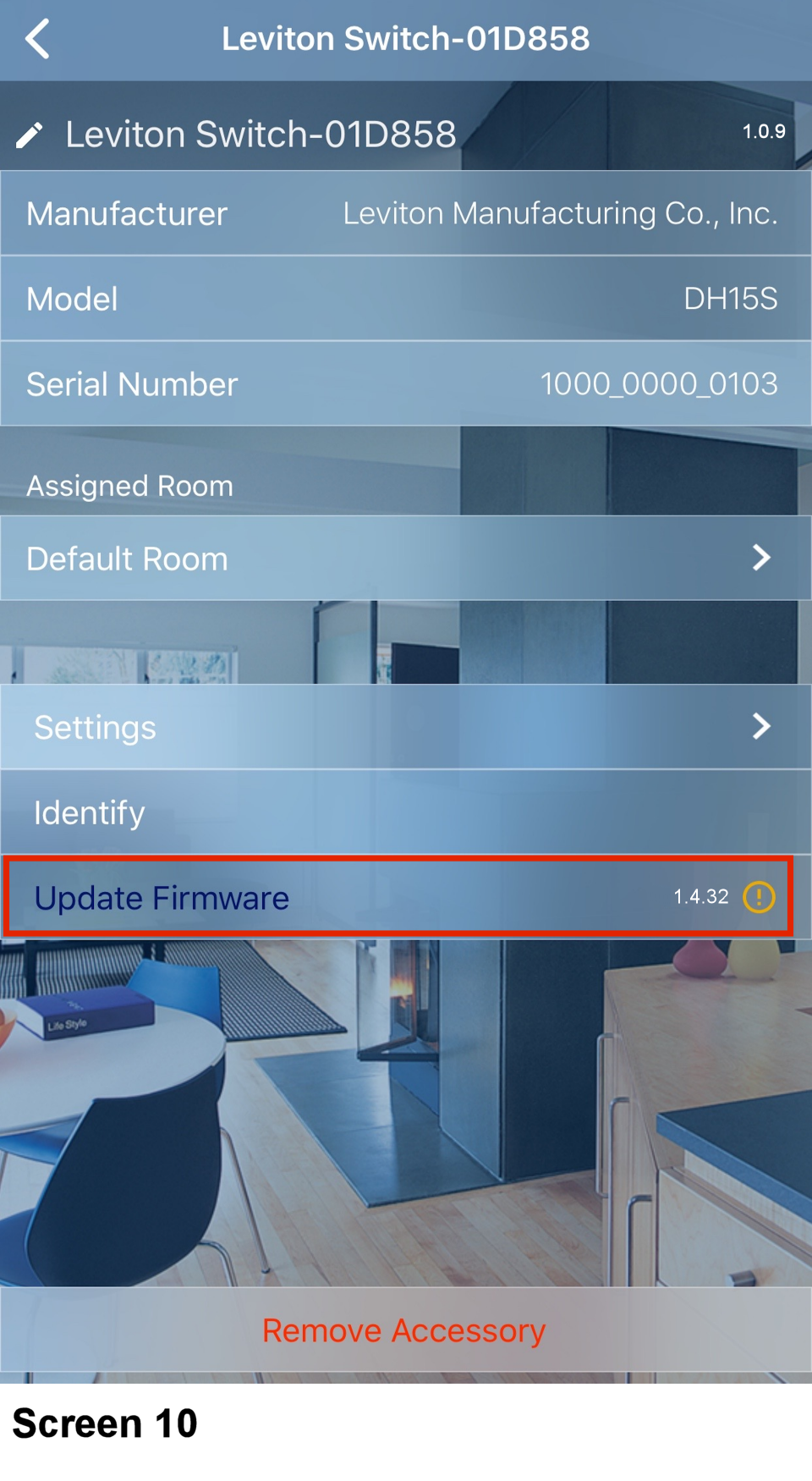
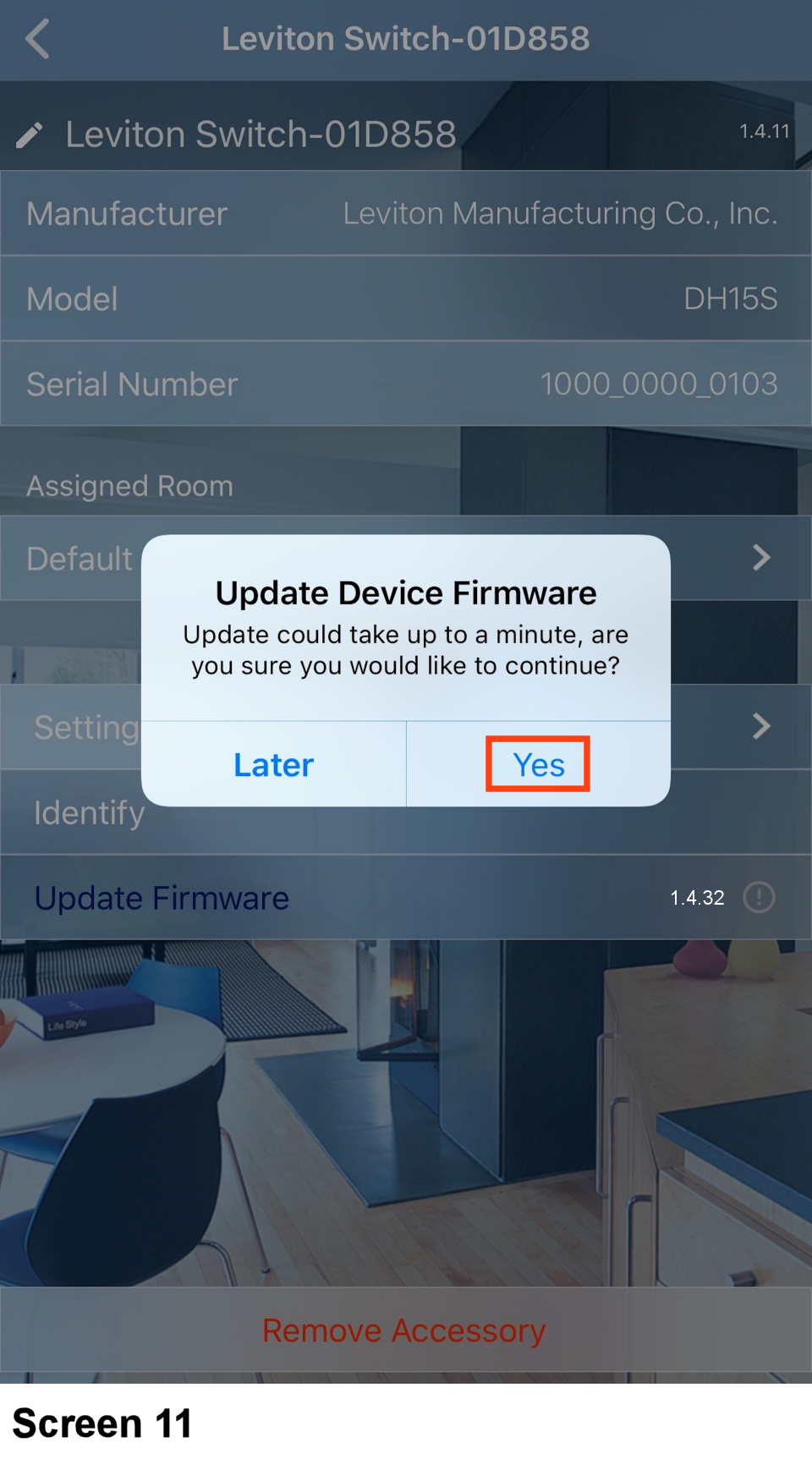
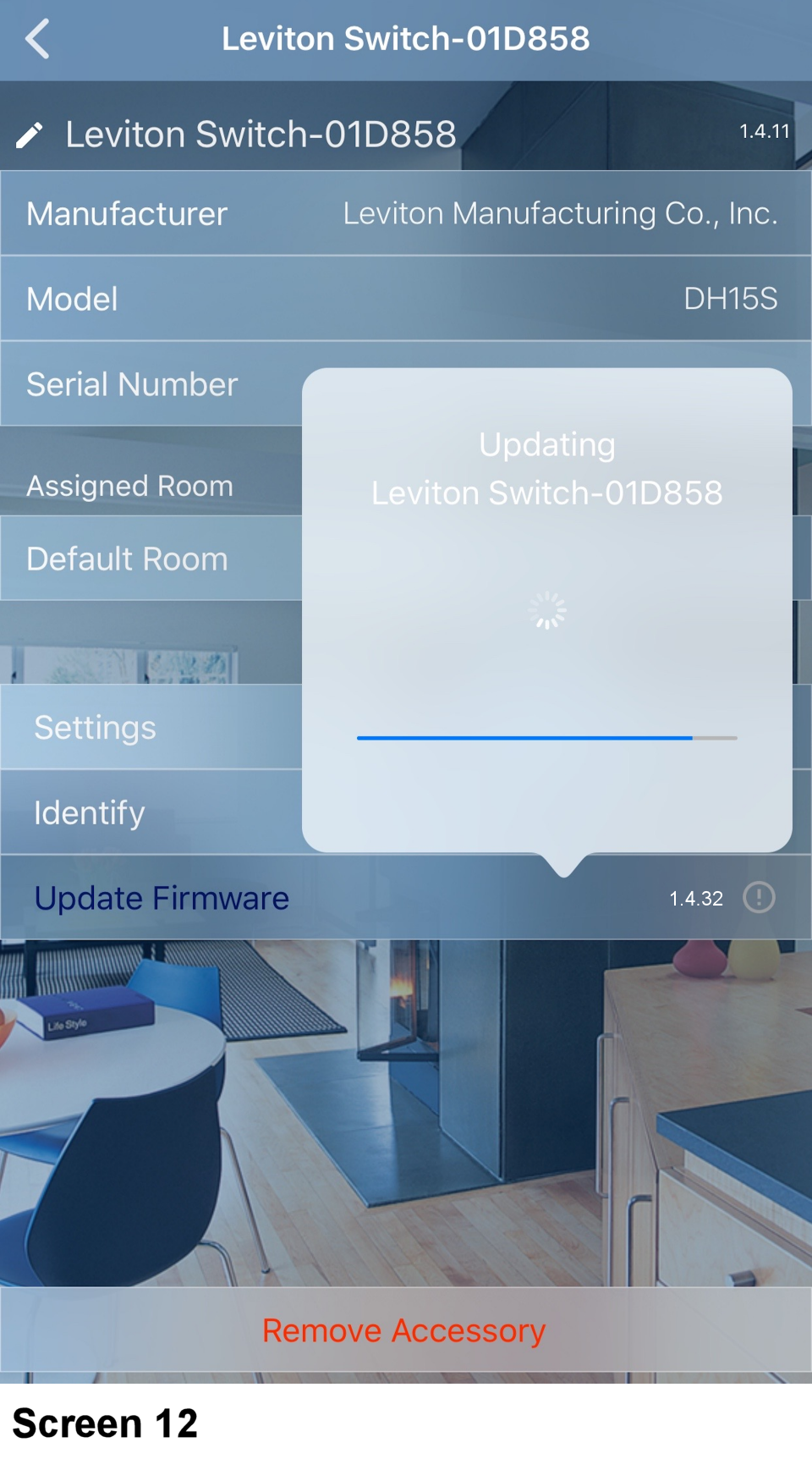
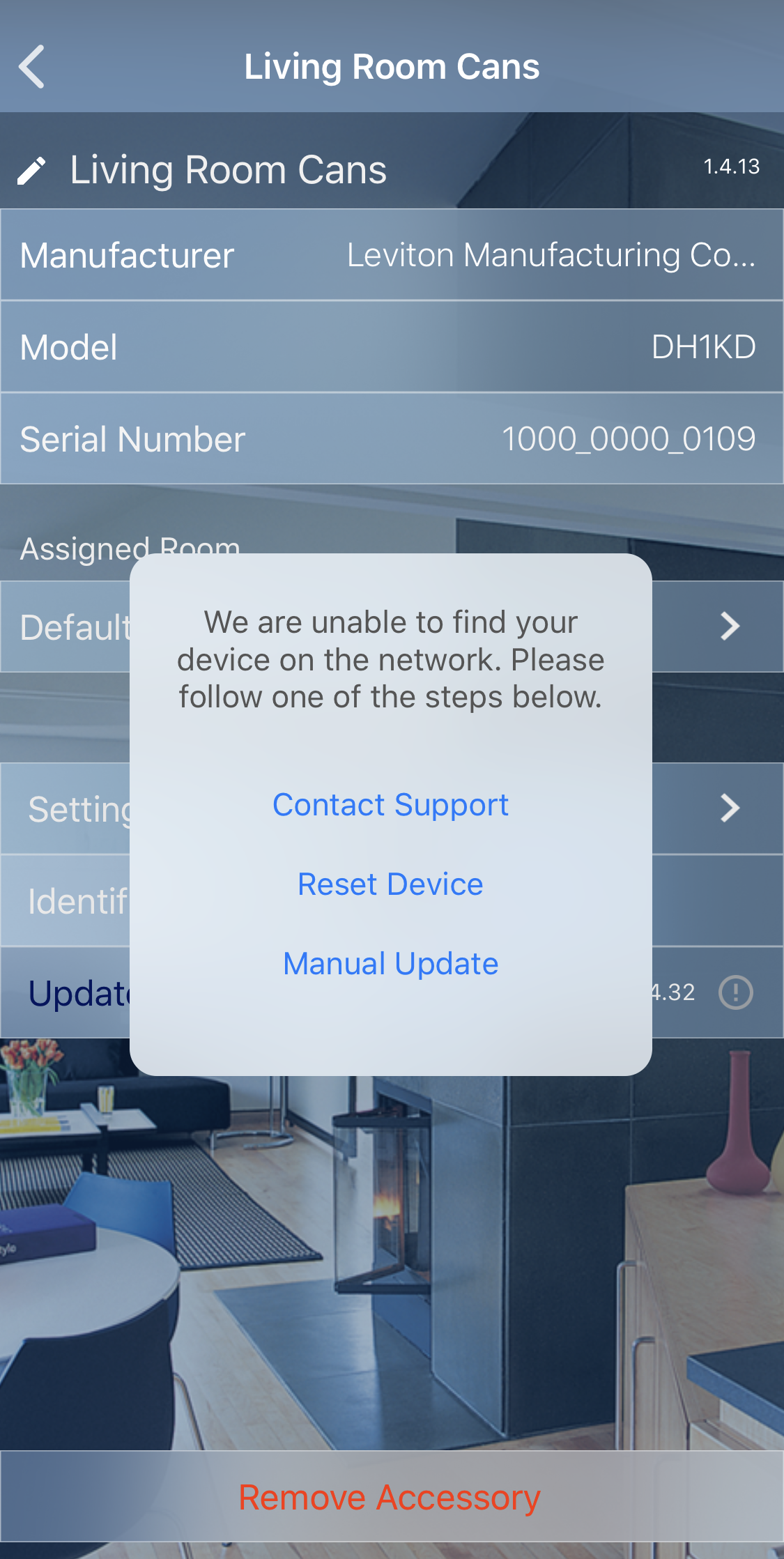
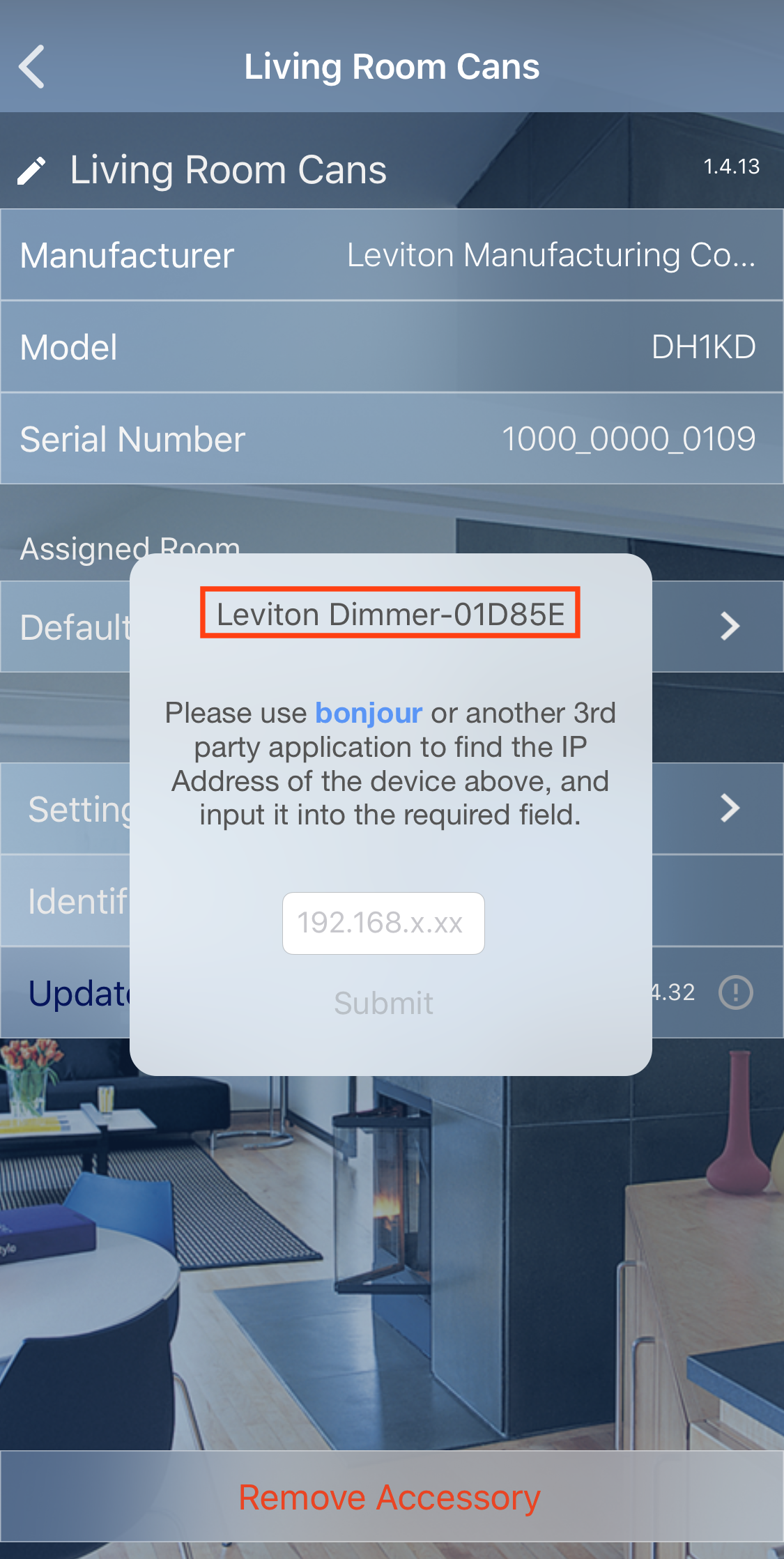
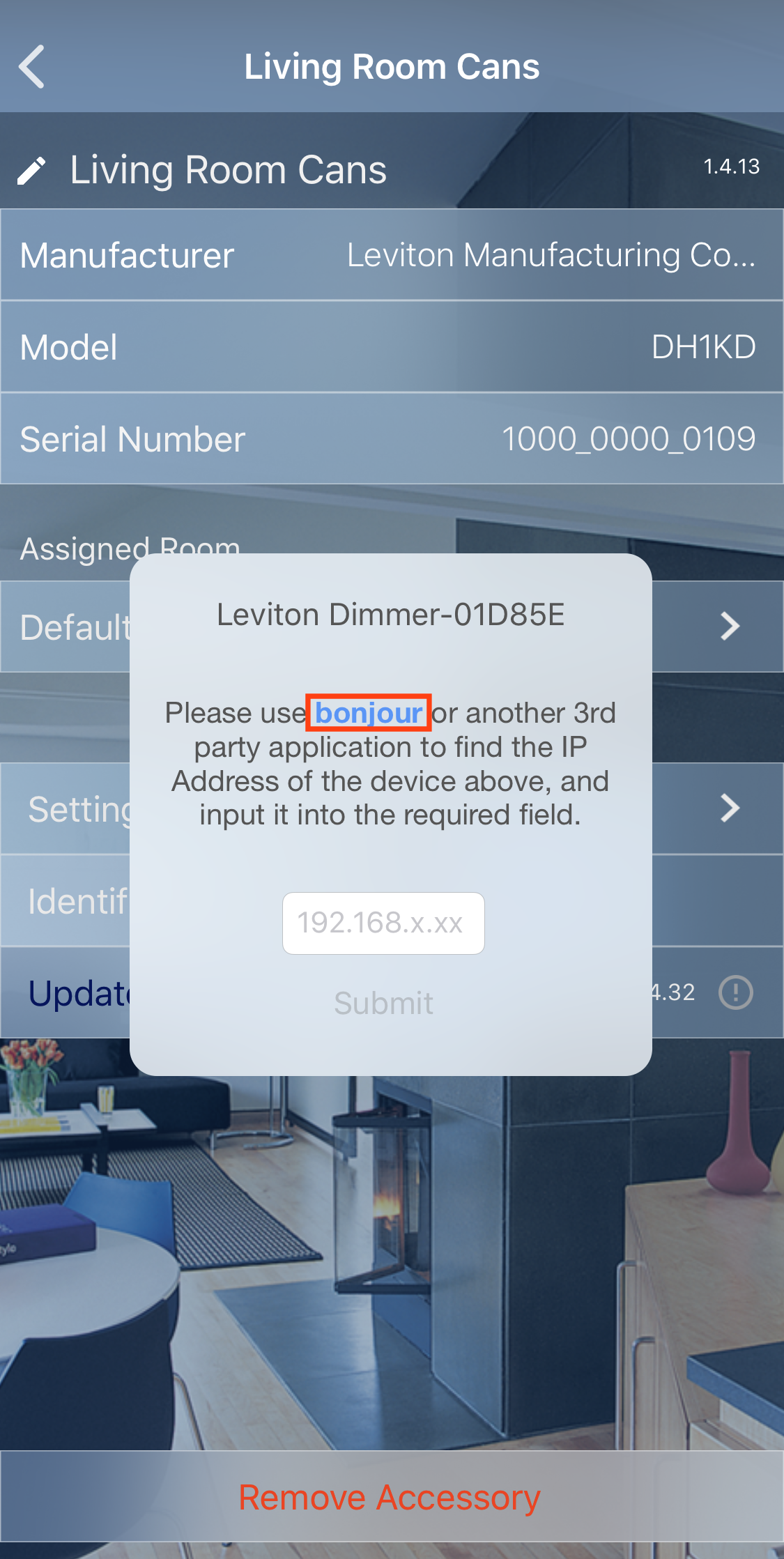
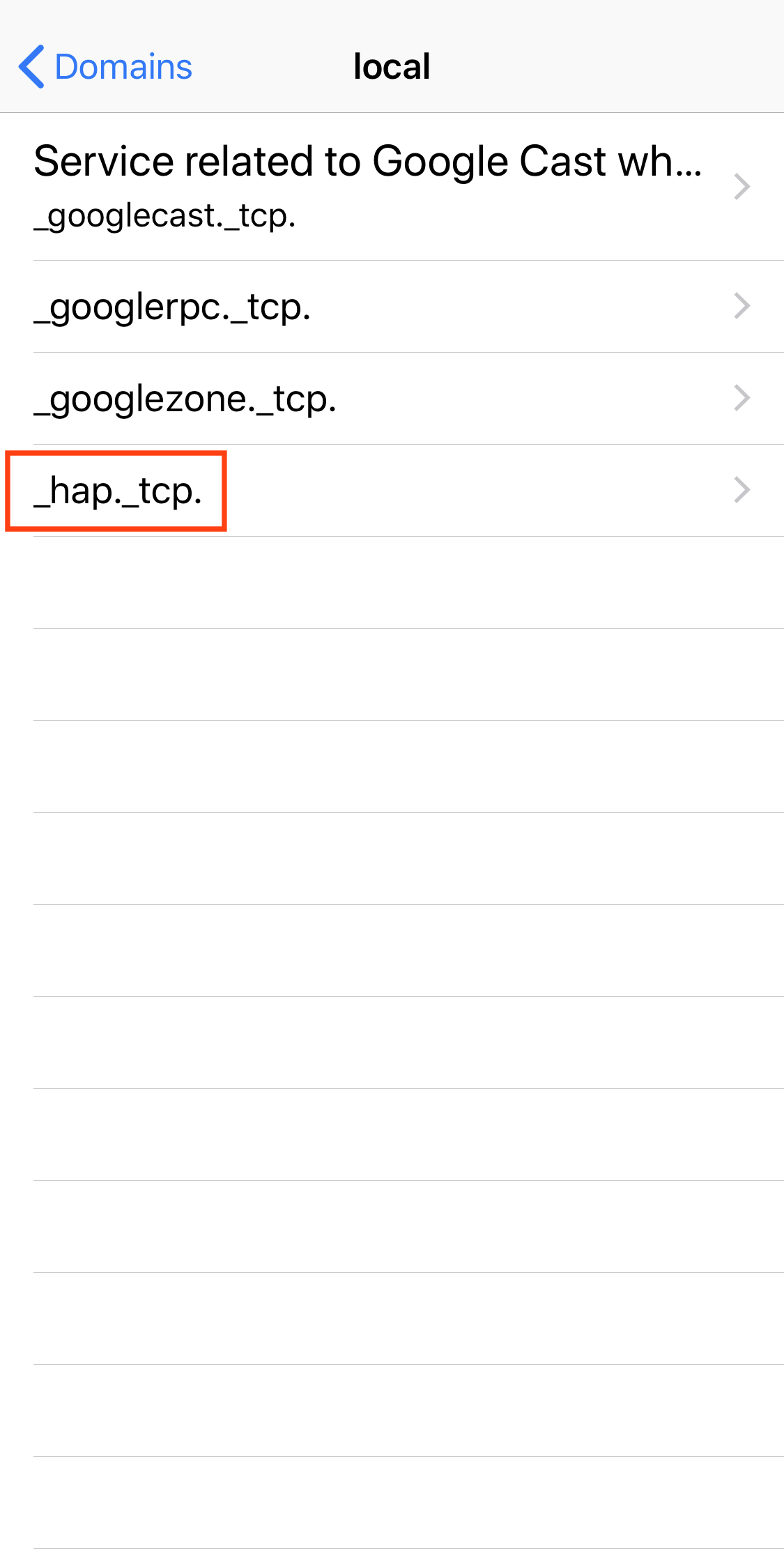
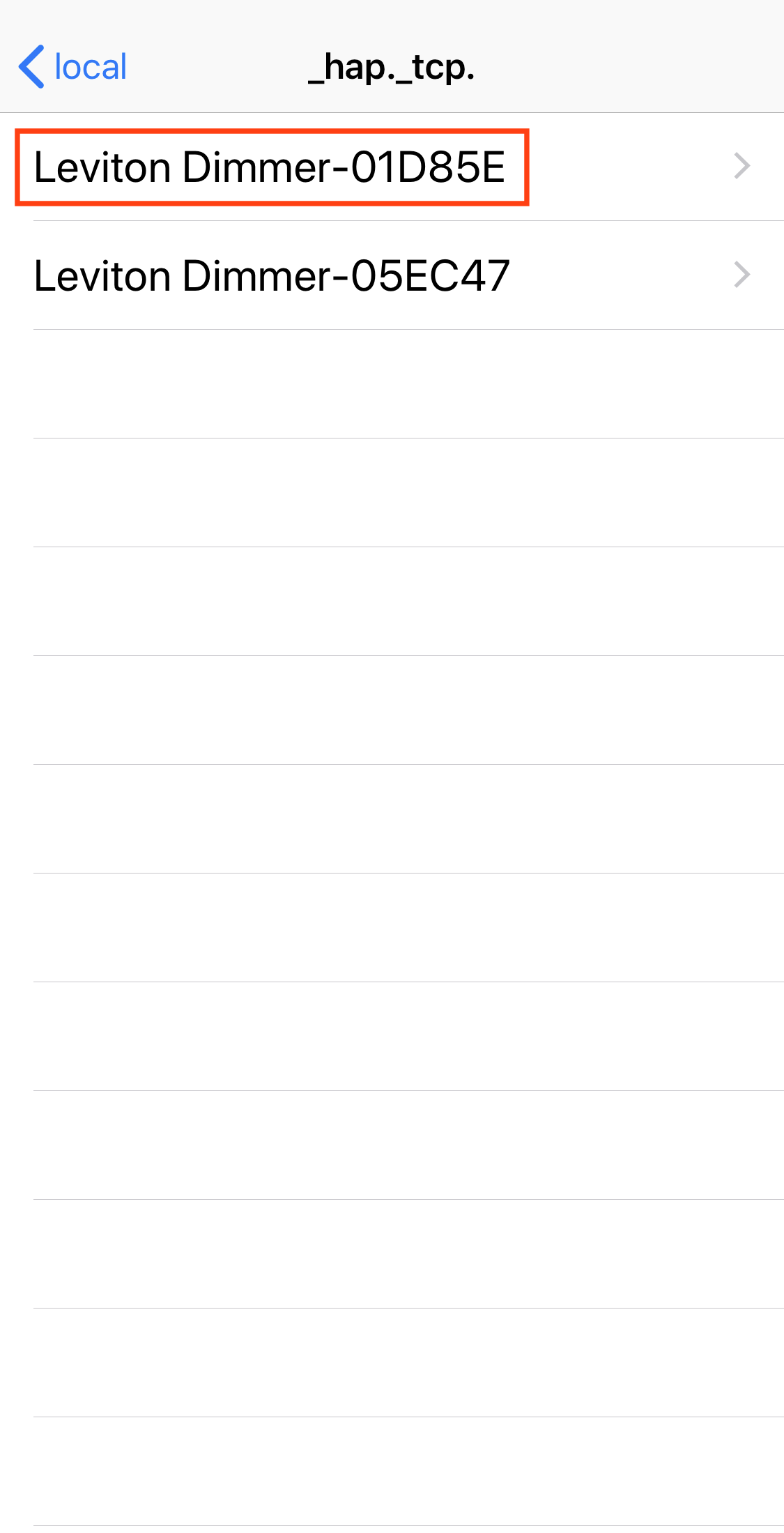
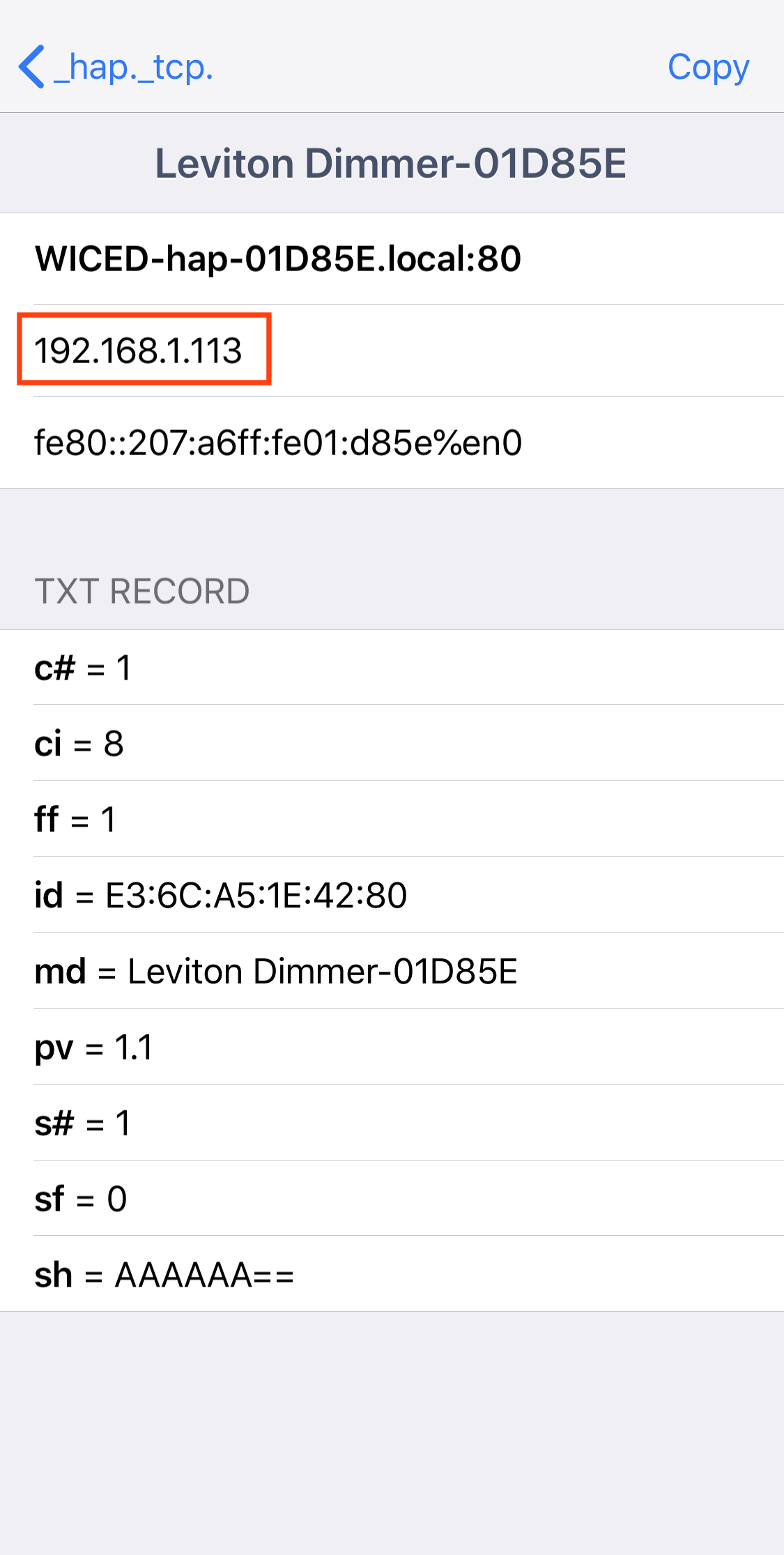
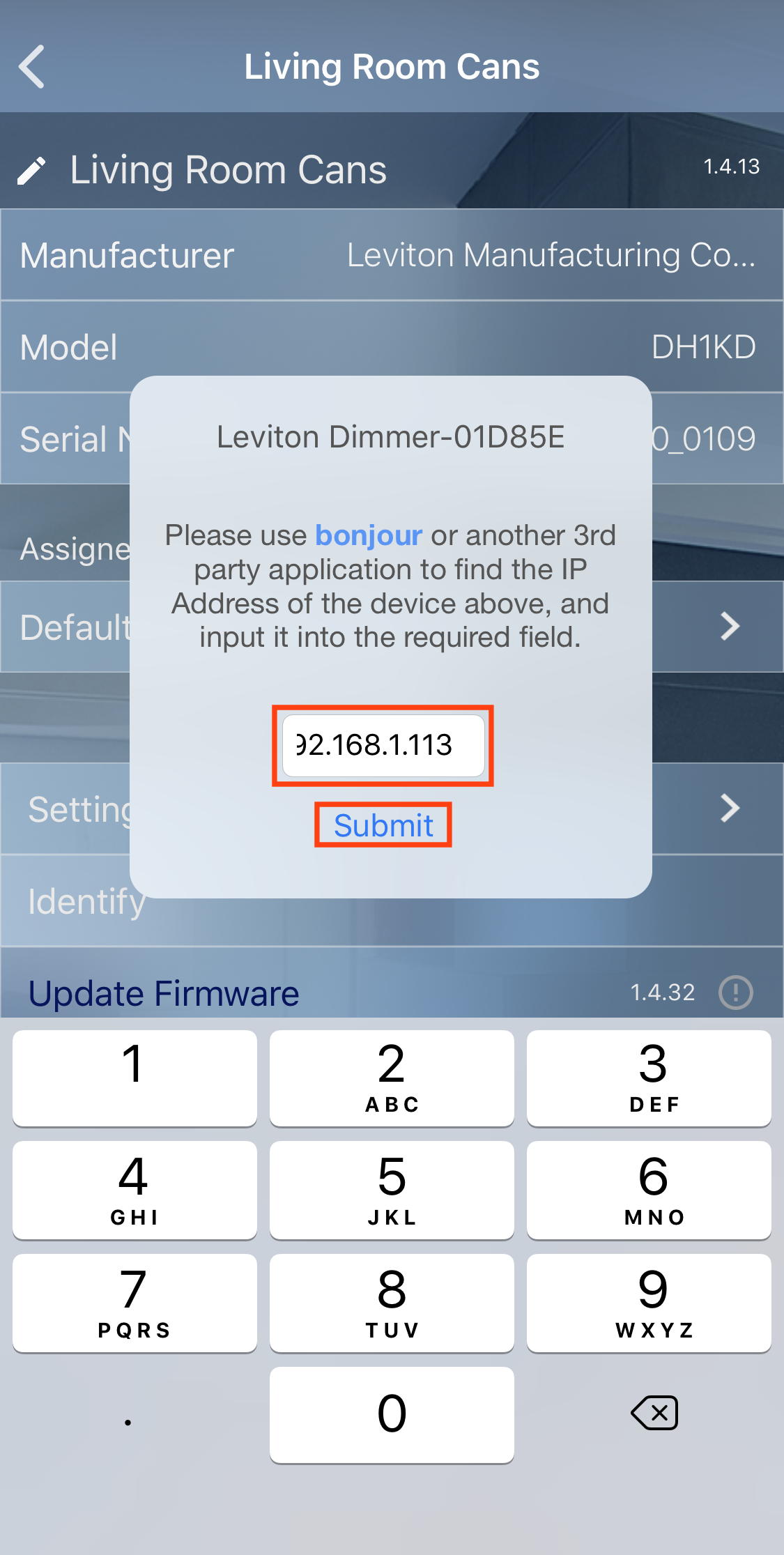
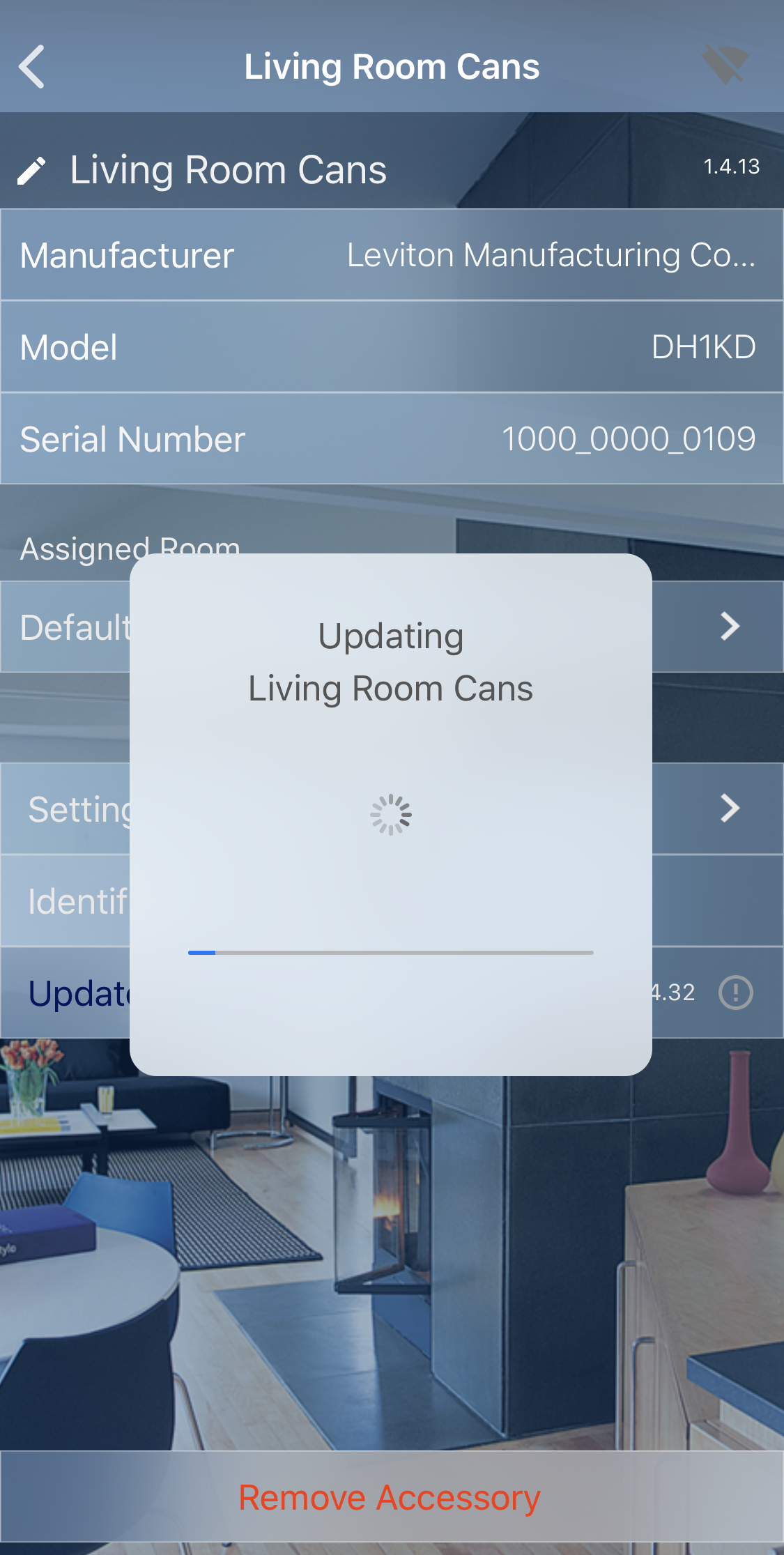
This article discuses the various ways to update the firmware in Decora Smart 1st Gen with HomeKit Technology devices (DHxxx), how to update the firmware if a device cannot be located on the network, and troubleshooting tips that can be used to help in the updating process.
In early 2021 Leviton introduced the Decora Smart Wi-Fi 2nd Gen Switch and dimmer (D2xxx). These products continue to work iOS Home App as well as the My Leviton iOS App. Please see Checking and Updating Firmware on Decora Smart® Wi-Fi Devices for more information.
Updating Devices
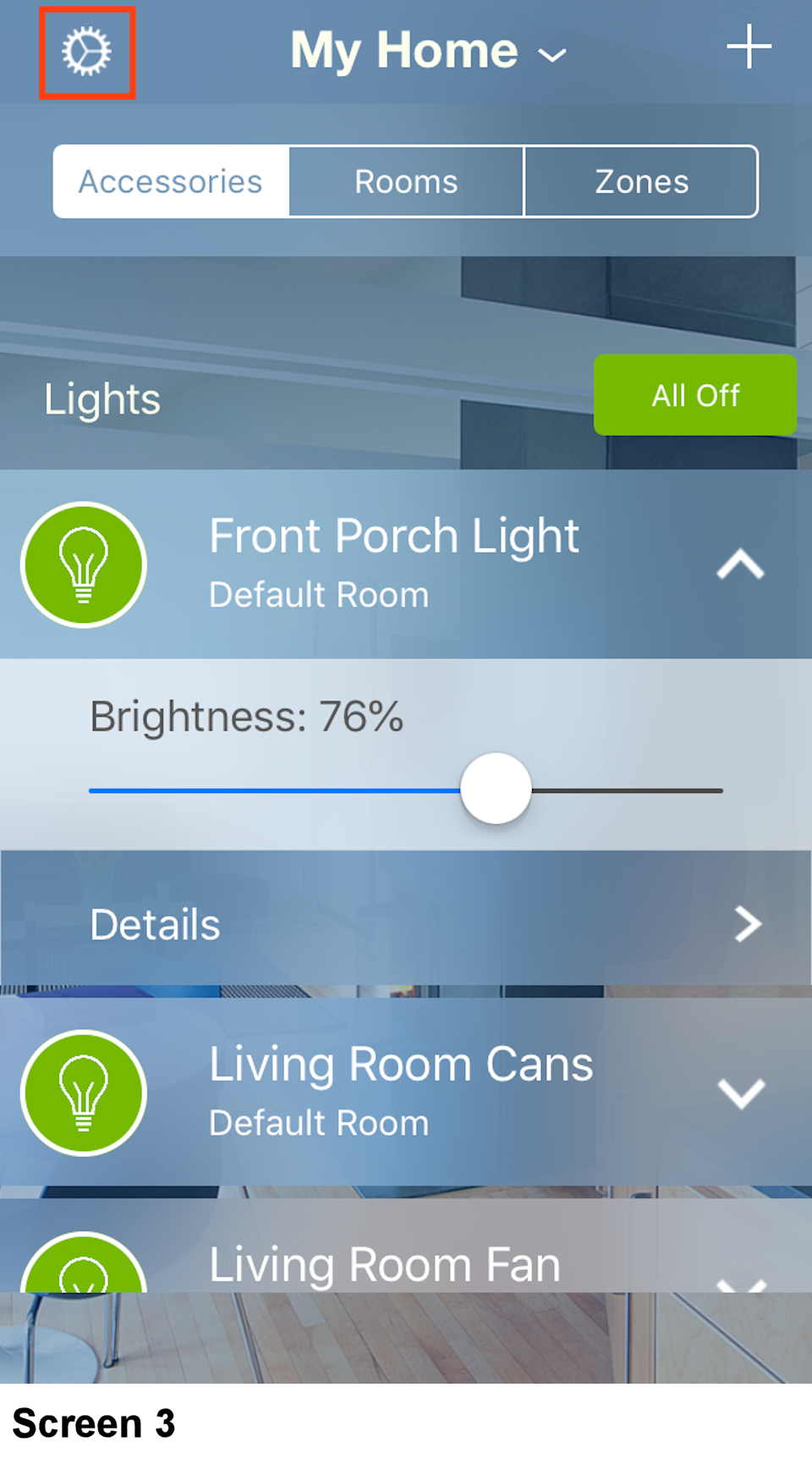
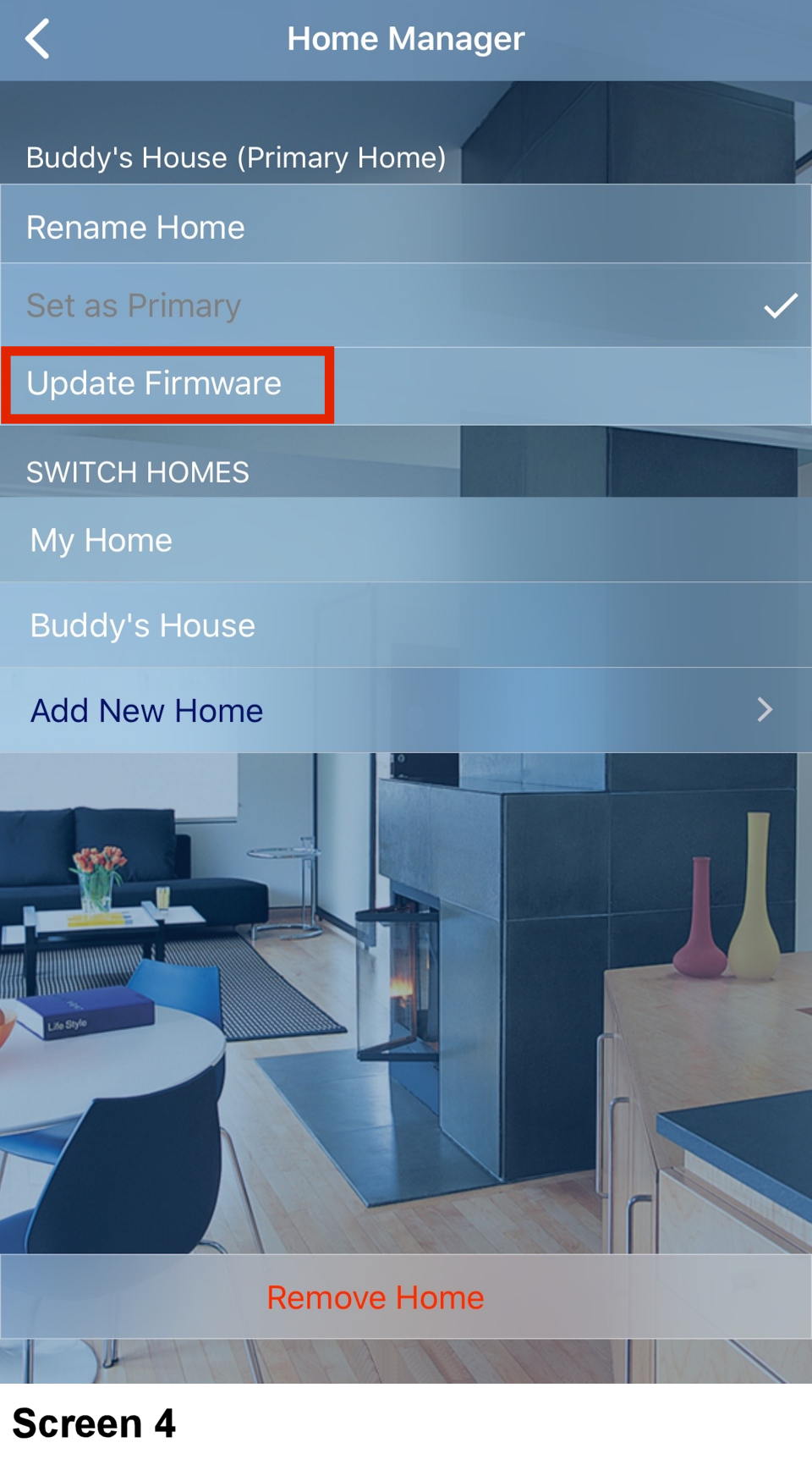
To update firmware in Decora Smart with HomeKit Technology devices, use the Leviton Decora Smart Home app. Make sure that your iOS device that is running the Decora Smart Home app is on the same Wi-Fi network as the Decora Smart with HomeKit Technology devices, and then:
Step 1: Go to the Apple App Store and verify that you have the Leviton Decora Smart Home app installed on your iOS device. If not, install the app. If an update is available, install the update.
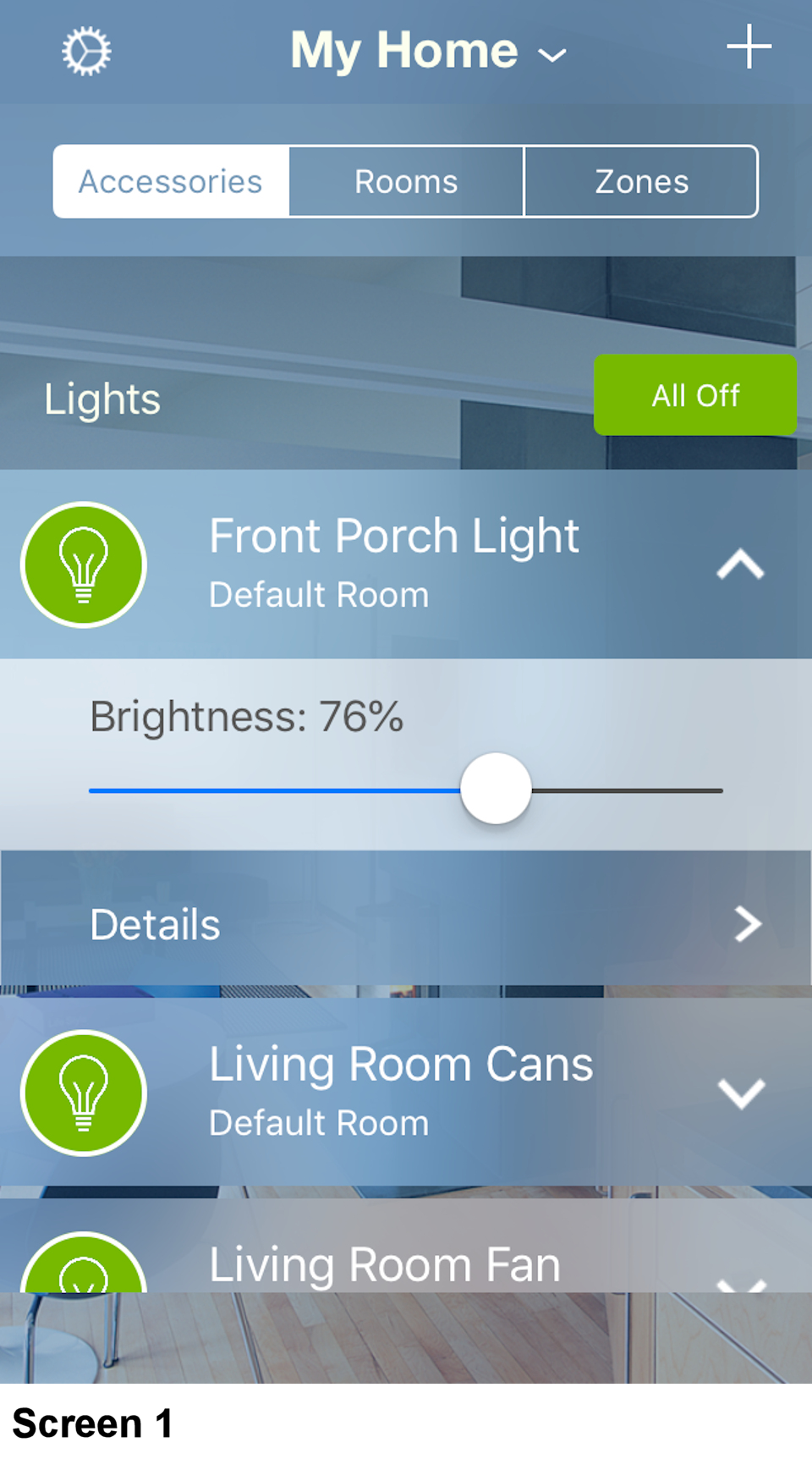
Step 2: Enter the Leviton Decora Smart Home App. On the Accessories tab, choose your light and use the
on/off button to control the light (see Screen 1).
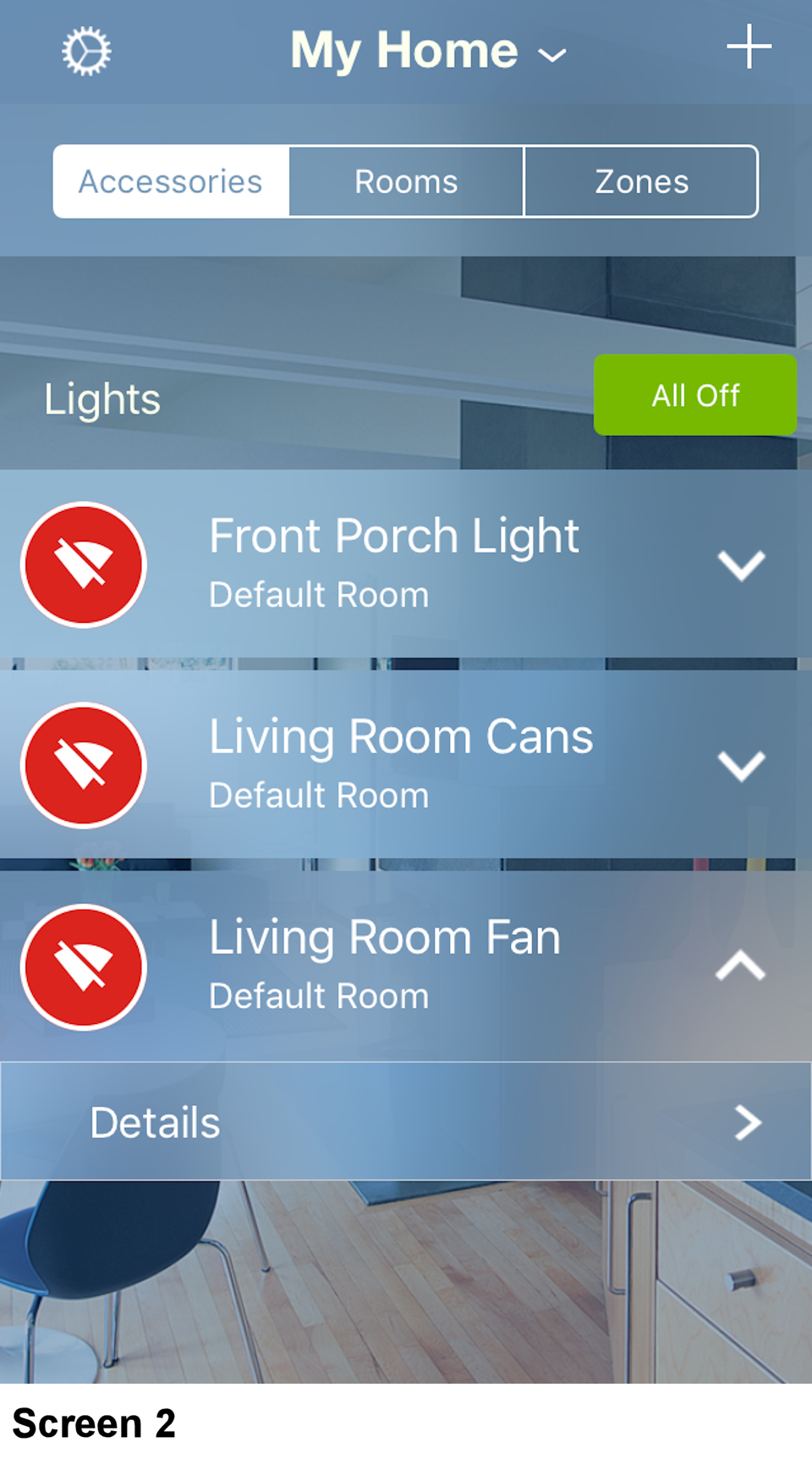
- If the light does not turn on or off or if the icon shows lack of connection (see Screen 2) please see the Troubleshooting section of this article.