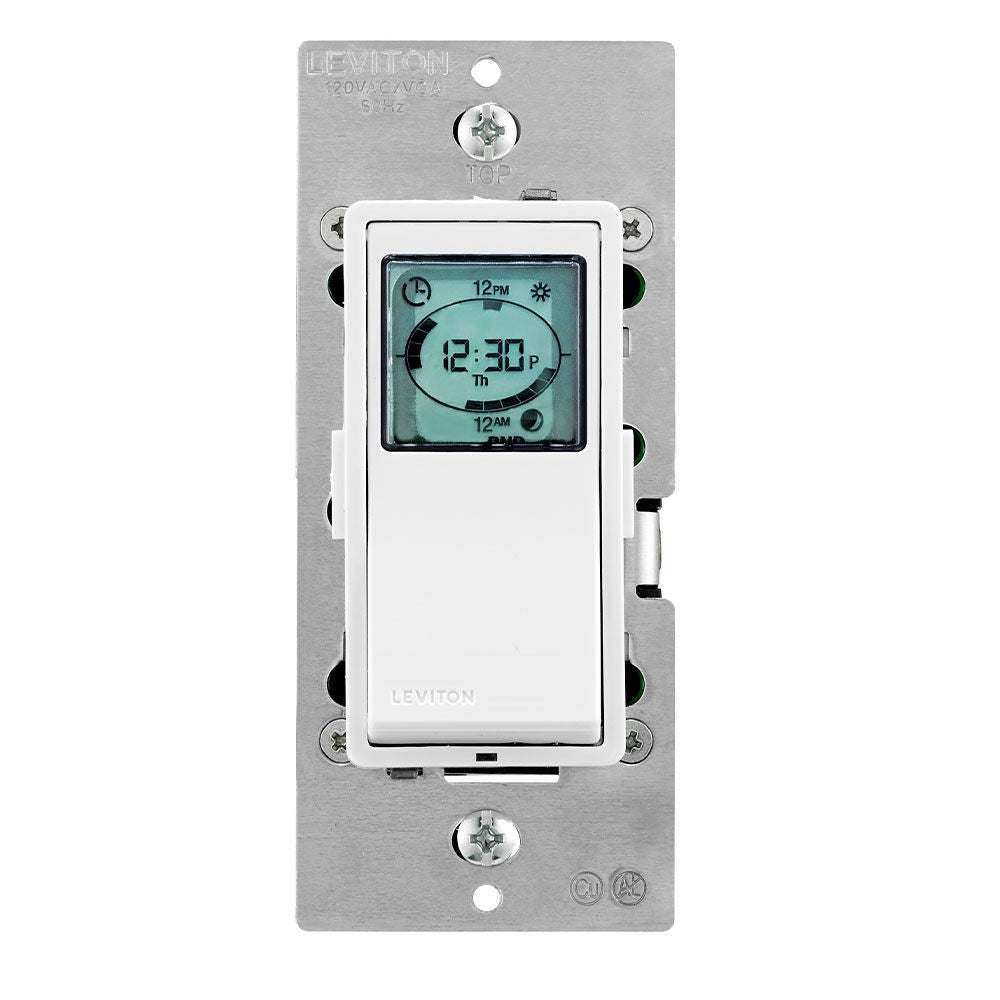
The VPT24-1PZ model has two programming modes: STD (Standard) and PRO. There is a setting that can be enabled in the PRO programming mode that will automatically adjust for Daylight Saving Time (DST). If the device was set up in STD (Standard) Mode or DST setting was not enabled you will need to manually adjust the time on the clock twice a year or enable the Daylight Saving Time feature.
If you live in an area that adjusts the time for Daylight Savings Time it is recommended to reprogram your VPT24 using the Pro Mode. This video will show you how: