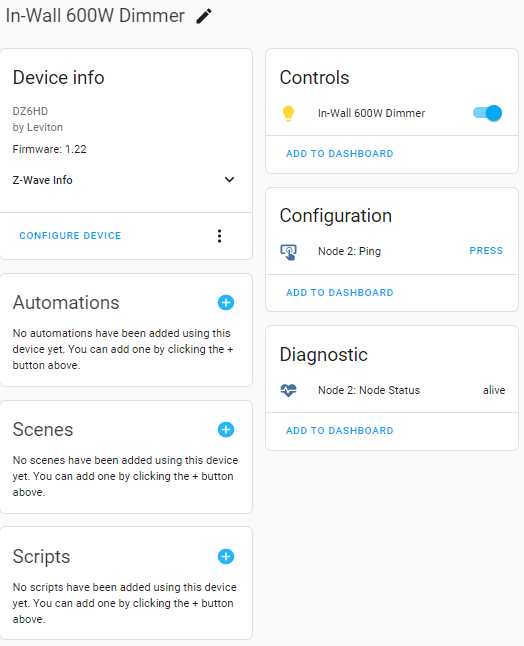
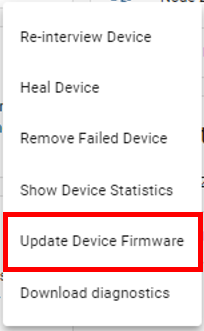
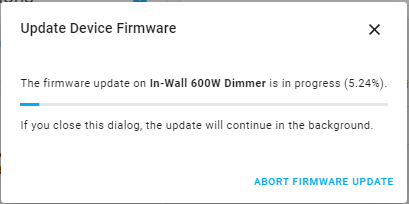
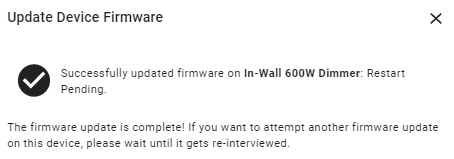
The next step is CRITICAL, confirm the Leviton Z-Wave device part number. Prior to the introduction of the Decora Smart Z-Wave Plus products, OTA was not available.
The following Decora Smart Z-Wave 500 series part numbers have a Z-Wave OTA firmware update available:
- DZ15S - 15A Switch
- DZ1KD - 1,000W Dimmer
- DZ6HD - 600W Dimmer
- DZPA1 - 15A Plug-in Switch
- DZPD3 - 300W Plug-in Dimmer
Note, the DZ15R and DZ4SF are Z-Wave 700 series devices with OTA capabilities. However, there has been no released firmware updates. If a new file becomes available, it will be added to this article.
The following Decora Smart Z-Wave 800 series part numbers have a Z-Wave OTA firmware update available:
- ZW15S - 15A Switch
- ZW6HD - 600W Dimmer
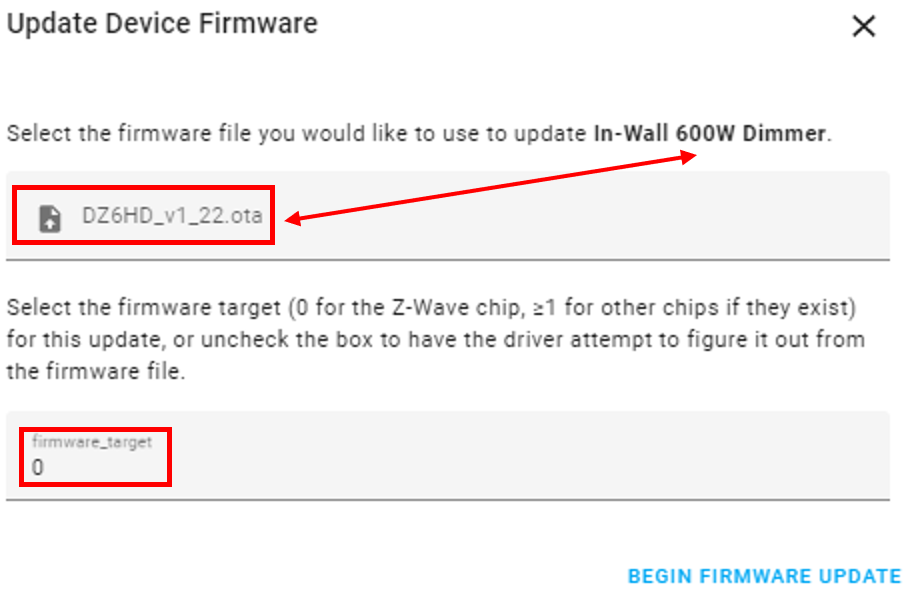
Attempting to download an incorrect firmware file can permanently damage your Z-Wave device. It is CRITICAL that the file name match the device. If you have any questions, please contact technical services before attempting the update.
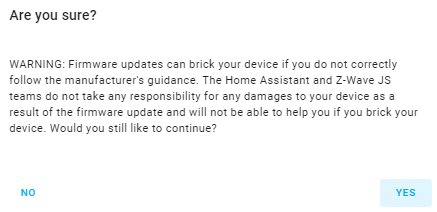
When you have confirmed the firmware file matches your device part number, choose Yes: