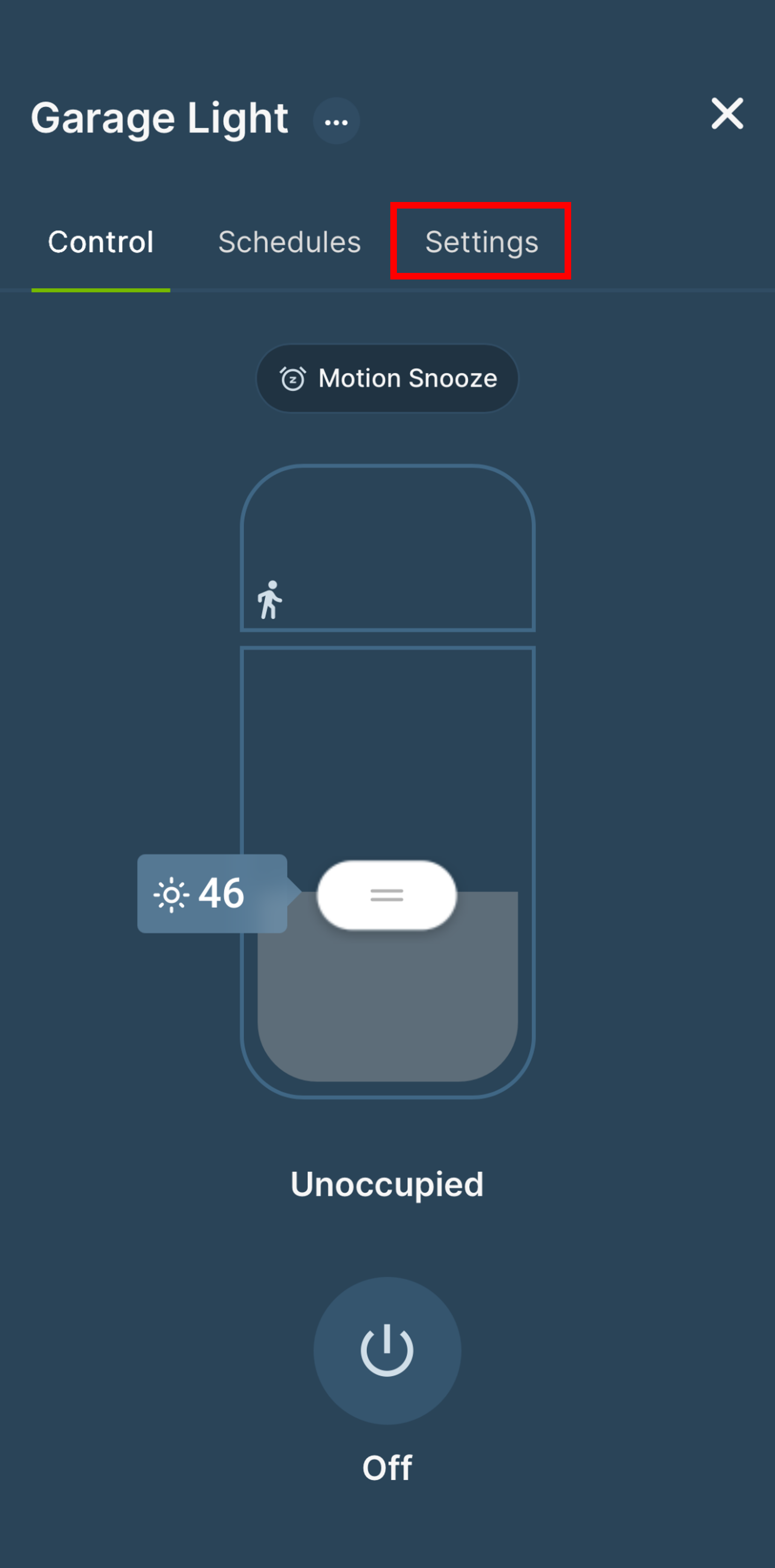
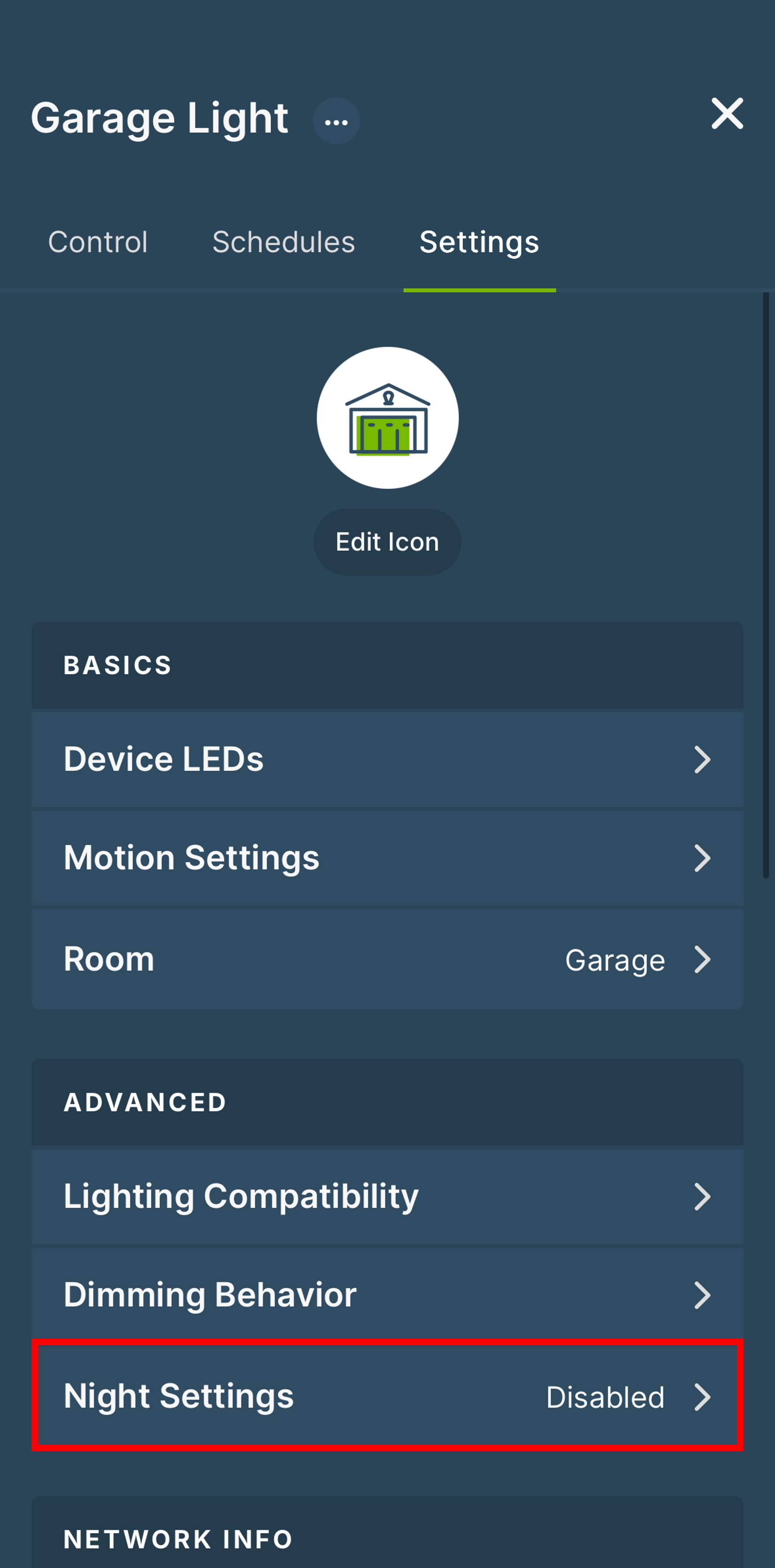
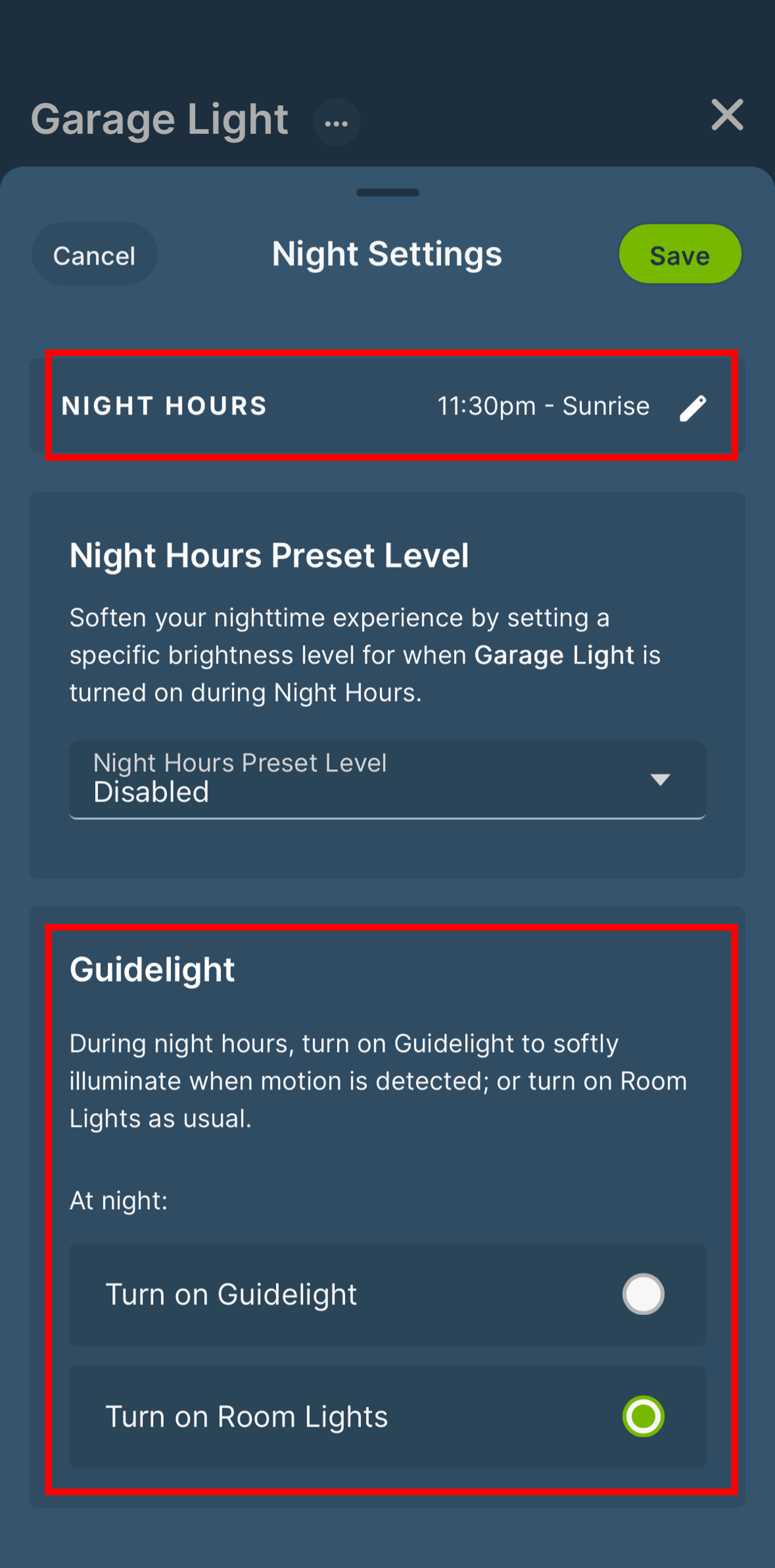
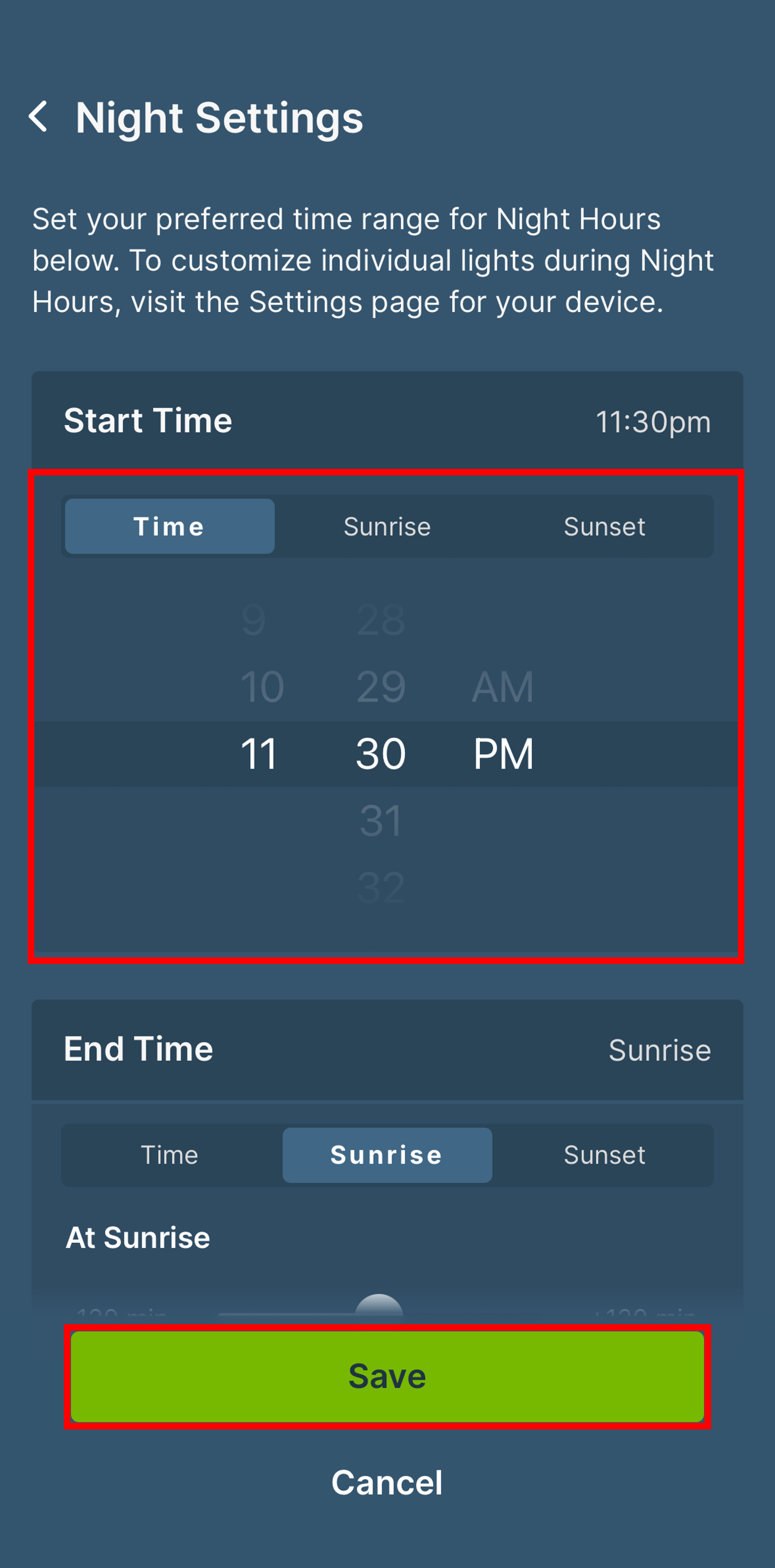
The D2MSD has a bright LED guidelight built into the motion detector lens. For applications such as a bedroom, hallway, or bathroom, it may be more desirable to have a guidelight turn on during nighttime applications. To use the guidelight, the D2MSD must be set to Occupancy Mode. To use the guidelight feature, Night Settings must be enabled. When Turn On Guidelight is selected, the D2MSD will turn on the guidelight when motion is detected within the Night Settings timeframe. If motion is detected outside the Night Settings timeframe, the light will be tuned on. To turn the light on to a Night Setting level instead of the guidelight, select Turn On Room Lights.
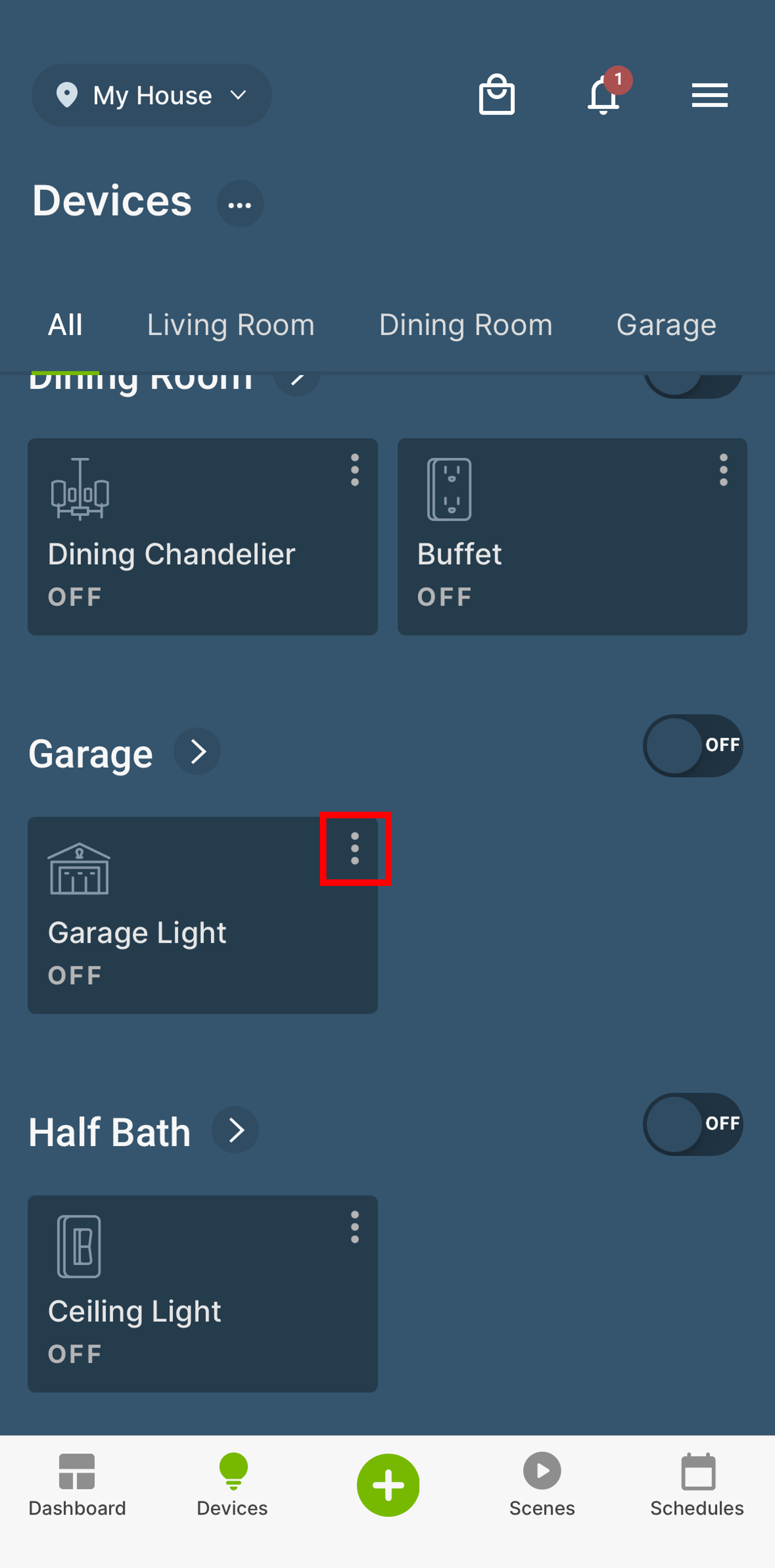
Edit the settings by pressing the 3 dots [⋮] in the upper-right corner of the D2MSD card.